Keep it under 8 seconds
Canvas uploads reject clips over 8 seconds; ours is exactly 8.
Spotify Canvas · ChatGPT · October 2026
An 8-second loop that never jumps.
In ChatGPT, add the Creative Claw plugin and ask for a Spotify Canvas: it makes a 9:16 still from your cover or world, then Gemini Omni Flash animates it into an 8-second loop using the same image as the first and last frame, so it repeats without a jump. Ours cost 184 credits at 1080p plus 24 for the still; 720p is 120. Distributor guides list the Canvas spec as 3 to 8 seconds, 9:16, at least 720 pixels tall, MP4 without sound.
Start with 100 free credits. No card required.
 By Itay Dressler, founder of Creative Claw · LinkedIn · Updated
Bring
Your cover art or a description of the world
Create
An 8-second 9:16 MP4 loop for Spotify for Artists
Made with Creative Claw
Before and after
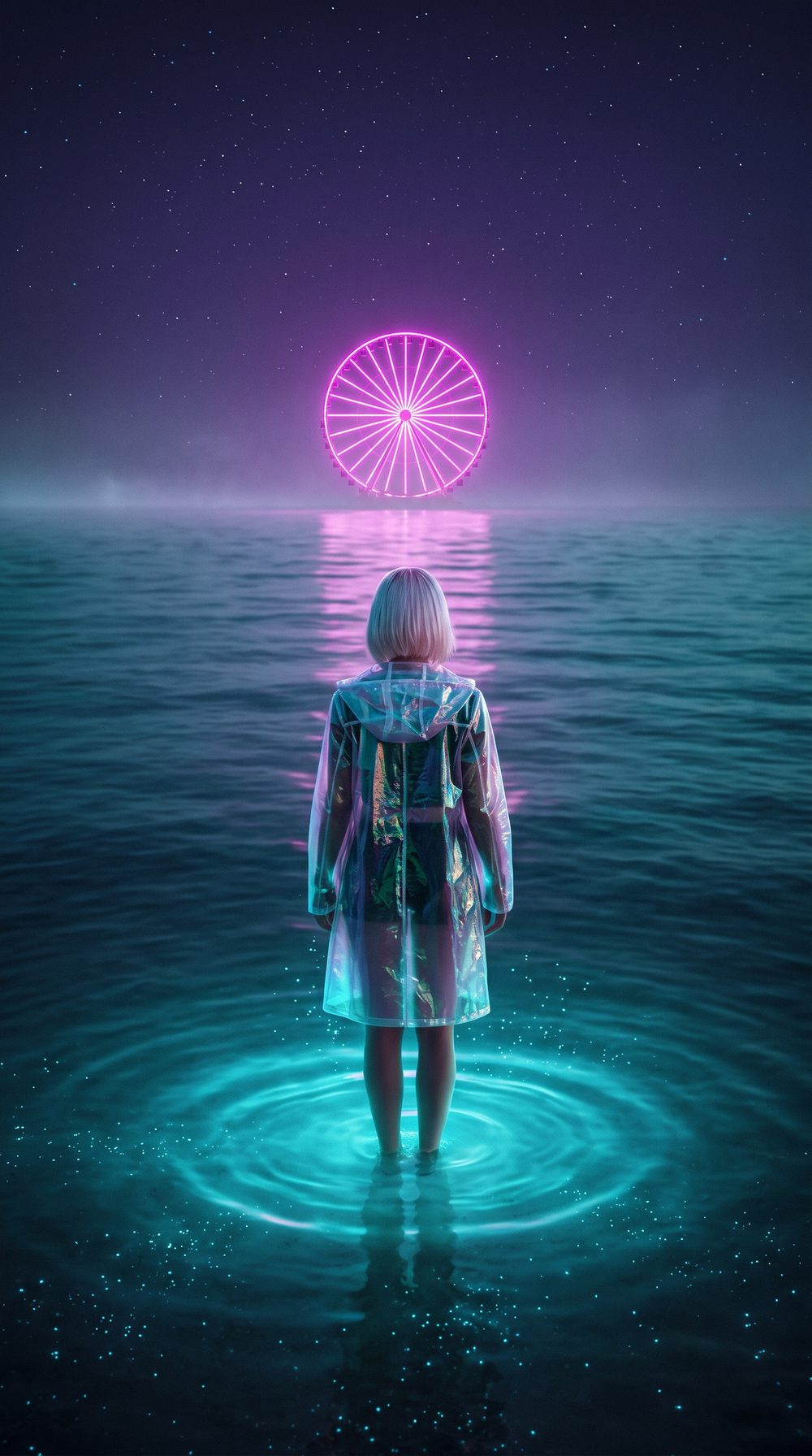
The loop below starts and ends on the still on the left.
 Original
The workflow
Install Creative Claw from ChatGPT’s plugin directory and sign in. New accounts get 100 free credits, no card.
Ask for a 9:16 still from your cover or a scene from your world, with nothing important near the edges.
Ask Gemini Omni Flash for 8 seconds with the still as first and last frame, slow motion, no camera move.
Download the MP4 and add it on the track’s page in Spotify for Artists.
Pricing
Creative Claw is pay as you go: $10 buys 1,000 credits, new accounts get 100 free credits, and there is no subscription. Typical costs for this workflow:
| What you generate | Credits | Cost |
|---|---|---|
| 9:16 still (Nano Banana 2, 2K) | 24 | $0.24 |
| 8-second loop, 1080p (Gemini Omni Flash) | 184 | $1.84 |
| 8-second loop, 720p (Gemini Omni Flash) | 120 | $1.20 |
Prices charged or quoted by Creative Claw on October 25, 2026. See all model prices, and ask for an estimate in ChatGPT before you generate.
Alternatives
The tools below are the ones AI assistants most often recommend for this job. We checked each vendor’s own pages on October 25, 2026. “None found” means we could not find an official app in the ChatGPT directory or on the vendor’s site. Creative Claw publishes this page.
| Option | How it works | In ChatGPT | Price |
|---|---|---|---|
| Creative Claw | Generated loop from your cover or world | App in ChatGPT’s directory | 120–184 credits; no plan |
| Canva | Animated templates | App in ChatGPT, needs a paid Canva plan | Canva Pro about $15/mo |
| A motion designer | Custom loop | n/a | Per loop |
Sources: Spotify Canvas specs (artist.tools guide) · Canva connector requirements. Prices are in USD before tax and change often.
Before you render
Canvas uploads reject clips over 8 seconds; ours is exactly 8.
Spotify draws the track title and controls over the Canvas; keep important detail in the middle.
Make videos for songs you wrote or have the rights to. Lyrics and covers of other artists’ songs need their permission.
YouTube asks creators to disclose realistic altered or synthetic content. A photoreal AI performer counts; say so in the upload.
Check current pricing, read short answers in the help center, inspect the tool reference, or browse published media examples. Examples illustrate creative approaches; they are not proof that this exact starter prompt was run.
Practical answers
Yes, with Creative Claw. It designs a vertical still from your cover or world, then Gemini Omni Flash animates it into an 8-second 9:16 loop.
Distributor guides agree on 3 to 8 seconds, 9:16 vertical, at least 720 pixels tall, as an MP4 without sound. Check Spotify for Artists for the current rules before you upload.
Use the same image as the first and last frame. Gemini Omni Flash supports first and last frames; our loop starts and ends on the same still.
Yes. Ask for a 9:16 version of your cover art first (one image edit), then animate it with subtle motion so it still reads as your release.
Through Spotify for Artists, on the track’s page. Creative Claw makes the file; it does not upload it.
Yes. The same loop works as an Instagram story, a YouTube Shorts background or behind a lyric video.
Our 8-second 1080p loop cost 184 credits plus 24 for the still. At 720p, an 8-second loop is 120 credits.
Slow, hypnotic motion with one focal point, no text near the edges (Spotify overlays its own controls), and nothing that needs sound to make sense.
Spotify allows AI tools but removes unauthorised voice impersonation and spam such as mass uploads and duplicates, and it displays AI credits that distributors supply through the DDEX standard (Spotify newsroom, September 25, 2025).
Increasingly, yes. DistroKid asks on new uploads whether AI was used for lyrics, composition, vocals or instruments, and Spotify and Apple Music show those credits (reported by Digital Music News, May 2026). Bandcamp stopped accepting music made wholly or substantially by AI in January 2026.
In the US, the Copyright Office says prompts alone do not make an output copyrightable; your own lyrics, melody, arrangement and edits can be. Keep your drafts. This is not legal advice.
No. Lyria blocks prompts that ask for a specific artist’s voice, and Spotify removes unauthorised impersonation. Describe the genre, mood and production instead.
YouTube asks creators to disclose realistic altered or synthetic content, such as a photoreal AI performer. Stylised or clearly animated visuals usually are not covered; check YouTube’s current rules when you upload.
Open chatgpt.com/plugins/creativeclaw and select Install plugin, or search for Creative Claw in ChatGPT’s plugin directory, then sign in. New accounts get 100 free credits, no card.
No. Creative Claw is pay as you go: $10 buys 1,000 credits that never expire, and new accounts get 100 free credits. You pay per release, not per month.
Yes, and most musicians do. Attach or upload your track in ChatGPT; Creative Claw transcribes it for lyric timing and uses it as the soundtrack for the lyric video, music video and teasers.
No. It makes the files (covers, videos, Canvas loops); you upload them through Spotify for Artists, YouTube, your distributor or your social accounts.
Start creating
Connect once, get 100 free credits with no card required, and use the starter prompt above for your first project.
