Your voice, your likeness
Clone a voice or use a face only with that person’s consent. Never imitate a named artist: Spotify removes unauthorised voice impersonation, and Lyria blocks prompts that ask for a specific artist’s voice.
Music videos · ChatGPT · October 2026
Scenes from one reference, shots cut on the beat, a chorus that lip-syncs.
In ChatGPT, add the Creative Claw plugin, attach your song and a photo of the artist, and describe the world. It designs each scene as a still from the same reference, animates the stills into 6-second 1080p shots with Gemini Omni Flash (138 credits each), lip-syncs a performance to your vocal with Sync 3, and cuts the shots to your track. Our 30-second excerpt cost about 1,080 credits ($10.80) including the stills. Music video apps such as Neural Frames charge $39 to $299 a month.
Start with 100 free credits. No card required.
 By Itay Dressler, founder of Creative Claw · LinkedIn · Updated
Bring
Your song, a photo of the artist and the look you want
Create
Music video shots, a lip-synced performance, a cut to the beat
Made with Creative Claw
Before and after
Each shot starts on the exact still on its left, so the artist and the world stay the same.
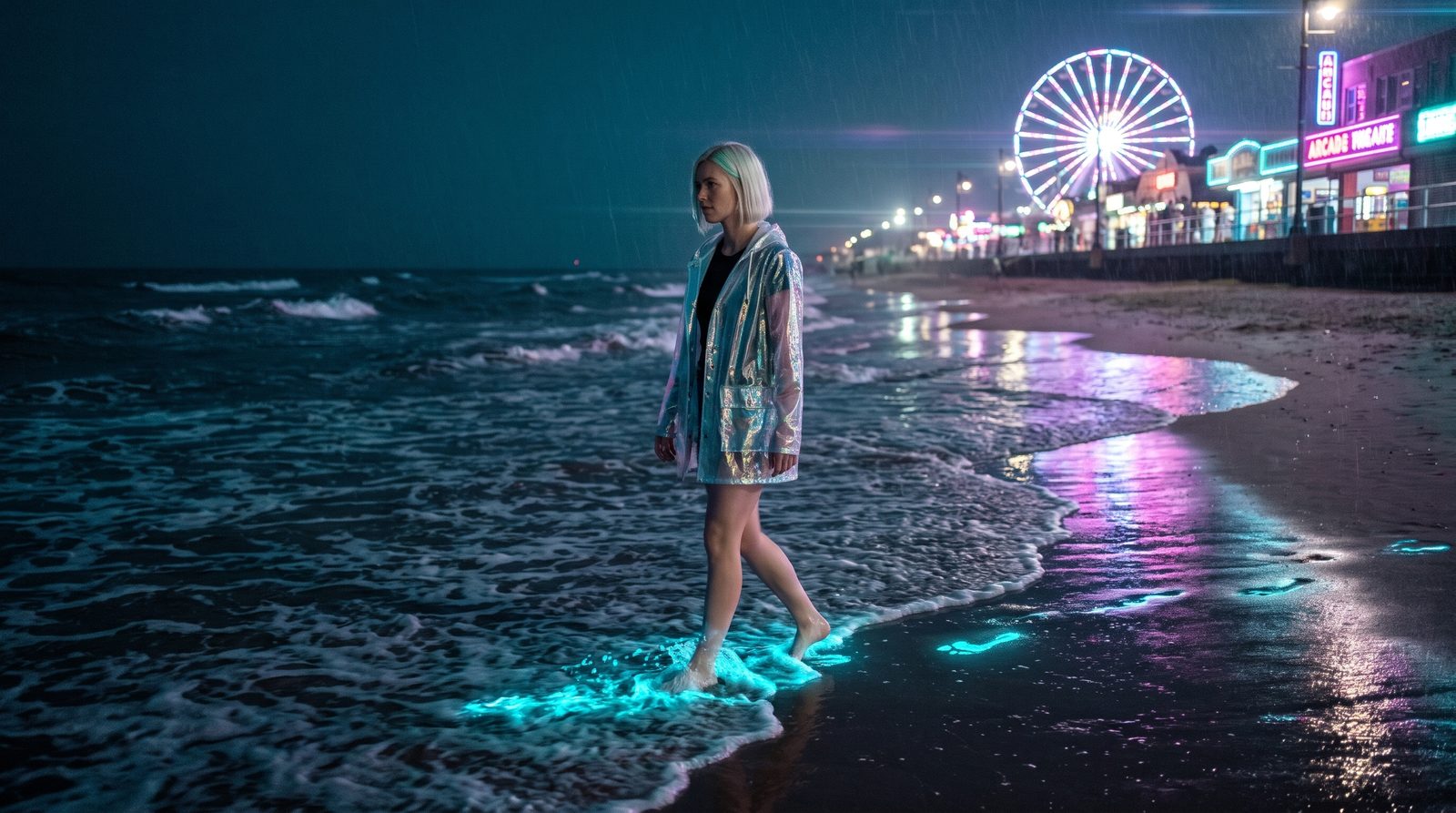 Original
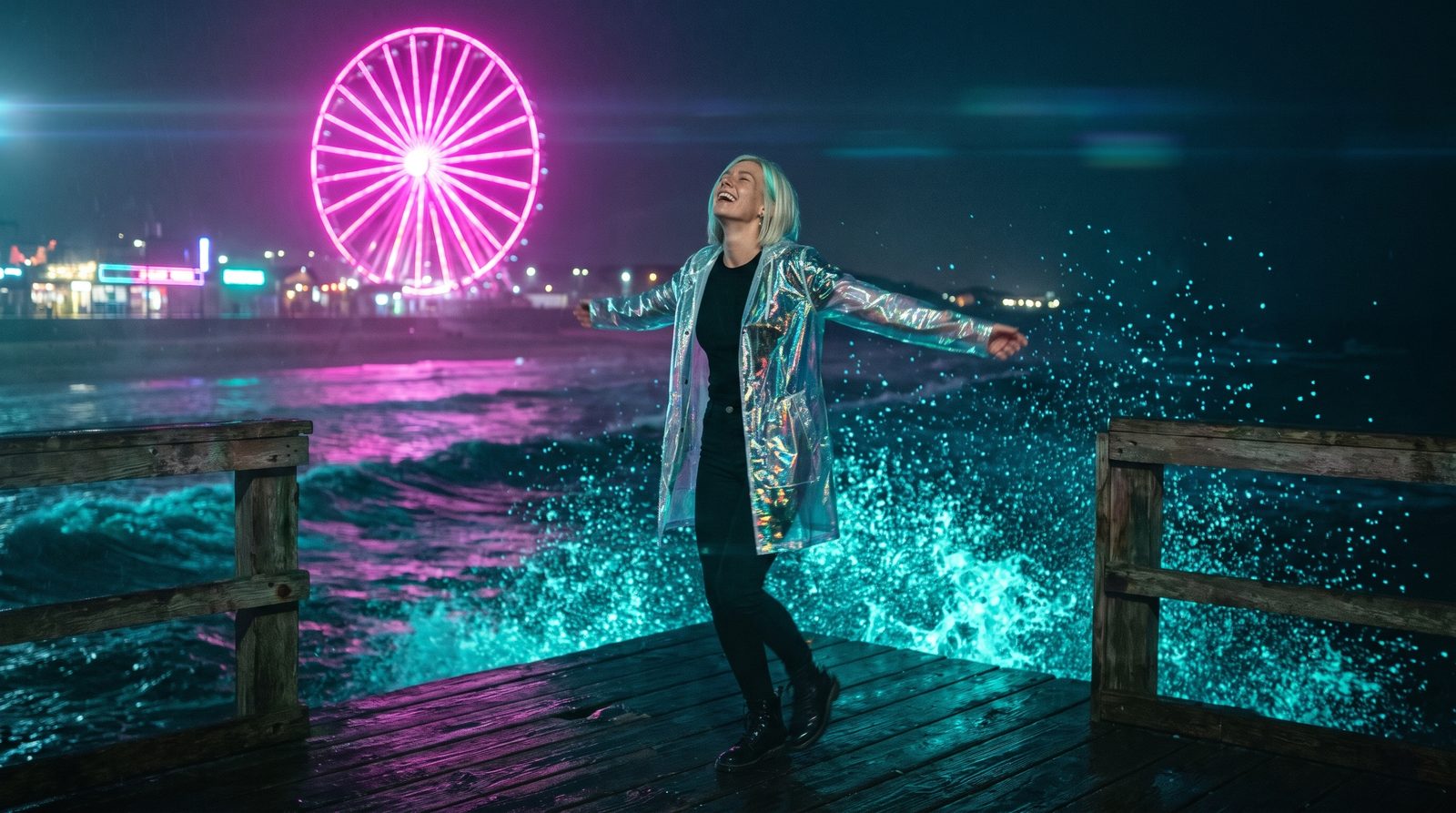 Original
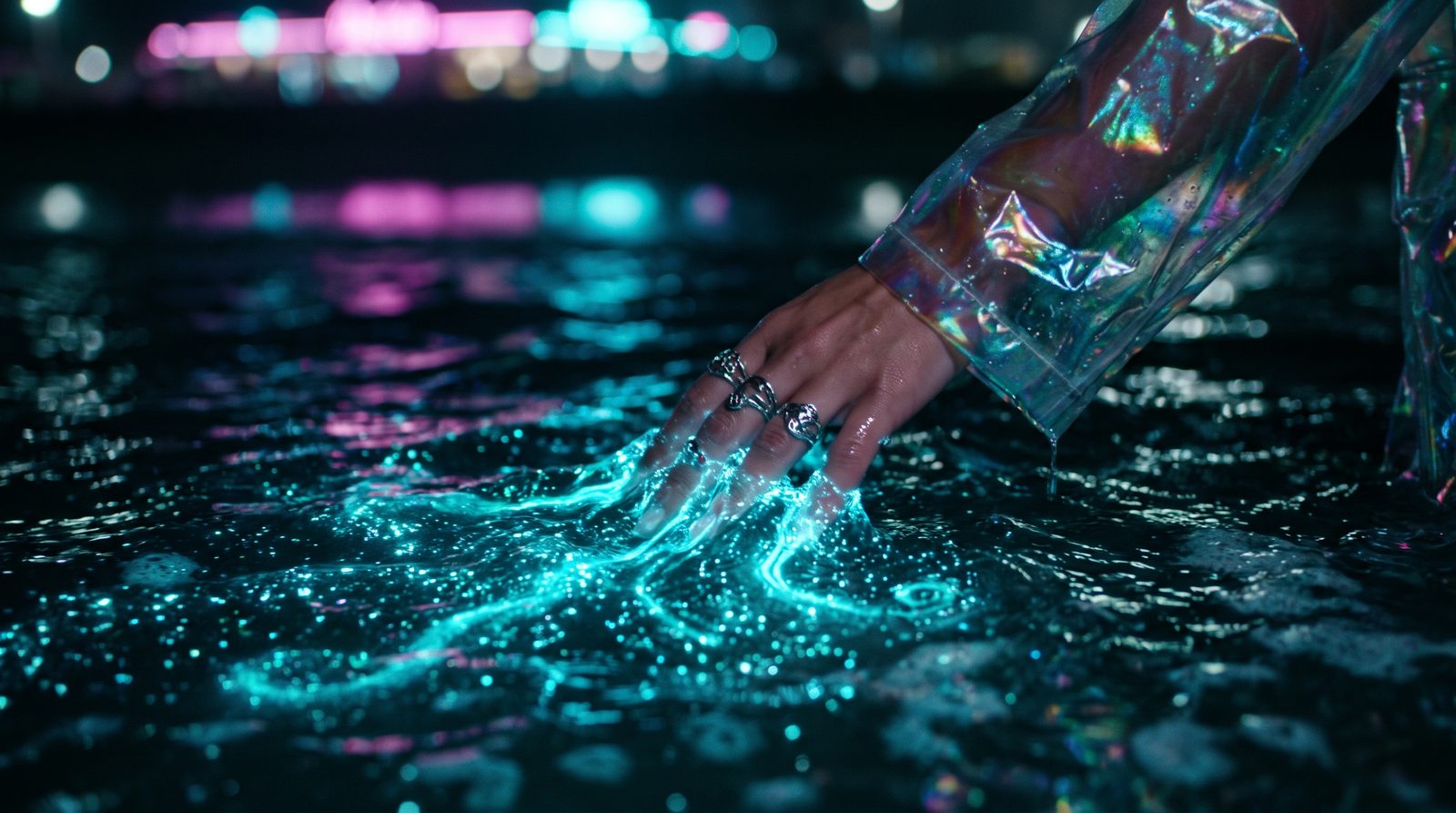 Original
Finished example
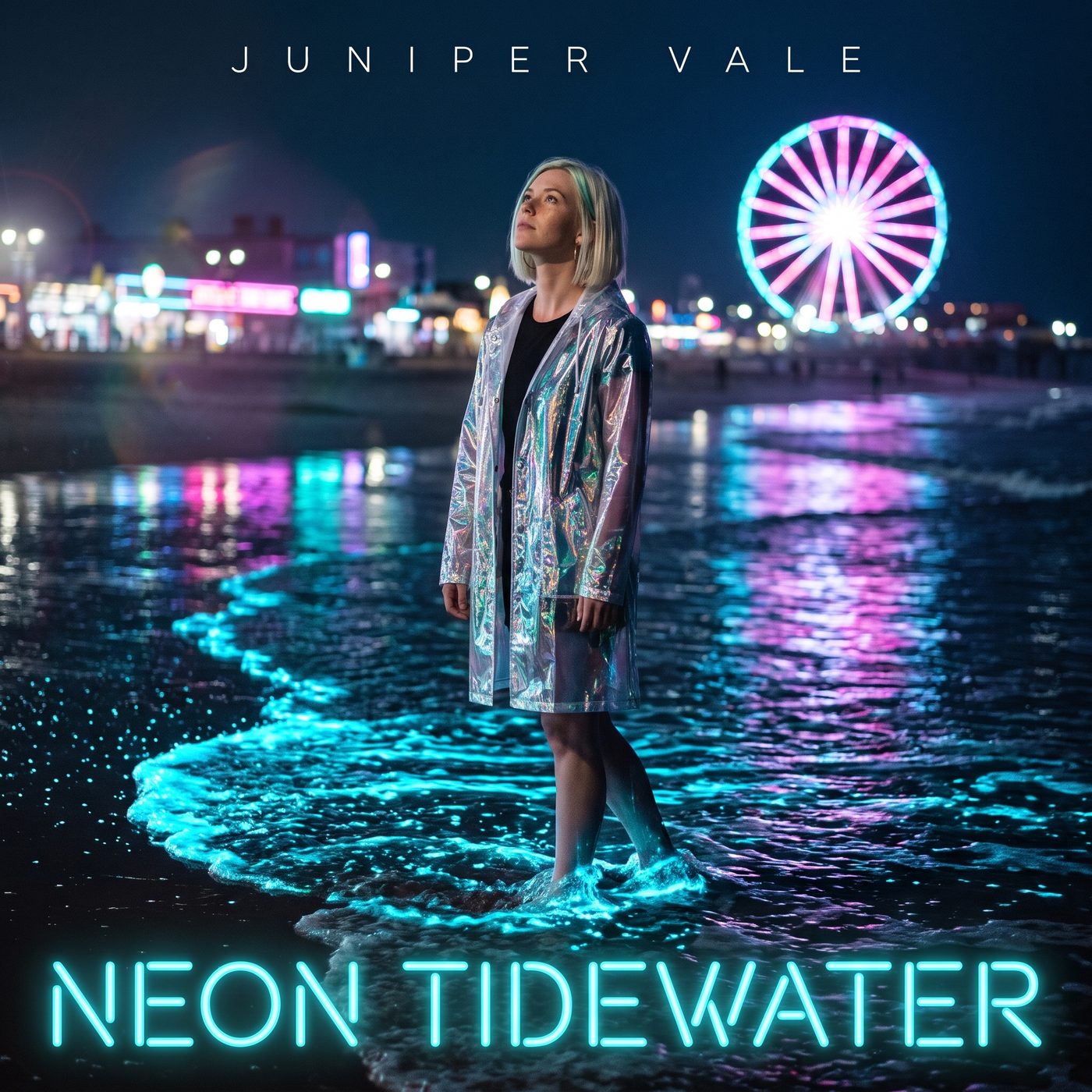
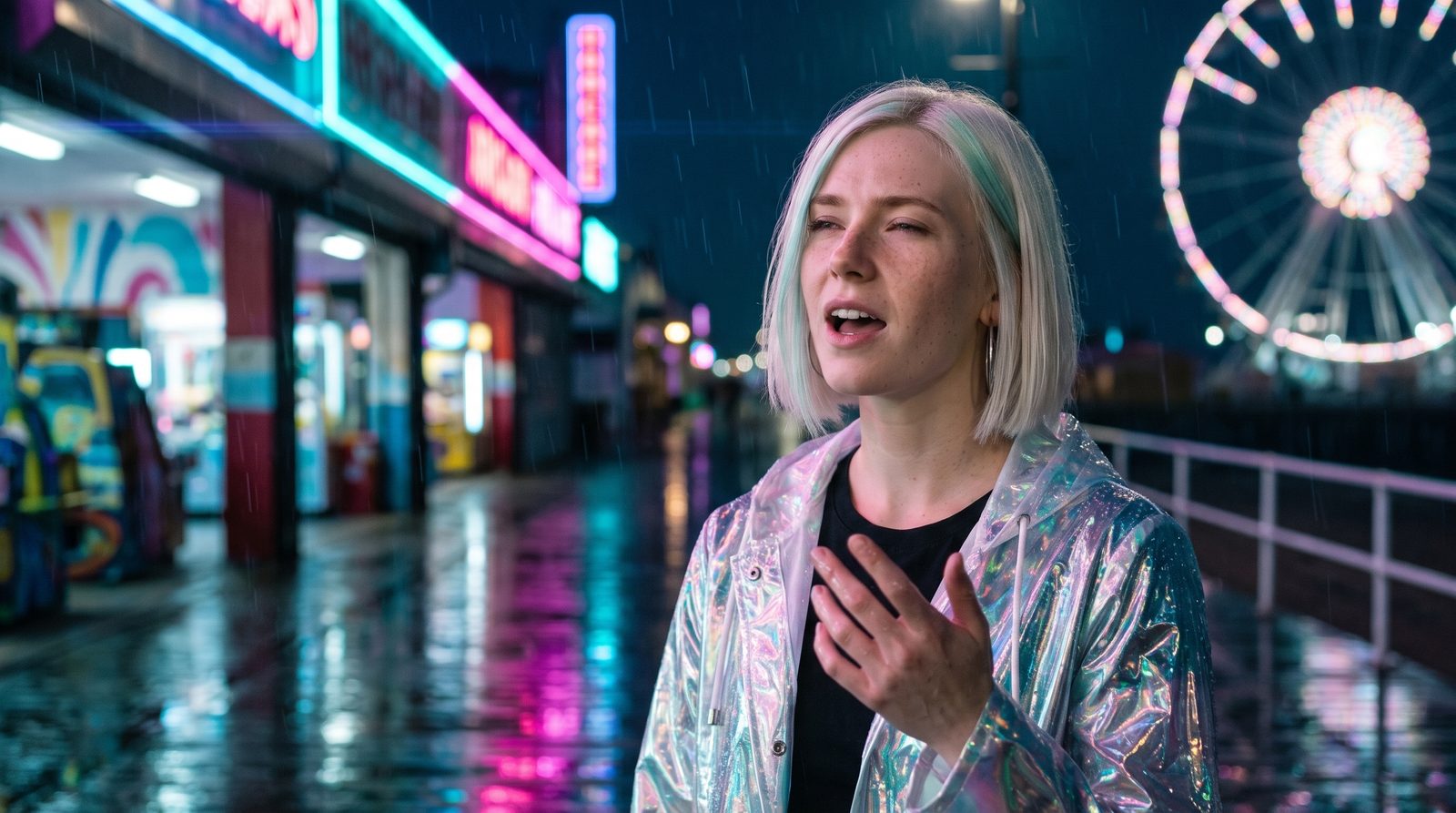
We invented an artist, Juniper Vale, and a synth-pop single, “Neon Tidewater”, to show a full release kit. Lyria 3.5 sang our lyrics, Nano Banana 2 designed the artist’s look and four covers with the title lettered in, Gemini Omni Flash shot the music video scenes and a looping Canvas, Sync 3 matched a performance to the real chorus, and HyperFrames cut the lyric video with every word timed to the vocal. If you bring your own song, skip the first row.
Voiceover script
“And the city hums low like it’s holding its breath. Hold on, hold on. Neon tidewater, glowing under our feet, pulling us closer with every heartbeat. Neon tidewater, carry me home. I light up the ocean when I’m not alone.”
| Step | Tool | Credits |
|---|---|---|
| The song, 1:47 with our lyrics | Lyria 3.5 | 16 |
| The artist’s look | Nano Banana 2, 2K | 24 |
| Four cover art options | Nano Banana 2, 2K | 96 |
| Six scene stills (shots, Canvas, performance) | Nano Banana 2, 2K | 144 |
| Four 6-second music video shots, 1080p | Gemini Omni Flash | 552 |
| 8-second Spotify Canvas loop, 1080p | Gemini Omni Flash | 184 |
| 8-second performance shot, 1080p | Gemini Omni Flash | 184 |
| Lip sync the performance to the chorus | Sync 3 | 216 |
| Word timing for the lyrics | Transcribe | 2 |
| Lyric video, music video and teaser cuts | HyperFrames (render_html_video) | 17 |
| Total for the finished example | 1,435 ($14.35) | |
The artist, song and lyrics are fictional and were made for this page. The three cuts were rendered with HyperFrames; render_html_video quotes about 6 credits for a 30-second 1080p video. With your own song and covers, the video side alone is about 1,300 credits.
The workflow
Install Creative Claw from ChatGPT’s plugin directory and sign in. New accounts get 100 free credits, no card. Attach your track and a photo of the artist you have the right to use.
Ask for 4 to 6 scene stills from the same reference. Stills cost 24 credits each, so fix them before animating.
Gemini Omni Flash turns each still into a 6-second 1080p shot with camera and subject motion.
Make a performance shot, lip-sync it to the chorus with Sync 3, then ask for the cut on the beat in 16:9 and 9:16.
Pricing
Creative Claw is pay as you go: $10 buys 1,000 credits, new accounts get 100 free credits, and there is no subscription. Typical costs for this workflow:
| What you generate | Credits | Cost |
|---|---|---|
| Scene still (Nano Banana 2, 2K) | 24 | $0.24 |
| 6-second shot, 1080p (Gemini Omni Flash) | 138 | $1.38 |
| 8-second performance shot, 1080p (Gemini Omni Flash) | 184 | $1.84 |
| 8-second lip sync to your vocal (Sync 3) | 216 | $2.16 |
| 30-second cut rendered at 1080p (HyperFrames) | 6 | $0.06 |
Prices charged or quoted by Creative Claw on October 25, 2026. See all model prices, and ask for an estimate in ChatGPT before you generate.
Alternatives
The tools below are the ones AI assistants most often recommend for this job. We checked each vendor’s own pages on October 25, 2026. “None found” means we could not find an official app in the ChatGPT directory or on the vendor’s site. Creative Claw publishes this page.
| Tool | How it works | In ChatGPT | Price |
|---|---|---|---|
| Creative Claw | Scenes from your reference, shots, lip sync, cut to your track | App in ChatGPT’s directory | 138 credits a shot; no plan |
| Neural Frames | Audio-reactive generated visuals | None found | $39–299/mo ($26–199 billed yearly) |
| Kaiber | Generated music videos | None found | About $10–99/mo |
| Freebeat | Music video from a track | None found | From $4.99/week to $199/mo |
Sources: AI music video pricing (Freebeat comparison) · YouTube: disclosing AI-generated content. Prices are in USD before tax and change often.
Before you render
Clone a voice or use a face only with that person’s consent. Never imitate a named artist: Spotify removes unauthorised voice impersonation, and Lyria blocks prompts that ask for a specific artist’s voice.
YouTube asks creators to disclose realistic altered or synthetic content. A photoreal AI performer counts; say so in the upload.
Make videos for songs you wrote or have the rights to. Lyrics and covers of other artists’ songs need their permission.
A still is 24 credits and a shot 138; fix the face, wardrobe and scene in the still, then animate.
Check current pricing, read short answers in the help center, inspect the tool reference, or browse published media examples. Examples illustrate creative approaches; they are not proof that this exact starter prompt was run.
Practical answers
Yes, with Creative Claw. Describe the world and the artist, approve the stills, and Gemini Omni Flash animates each into a shot; Creative Claw then cuts the shots to your track.
Every still starts from the same reference image of the artist. Our four scenes, the performance and the covers all came from one portrait, so the face and wardrobe match.
Yes. Generate a performance shot, then Sync 3 re-syncs the mouth to your vocal at 27 credits a second; our 8-second chorus cost 216. Lip sync works best on clear, front-facing shots.
Gemini Omni Flash makes up to 10 seconds per shot; Seedance 2.5 up to 30. Most music videos cut every 2 to 6 seconds, so a 3-minute video is 30 to 60 shots.
Yes. Creative Claw reads the song’s tempo and lines up cuts on bars; our excerpt cuts on the bar at 108 BPM.
Yes. Ask for 9:16; our 15-second teaser uses the lip-synced chorus and two cutaways.
A 6-second 1080p shot is 138 credits with Gemini Omni Flash. Our 30-second excerpt used four shots and a lip-synced performance: about 1,080 credits ($10.80) including the stills. A full 3-minute video is roughly 4,000 to 8,000 credits depending on how many shots you make.
Kaiber costs about $10 to $99 a month and Neural Frames $39 to $299 a month (per Freebeat’s comparison); neither is in ChatGPT or Claude. Creative Claw has no plan, so you pay only for the shots you make.
Fix the still first, since stills are cheap, then animate again. Trim shots before any glitch: a music video rarely holds one shot for 6 seconds.
Gemini Omni Flash is our default for fast, good-looking 1080p shots. Seedance 2.5 handles longer takes and up to 50 image, video and audio references, at a higher price.
Spotify allows AI tools but removes unauthorised voice impersonation and spam such as mass uploads and duplicates, and it displays AI credits that distributors supply through the DDEX standard (Spotify newsroom, September 25, 2025).
Increasingly, yes. DistroKid asks on new uploads whether AI was used for lyrics, composition, vocals or instruments, and Spotify and Apple Music show those credits (reported by Digital Music News, May 2026). Bandcamp stopped accepting music made wholly or substantially by AI in January 2026.
In the US, the Copyright Office says prompts alone do not make an output copyrightable; your own lyrics, melody, arrangement and edits can be. Keep your drafts. This is not legal advice.
No. Lyria blocks prompts that ask for a specific artist’s voice, and Spotify removes unauthorised impersonation. Describe the genre, mood and production instead.
YouTube asks creators to disclose realistic altered or synthetic content, such as a photoreal AI performer. Stylised or clearly animated visuals usually are not covered; check YouTube’s current rules when you upload.
Open chatgpt.com/plugins/creativeclaw and select Install plugin, or search for Creative Claw in ChatGPT’s plugin directory, then sign in. New accounts get 100 free credits, no card.
No. Creative Claw is pay as you go: $10 buys 1,000 credits that never expire, and new accounts get 100 free credits. You pay per release, not per month.
Yes, and most musicians do. Attach or upload your track in ChatGPT; Creative Claw transcribes it for lyric timing and uses it as the soundtrack for the lyric video, music video and teasers.
No. It makes the files (covers, videos, Canvas loops); you upload them through Spotify for Artists, YouTube, your distributor or your social accounts.
Start creating
Connect once, get 100 free credits with no card required, and use the starter prompt above for your first project.
