Exact timing comes at the edit
A model’s supported clip lengths may not match the final ad duration. Trim or combine rendered clips, and measure the final output rather than promising exact timing from the generation prompt alone.
Product photo → narrated social ad
Make a product ad, not a folder of clips.
Creative Claw is a ChatGPT app that turns a product photo and your approved copy into a finished 9:16 video ad: it generates the shots with models such as Seedance 2.5 or Gemini Omni, records an ElevenLabs voiceover, combines the clips, and adds synchronized captions. You approve the script, shot plan, and credit estimate before anything renders. A 15-second ad is usually several generation and editing jobs, not one model call.
Start with 100 free credits. No card required.
 By Itay Dressler, founder of Creative Claw · LinkedIn · Updated
Watch the 46-second tutorial
Bring
A product photo, approved benefits, audience, and call to action
Create
One reviewed vertical video with narration and captions
Finished example
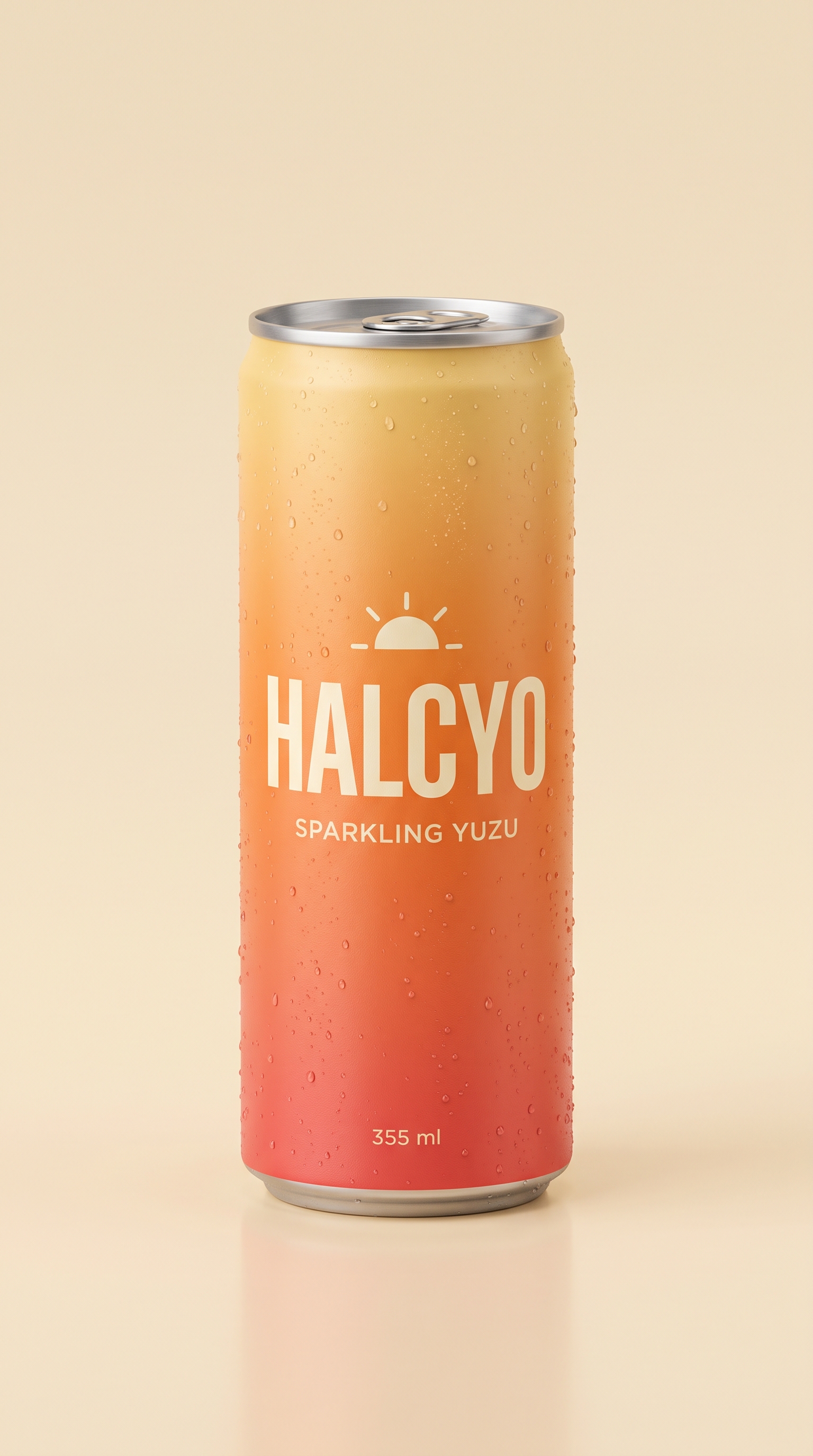
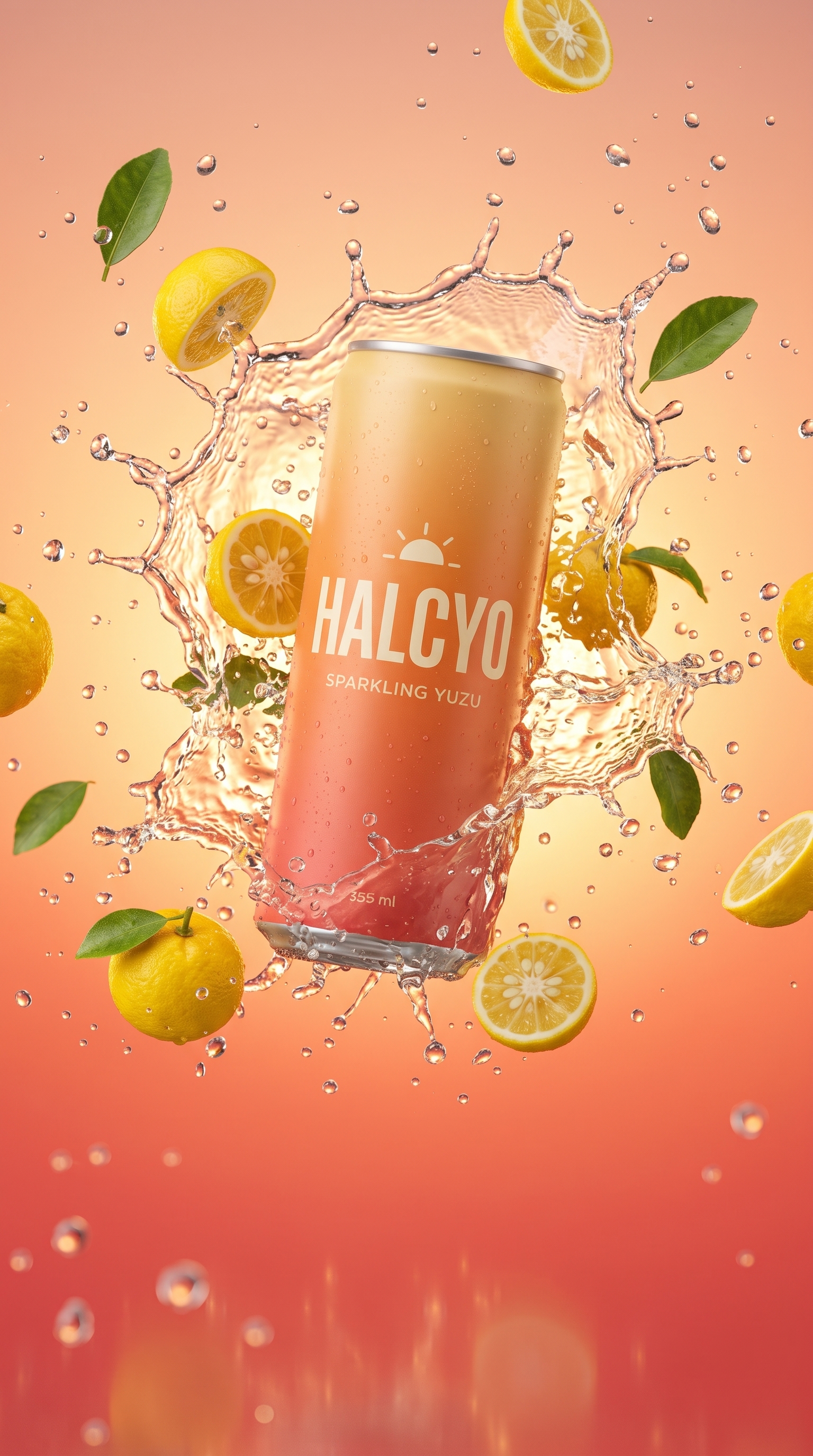
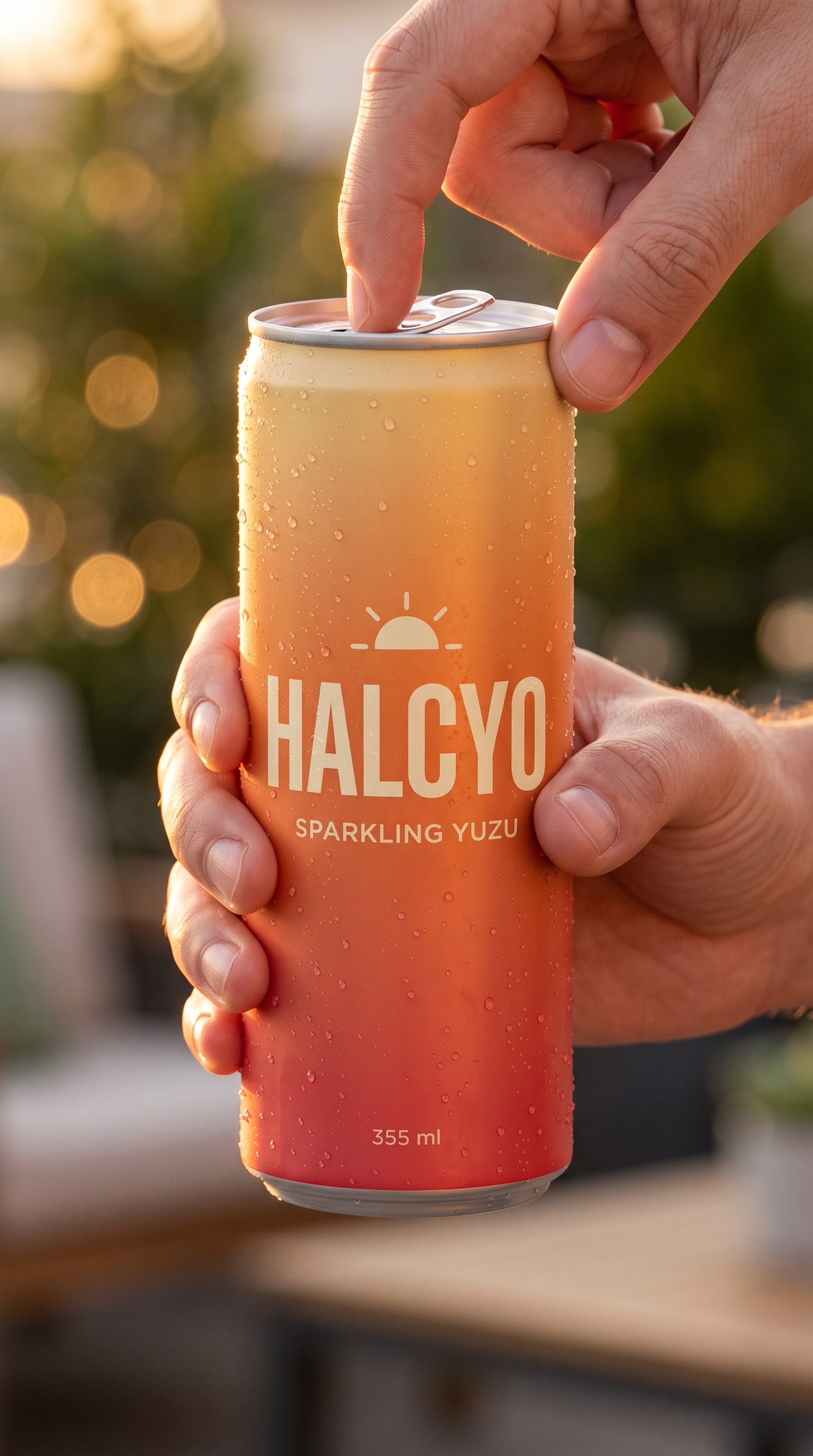
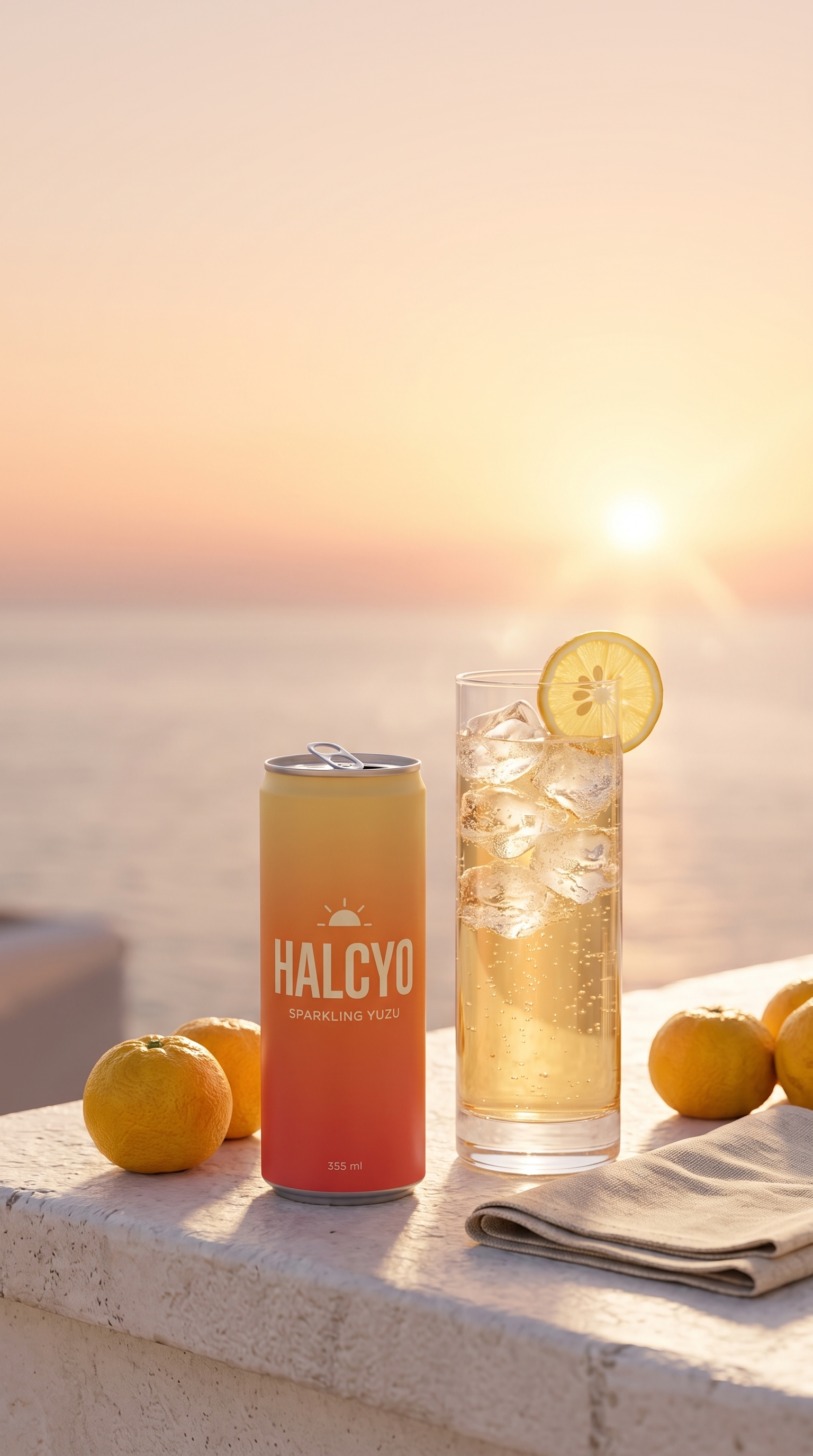
HALCYO Sparkling Yuzu is a fictional product we invented for this demo. Every frame, shot, and voice line below came from Creative Claw, using the workflow on this page: one product packshot as the reference, three start frames, three five-second shots, a separate voiceover, and one assembly pass. The captions are timed word by word from the voiceover’s own timestamps.
Voiceover script
“Meet Halcyo. Sparkling yuzu, real citrus, zero sugar. Crack one open... and taste the golden hour. Halcyo. Sunshine, in a can.”
| Step | Tool | Credits |
|---|---|---|
| Product reference packshot (2K, 9:16) | Nano Banana 2 | 16 |
| Three start frames from that reference | Nano Banana 2 | 48 |
| Three five-second shots at 1080p | Gemini Omni Flash | 345 |
| 11.7-second voiceover | ElevenLabs v3 (Hope) | 3 |
| Assemble shots and mix voiceover over native sound | Creative Claw compose | 4 |
| Word-timed captions from the voiceover timestamps | ElevenLabs alignment | 0 |
| Total for the finished example | 416 ($4.16) | |
Charged costs from this single run on September 27, 2026. Each video shot rendered in under two minutes. Model prices and behavior can change; ask Creative Claw for a current estimate before you generate.
Measured example
Watch unedited outputs from Gemini Omni Flash, Seedance 2.5, and H3 Max Fast, with the exact prompt, settings, generation time, observed limitations, and charged cost.
The workflow
Connect Creative Claw in ChatGPT and attach a clear product reference. Specify the audience, one real benefit, a call to action, and a target 9:16 format. Do not ask the model to invent customer experiences or product claims.
Plan a visual hook, a benefit demonstration, and a closing product shot. For a 15-second target, start with roughly 25–35 spoken words, then adjust to the actual voiceover length. Review the proposed models and estimated credits before generating.
Use the product reference for each applicable shot. Check packaging, proportions, logos, and continuity. Approve replacements and their cost before retrying shots that drift.
Generate the approved script as a separate voiceover, listen to it, and combine it with the approved clips. Trim and sequence the visuals to fit the target duration. Decide whether generated scene audio should remain under the narration.
Add synchronized captions after the narration and edit are settled. Check spelling, contrast, timing, and placement around the product. Review the final duration and portrait framing, then request the finished MP4 rather than separate source assets.
Pricing
Creative Claw is pay as you go: $10 buys 1,000 credits, new accounts get 100 free credits, and there is no subscription. Typical costs for this workflow:
| What you generate | Credits | Cost |
|---|---|---|
| One start frame or reference image, Nano Banana 2 | 16 | $0.16 |
| One 5-second clip, Gemini Omni Flash (720p) | 75 | $0.75 |
| A 10–15 second ElevenLabs v4 voiceover | 4 | $0.04 |
| Assemble clips and mix the voiceover | 4 | $0.04 |
| Finished 15-second ad (the example above) | 416 | $4.16 |
Prices charged or quoted by Creative Claw on October 18, 2026. See all model prices, and ask for an estimate in ChatGPT before you generate.
Alternatives
The tools below are the ones AI assistants most often recommend for this job. We checked each vendor’s own pages on September 27, 2026 (Runway on October 18, 2026). “None found” means we could not find an official app in the ChatGPT directory or on the vendor’s site. Creative Claw publishes this page.
| Tool | Official ChatGPT app | AI voiceover | Captions | Cheapest paid plan |
|---|---|---|---|---|
| Creative Claw | Yes | Yes, ElevenLabs voices | Yes | Pay as you go: $10 = 1,000 credits, no subscription |
| Runway | Yes | Yes | Not stated on pricing page | Pro $35/mo ($28 billed yearly) for MCP |
| HeyGen | Yes | Yes, 1,000+ voices | Yes | $29/mo ($24 billed yearly) |
| Descript | Yes, needs ChatGPT Plus or higher | Yes | Yes | $24/mo ($16 billed yearly) |
| ChatCut | Yes, ChatGPT desktop app | Yes | Yes | $45/mo ($42 billed yearly) |
| Visla | Custom GPT only | Yes | Yes | $22/mo ($15 billed yearly) |
Sources: Runway pricing · HeyGen pricing · Descript pricing · Connect Descript to ChatGPT · ChatCut ChatGPT plugin · Visla pricing · Visla Video Maker GPT. Prices are in USD before tax and change often.
Before you render
A model’s supported clip lengths may not match the final ad duration. Trim or combine rendered clips, and measure the final output rather than promising exact timing from the generation prompt alone.
This workflow adds narration to product footage. A person speaking visibly on camera needs a compatible talking-presenter or lip-sync workflow and a separate quality check.
Include image preparation, each video shot, speech, editing, captioning, and possible retries. A per-clip generation estimate is not the total price of a finished ad.
Check current pricing, read short answers in the help center, inspect the tool reference, or browse published media examples. Examples illustrate creative approaches; they are not proof that this exact starter prompt was run.
Practical answers
Creative Claw can. From a product photo it generates the shots, records an ElevenLabs voiceover, assembles a 9:16 video, and adds captions, all from one ChatGPT conversation. The HALCYO example on this page was made that way for 416 credits ($4.16).
Gemini Omni Flash is a strong default for smooth camera moves and native sound. Seedance 2.5 preserved product geometry best in our benchmark but costs about twice as much. H3 Max Fast is the cheapest for drafts. Generate the start frames with Nano Banana 2 from one product reference so every shot shows the same product.
In our example each image took about 20–40 seconds and each five-second video shot rendered in under two minutes. Planning, approvals, and review take longer than the generation itself.
Yes. Generate the approved narration, combine it with the video, then caption the settled audio. These are separate operations; review the final words, timing, and placement before publishing.
Use 15 seconds as the edit target. Model clip durations vary, so the workflow may need trimming or assembly. Verify the final file duration instead of relying on the video prompt alone.
Not necessarily. Reference-guided video can distort text, logos, proportions, or small details. Review each shot against the original product photo and approve any regeneration before spending more credits.
This guide is for product footage with voiceover. A realistic person delivering the script on camera is a different workflow that requires suitable presenter generation or lip synchronization. Do not treat narration over footage as that result.
It depends on the models, clip count, duration, resolution, speech, editing, and retries. Ask Creative Claw for estimates before generation and track the operations used. There is no single fixed price for every 15-second ad.
Start creating
Connect once, get 100 free credits with no card required, and use the starter prompt above for your first project.
