Furniture yes, structure no
Add or remove furniture and décor only. Never change walls, floors, windows, doors, fixtures, the view, the room’s size or its condition, and check every result against the original before you post it.
Virtual staging · ChatGPT · October 2026
Attach the empty room, name a style, keep the walls.
To virtually stage a room in ChatGPT, add the Creative Claw plugin, attach the empty-room photo and name a style. Nano Banana 2 adds furniture and décor at 2K for 24 credits ($0.24) while keeping the walls, windows, floor and view as photographed, and you get the original and the staged photo side by side with a “Virtually staged” label. Dedicated staging apps charge $16 to $79 a month, and human editors about $30 a photo. 100 free credits stage four rooms.
Start with 100 free credits. No card required.
 By Itay Dressler, founder of Creative Claw · LinkedIn · Updated
Bring
A photo of an empty or half-empty room and a style
Create
The staged photo at 2K, next to the original, labeled
Made with Creative Claw
Before and after
Each staged photo below is a single Nano Banana 2 edit of the original with the prompt above. The rooms are from a fictional listing we generated for this demo.
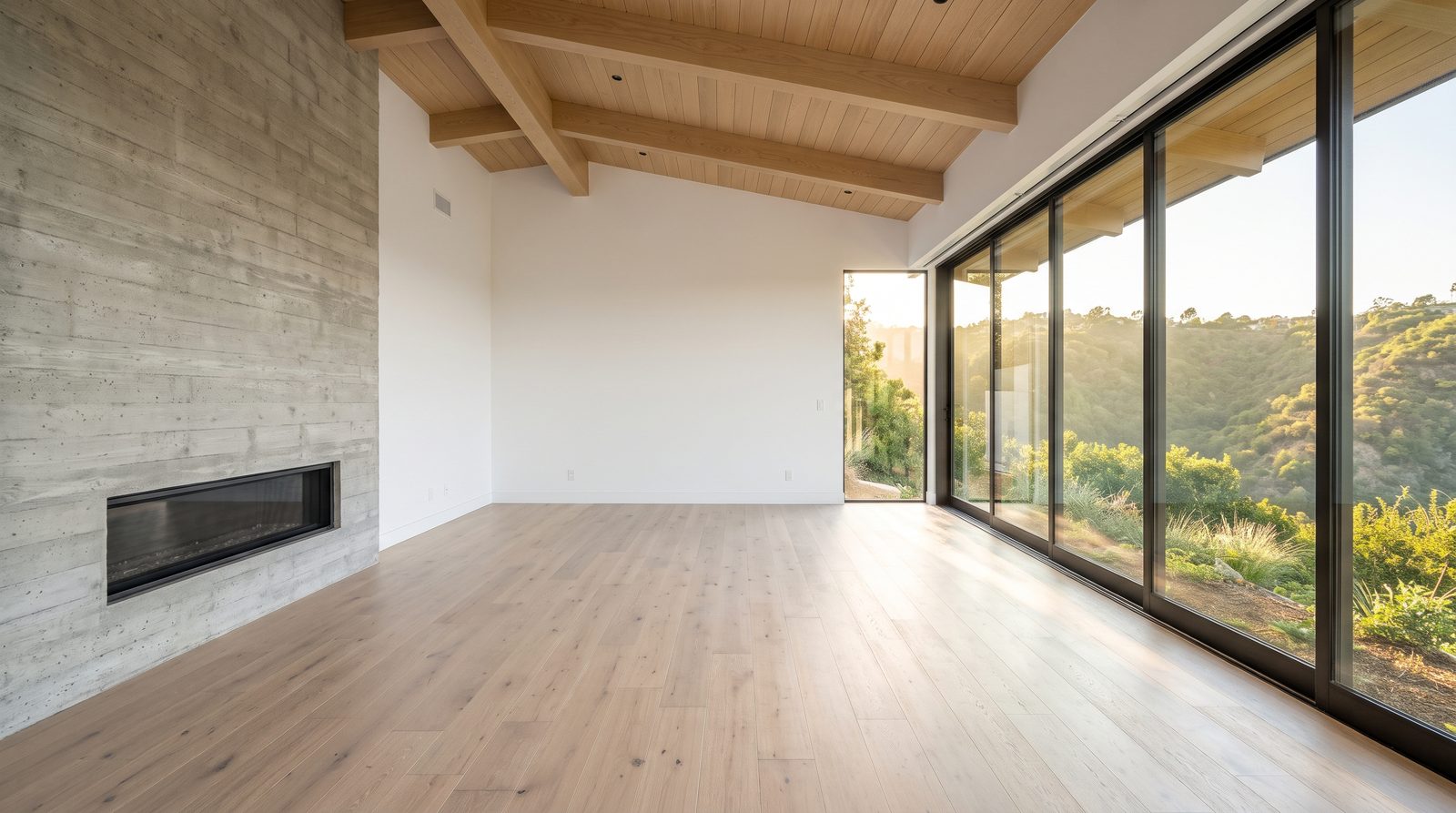 Original
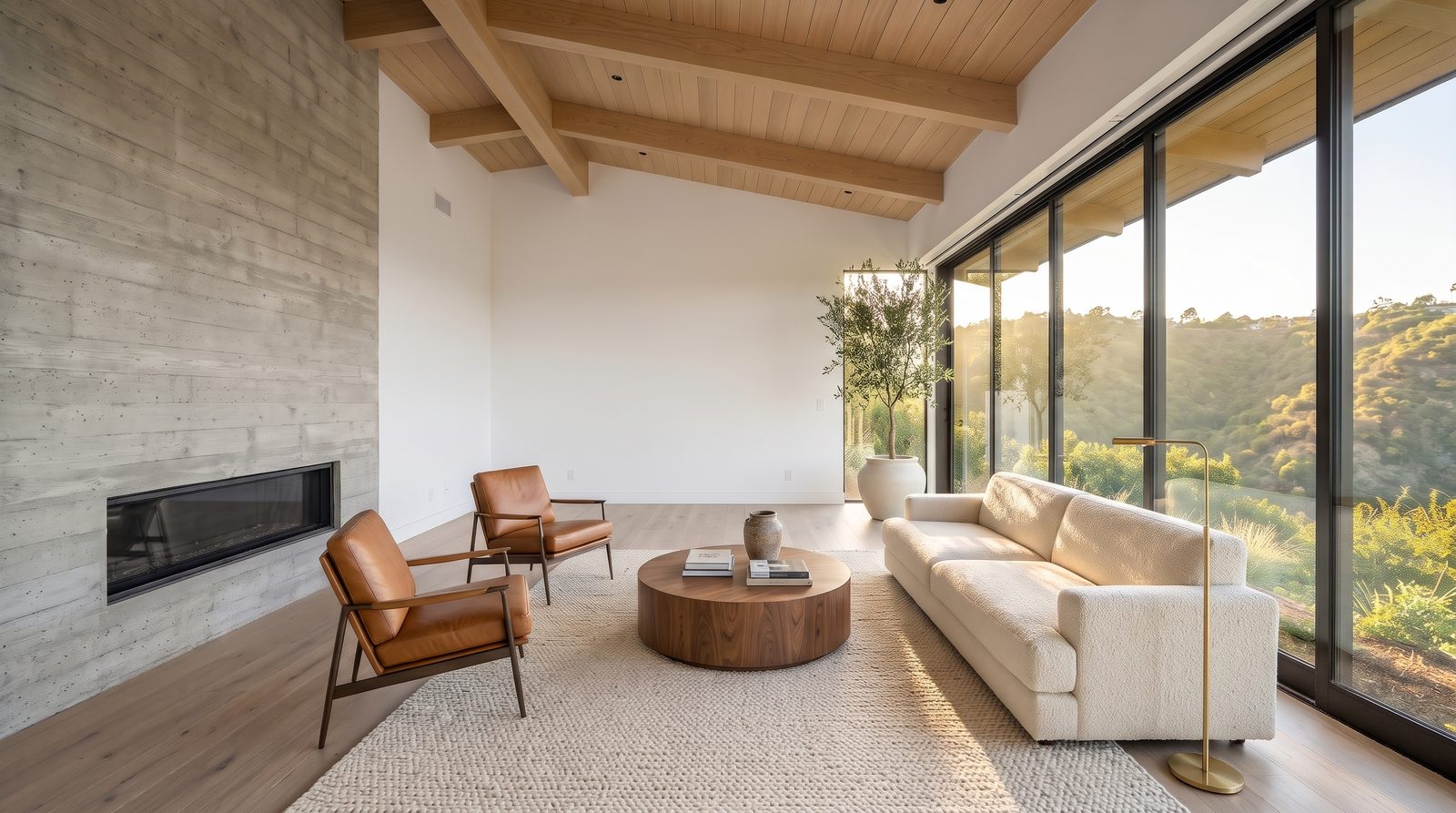 Virtually staged Original
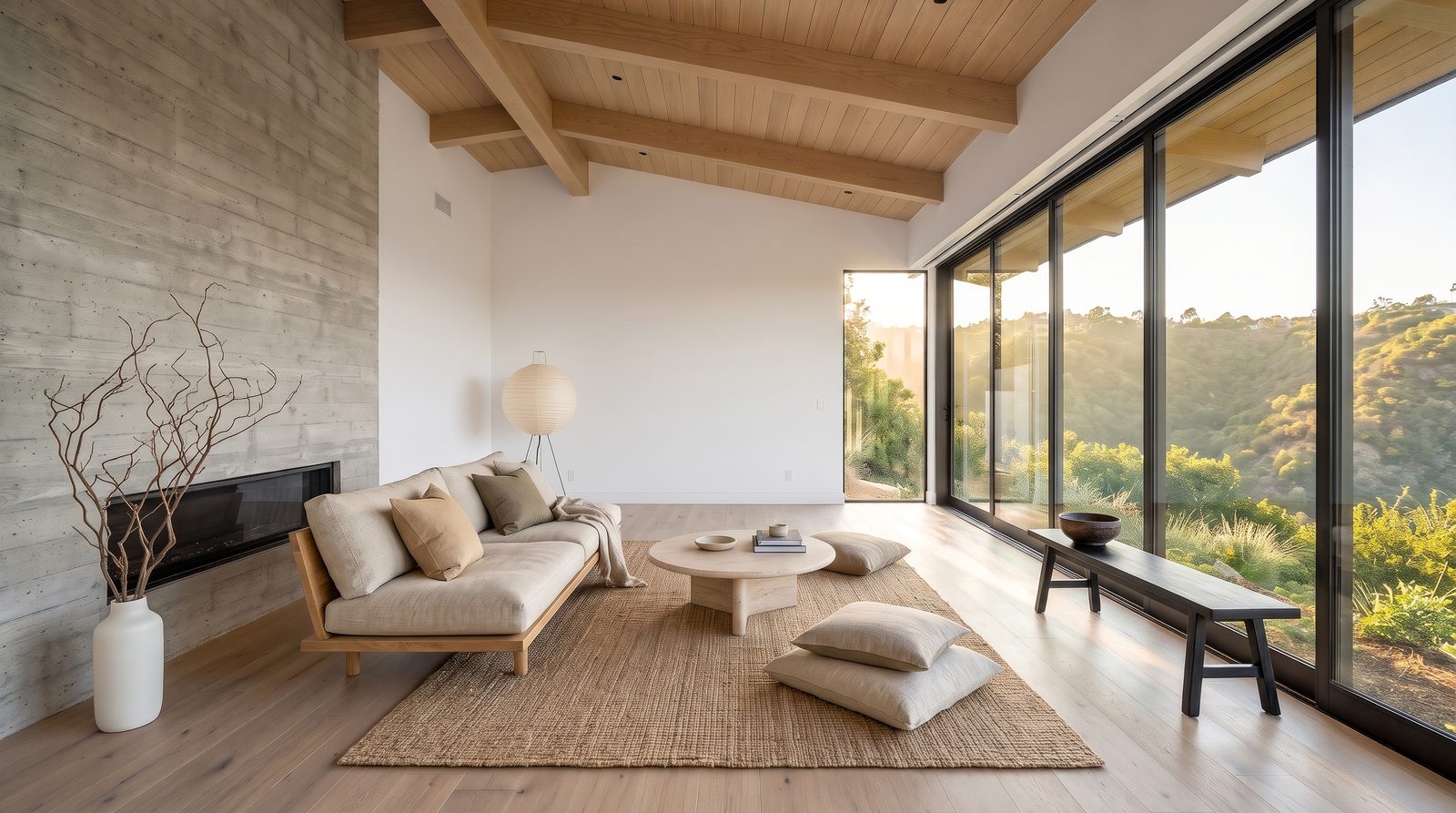 Virtually staged
 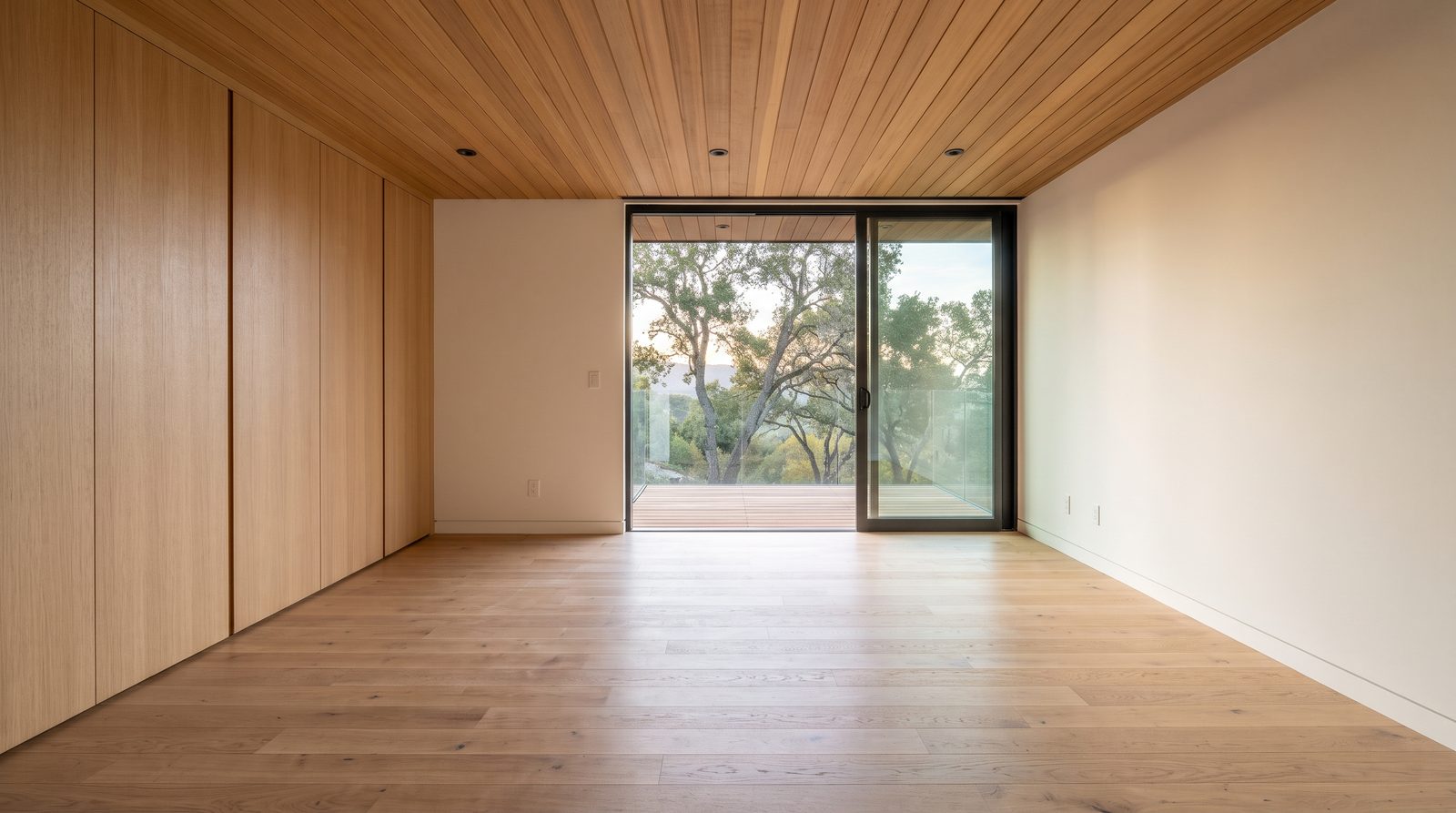 Original
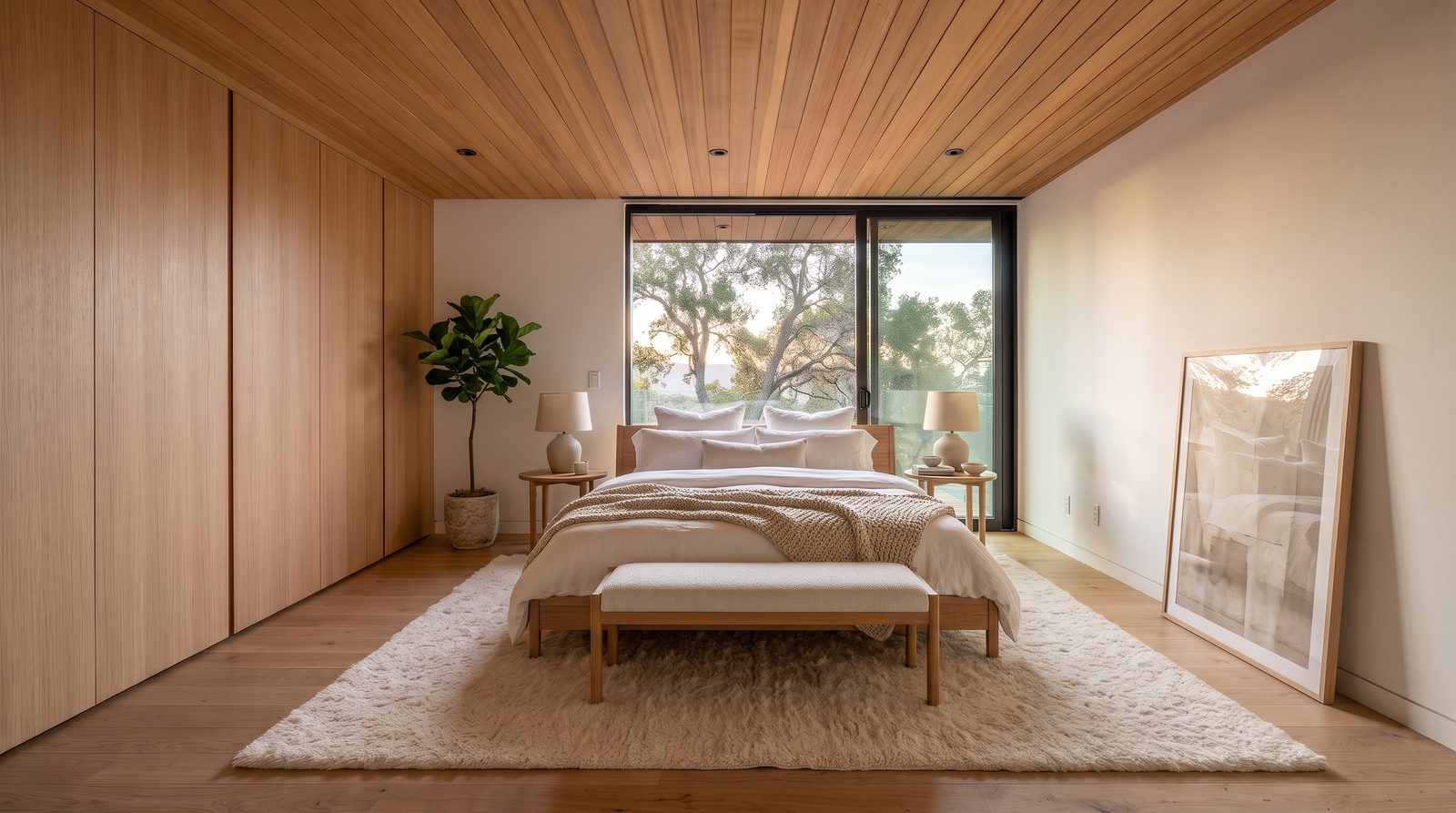 Virtually staged
 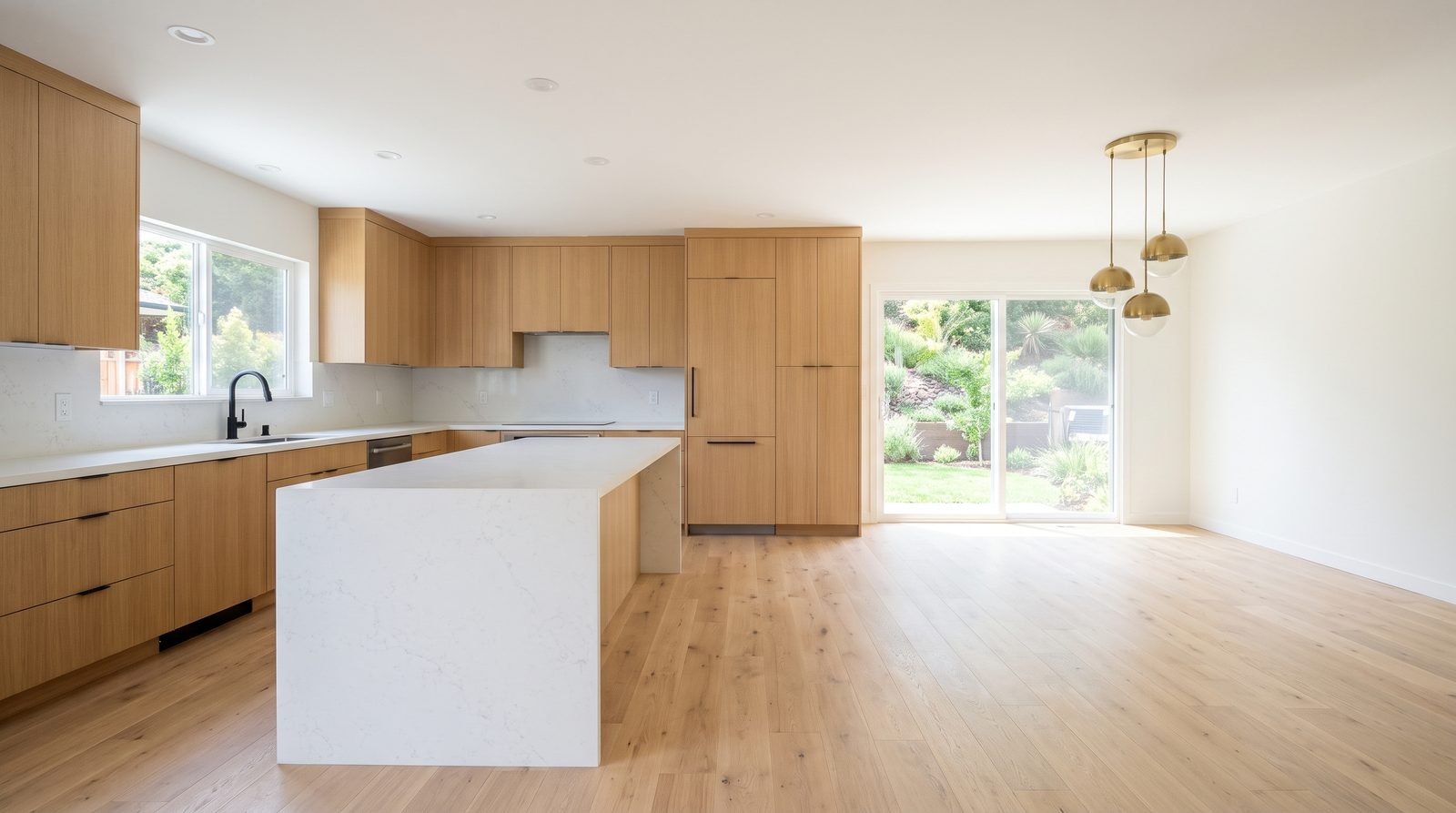 Original
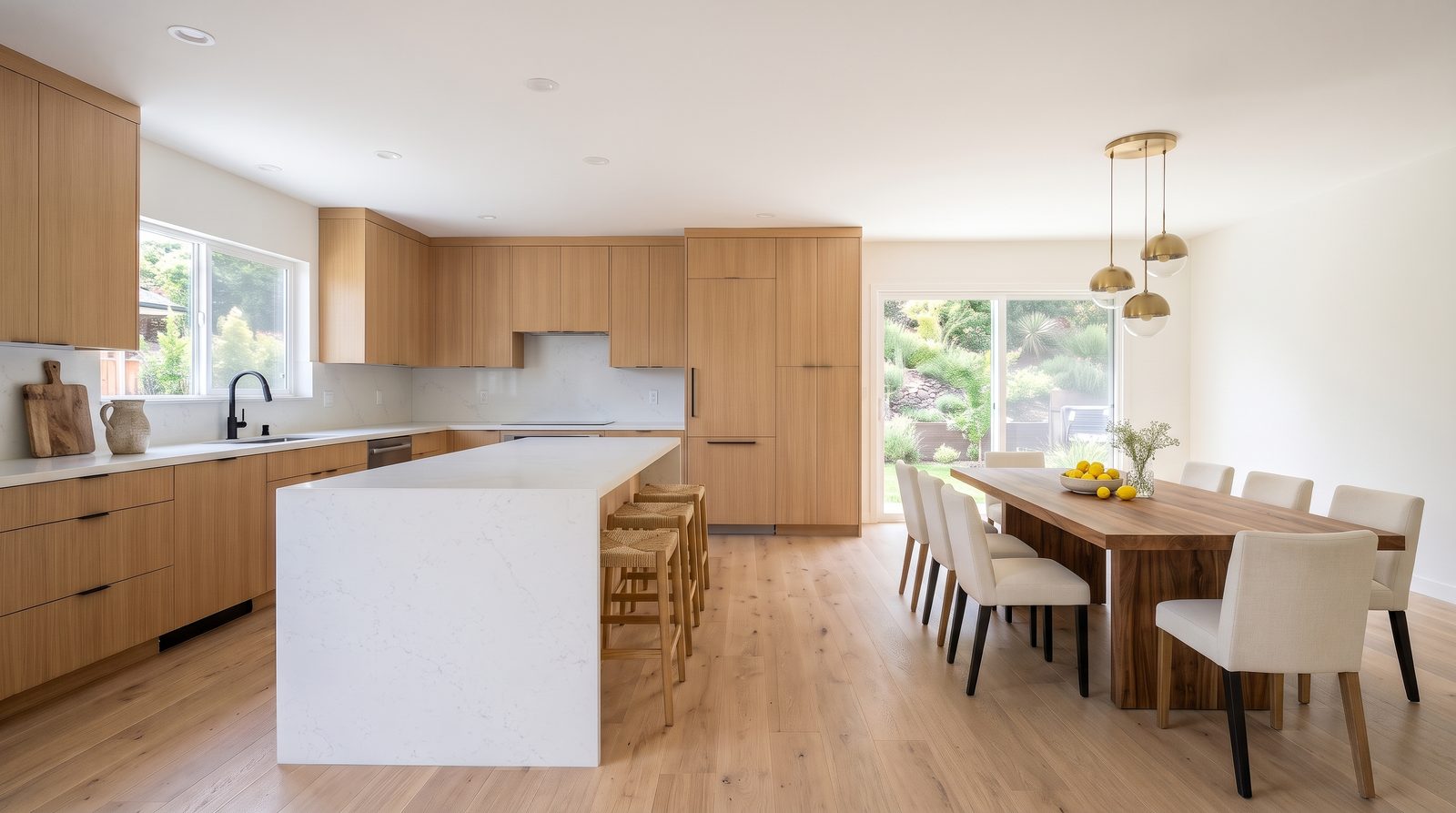 Virtually staged
 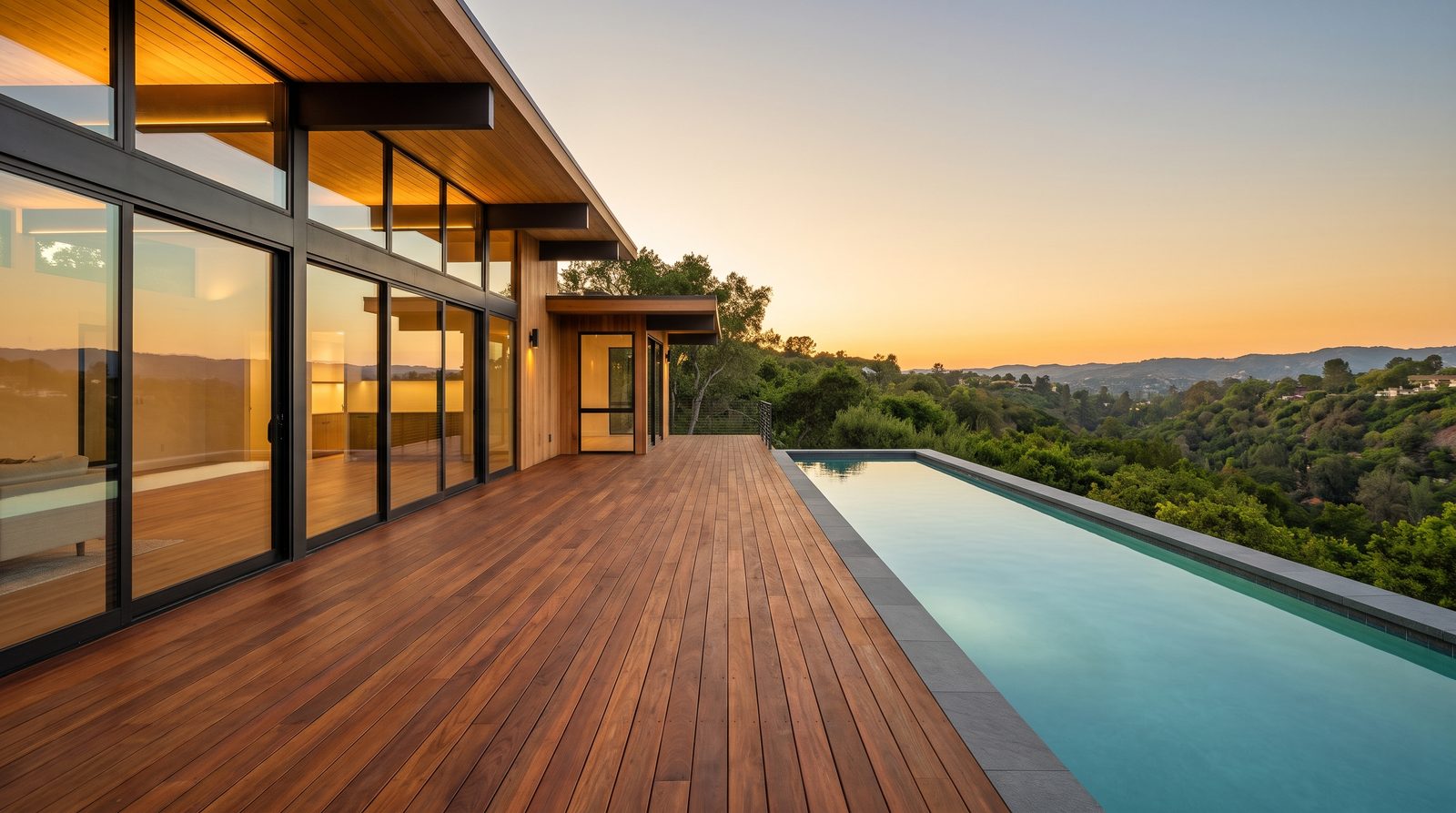 Original
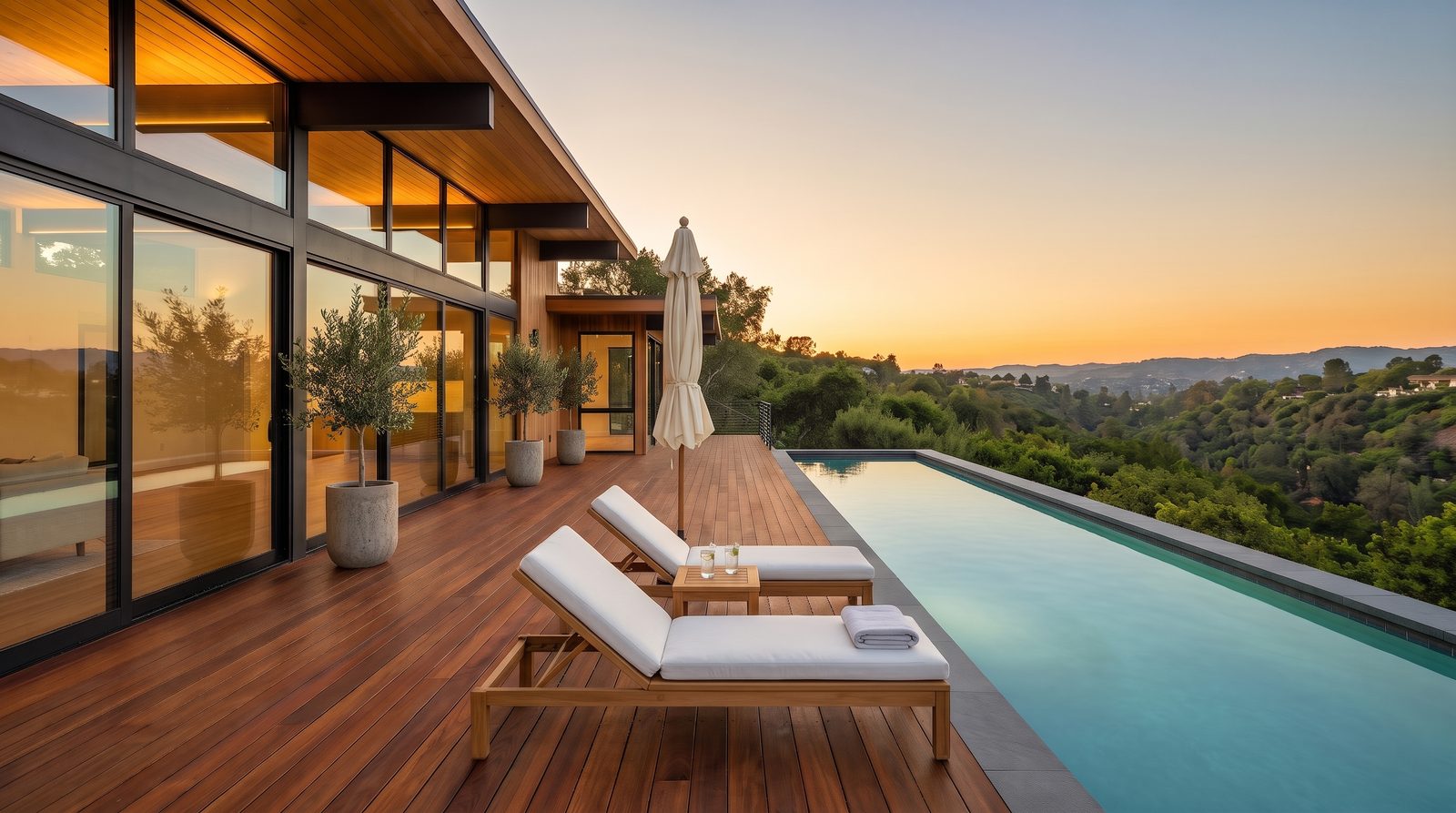 Virtually staged Original
Measured example
One empty room staged by four image models and animated by five video models with the same prompts: which kept the walls, windows and view, with every output and its cost.
The workflow
Install Creative Claw from ChatGPT’s plugin directory and sign in. New accounts get 100 free credits, no card.
Use the photographer’s original, straight and well lit. Half-furnished rooms work too: ask to remove the owner’s items first.
Say the style (warm modern, Japandi, coastal) and what must stay: walls, windows, doors, beams, floor, view and the camera angle.
Check the staged photo against the original, ask for fixes, then export it with a “Virtually staged” label and keep the original for the listing.
Pricing
Creative Claw is pay as you go: $10 buys 1,000 credits, new accounts get 100 free credits, and there is no subscription. Typical costs for this workflow:
| What you generate | Credits | Cost |
|---|---|---|
| Staged room, Nano Banana 2 at 2K | 24 | $0.24 |
| Staged room, Nano Banana 2 at 1K | 16 | $0.16 |
| Staged room, Seedream 5 Pro at 2K | 18 | $0.18 |
| Remove the owner’s furniture and clutter first | 24 | $0.24 |
| A 6-second video of the staged room, 1080p (FLUX 3 Max) | 87 | $0.87 |
Prices charged or quoted by Creative Claw on October 25, 2026. See all model prices, and ask for an estimate in ChatGPT before you generate.
Alternatives
The tools below are the ones AI assistants most often recommend for this job. We checked each vendor’s own pages on October 23, 2026. “None found” means we could not find an official app in the ChatGPT directory or on the vendor’s site. Creative Claw publishes this page.
| Tool | Price per staged photo | In ChatGPT | Notes |
|---|---|---|---|
| Creative Claw | 24 credits ($0.24) at 2K, no plan | App in ChatGPT’s directory | Original and label included; also edits, video and agent intros |
| Virtual Staging AI (Zillow) | $16/mo for 6 photos to $79/mo for 150 | None found | About 10-second turnaround |
| Collov AI | $19/mo for 60 photos to $127/mo for 526 | None found | Also twilight, lawn and sky edits |
| REimagineHome | $14 to $99/mo | None found | 5 free designs |
| Apply Design | About $10.50–15 per auto-staged image | None found | First image free; about 15 minutes |
| BoxBrownie | $30 per image, human editors | None found | Also day to dusk ($5) and item removal |
Sources: Virtual Staging AI pricing · Collov AI pricing · REimagineHome pricing · Apply Design pricing · BoxBrownie pricing · Fotello pricing. Prices are in USD before tax and change often.
Before you render
Add or remove furniture and décor only. Never change walls, floors, windows, doors, fixtures, the view, the room’s size or its condition, and check every result against the original before you post it.
Mark staged and edited photos “Virtually staged” or “Digitally altered” on or next to the image. California has required it since January 1, 2026, and several MLSs fine unlabeled edits. Ask Creative Claw to burn the label in.
Publish or link the unaltered photo with each edited one. California requires access to the original, and NorthstarMLS’s proposed rules ask for a “before” photo of every staged room.
Furnish rooms to their real size and use. A tiny bedroom staged with a king bed misleads buyers, even if nothing structural changed.
Check current pricing, read short answers in the help center, inspect the tool reference, or browse published media examples. Examples illustrate creative approaches; they are not proof that this exact starter prompt was run.
Practical answers
Yes, with Creative Claw added. Attach the empty-room photo, name a style, and Nano Banana 2 stages it at 2K for 24 credits while keeping the walls, windows and view. The prompt lists what must not change, which is what keeps the room honest.
Attach the empty room, name a style (warm modern, Japandi, coastal), list what must stay (walls, windows, doors, floor, view, camera angle), then compare the staged photo with the original and export it with a “Virtually staged” label.
Yes. Each style is another 24-credit edit of the same original; the living room on this page is shown in warm modern and Japandi.
Yes. Ask to remove furniture, boxes and clutter, check the empty result, then stage it. Each step is one 24-credit edit.
Yes. The terrace on this page was staged with loungers, a side table, an umbrella and planters in one edit, with the pool, deck and view left as they were.
Yes. Ask for a 6-second camera move on the staged photo: 87 credits at 1080p with FLUX 3 Max, or 138 with Gemini Omni Flash. Label it as staged and AI motion.
24 credits ($0.24) per photo at 2K with Nano Banana 2, or 16 at 1K. $10 buys 1,000 credits and new accounts get 100 free.
New Creative Claw accounts get 100 free credits, enough to stage four rooms at 2K or six at 1K, with no card. After that it is pay as you go.
Virtual Staging AI costs $16 to $79 a month and Collov $19 to $127 a month; human editors such as BoxBrownie charge about $30 a photo; physical staging through a staging service has a median cost of about $1,500 (NAR 2025).
In our test on the same empty living room, Nano Banana 2 and Seedream 5 Pro kept the architecture and added only furniture. GPT Image 2.5 Sunburst added art and lit the fireplace; FLUX Kontext Max moved the ceiling beams and the camera. We default to Nano Banana 2.
It should not, and the prompt says so explicitly. Still compare every result with the original: a structural change misleads buyers and breaks MLS rules.
The photographer’s original at full resolution: wide, straight verticals, even light, the room empty or close to it. Low, dark or tilted phone photos give weaker results.
Yes. Furnish rooms to their real size and use; a small bedroom staged with a king bed misleads buyers even if nothing structural changed.
Often, yes. California has required a disclosure on or next to digitally altered listing images, plus access to the original, since January 1, 2026; MLSs such as Metro MLS fine unlabeled edits, and Wisconsin’s rule from 2027 also covers AI video. Rules differ by MLS and country, so check yours. This is not legal advice.
With a label: furniture, décor, temporary items such as bins and boxes, the sky and the light. Never: walls, floors, windows, doors, fixtures, the view, the room’s size, its condition or damage, power lines or neighboring buildings. NorthstarMLS’s proposed rules draw the same line.
Yes. California requires a link or QR code to the original; Metro MLS wants the original uploaded right before the altered one, and NorthstarMLS proposes a “before” photo for each staged room. Creative Claw returns the original next to every edit.
Yes. Describe the home, not who should live in it: avoid phrases such as “perfect for families” or “ideal for young professionals”. Ask the assistant to check captions and descriptions before you post.
Yes, when it is labeled and does not misrepresent the property. NAR’s Code of Ethics requires a “true picture” in advertising, California AB 723 requires a label and access to the original, and MLSs set their own rules. This is not legal advice.
Open chatgpt.com/plugins/creativeclaw and select Install plugin, or search for Creative Claw in ChatGPT’s plugin directory, then sign in. New accounts get 100 free credits, no card.
No. Creative Claw is pay as you go: $10 buys 1,000 credits that never expire, and new accounts get 100 free credits. You pay for what each listing uses.
Yes. One Creative Claw account and balance work in ChatGPT, Claude, Claude Code and Codex.
No. It makes the files; you upload them to the MLS, the portals or your social accounts.
Start creating
Connect once, get 100 free credits with no card required, and use the starter prompt above for your first project.
