Can Claude generate images? +
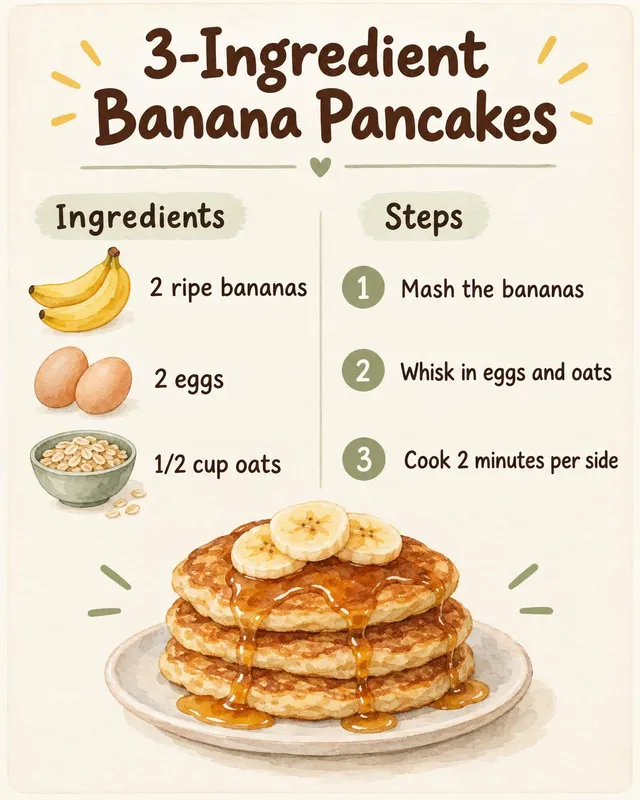
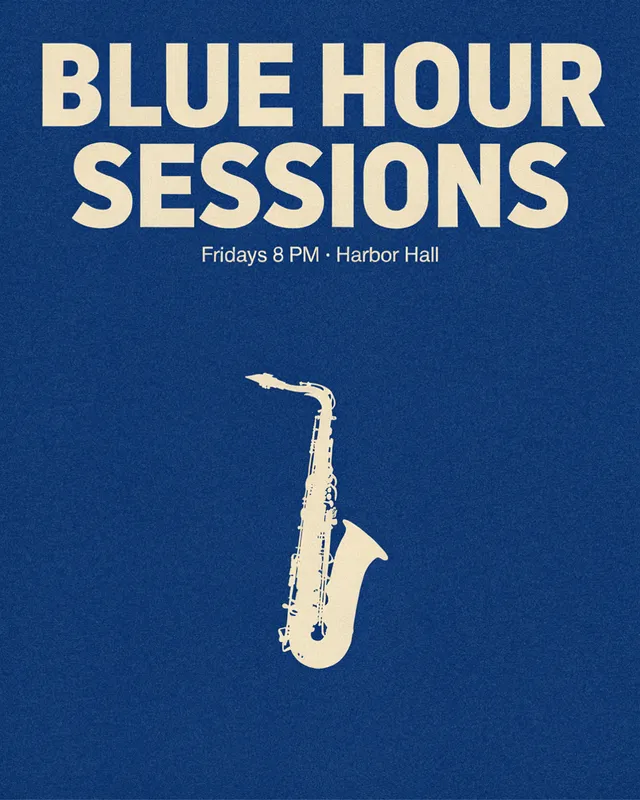
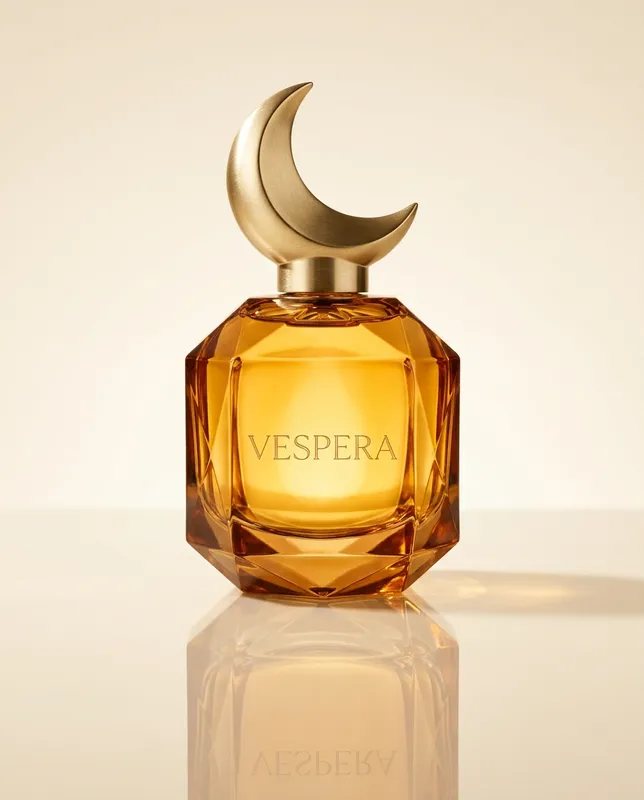
Yes, once you add an image plugin. Claude has no image model of its own, so by itself it cannot produce a photo or an illustration. Add Creative Claw from Claude's plugin directory and Claude generates and edits images with 12 image models, including Nano Banana 2, GPT Image 2.5 and Seedream 5 Pro, then shows each image in the chat.
Does Claude have image generation built in? +
No. Claude reads images and writes text and code. It can draw diagrams and simple graphics as SVG or HTML in an artifact, but it does not paint pixels. Image generation in Claude comes from plugins and connectors that send your request to an image model and return the finished file to the conversation.
Can Claude Pro generate images? +
Not by itself: Pro gives you more Claude usage, not an image model. Pro, Max, Team and Enterprise can install plugins, so you can add Creative Claw from the directory in about a minute. Images are paid with Creative Claw credits, separate from your Claude plan. On the free plan, add https://app.creativeclaw.co/mcp as a custom connector instead.
Which Claude model is best for image generation? +
None of them makes images. Opus, Sonnet and Haiku all write text and code; the picture comes from the image model Claude calls. With Creative Claw that is Nano Banana 2 by default, Nano Banana Pro for dense layouts, GPT Image 2.5 Sunburst for exact text, Ideogram 4.5 for posters and Seedream 5 Pro for fashion and product shots. Any current Claude model can drive them.
When will Claude get image generation? +
Anthropic has not announced a built-in image generator as of October 2026. You do not have to wait: with a plugin such as Creative Claw, Claude generates and edits images today on claude.ai, Claude Desktop, Cowork and Claude Code.
How do I add image generation to Claude? +
Open Creative Claw in Claude's plugin directory and click Add. Open the plugin's Connectors tab, connect Creative Claw and sign in with Google. Start a new chat and ask for an image. There are no API keys to manage. In Claude Code, run /reload-plugins and then /mcp to sign in.
Can Claude edit images like ChatGPT? +
Yes, with Creative Claw. Attach a photo or paste its link and describe the change: a new background, different light, an object removed or a new style. Nano Banana 2 handles most targeted edits and keeps the rest of the picture; GPT Image 2.5 Sunburst is the pick for precise edits and transparent backgrounds. Background removal and upscaling are one request each.
Can Claude generate images like Nano Banana? +
Claude can use Nano Banana directly. Nano Banana 2 is the default model in Creative Claw, so a plain "make me an image of…" in Claude runs on it for 16 credits at 1K. Nano Banana Pro is one request away for complex layouts at 30 credits.
Can Claude Code generate images? +
Yes. Add the Creative Claw plugin, run /reload-plugins, sign in once with /mcp, and ask for images while you build: hero images, icons, placeholder product shots or social cards. Each image comes back as a permanent URL that Claude Code can download straight into your project.
Is image generation in Claude free? +
New Creative Claw accounts get 100 free credits with no card: six Nano Banana 2 images or fourteen Seedream 5 Lite images. After that, $10 buys 1,000 credits. There is no subscription and credits never expire.
Can Claude turn an image into a video? +
Yes. Ask Claude to animate any image and Creative Claw sends it to a video model such as Gemini Omni Flash, Seedance 2.5 or MiniMax H3 Max. A 5-second Gemini Omni Flash clip at 720p costs 75 credits ($0.75).
Can Claude create photorealistic images? +
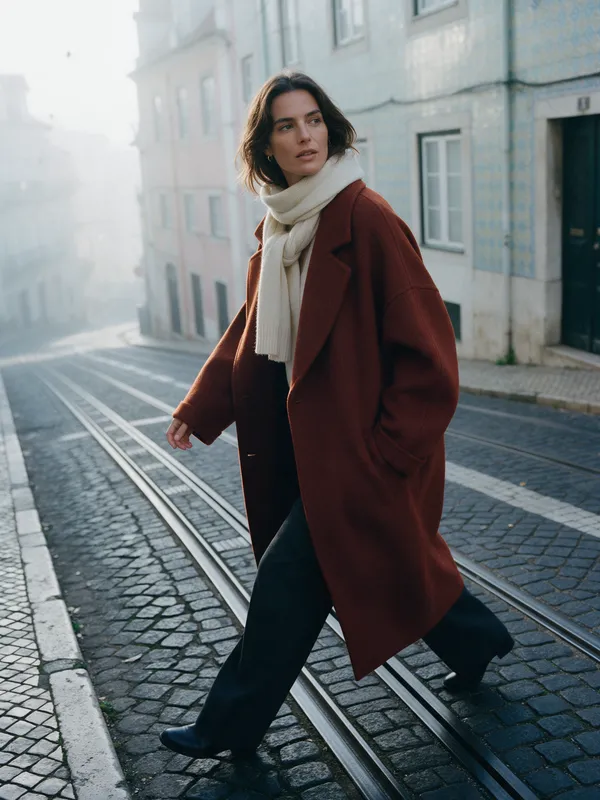
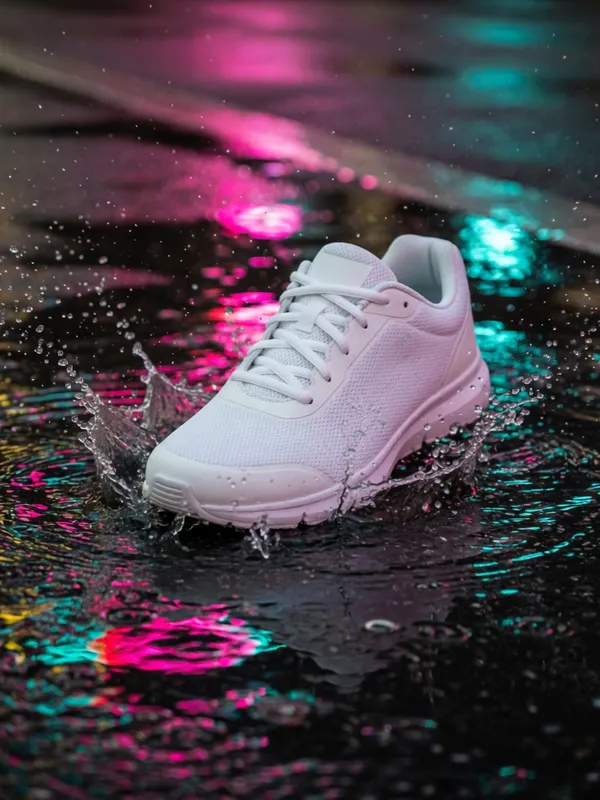
Yes. Seedream 5 Pro, Nano Banana 2 and FLUX 2 Pro all produce photographic results, like the coat editorial and the kittens above. Describe the lens, the light and the setting the way a photographer would.
What is the best image generation plugin for Claude? +
It depends on how you want to pay. Creative Claw is listed in Claude's plugin directory and is pay as you go: $10 for 1,000 credits, no subscription. Higgsfield's MCP runs on its own subscription plans and models such as Soul. Our Creative Claw vs Higgsfield page compares the two.