 Claude
 ChatGPT
 Codex
Codex OpenClaw
Video
Generate videos
Cinematic scenes, animated photos and impossible worlds. Describe the shot, or start with an image and bring it to life.
A written idea or a starting imageSee how
YOUR CREATIVE PLAYGROUND
Make films. Find your voice. Put yourself in the scene. A world of creative tools, right inside your AI chat.
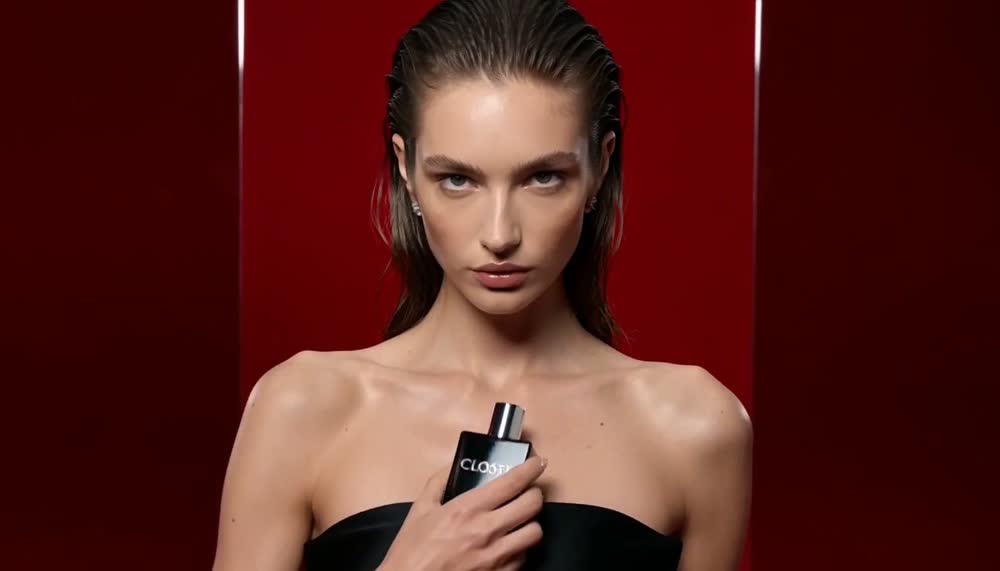 FROM A PROMPT TO A FILM
 Your ideas have range.
PICK YOUR NEXT “I MADE THAT”
Real examples. A starting prompt.
A proper guide when you want to go deeper.
13 ways to make something
Video
Cinematic scenes, animated photos and impossible worlds. Describe the shot, or start with an image and bring it to life.
Video
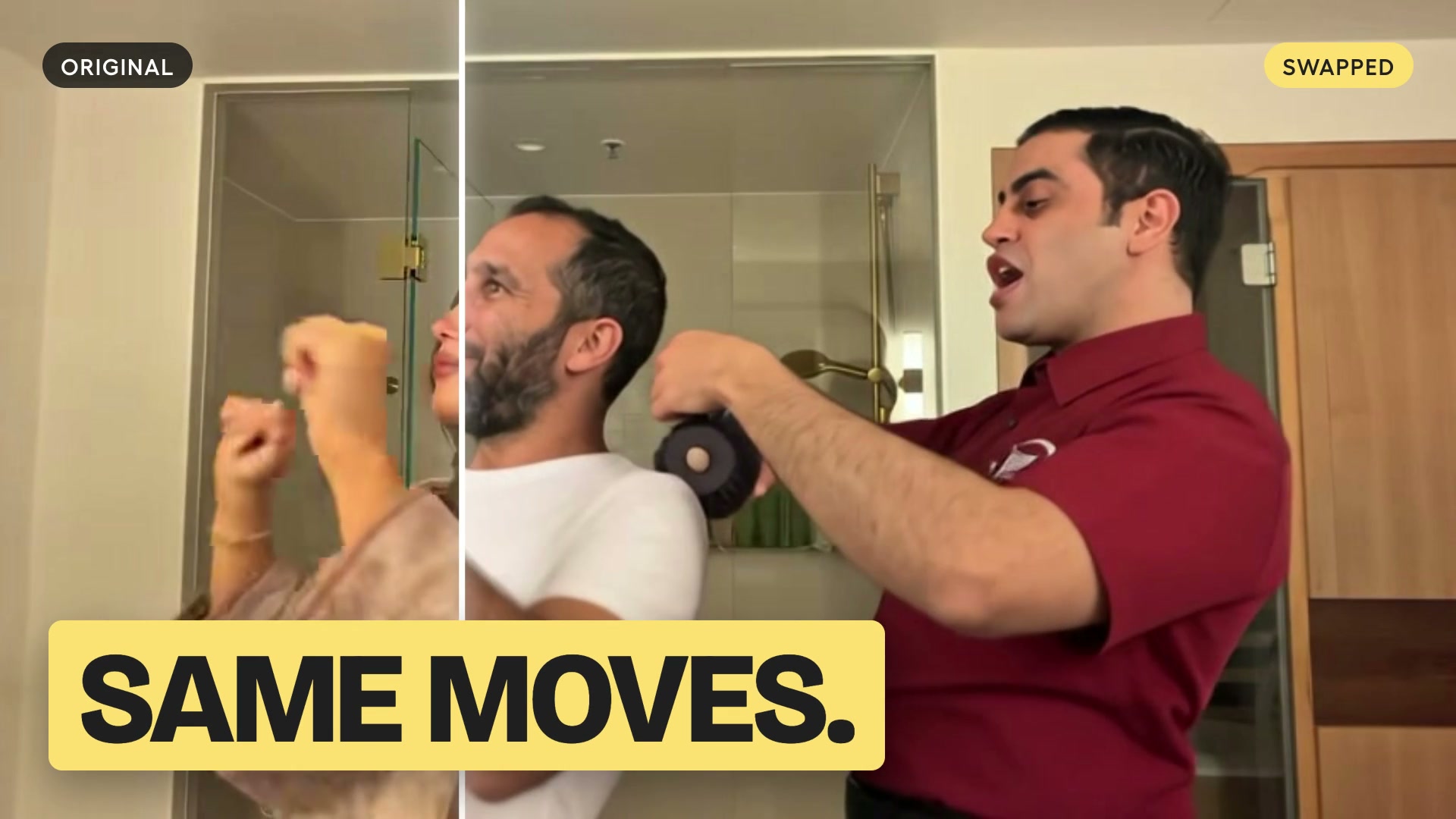
Put yourself or a saved Character into an existing video. Keep the performance and camera movement, and preview the new cast first.
Images
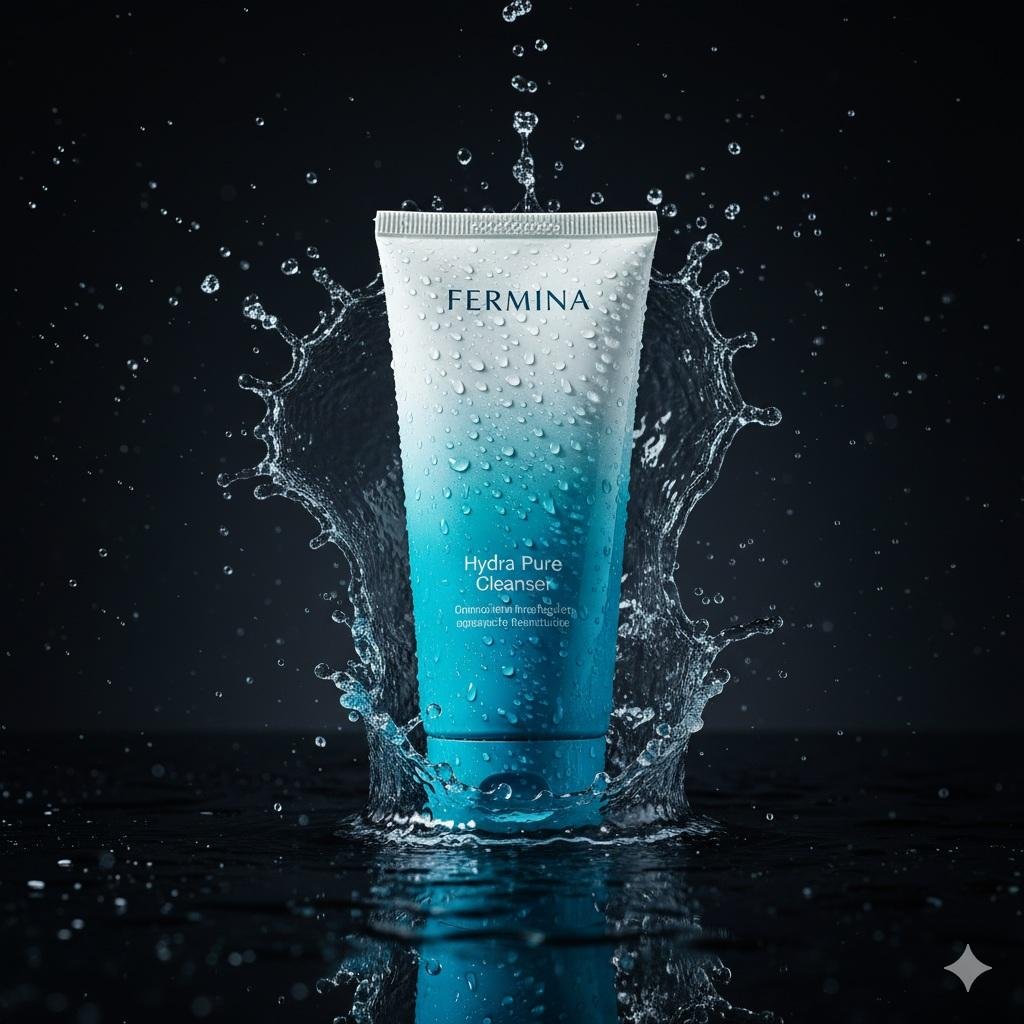
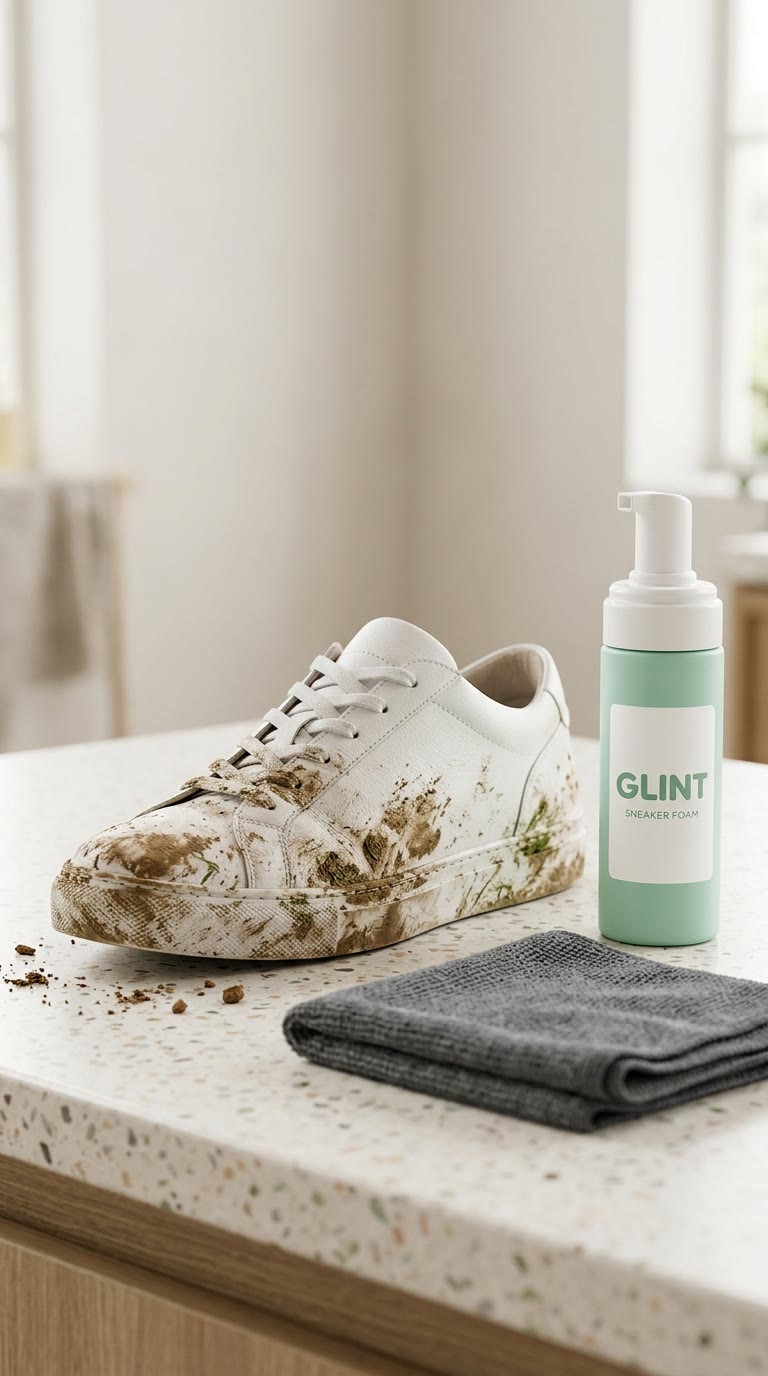
Turn your product photo into packshots, lifestyle scenes, launch visuals and a video ad. Give your camera roll a marketing department.
Images
Create product photography, characters, posters and illustrations. Edit a photo, change its setting or try a completely different style.

Audio
Browse the voice library, design a new voice or clone your own. Create narration, character dialogue and multilingual voiceovers.
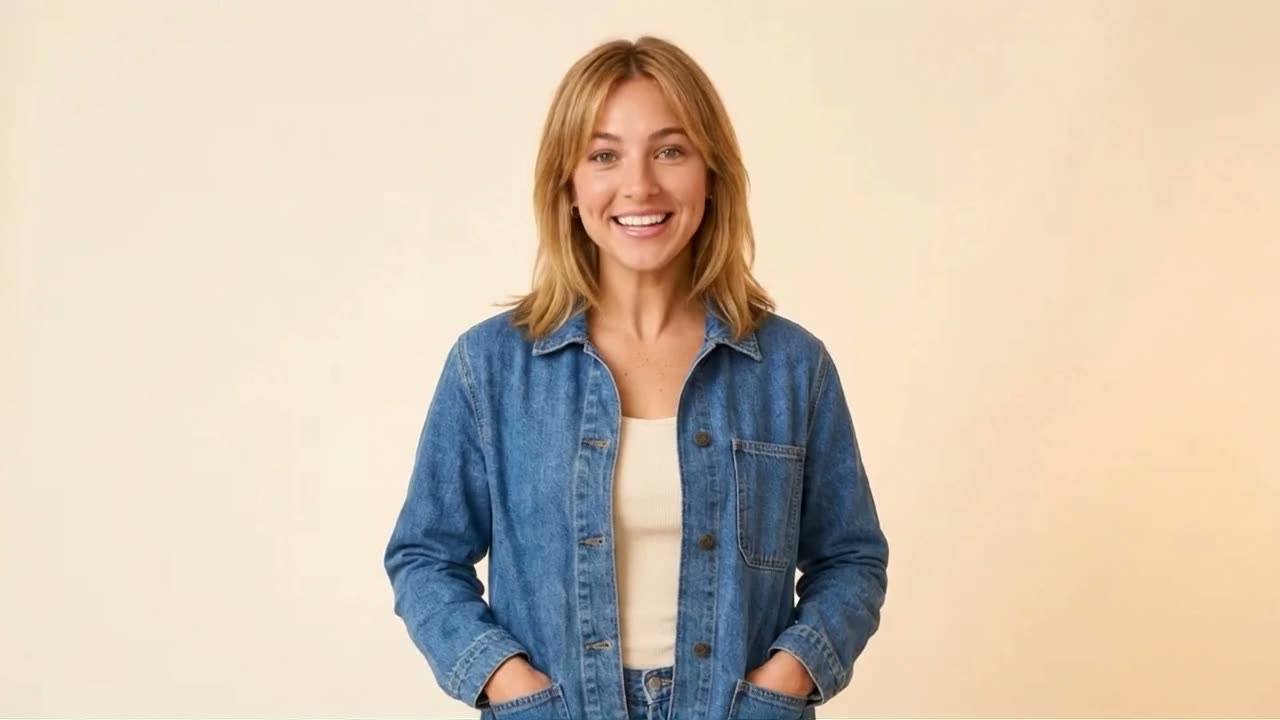
Video
Create a reusable avatar from your photos, or invent a fictional Character. Add a voice, then make talking videos and new scenes.
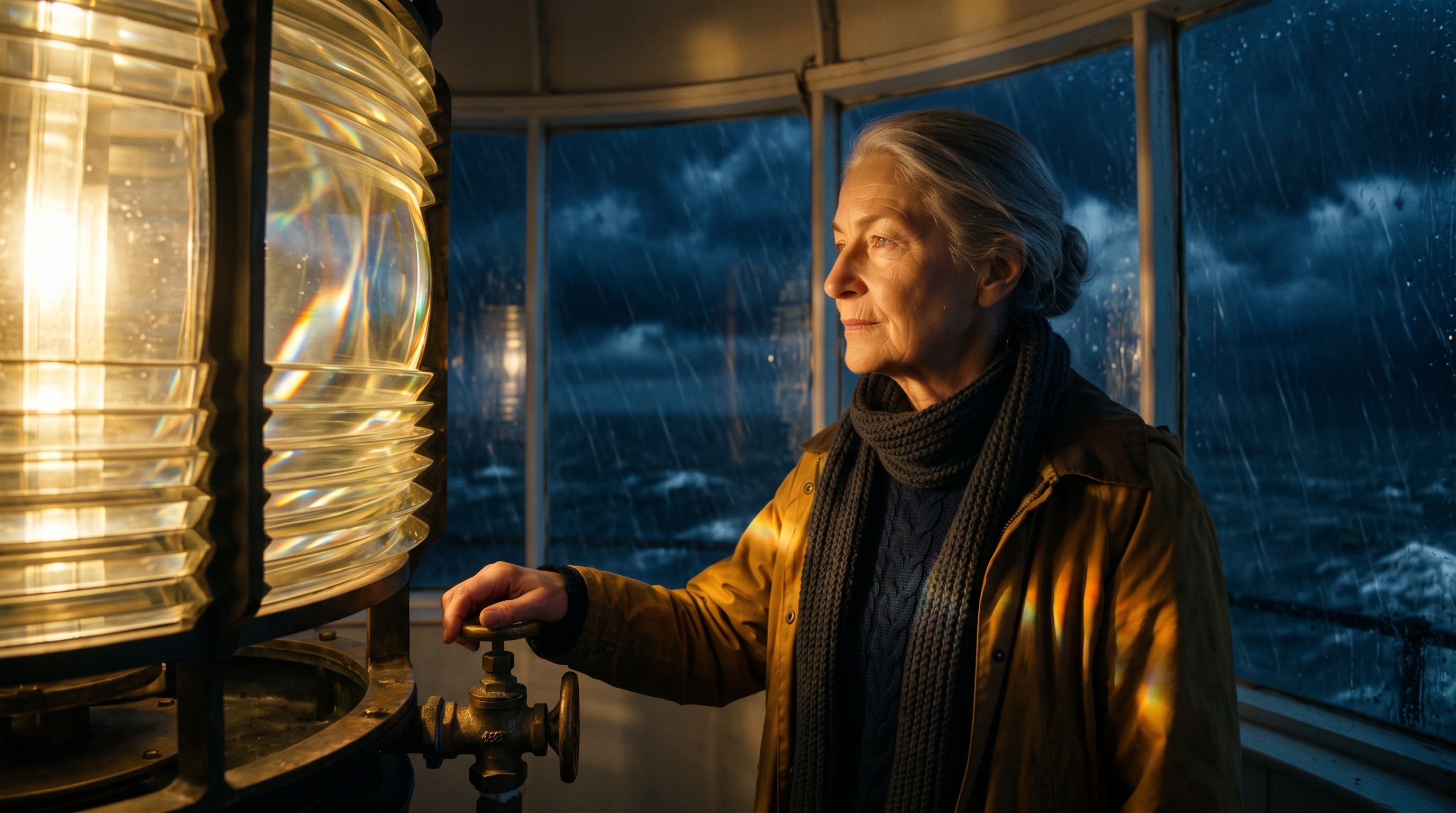
Video
Plan a story, approve a storyboard and generate connected shots. Bring the scenes together with narration, music and a finished cut.
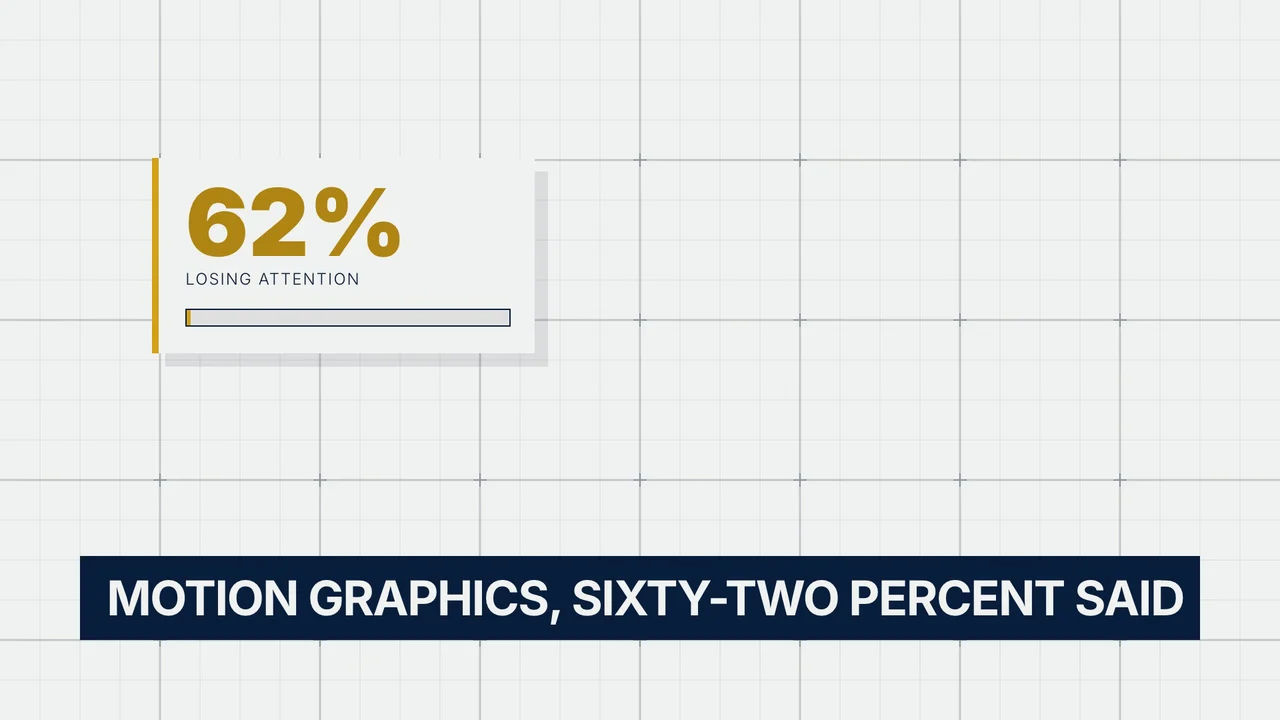
Video
Animate headlines, interfaces, charts and brand stories with HyperFrames. Make structured videos with precise layouts and editable source.
Audio
Create background music, full songs and sound effects. Give your video a score, your podcast a sting or your fictional world an atmosphere.
One good idea can go a long way.
Find the moment worth sharing.
Then make something new.
Edit & reuse
Bring in a supported public video or social link. Get a transcript, find key moments and turn existing material into your next project.
Edit & reuse
Find complete moments in a long video, cut them into clips and reframe for vertical feeds. Add captions when the words matter.

Edit & reuse
Trim and reorder clips, change the frame, add captions or a voiceover, and mix in music. Finish media you already have.
Colors. Fonts. A point of view.
Workspace
Save your brand direction, reuse Characters and keep your media together. Pick up the same work from another connected assistant.
No match yet. Try a different word or explore all the features.
THE EASIEST PLACE TO START
Attach a selfie, a pet or a product photo. Ask your assistant to give it a new look. One image is a great first step.
 Show me the image guide ↗
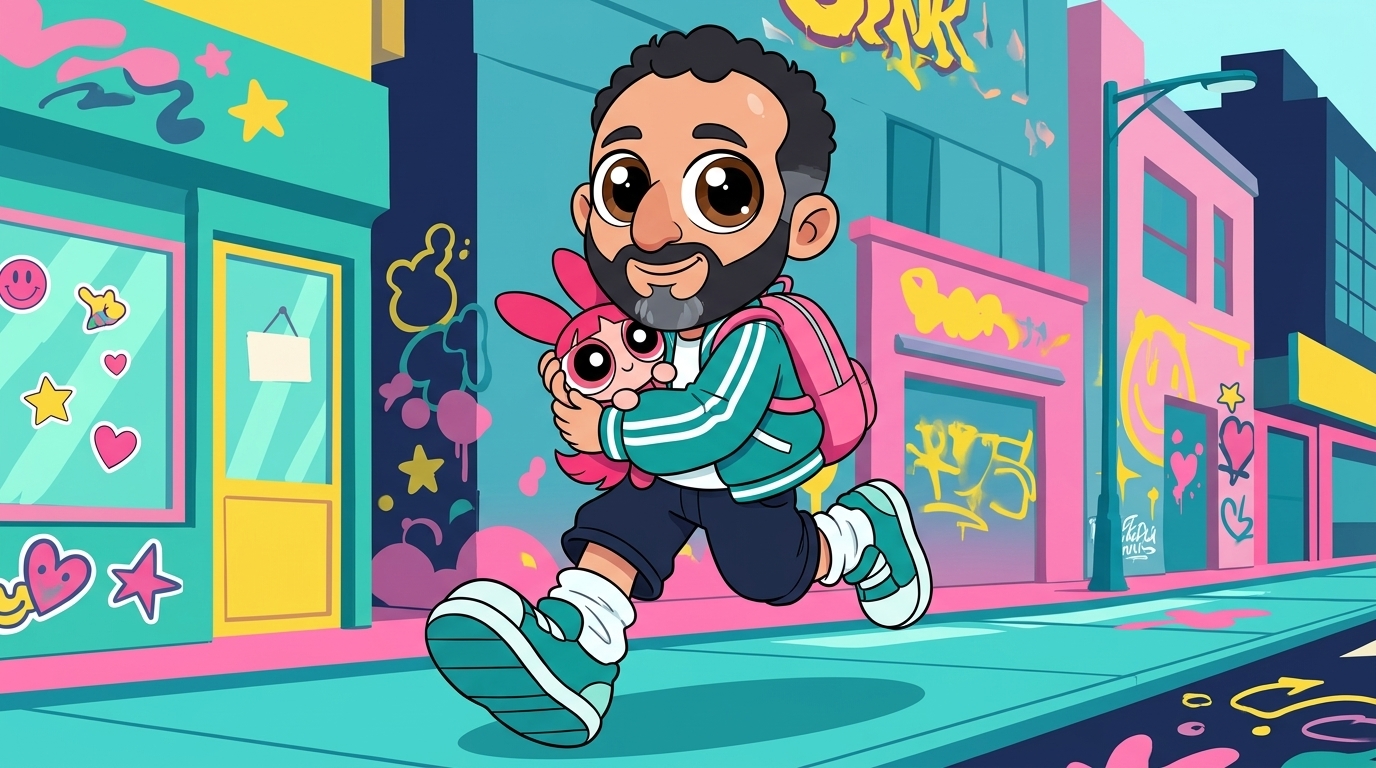
“Use Creative Claw to turn my photo into a playful Y2K cartoon character. Keep the subject recognizable. Ask for my photo, start with one image and show me the credit cost before generating.”
Your dog has been waiting for this rebrand.
A VERY GOOD TOOLBOX
You don’t need to know every model. Tell your assistant what matters: style, references, language, speed or budget.
Choose for motion, realism, references and your budget.
Generate, edit, refine text or work from a reference.
Match the language, accent and performance to your script.
Background beds, original songs and dedicated sound effects.
Model options and costs can change. Ask Creative Claw for the current choices and an estimate before generating. See pricing
BETTER BRIEFS, BETTER RESULTS
A photo, a product, a script or a clear visual reference gives your assistant something specific to work from.
Approve one image, a short clip or a voice sample before making a full campaign. Ask for the cost along the way.
Tell your assistant what to keep and what to change. Reuse the strongest result as your next reference.
Pick an idea, open your assistant and bring it to life.
New account? Connect first, then take your 100 free credits for a spin.
Need a hand? Connection guides · $10 = 1,000 credits · Pay as you go
