hook.
thought.
sharing.
Edit & reuse
Long videos into clips
Find complete moments in a long video, cut them into clips and reframe for vertical feeds. Add captions when the words matter.
Edit & reuse / THE PRACTICAL GUIDE
Bring in a supported public video or social link. Get a transcript, find key moments and turn existing material into your next project.
One good idea can go a long way.
Find the moment worth sharing.
Then make something new.
Workflow illustration. Start with your own media using the prompt below.
A supported public link or uploaded file
Imported media, transcript and timestamps
FROM IDEA TO OUTPUT
Bring a public YouTube, TikTok, Instagram or other supported link, or upload directly. The media must be accessible.
Request a verbatim transcript, summary or list of specific moments. Tell your assistant the original language when you know it.
Turn selected sections into clips, add captions, recast a scene or use the transcript to plan something new.
LESS STARING AT A BLANK CHAT
Copy this into your connected assistant. Change the details to fit your idea and attach the references it asks for.
Claude, ChatGPT, Codex or OpenClaw setup ↗“Use Creative Claw to transcribe this video: [paste my public link]. Give me the full transcript with timestamps, then suggest three interesting moments for short clips. Do not cut or generate anything yet.”
Ask for the current cost before generating. In Codex or OpenClaw, copy the prompt into your connected chat.
THE TOOLBOX FOR THIS JOB
Your assistant can help you choose for your input, style and budget. Availability and supported settings vary. Current pricing
TAKE THE IDEA A LITTLE FURTHER
Pull the strongest moments from an interview
Turn a tutorial into an outline
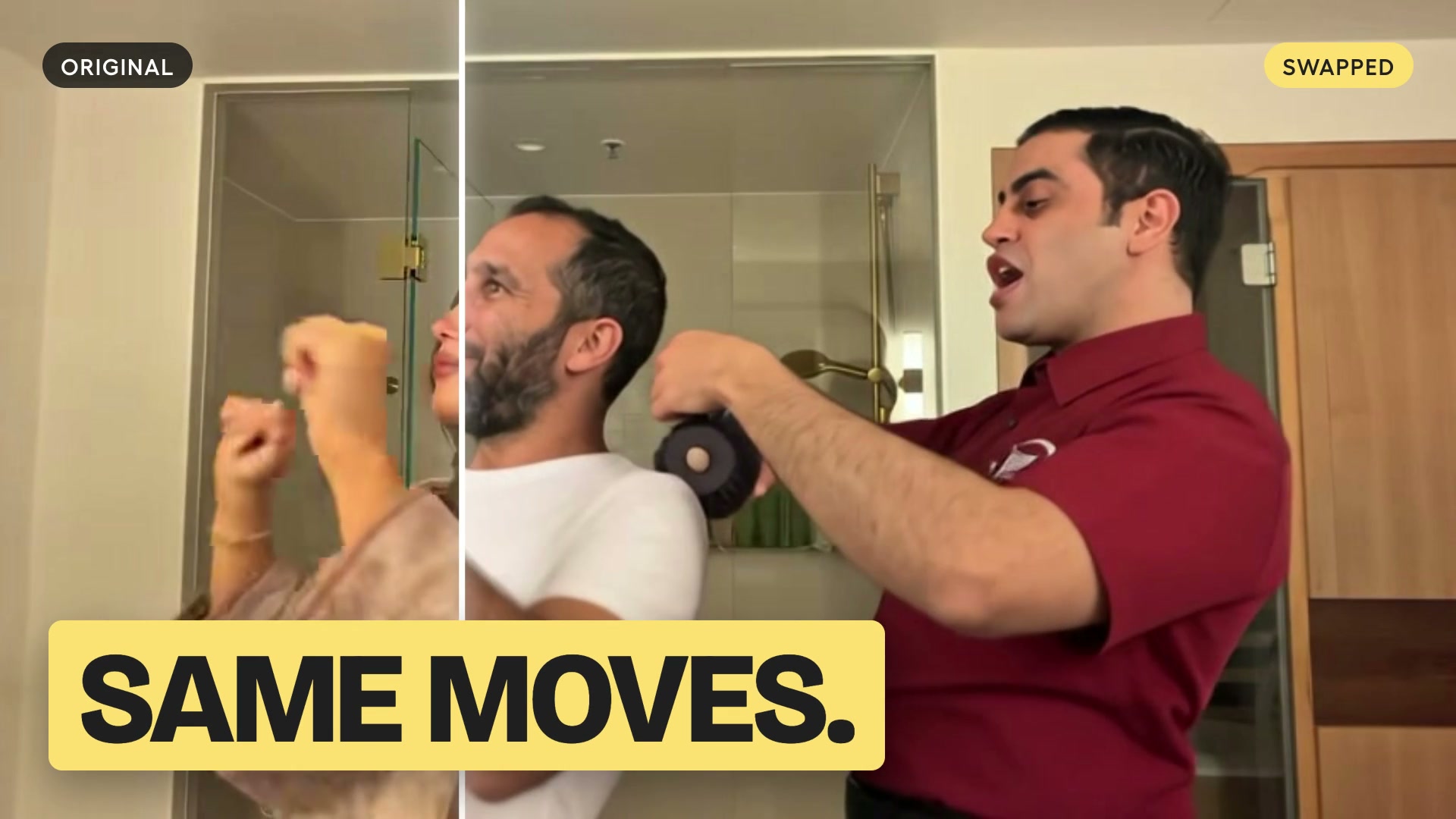
Bring a social clip into a swap workflow
AND THEN?
Edit & reuse
Find complete moments in a long video, cut them into clips and reframe for vertical feeds. Add captions when the words matter.
Edit & reuse
Trim and reorder clips, change the frame, add captions or a voiceover, and mix in music. Finish media you already have.
Video
Put yourself or a saved Character into an existing video. Keep the performance and camera movement, and preview the new cast first.