
Video
Build a short film
Plan a story, approve a storyboard and generate connected shots. Bring the scenes together with narration, music and a finished cut.
A story idea, audience and target lengthSee how
Video / THE PRACTICAL GUIDE
Animate headlines, interfaces, charts and brand stories with HyperFrames. Make structured videos with precise layouts and editable source.
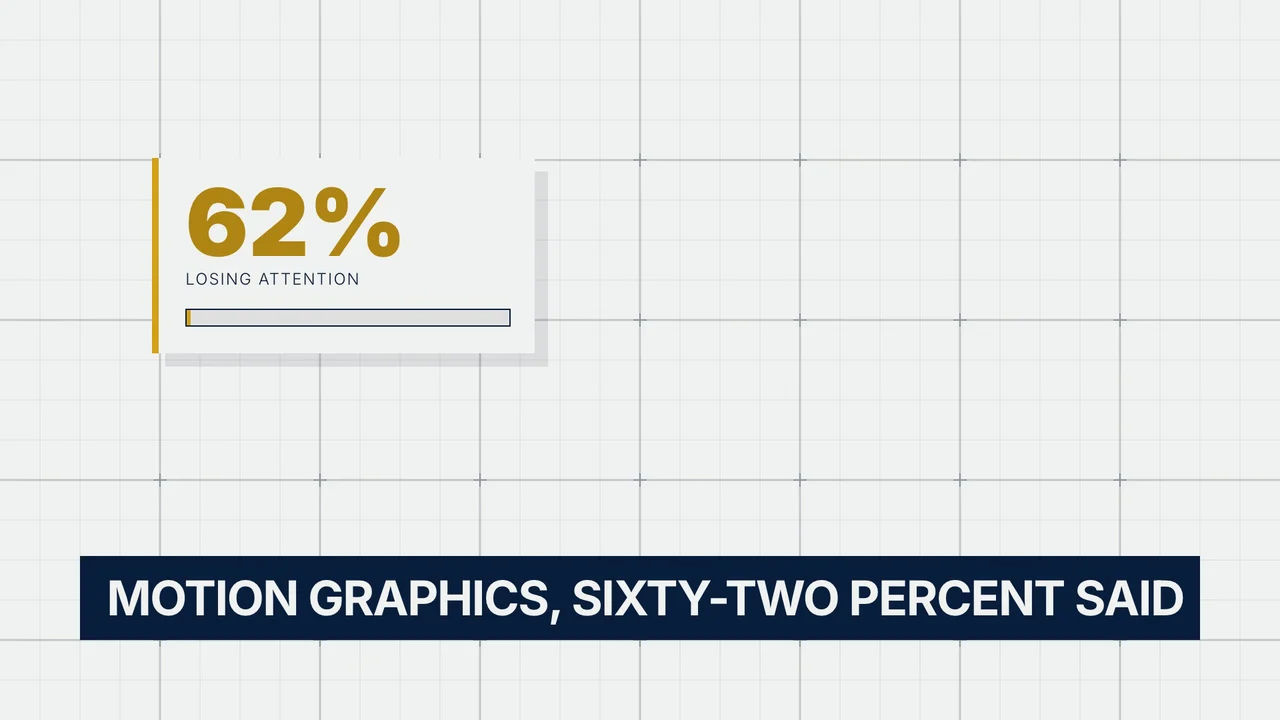
HyperFrames · HyperFrames
See the original example and walkthrough ↗A brief, script, brand assets or website
A motion video and editable project
FROM IDEA TO OUTPUT
Share the message, screenshots, logo and exact text. Choose the size and length. Describe the mood, or attach a visual reference.
Check the wording, layout, scene order and animation pacing. Structured motion is useful when text must stay readable.
Render the approved composition. Reuse its editable project to update copy, colors, charts or scenes instead of starting again.
LESS STARING AT A BLANK CHAT
Copy this into your connected assistant. Change the details to fit your idea and attach the references it asks for.
Claude, ChatGPT, Codex or OpenClaw setup ↗“Use Creative Claw to make a 10-second HyperFrames launch video for my product. Use my logo, two screenshots and three short headlines. Cream background, warm orange accent, readable type and precise timing. Show a preview and cost before the delivery render.”
Ask for the current cost before generating. In Codex or OpenClaw, copy the prompt into your connected chat.
THE TOOLBOX FOR THIS JOB
Your assistant can help you choose for your input, style and budget. Availability and supported settings vary. Current pricing
TAKE THE IDEA A LITTLE FURTHER
A polished product launch film
An animated pricing explainer
A social video made from your website
AND THEN?
Video
Plan a story, approve a storyboard and generate connected shots. Bring the scenes together with narration, music and a finished cut.
Colors. Fonts. A point of view.
Workspace
Save your brand direction, reuse Characters and keep your media together. Pick up the same work from another connected assistant.
Audio
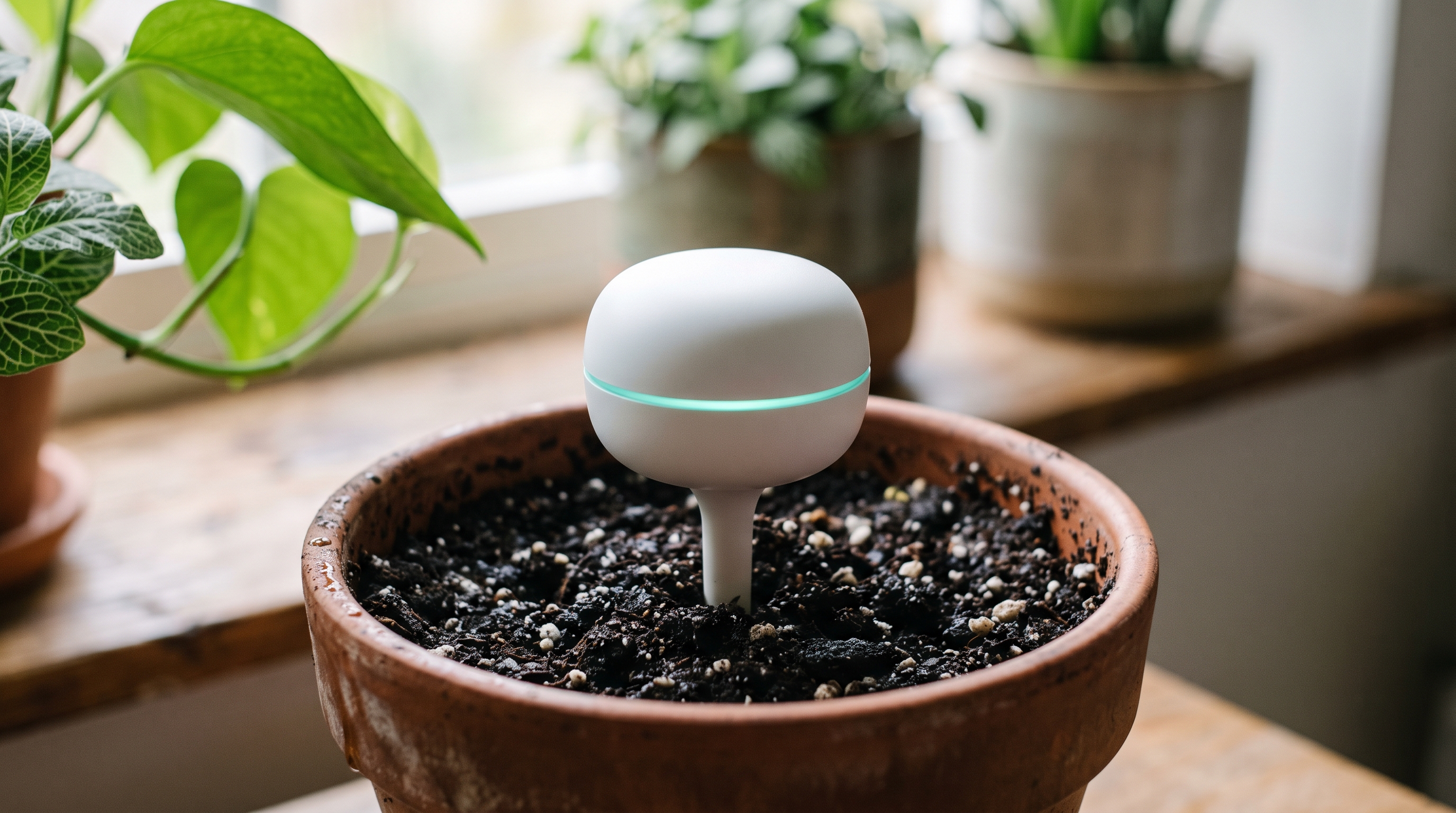
Browse the voice library, design a new voice or clone your own. Create narration, character dialogue and multilingual voiceovers.
