
Images
Product photos & ads
Turn your product photo into packshots, lifestyle scenes, launch visuals and a video ad. Give your camera roll a marketing department.
One clear product photo and your briefSee how
Workspace / THE PRACTICAL GUIDE
Save your brand direction, reuse Characters and keep your media together. Pick up the same work from another connected assistant.
Colors. Fonts. A point of view.
Workflow illustration. Start with your own media using the prompt below.
Brand colors, logos, references and assets
Reusable assets, Characters and themes
FROM IDEA TO OUTPUT
Share your logo, colors, fonts and voice, or get help extracting them from accessible brand material. Review the theme.
Find a product photo, approved image, voice or Character in your library. Name the asset you want for the next generation.
Connect other AI apps to the same Creative Claw account. Use shared credits and your library as the starting point for the next task.
LESS STARING AT A BLANK CHAT
Copy this into your connected assistant. Change the details to fit your idea and attach the references it asks for.
Claude, ChatGPT, Codex or OpenClaw setup ↗“Use Creative Claw to help me set up my brand. Ask for my logo, colors, fonts and visual references, save a reusable theme, then create one social image using it. Show me the theme and generation cost before creating the image.”
Ask for the current cost before generating. In Codex or OpenClaw, copy the prompt into your connected chat.
THE TOOLBOX FOR THIS JOB
Your assistant can help you choose for your input, style and budget. Availability and supported settings vary. Current pricing
TAKE THE IDEA A LITTLE FURTHER
Weekly on-brand social posts
The same product in a new campaign
An avatar and voice reused across a series
AND THEN?
Images
Turn your product photo into packshots, lifestyle scenes, launch visuals and a video ad. Give your camera roll a marketing department.
Video
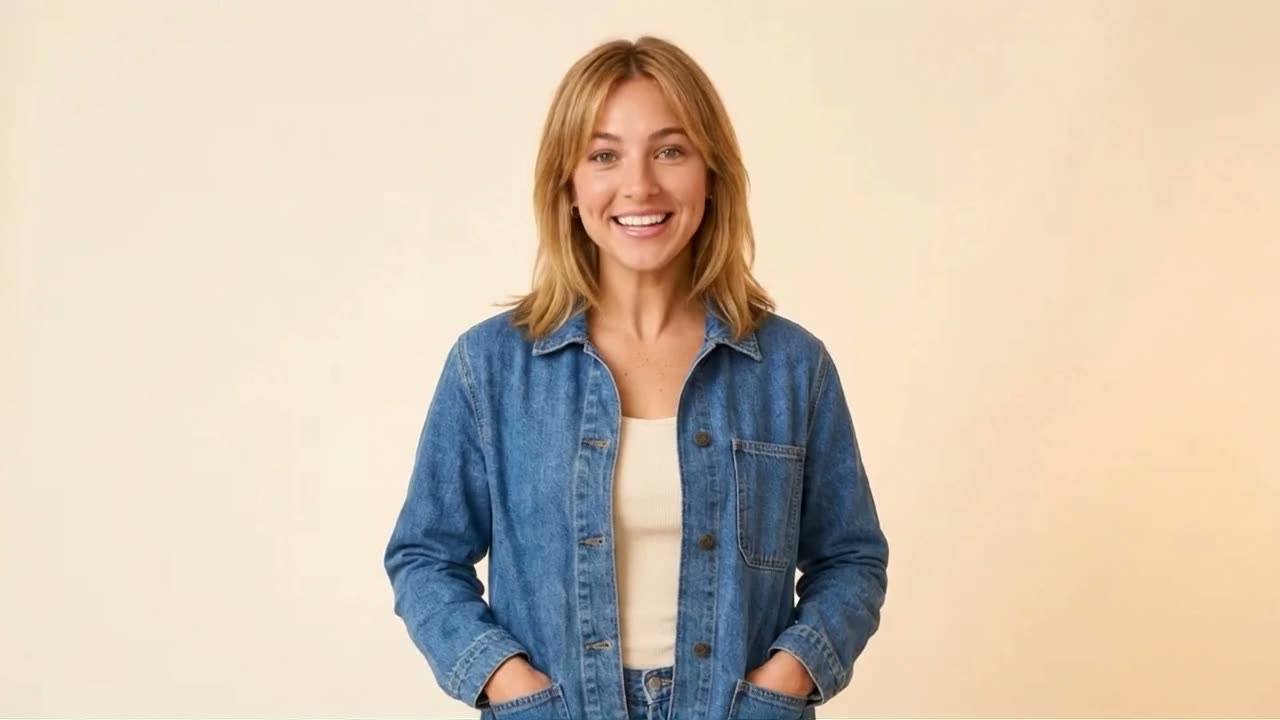
Create a reusable avatar from your photos, or invent a fictional Character. Add a voice, then make talking videos and new scenes.
Video
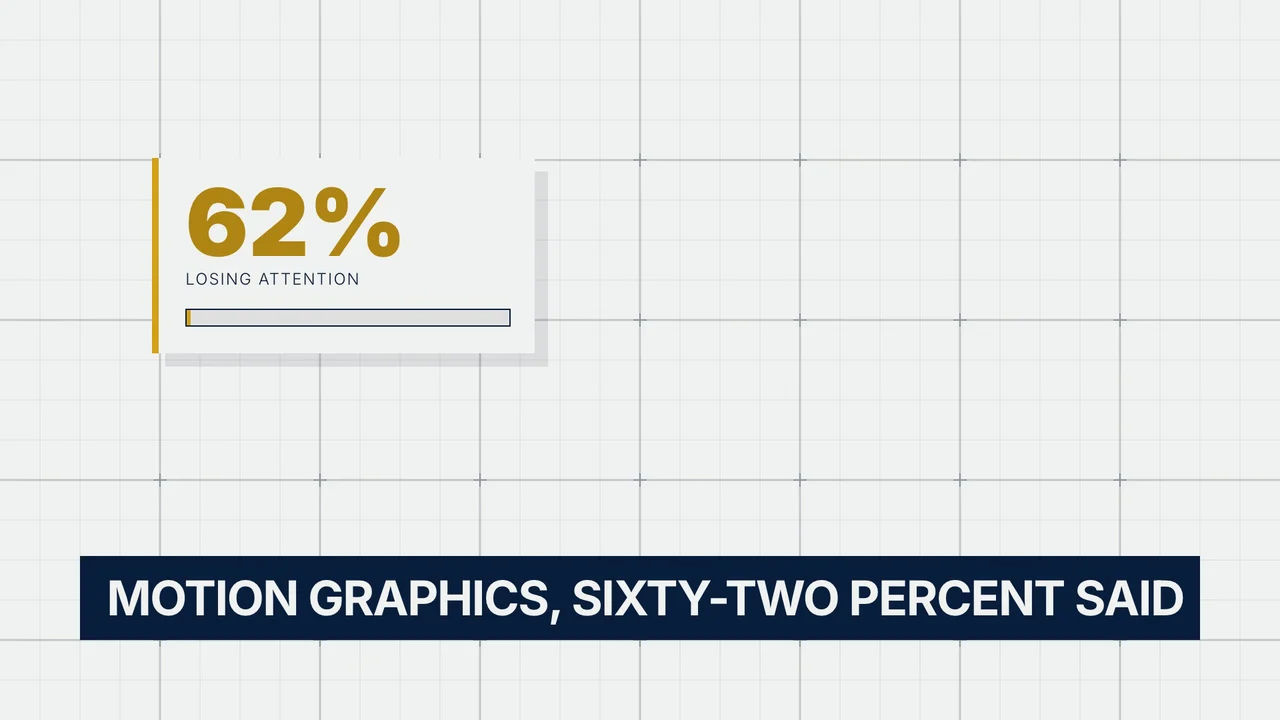
Animate headlines, interfaces, charts and brand stories with HyperFrames. Make structured videos with precise layouts and editable source.
