Images
Generate & edit images
Create product photography, characters, posters and illustrations. Edit a photo, change its setting or try a completely different style.
A prompt, optionally with reference imagesSee how
Images / THE PRACTICAL GUIDE
Turn your product photo into packshots, lifestyle scenes, launch visuals and a video ad. Give your camera roll a marketing department.
Nano Banana 2 + Gemini Omni Flash · CreativeClaw
See the original example and walkthrough ↗One clear product photo and your brief
Matching photos, then a video ad
FROM IDEA TO OUTPUT
Upload a well-lit photo. Say which labels, colors and details must stay exact, plus your audience and channel.
Get one strong image before generating the rest. Reuse that image and your brand theme to guide the remaining shots.
Animate the approved product shot, or build a creator-style UGC ad. Review the script and product references before generating a longer video.
LESS STARING AT A BLANK CHAT
Copy this into your connected assistant. Change the details to fit your idea and attach the references it asks for.
Claude, ChatGPT, Codex or OpenClaw setup ↗“Use Creative Claw to build a small campaign from my product photo: one clean packshot, one lifestyle image and a 5-second product video. Keep the shape, label and colors consistent. Ask for the photo, propose a shot list and quote the cost. Generate the hero image first.”
Ask for the current cost before generating. In Codex or OpenClaw, copy the prompt into your connected chat.
THE TOOLBOX FOR THIS JOB
Your assistant can help you choose for your input, style and budget. Availability and supported settings vary. Current pricing
TAKE THE IDEA A LITTLE FURTHER
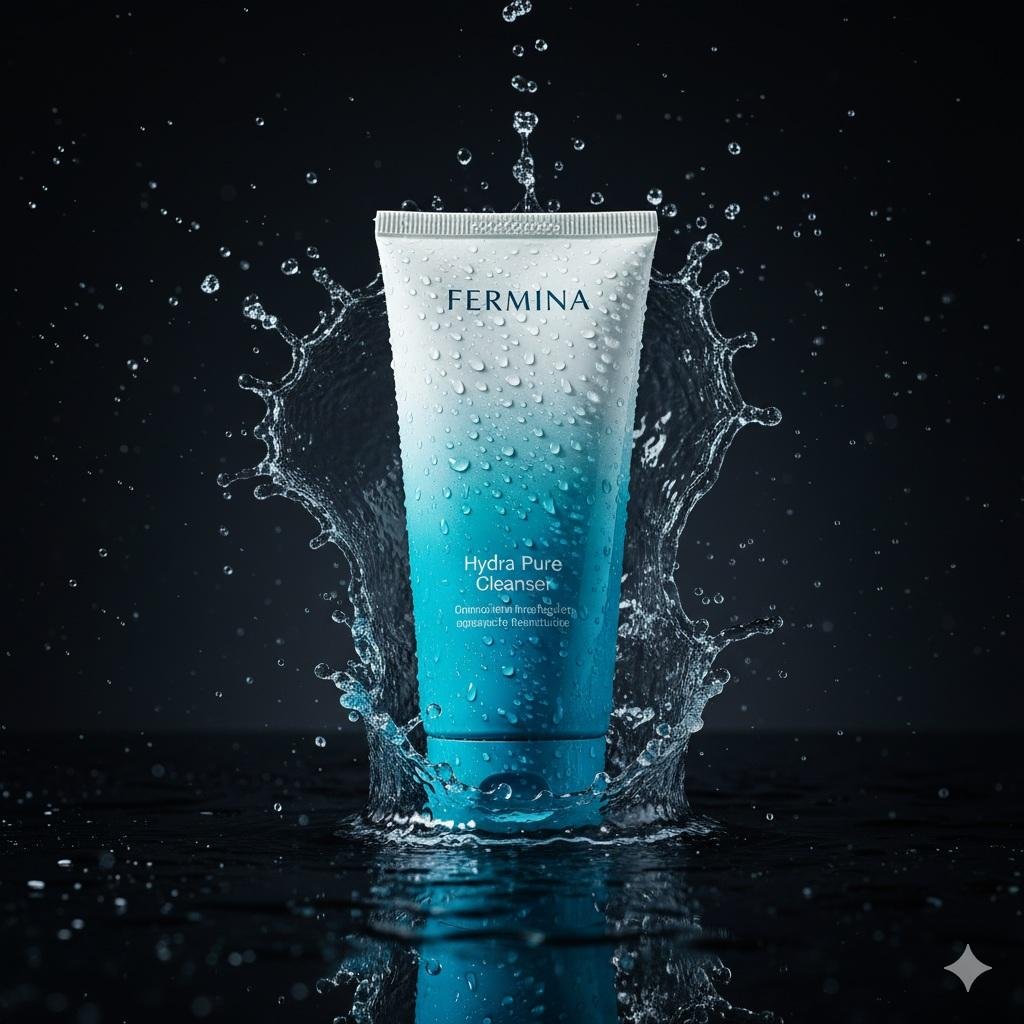
A skincare launch with water and glass
Three ad hooks for the same product
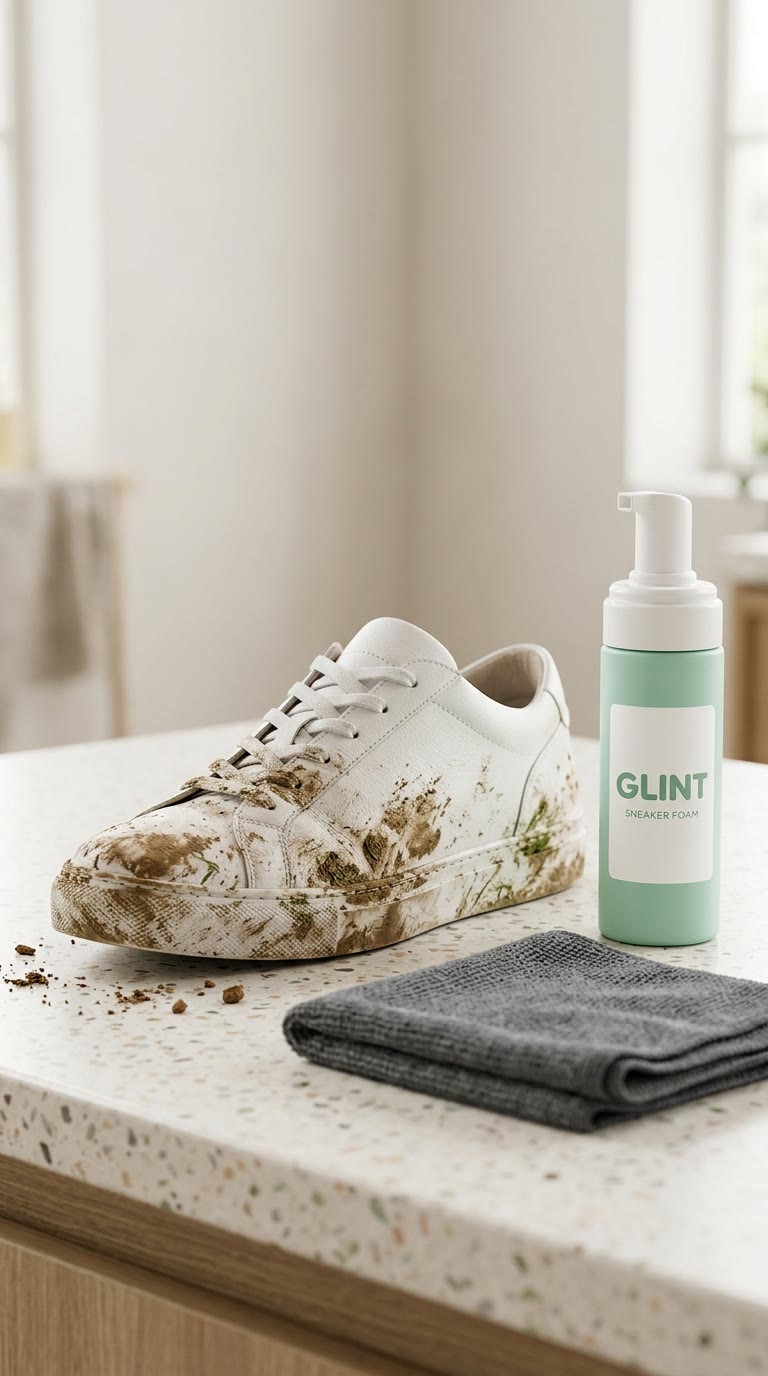
A consistent ecommerce image set
AND THEN?
Images
Create product photography, characters, posters and illustrations. Edit a photo, change its setting or try a completely different style.

Video
Cinematic scenes, animated photos and impossible worlds. Describe the shot, or start with an image and bring it to life.
Colors. Fonts. A point of view.
Workspace
Save your brand direction, reuse Characters and keep your media together. Pick up the same work from another connected assistant.
