Images
Product photos & ads
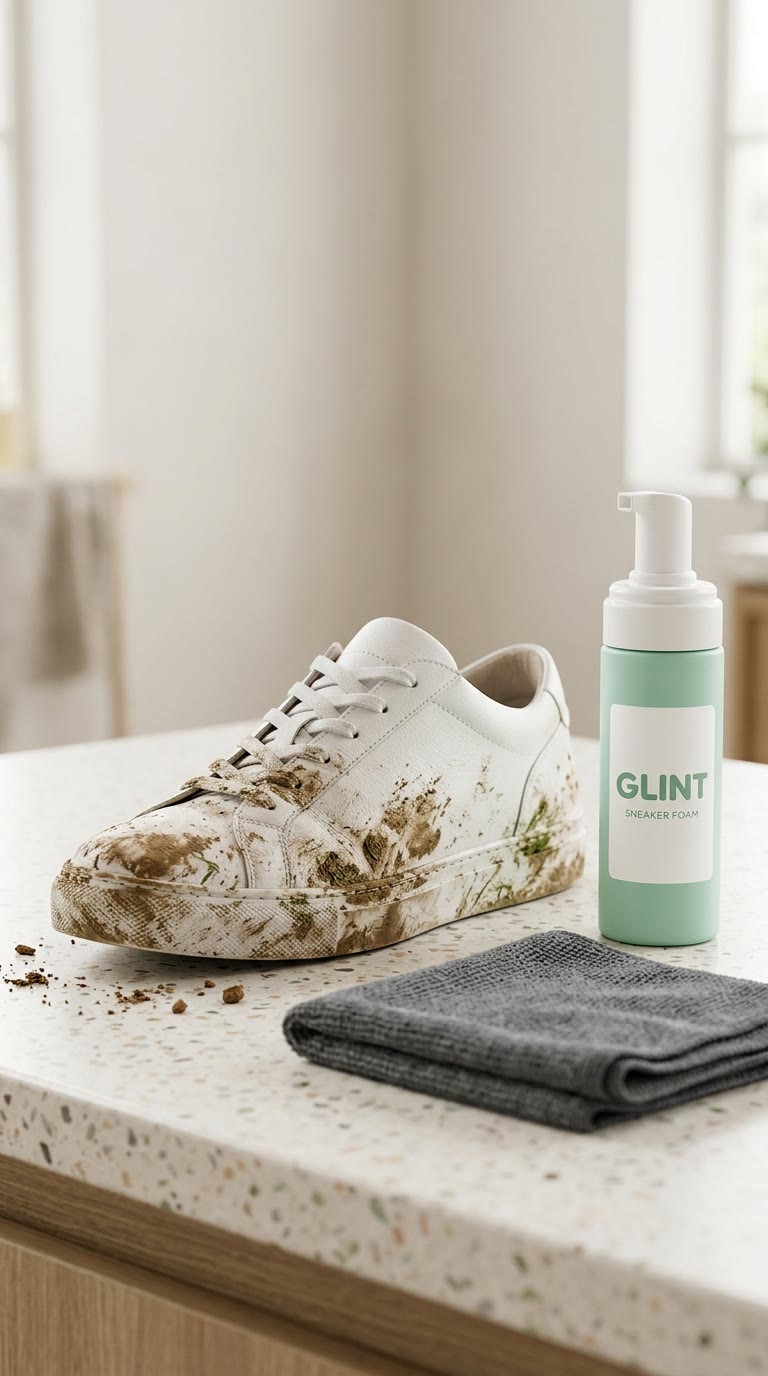
Turn your product photo into packshots, lifestyle scenes, launch visuals and a video ad. Give your camera roll a marketing department.
One clear product photo and your briefSee how
Images / THE PRACTICAL GUIDE
Create product photography, characters, posters and illustrations. Edit a photo, change its setting or try a completely different style.
Nano Banana 2 · Huma Ai
See the original example and walkthrough ↗A prompt, optionally with reference images
A new image or an edited version
FROM IDEA TO OUTPUT
Say what the image is for and choose its shape. For an edit, attach the original and explain what to change and what to preserve.
Let your assistant suggest a model. A stylized portrait, exact typography and a transparent cutout can need different approaches.
Ask for a new background, softer light or more space for a headline. Reuse the approved image in a video or campaign.
LESS STARING AT A BLANK CHAT
Copy this into your connected assistant. Change the details to fit your idea and attach the references it asks for.
Claude, ChatGPT, Codex or OpenClaw setup ↗“Use Creative Claw to turn my photo into a playful Y2K cartoon character. Keep the subject recognizable, with bold outlines, big expressive eyes and a teal-and-pink street scene. Start with one image and show me the credit cost before generating.”
Ask for the current cost before generating. In Codex or OpenClaw, copy the prompt into your connected chat.
THE TOOLBOX FOR THIS JOB
Your assistant can help you choose for your input, style and budget. Availability and supported settings vary. Current pricing
TAKE THE IDEA A LITTLE FURTHER
Your selfie as a cartoon character
A product photo with a new setting
A poster with your own headline
AND THEN?
Images
Turn your product photo into packshots, lifestyle scenes, launch visuals and a video ad. Give your camera roll a marketing department.
Video
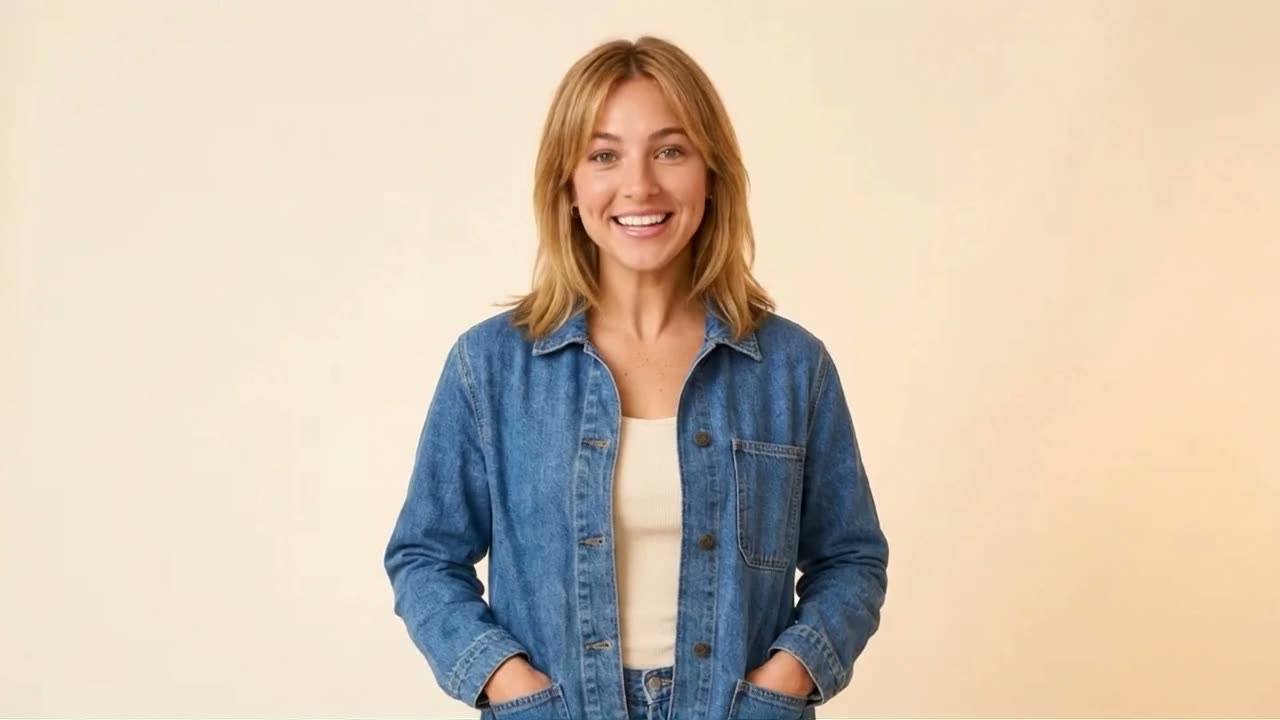
Create a reusable avatar from your photos, or invent a fictional Character. Add a voice, then make talking videos and new scenes.
Video
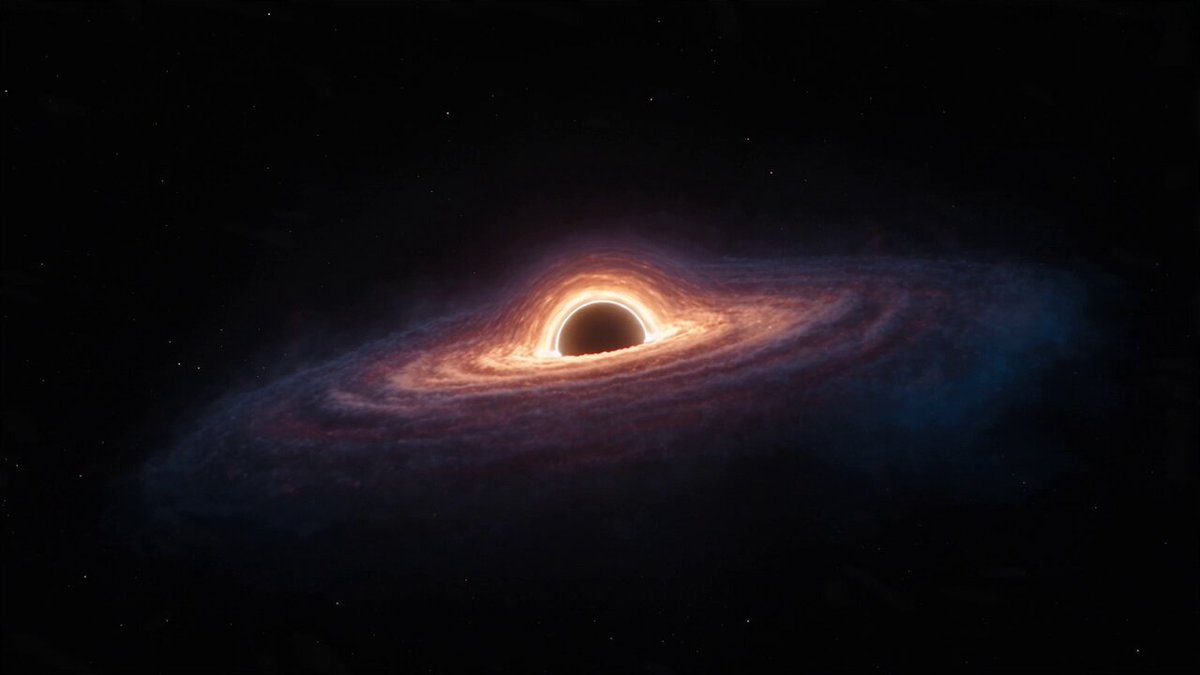
Cinematic scenes, animated photos and impossible worlds. Describe the shot, or start with an image and bring it to life.
