Video
Avatars & Characters
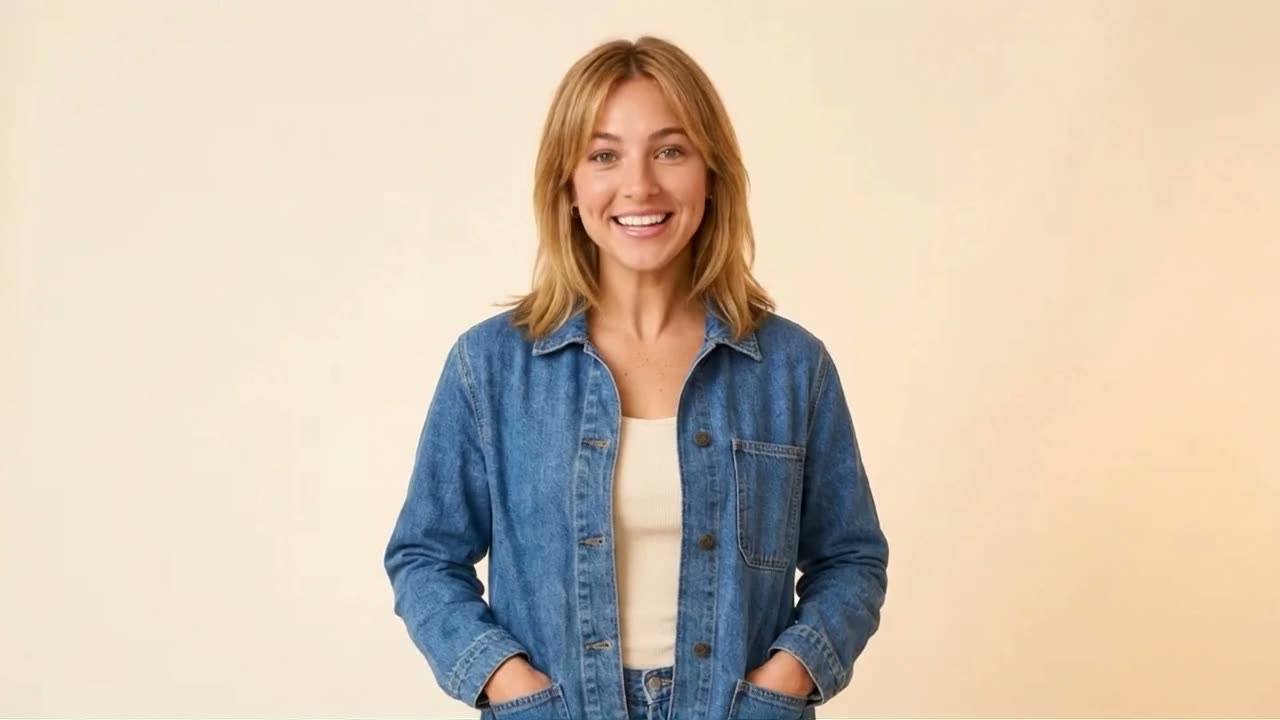
Create a reusable avatar from your photos, or invent a fictional Character. Add a voice, then make talking videos and new scenes.
Clear photos or a character descriptionSee how
Audio / THE PRACTICAL GUIDE
Browse the voice library, design a new voice or clone your own. Create narration, character dialogue and multilingual voiceovers.
Creative Claw walkthrough
See the original example and walkthrough ↗A script, a language and a voice direction
A generated voiceover or dialogue
FROM IDEA TO OUTPUT
Listen to the library in your language, describe an original synthetic voice, or upload a clean recording to clone your own voice.
Set the language, accent, pace and mood. Audition names and tricky words before generating your full script.
Review the read and request specific performance changes. Reuse a saved voice or attach it to a Character for narration and avatar videos.
LESS STARING AT A BLANK CHAT
Copy this into your connected assistant. Change the details to fit your idea and attach the references it asks for.
Claude, ChatGPT, Codex or OpenClaw setup ↗“Use Creative Claw to create a short voiceover: “Your next great idea starts with one small step.” Suggest three library voices for warm, natural English, let me hear the choices, then show the price before generating. If none fits, help me design a new voice.”
Ask for the current cost before generating. In Codex or OpenClaw, copy the prompt into your connected chat.
THE TOOLBOX FOR THIS JOB
Your assistant can help you choose for your input, style and budget. Availability and supported settings vary. Current pricing
TAKE THE IDEA A LITTLE FURTHER
The same ad in several languages
An audiobook character with an attitude
Your own voice narrating your videos
AND THEN?
Video
Create a reusable avatar from your photos, or invent a fictional Character. Add a voice, then make talking videos and new scenes.
Audio
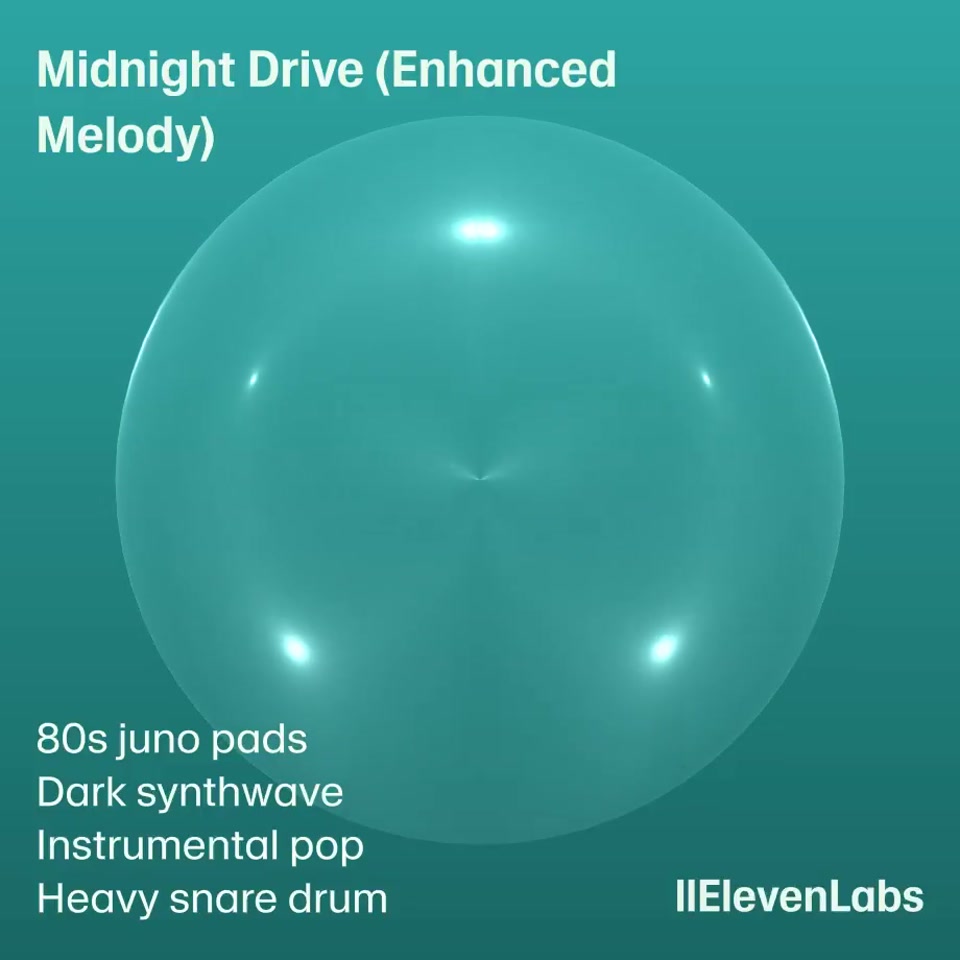
Create background music, full songs and sound effects. Give your video a score, your podcast a sting or your fictional world an atmosphere.
Video
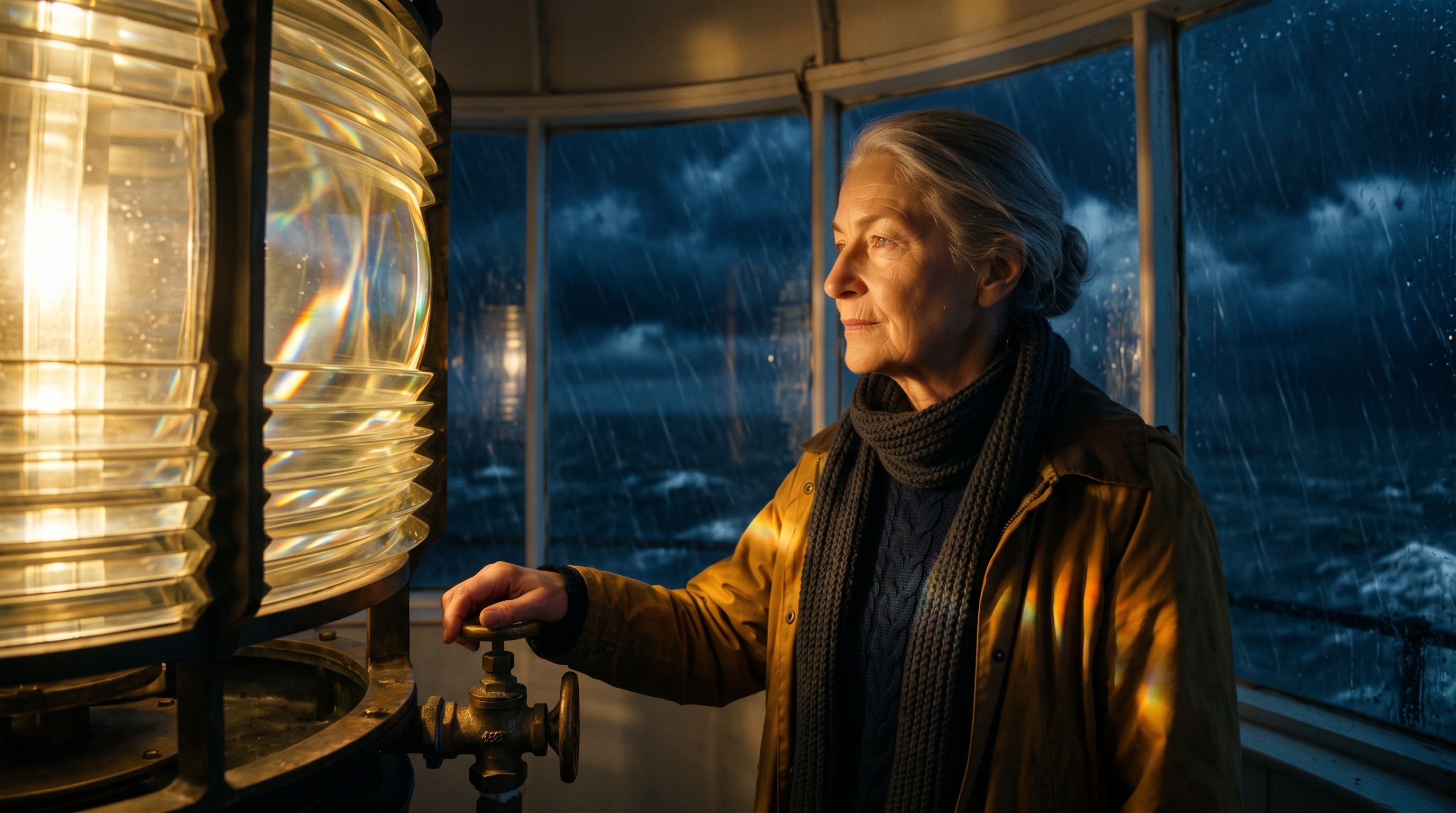
Plan a story, approve a storyboard and generate connected shots. Bring the scenes together with narration, music and a finished cut.
