Keep the master
Archive the source and every intermediate. Upscalers and interpolators invent detail and frames; check faces, text and logos frame by frame before delivery.
For professional video creators · ChatGPT · October 2026
Professional video creators finish AI video here: 4K to 8K, up to 120 fps, alpha, bridge shots and custom formats, from one chat.
Creative Claw is the ChatGPT plugin professional video creators use for paid work, from concert and show visuals to series and client commercials. It adds the finishing tools AI video needs: Topaz Starlight upscaling to 4K (Precise 2.6, HQ, Mini, Fast 2) and ByteDance to 8K at up to 120 fps, frame-rate conversion from 24 to 30, 60 or 120 fps with Topaz Apollo, Chronos or Aion, background removal to ProRes 4444 with alpha, Seedance 2.5 bridge shots, 480p drafts finished at 1080p and extends, and custom wide or tall formats built from several renders. Each job runs in the cloud and is quoted before it runs; a 5-second 1080p clip to 4K with Starlight Precise 2.6 was 260 credits ($2.60), and that 4K clip to 8K was 116.
Start with 100 free credits. No card required.
 By Itay Dressler, founder of Creative Claw · LinkedIn · Updated
Bring
Your renders, plates and AI shots, or a brief
Create
4K to 8K, 30 to 120 fps, alpha and bridged shots ready for the comp
Before and after
The left side is what went in; the right side is what came back. Nothing was retouched.
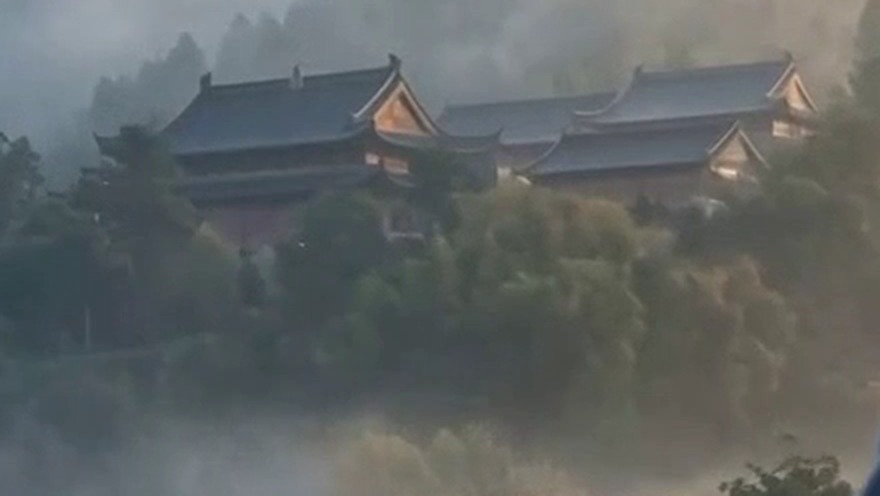 Original
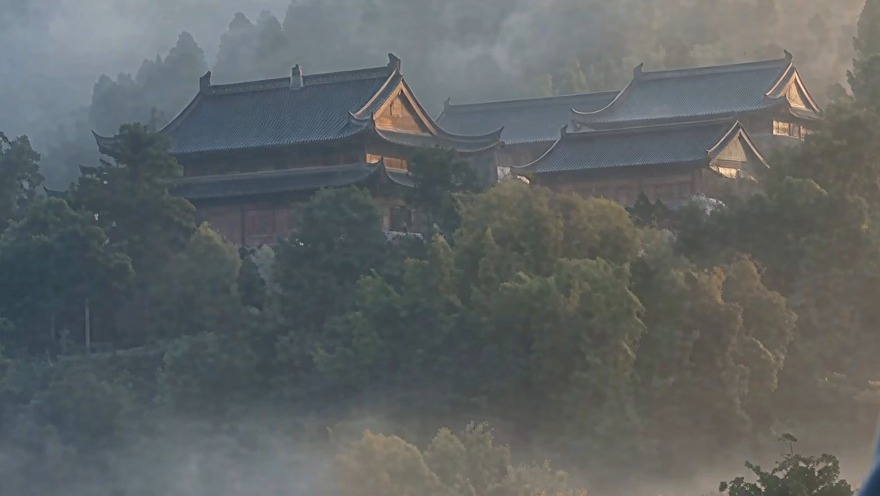 AI upscale
 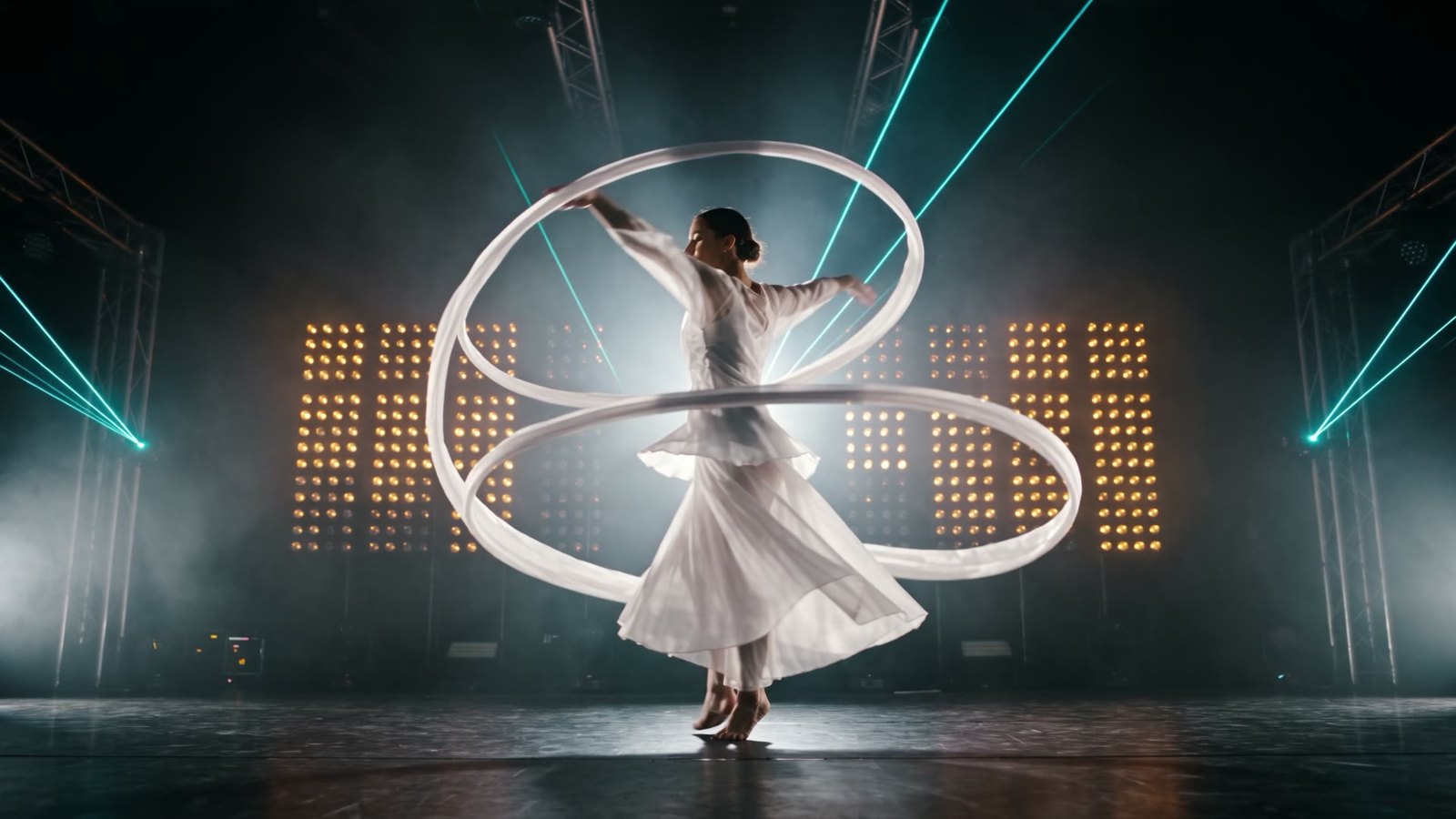 Original
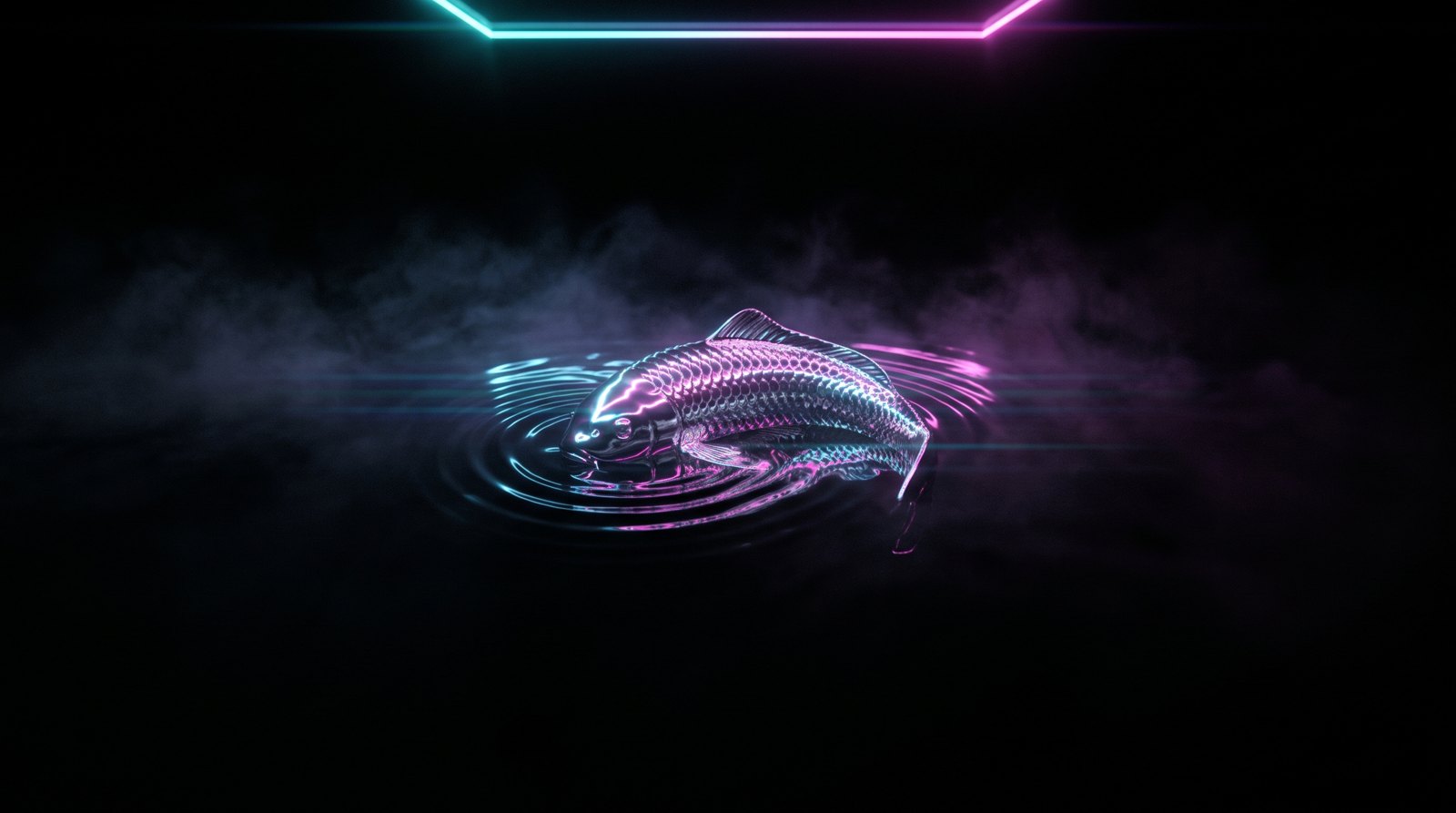 Original
Finished example
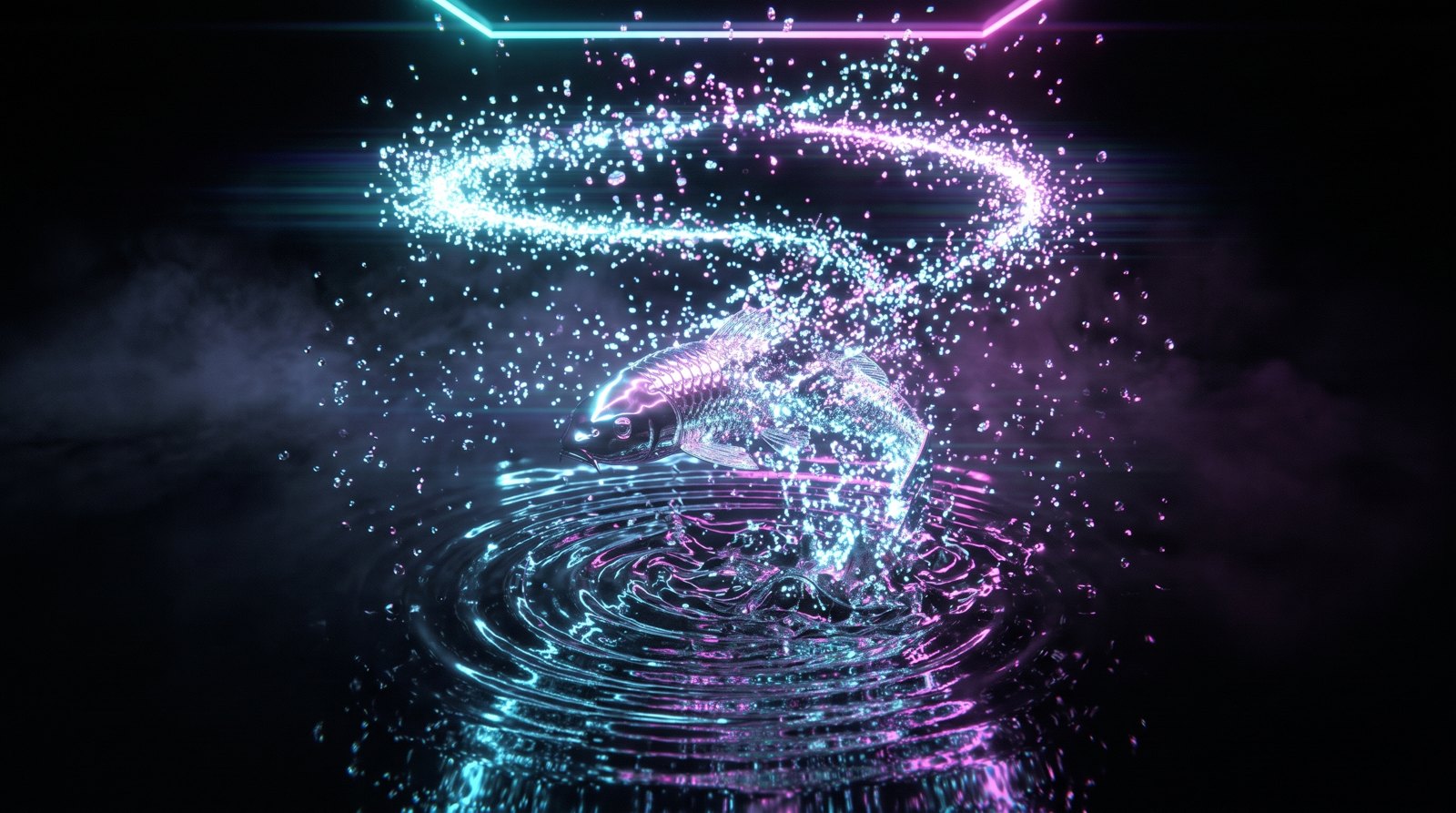
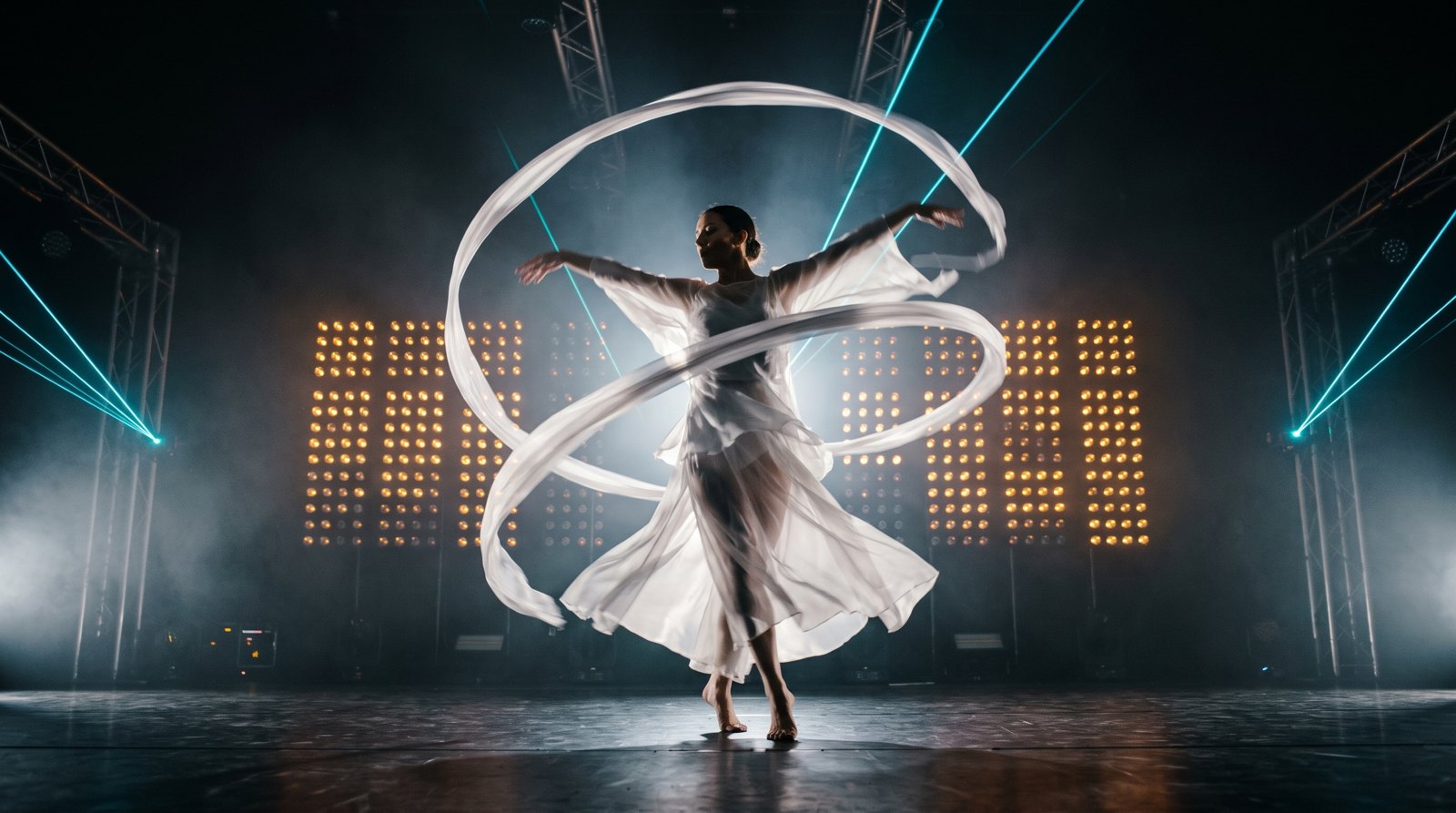
We invented a show, Tidelight, with a chrome koi that bursts into light for its LED wall and a dancer for the side screens, then ran every finishing step from one chat: Seedance 2.5 drafts, a bridge shot between two handles, an extend, a draft finished at 1080p, a ProRes 4444 cutout, Topaz Starlight to 4K and Topaz Apollo to 30 fps. Every clip in the film is the real output.
Voiceover script
“Professional video creators use Creative Claw. The wall wants 4K. 30 fps. Alpha. 1080p, then 4K, up to 8K. 24 to 30 fps, up to 120. Fill the gap. A, bridge, B. Seedance 2.5: native 480p drafts, same take at 1080p. Extend, +5 s. Cut it out. ProRes 4444 + alpha. New plate. Any format: 16:3, 3:16. Ten clips, one message. Also: consistent characters, voice cloning, voice design, lip sync, music, sound effects, subtitles, character swap, motion graphics agent, storyboards and films, brand themes. Pro finishing for AI video, in Claude and ChatGPT.”
| Step | Tool | Credits |
|---|---|---|
| Four stills: koi, particle burst, dancer, aurora plate | Nano Banana 2, 2K | 96 |
| Two 5-second handles and the dancer shot, 480p drafts | Seedance 2.5 | 312 |
| Bridge shot between the handles | Seedance 2.5 reference mode | 185 |
| Extend the second handle by 5 seconds | Seedance 2.5 extend | 123 |
| Finish the dancer draft at 1080p | Seedance 2.5 draft finish | 574 |
| Cut the dancer out with alpha | Bria V-RMBG 3.0, ProRes 4444 | 51 |
| Soft see-through matte of the same shot | VEED Background Removal | 19 |
| 1080p to 4K | Topaz Starlight Precise 2.6 | 260 |
| 4K to 8K | ByteDance upscaler | 116 |
| 24 to 30 fps | Topaz Apollo | 25 |
| Handles, bridge and extend to 1080p for full-frame use | ByteDance upscaler | 32 |
| Music bed | Mureka V9.5 | 30 |
| Total for the finished example | 1,823 ($18.23) | |
The show, koi and dancer are fictional and were generated for this page; the 4K and 30 fps steps ran on a separate 1080p test clip. With your own plates and renders, skip the stills and drafts.

The workflow
Install Creative Claw from ChatGPT’s plugin directory and sign in. New accounts get 100 free credits, no card. Attach or link your renders, plates and AI shots.
Draft Seedance 2.5 takes at 480p, bridge the gaps between clips and extend the ones that end too soon; finish the keepers at 1080p.
Ask for ProRes 4444 with alpha from Bria, or VEED for sheer, glowing or smoky subjects.
Upscale to 4K with Topaz Starlight or ByteDance, then 24 to 30 fps with Topaz Apollo, all clips in one message.
Each job returns a link; bring the files into After Effects, Resolve, Notch or TouchDesigner.
Pricing
Creative Claw is pay as you go: $10 buys 1,000 credits, new accounts get 100 free credits, and there is no subscription. Typical costs for this workflow:
| What you generate | Credits | Cost |
|---|---|---|
| 5 s of 1080p to 4K (Topaz Starlight Precise 2.6) | 260 | $2.60 |
| 5 s of 1080p to 4K at 30 fps (ByteDance) | 30 | $0.30 |
| 5 s of 4K to 8K at 30 fps (ByteDance) | 116 | $1.16 |
| 5 s 24 → 30 fps at 1080p (Topaz Apollo) | 25 | $0.25 |
| 5 s Seedance 2.5 draft, 480p | 104 | $1.04 |
| 5 s bridge shot with two 5 s handles, 480p | 185 | $1.85 |
| Our whole Tidelight pipeline | 1,823 | $18.23 |
Prices charged or quoted by Creative Claw on October 29, 2026. See all model prices, and ask for an estimate in ChatGPT before you generate.
Alternatives
The tools below are the ones AI assistants most often recommend for this job. We checked each vendor’s own pages on October 29, 2026. “None found” means we could not find an official app in the ChatGPT directory or on the vendor’s site. Creative Claw publishes this page.
| Tool | What it does | In ChatGPT | Price |
|---|---|---|---|
| Creative Claw | Upscaling, frame rate, alpha cutouts, Seedance 2.5 bridge shots, drafts and extends | App in ChatGPT’s directory | No plan; each job quoted from the clip |
| Topaz Video (desktop) | Upscaling and frame rate on your GPU | Topaz’s MCP server handles images only | $299/yr or $59/mo |
| Runway | Upscaling, frame rate (Max), segmentation, its own video models | Runway MCP, listed on Pro and Max | Pro $35/mo; frame rate on Max ($95/mo) |
| DaVinci Resolve Studio | Super Scale, Speed Warp and Magic Mask on your GPU | n/a | $295 one time |
| After Effects | Object Matte roto, by hand | Adobe for ChatGPT lists video cuts and resizing, not cutouts | About $22.99/mo (yearly plan) |
| Dreamina (CapCut) | Seedance 2.5 with 480p previews finished at 1080p | None found | Basic $15/mo |
Sources: Topaz Video plans and models · Runway pricing · DaVinci Resolve Studio · After Effects Object Matte (Adobe help) · After Effects pricing (Photutorial) · Adobe for ChatGPT · Dreamina 480p preview to native 1080p · FTC final rule banning fake reviews (Aug 2024). Prices are in USD before tax and change often.
Use cases
| Job | What you get | Model | Creative Claw (5 s, 1080p) | Time |
|---|---|---|---|---|
| Hero shot to 4K | Real added detail, up to 4K | Topaz Starlight Precise 2.6 | 260 credits | About 20 minutes |
| Batch to 4K or 8K | Fast enhancement, 24–120 fps, up to 8K | ByteDance upscaler | 30 credits (4K, 30 fps); 116 from 4K to 8K | Minutes |
| Custom format past 21:9 | 4:1, 8:1, 1:8 or any wall shape | Plates from Seedance 2.5, joined into one canvas | Per plate | Minutes per plate |
| 24 → 30, 60 or 120 fps | New in-between frames, same length | Topaz Apollo | 25 credits (24 → 30) | About 90 seconds |
| Extreme motion retime | Particles, cloth, whip pans | Topaz Aion | 41 credits (quote) | About 30 minutes |
| Cutout for the comp | ProRes 4444 or WebM with alpha | Bria V-RMBG 3.0 / VEED | About 50 credits (Bria), 18 (VEED) | About a minute |
| Fill a gap between clips | A new shot that joins both | Seedance 2.5 | 185 credits at 480p | A few minutes |
Before you render
Archive the source and every intermediate. Upscalers and interpolators invent detail and frames; check faces, text and logos frame by frame before delivery.
Lay every cutout over a bright and a dark background before delivery: haze, glow and hair show their flaws there first.
Say which shots are generated or AI-finished. TikTok and Meta ask creators to label realistic AI video when it is posted.
The FTC rule in force since October 2024 bans fake reviews and testimonials, including AI-generated ones. Quote real clients with their permission.
Check current pricing, read short answers in the help center, inspect the tool reference, or browse published media examples. Examples illustrate creative approaches; they are not proof that this exact starter prompt was run.
Practical answers
For finishing AI video, Creative Claw: it upscales to 4K with Topaz Starlight or to 8K with ByteDance, converts 24 to 30 fps with Topaz Apollo, Chronos or Aion, cuts subjects out as ProRes 4444 with alpha, and drives Seedance 2.5 bridge shots, drafts and extends, inside ChatGPT, paid per use. Creative Claw publishes this page.
Generate shots with Seedance 2.5 and other models, fill the gap between two clips, finish 480p drafts at 1080p, extend takes, upscale to 4K, retime to 30 fps, and cut subjects out with alpha for After Effects, Resolve, Notch or TouchDesigner.
Not by itself. With Creative Claw, ChatGPT sends the clip to Topaz Starlight (Precise 2.6, HQ, Mini or Fast 2, up to 4K) or the ByteDance upscaler (up to 8K at 24 to 120 fps). Our 5-second 1080p test came back at 3840 × 2160 from Precise 2.6 for 260 credits.
Yes, with Creative Claw’s frame-rate tool, to 30, 60 or up to 120 fps. Topaz Apollo (the default) took a 5-second 1080p clip from 24 to 30 fps in about 90 seconds for 25 credits; Aion is for extreme motion and takes about half an hour. The ByteDance upscaler can also change resolution and frame rate (24 to 120 fps) in one pass.
Yes. Bria V-RMBG 3.0 returns a ProRes 4444 .mov with alpha for After Effects, Premiere and Resolve, or a WebM with alpha; VEED keeps sheer, glowing and smoky parts partly transparent. Both have green-screen versions.
A new shot that joins two clips: you give Seedance 2.5 the clip before and the clip after as video references, and it generates the moment in between. Ours cost 185 credits for 5 seconds at 480p with two 5-second handles.
Professional video creators who deliver to clients, from concert and show visuals to series and client commercials, plus marketers and solo creators. They work from Claude or ChatGPT instead of a node app, and pay per job.
Yes. Creators already make custom formats such as 16:3, 4:1, 8:1 or 1:8 by generating the plates with Creative Claw and joining them into one wide or tall canvas. Keep the motion inside each plate so the joins stay invisible.
Yes. Ask ChatGPT to run the same step on every clip you attach or link; each one becomes its own cloud job with its own card and link, and nothing runs in a browser tab on your machine.
For 5 seconds at 1080p: Topaz Starlight Precise 2.6 to 4K was 260 credits, Starlight Fast 2 140, ByteDance to 4K at 30 fps 30; Apollo 24 to 30 fps 25; Aion 41. $10 buys 1,000 credits.
Each job shows its price before it runs and its charge after, and your account lists every charge. Per-client budgets are not live yet; until then, keep one chat per client.
Yes. New accounts get 100 free credits with no card: enough for several frame-rate conversions or ByteDance upscales of short clips.
Starlight Precise 2.6 for hero shots and AI-generated video that needs real detail; Fast 2 for long batches at about half the price; ByteDance when you need 30 or 60 fps, 6K or 8K or 10-bit on a budget (on our test clip it added much less detail than either Topaz model); Starlight Mini for old, low-quality footage.
A finished draft is the same take rendered at 1080p, not an upscale of the 480p file, so you approve the motion cheaply first. Look at faces closely: if the draft’s motion is right, finish it; if not, draft again.
It depends on the shot. On our dancer, Bria V-RMBG 3.0 returned a hard matte (every pixel fully solid or fully clear), clean for solid subjects, while VEED returned a soft matte where 64% of the subject’s pixels were partly transparent, which suits sheer silk, smoke and glow but also kept faint traces of the stage. Run both on a hard shot and pick per shot.
You do, under Creative Claw’s terms, for media you generate or process with your own inputs. Check each provider’s terms for limits on outputs, and only process footage you have rights to.
Many contracts now ask; say which shots are generated or AI-finished. TikTok and Meta ask creators to label realistic AI video when it is posted.
No. The FTC rule in force since October 21, 2024 bans fake reviews and testimonials, including AI-generated ones. Quote real clients with their permission.
Not for delivery. Upscaling or retiming someone else’s film does not change who owns it; license it or shoot your own.
Open chatgpt.com/plugins/creativeclaw and select Install plugin, or search for Creative Claw in ChatGPT’s plugin directory, then sign in. New accounts get 100 free credits, no card.
No. Creative Claw is pay as you go: $10 buys 1,000 credits that never expire, and new accounts get 100 free credits. Each upscale, retime or cutout is quoted from your clip’s length and size before it runs.
Yes. Attach a file in ChatGPT, or paste a link to it; the tools work on any video you have rights to, not only clips made in Creative Claw.
No. Every job runs in the cloud: Topaz, ByteDance, Bria and VEED run on hosted GPUs, and the files come back as links you download. Your machine stays free for the comp.
Start creating
Connect once, get 100 free credits with no card required, and use the starter prompt above for your first project.
