The basics
What is the best ChatGPT plugin for real estate agents?
For listing media, Creative Claw: it stages rooms, fixes listing photos, turns them into house-tour clips and reels, and films a talking agent intro inside ChatGPT, with labels on every edit and pay-per-use credits. The staging and listing-video tools we checked (Virtual Staging AI, Collov, AutoReel, BoxBrownie, Fotello) have no ChatGPT app. Creative Claw publishes this page.
What can a real estate agent make with ChatGPT and Creative Claw?
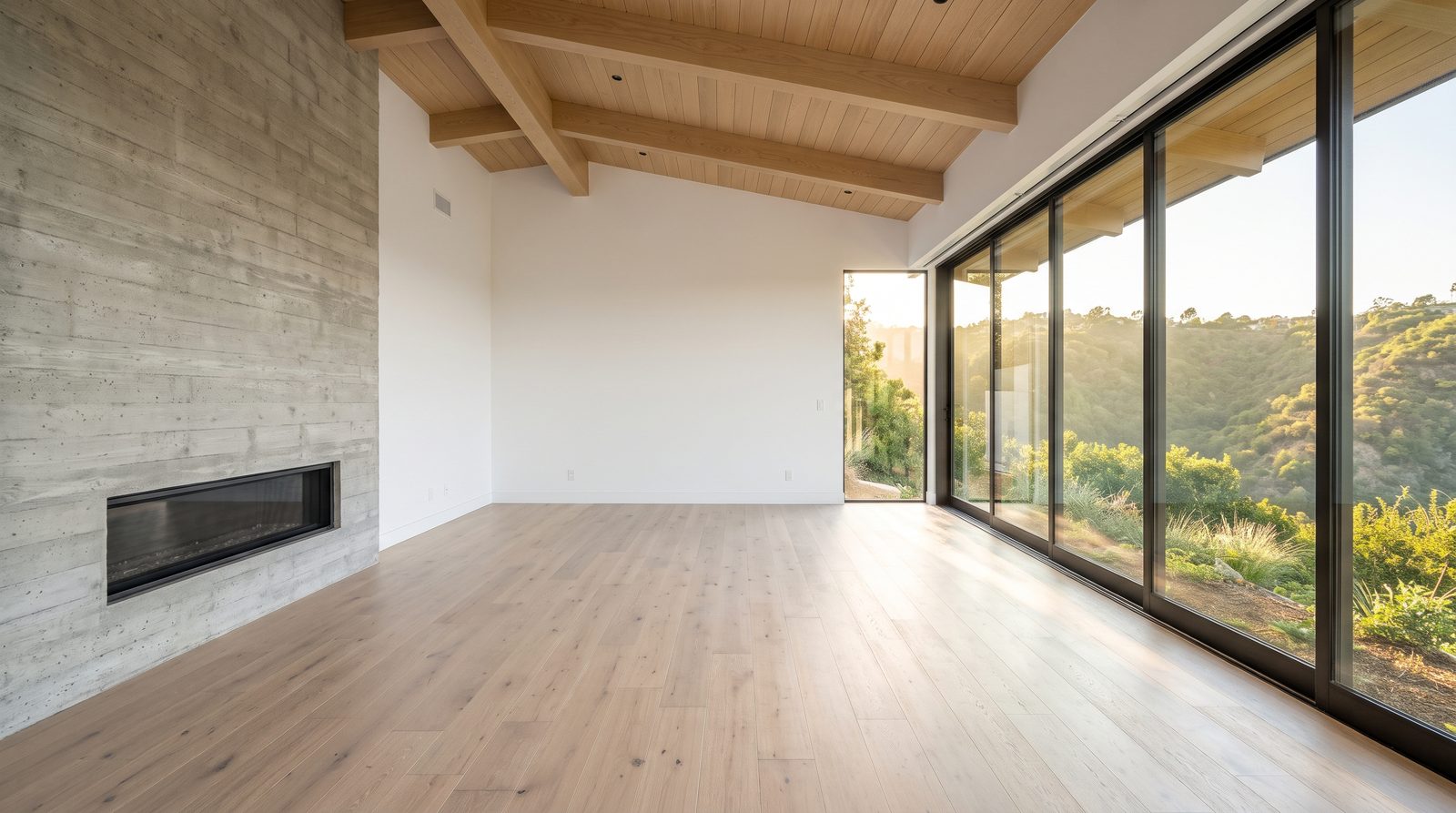
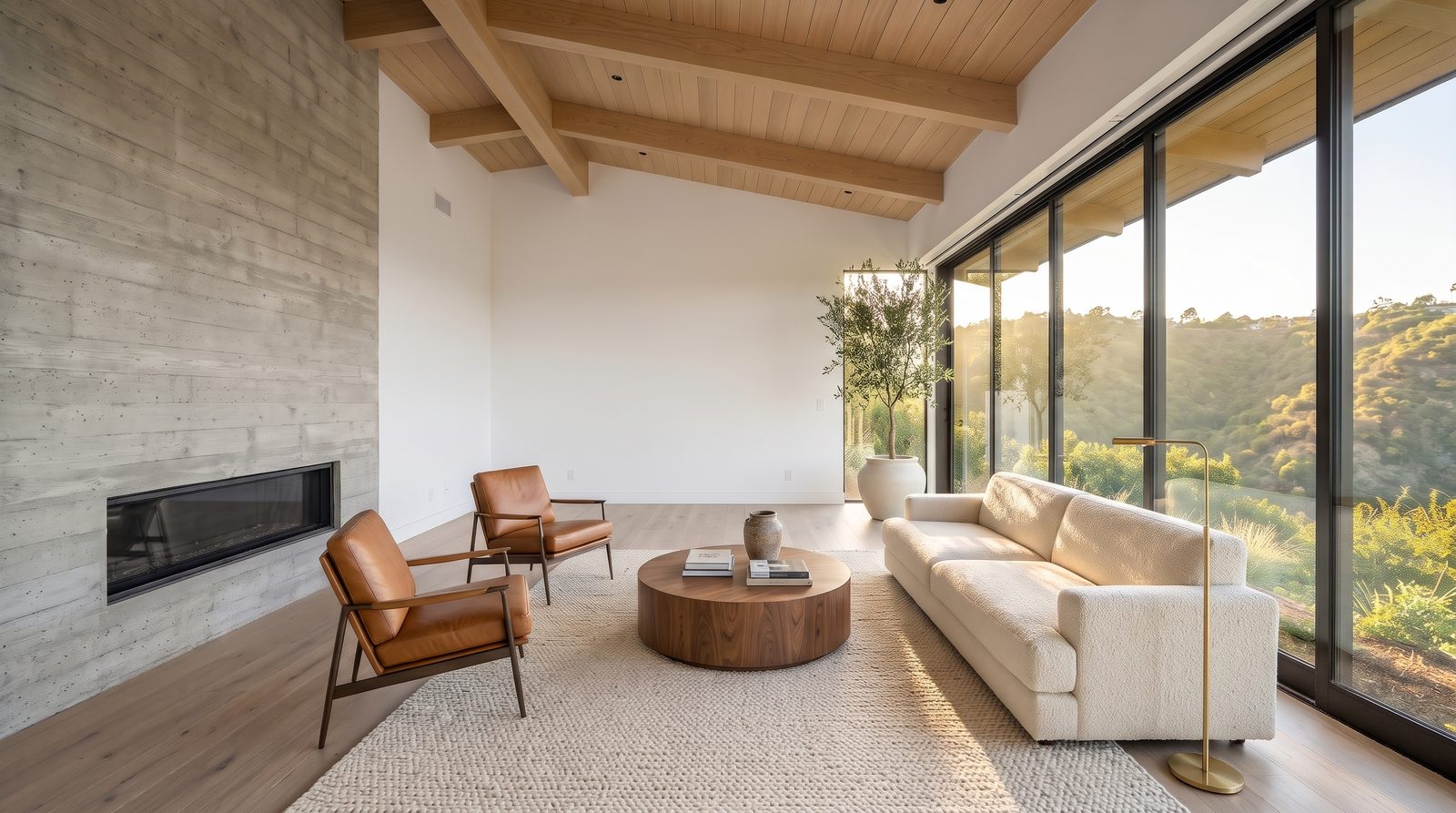
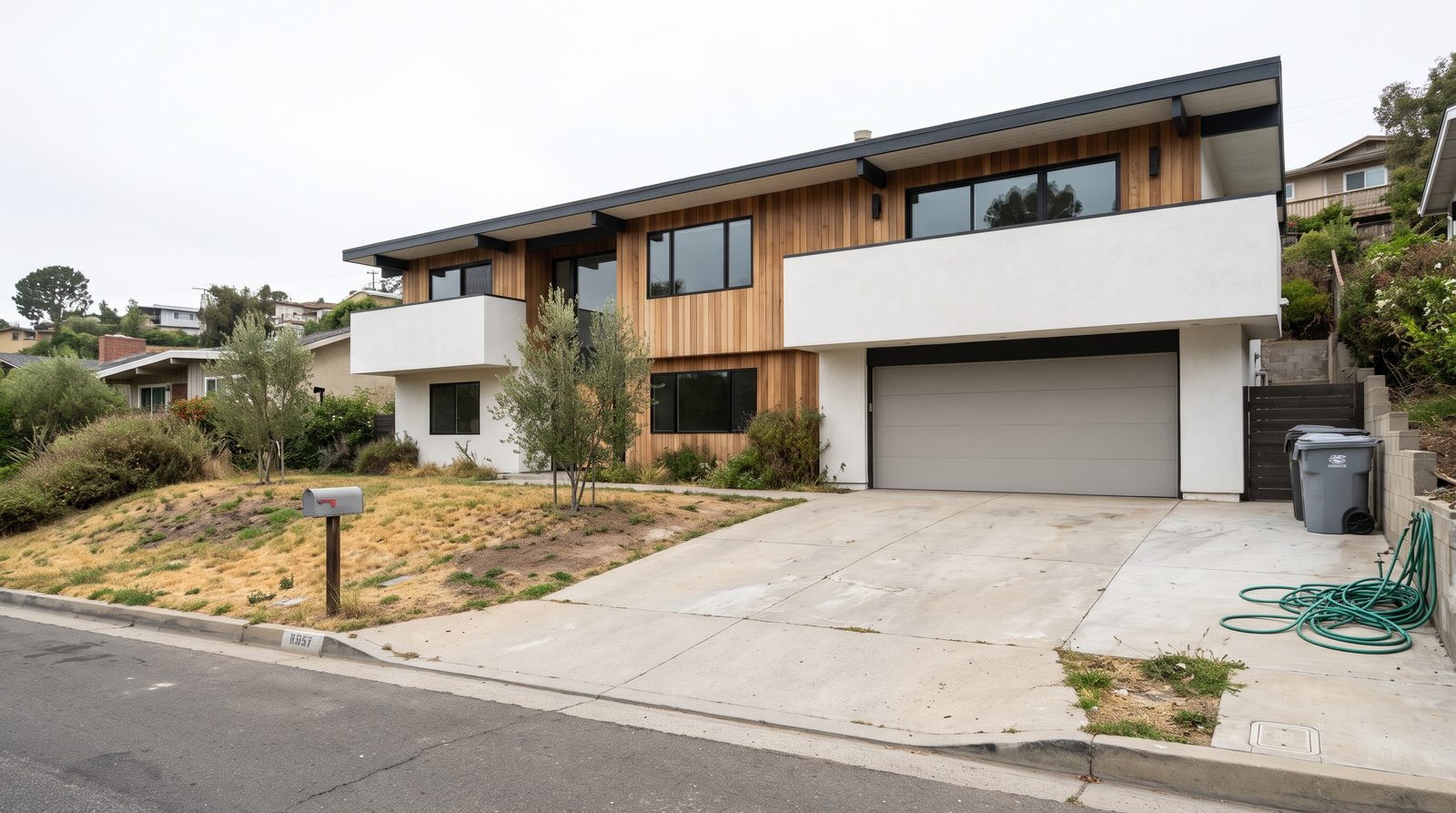
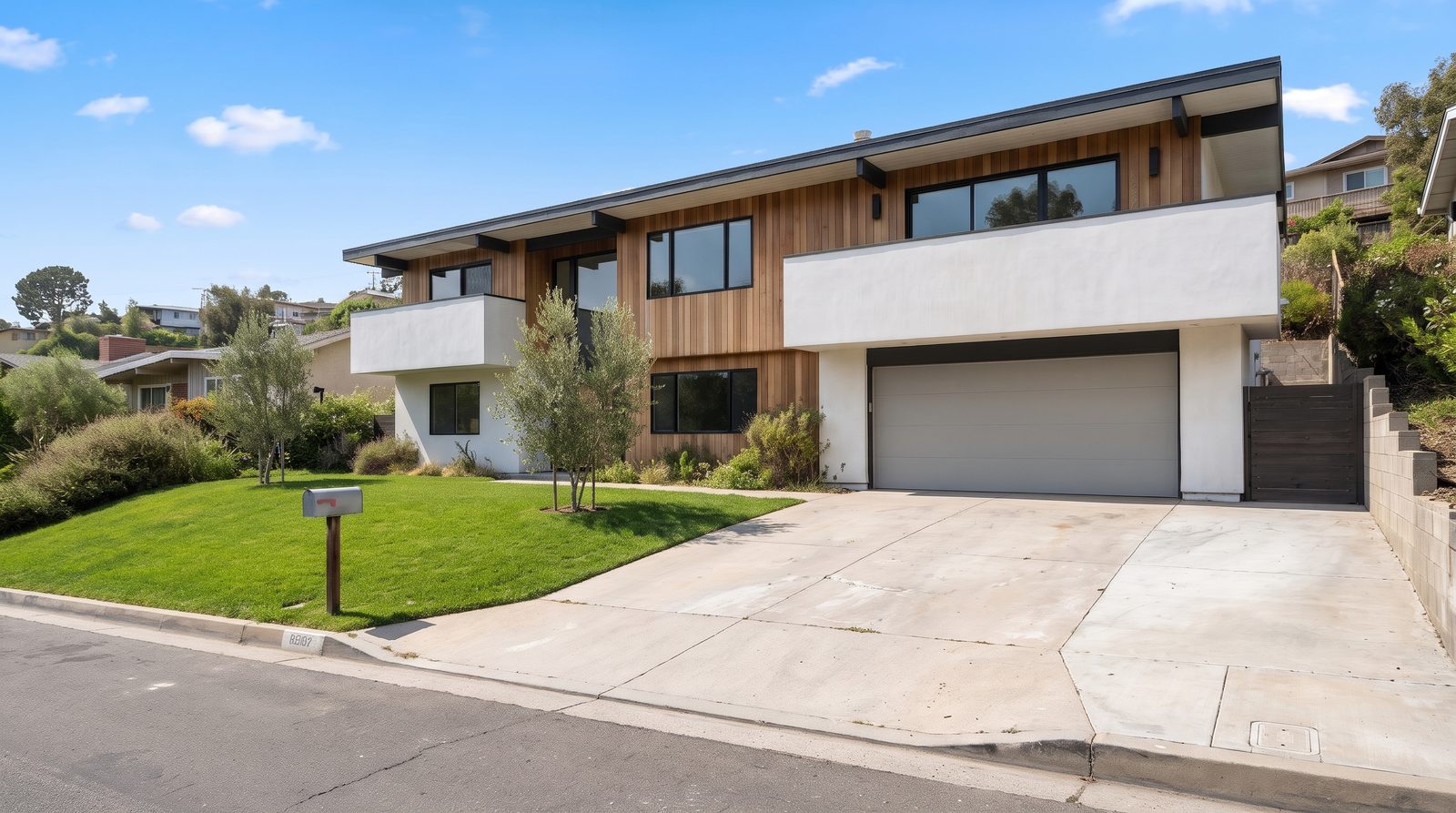
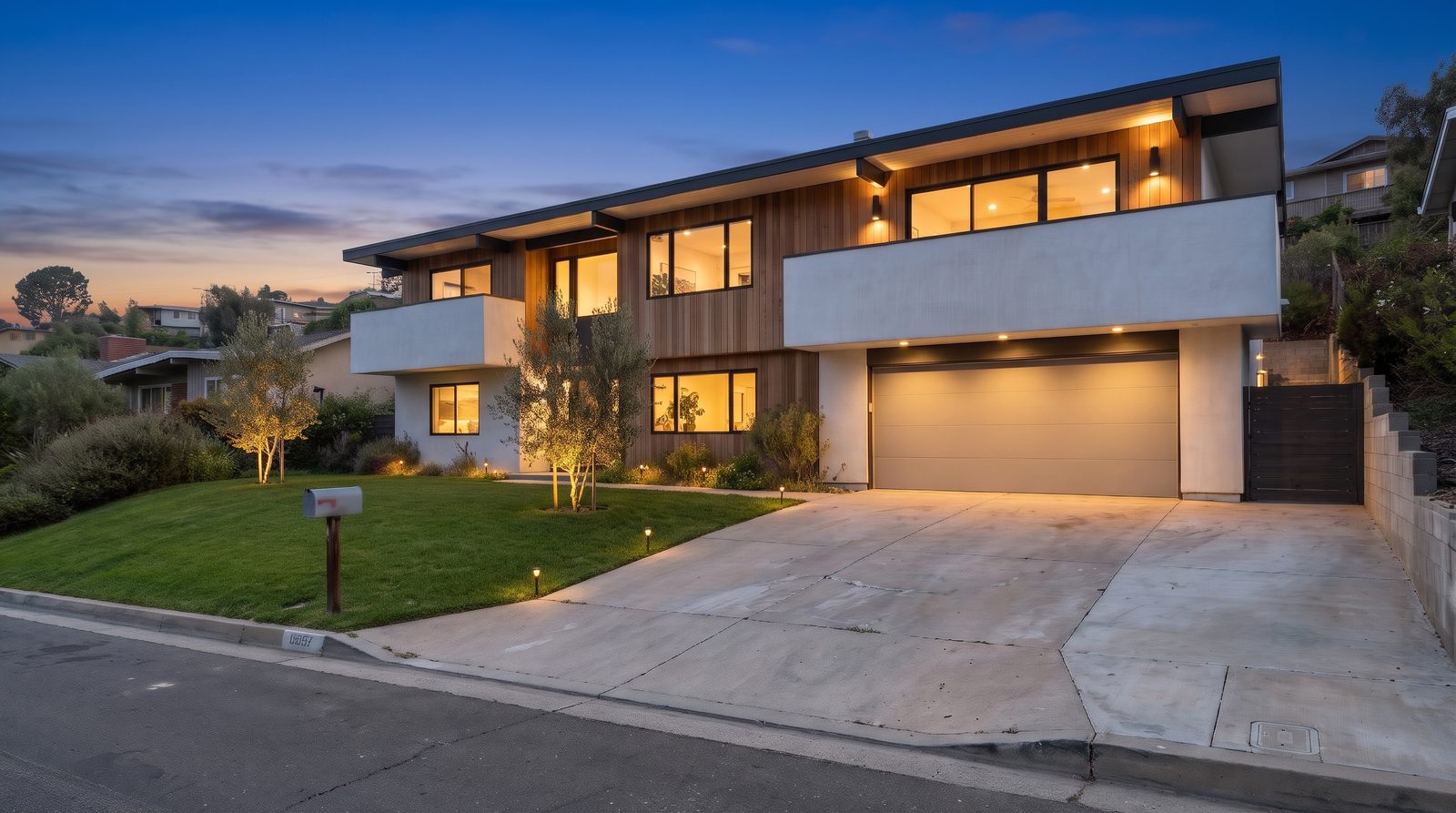
Virtually staged rooms; twilight, sky, lawn and declutter edits; a 6-second camera move on each photo; a listing reel with music, captions and a price card in 16:9 and 9:16; a talking agent intro filmed in the listing; voiceovers in your cloned voice; and just-listed posts.
Can ChatGPT virtually stage a listing photo?
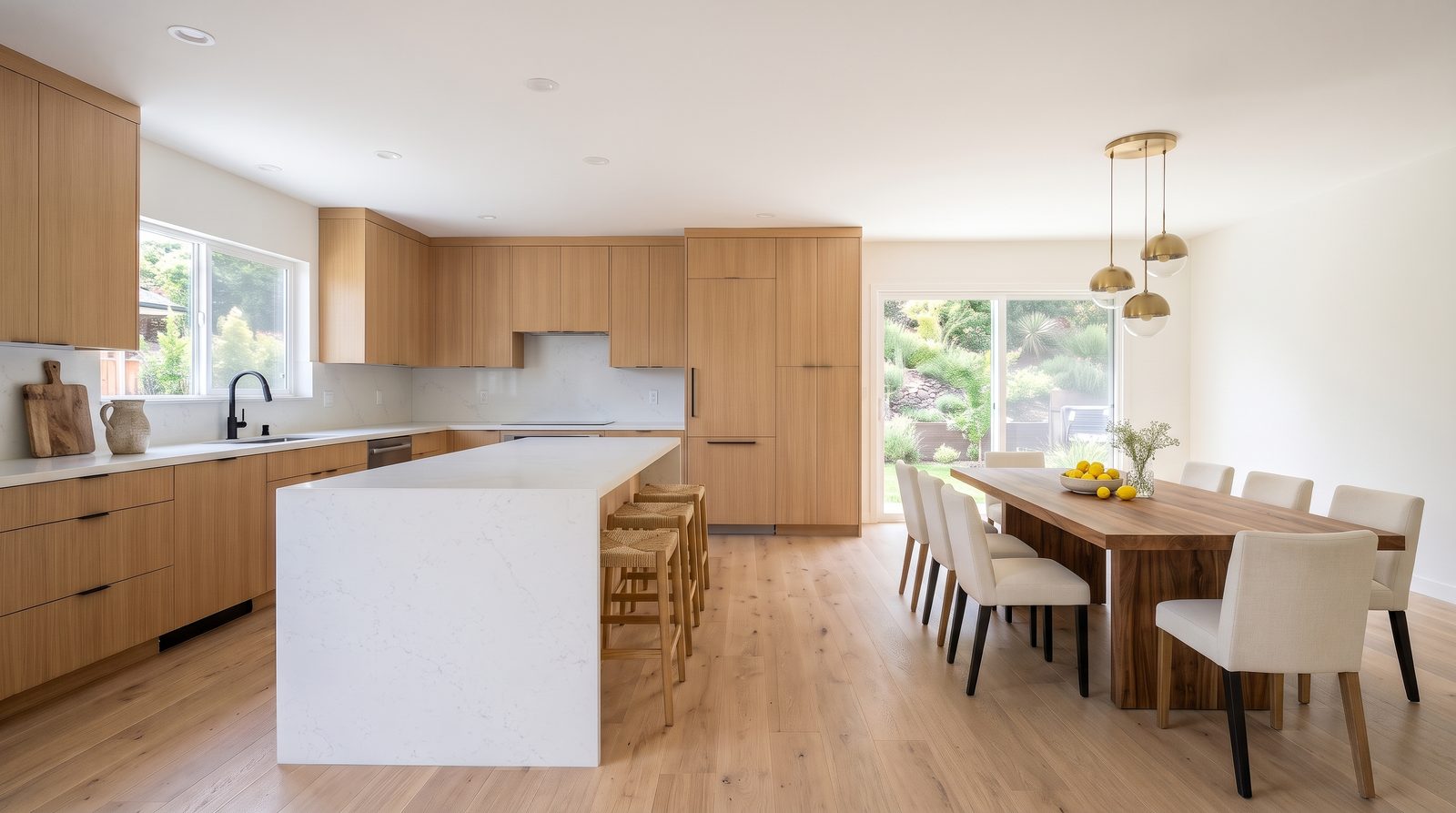
Yes, with Creative Claw: Nano Banana 2 stages a room for 24 credits, keeps the architecture as photographed, and returns the original and the staged version side by side with a “Virtually staged” label.
Can ChatGPT make a listing video from photos?
Yes. Creative Claw animates each listing photo with a camera-only move and cuts the clips into a reel with music, titles and a price card. It is simulated motion from your photos, so say so in the video.
Can my own face and voice be in the video?
Yes. Attach your headshot and Creative Claw places you in a room of the listing and makes you speak, or clones your voice from a short recording with your consent and reuses it on every listing.
Can it write the listing description too?
ChatGPT writes the description, and Creative Claw makes the media from the same facts in the same conversation. Ask ChatGPT to check the copy against fair housing rules.
Cost
How much does a full listing kit cost?
In our example, four staged rooms, two exterior edits, five 6-second tour clips at 1080p, an 8-second agent intro, music and the finished reel came to about 1,000 credits ($10). Using FLUX 3 Max for every clip brings it to about 810 credits ($8.10), and without the agent intro about 630. There is no subscription.
Can I try it for free?
Yes. New accounts get 100 free credits with no card, enough to stage four rooms at 2K.
Is it cheaper than a staging or listing-video subscription?
For an agent with a few listings a month, usually: Virtual Staging AI costs $16 to $79 a month and AutoReel $59 a month for three videos, while Creative Claw charges per listing. A photographer editing dozens of photos a day will find dedicated batch tools cheaper per photo.
Quality
Will the AI change the house?
It can, which is why every prompt here says to change furniture and décor only. In our test Nano Banana 2 and Seedream kept the rooms intact; one video model invented a second window wall. Compare each result with the original before you post it.
Which AI models does it use for real estate?
Nano Banana 2 for staging and photo edits; FLUX 3 Max and Gemini Omni Flash for tour clips; Seedance 2.5 when you want the most faithful motion; Gemini Omni Flash or HeyGen Avatar 4 for talking agents; Lyria 3.5 for music. You can name any model in the request.
Does it make vertical videos for Reels and TikTok?
Yes. Ask for 9:16 and 16:9 versions of the same reel; the example on this page has both.
Rules and disclosure
Do I have to label AI-edited listing photos?
Often, yes. California has required a disclosure on or next to digitally altered listing images, plus access to the original, since January 1, 2026; MLSs such as Metro MLS fine unlabeled edits, and Wisconsin’s rule from 2027 also covers AI video. Rules differ by MLS and country, so check yours. This is not legal advice.
What can I change in a listing photo, and what not?
With a label: furniture, décor, temporary items such as bins and boxes, the sky and the light. Never: walls, floors, windows, doors, fixtures, the view, the room’s size, its condition or damage, power lines or neighboring buildings. NorthstarMLS’s proposed rules draw the same line.
Do I need to keep the original photo?
Yes. California requires a link or QR code to the original; Metro MLS wants the original uploaded right before the altered one, and NorthstarMLS proposes a “before” photo for each staged room. Creative Claw returns the original next to every edit.
Does fair housing apply to AI-written listing copy?
Yes. Describe the home, not who should live in it: avoid phrases such as “perfect for families” or “ideal for young professionals”. Ask the assistant to check captions and descriptions before you post.
Can I put an AI listing video on the MLS?
Many MLS virtual-tour fields accept only unbranded video. Export a version without your name, phone or logo for the MLS, add “AI-generated video from listing photos. No drone footage was captured.”, and keep a branded cut for social media.
Setup and pricing
How do I add Creative Claw to ChatGPT?
Open chatgpt.com/plugins/creativeclaw and select Install plugin, or search for Creative Claw in ChatGPT’s plugin directory, then sign in. New accounts get 100 free credits, no card.
Do I need a subscription?
No. Creative Claw is pay as you go: $10 buys 1,000 credits that never expire, and new accounts get 100 free credits. You pay for what each listing uses.
Do the same credits work in ChatGPT and Claude?
Yes. One Creative Claw account and balance work in ChatGPT, Claude, Claude Code and Codex.
Does Creative Claw post to the MLS, Zillow or social media?
No. It makes the files; you upload them to the MLS, the portals or your social accounts.