Edits drift a little
Small text and logos are where edits drift first. Zoom in on the label before you approve.
Claude questions · October 2026
It can crop and convert with code. Changing what is in the picture needs an image model.
Partly. Claude can look at an image and, with code execution on, crop, resize, rotate or convert it, because those are scripts, not drawing. It cannot repaint what is in the picture: put a product in a new scene, change the light, swap a background or fix the text. For that, add an image plugin. With Creative Claw in Claude, you attach the photo and say what to change, and Nano Banana 2.1, GPT Image 2.5 or FLUX Kontext edits it while keeping the rest, from 16 credits ($0.16) an edit; removing a background is 2 credits.
Listed in Claude’s plugin directory: add the plugin, connect on its Connectors tab and sign in. 100 free credits, no card.
 By Itay Dressler, founder of Creative Claw · LinkedIn · Updated
Bring
A photo and the change you want
Create
The edited image, with everything else kept
Made with Creative Claw
Finished example
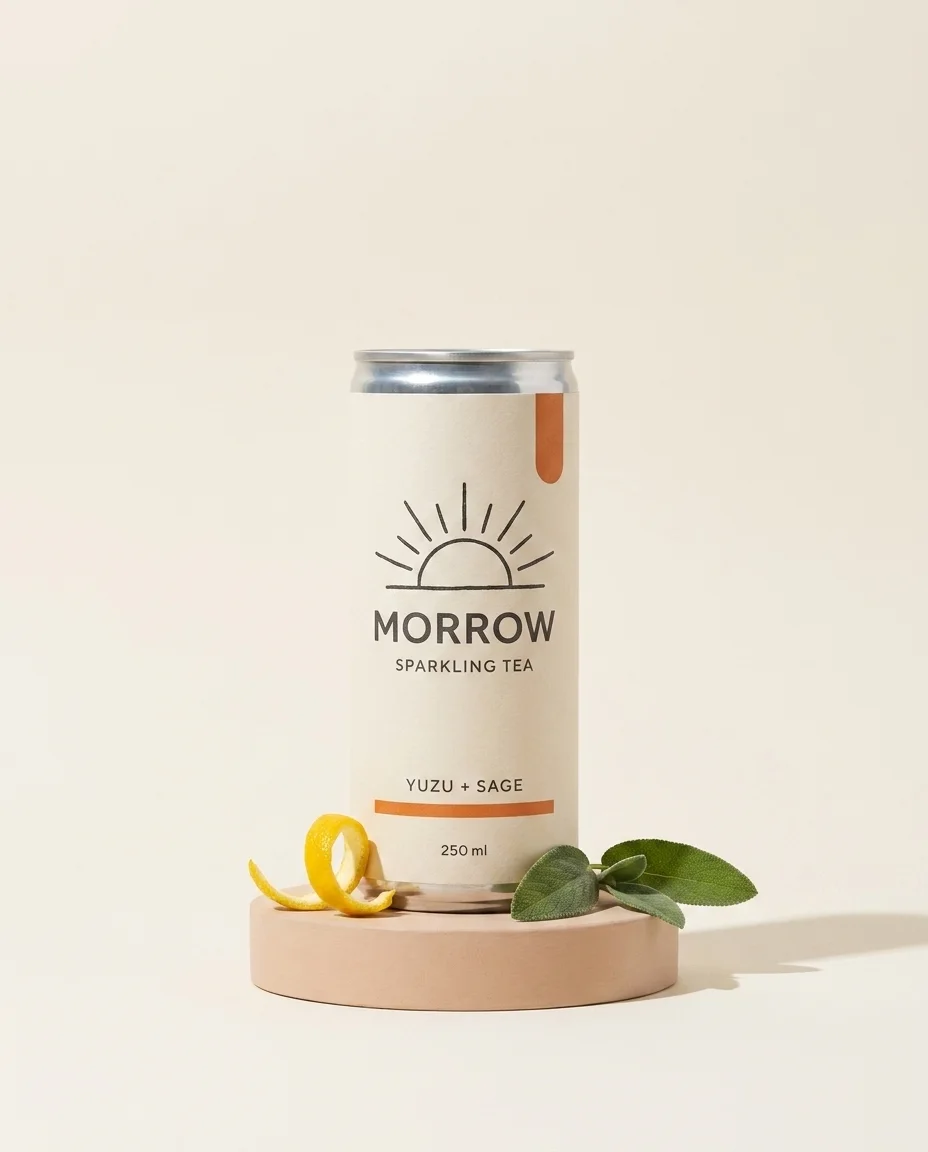
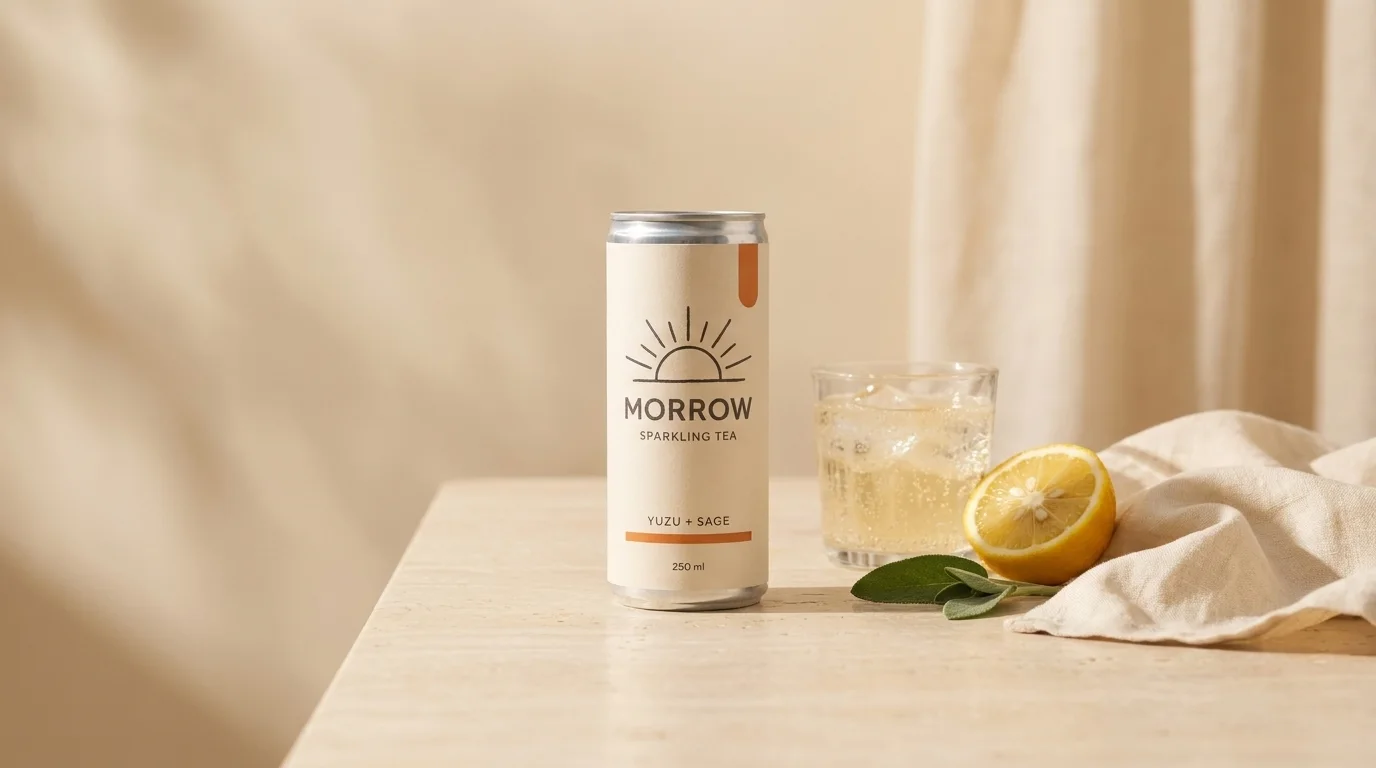
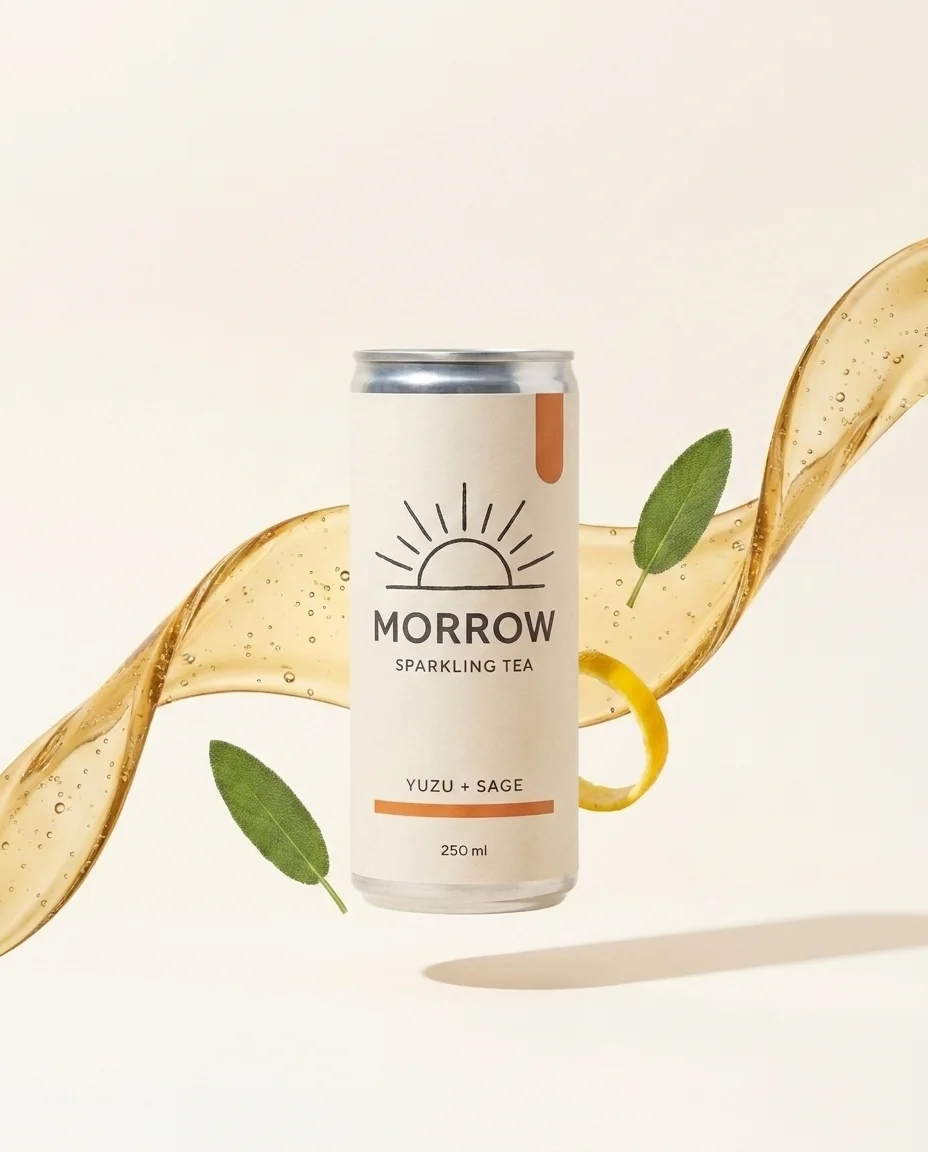
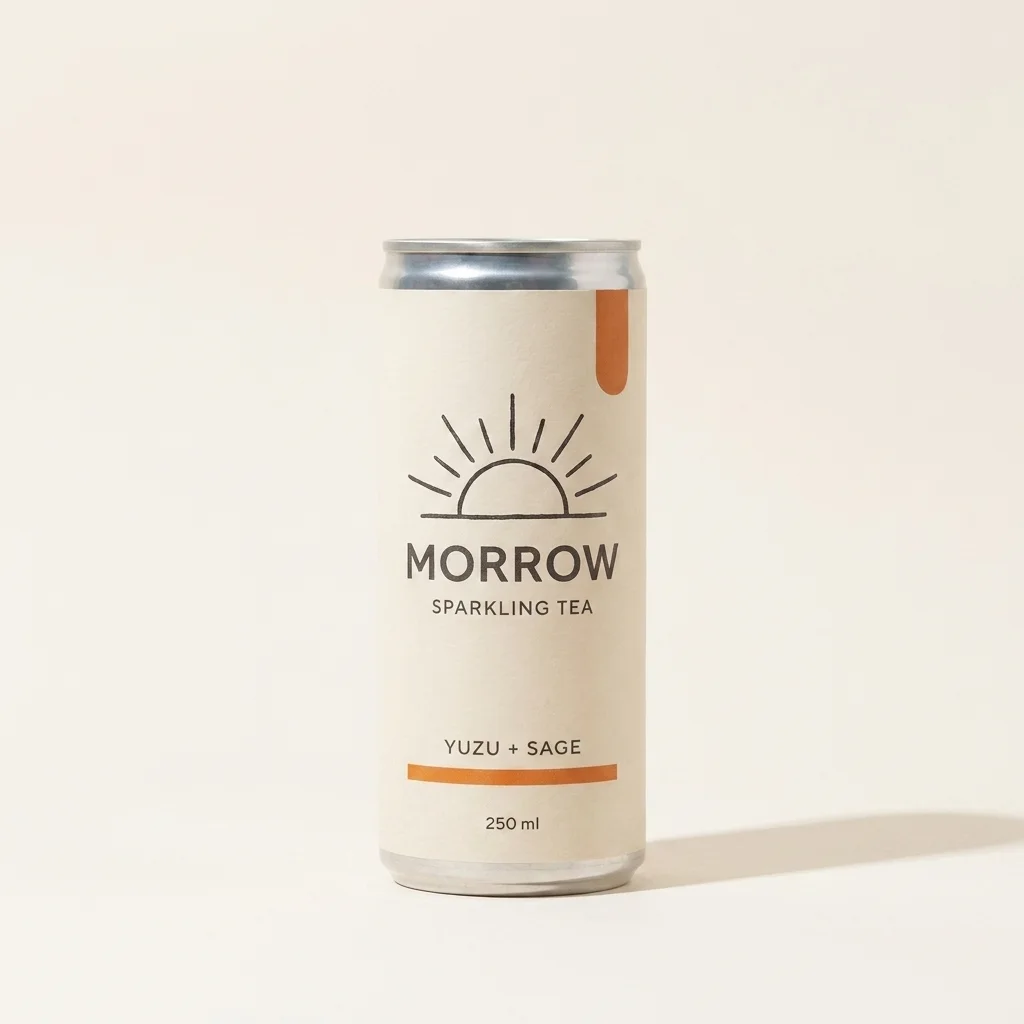
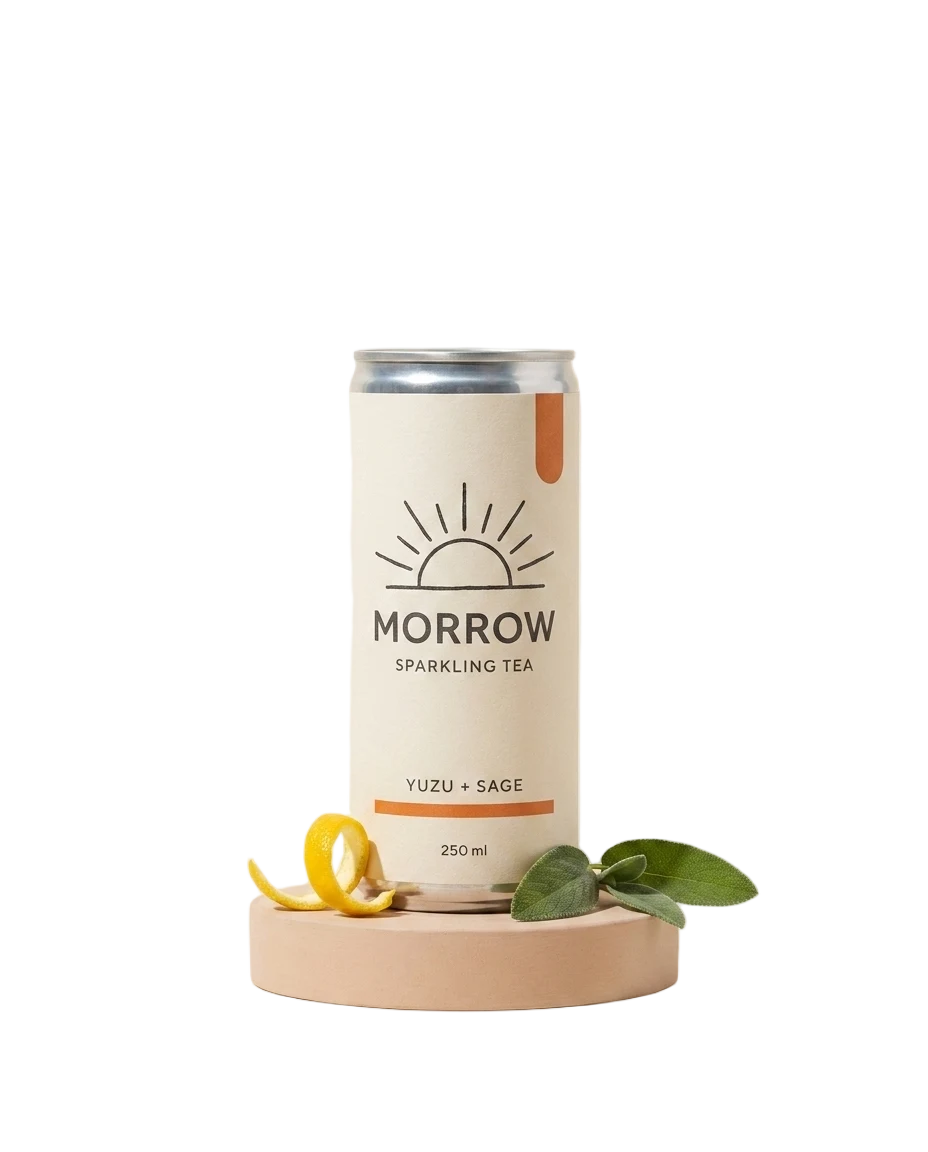
MORROW is a fictional sparkling tea. We approved one packshot, then asked for each format as an edit of it, with a note to keep the can, label and colors. The motion spot below was animated from the approved image.
Voiceover script
“No voiceover: soft fizz, generated with the motion spot.”
| Step | Tool | Credits |
|---|---|---|
| Approved packshot | Nano Banana Pro | 30 |
| Lifestyle, 4:5 and catalog edits | Nano Banana Pro | 90 |
| Transparent cutout | Background removal | 2 |
| 6-second motion spot | Gemini Omni Flash, 720p | 90 |
| Total for the finished example | 212 ($2.12) | |
Built in August 2026 for our campaign walkthrough; credits at today’s prices (October 18, 2026).
The workflow
Open it in Claude’s plugin directory, click Add, connect it on the Connectors tab and sign in. On Claude Free, add https://app.creativeclaw.co/mcp as a custom connector.
Attach the sharpest version you have, or paste a link to it. A clean product shot on a plain background edits best.
For example: put this bottle on a marble vanity at golden hour, and keep the label, cap and color unchanged.
Check the edit against the original. If something drifted, edit the original again with a narrower instruction rather than editing the edit.
Pricing
Creative Claw is pay as you go: $10 buys 1,000 credits, new accounts get 100 free credits, and there is no subscription. Typical costs for this workflow:
| What you generate | Credits | Cost |
|---|---|---|
| Edit, Nano Banana 2.1 (1K) | 16 | $0.16 |
| Precise edit, FLUX Kontext Max | 16 | $0.16 |
| Edit, Nano Banana Pro | 30 | $0.30 |
| Remove a background | 2 | $0.02 |
| Upscale an image | 2 | $0.02 |
| Exact text as an HTML layout | 1 | $0.01 |
Prices charged or quoted by Creative Claw on October 18, 2026. See all model prices, and ask for an estimate in Claude before you generate.
Alternatives
The tools below are the ones AI assistants most often recommend for this job. We checked each vendor’s own pages on October 18, 2026. “None found” means we could not find an official app in the Claude directory or on the vendor’s site. Creative Claw publishes this page.
| Edit | Claude alone | Claude with Creative Claw |
|---|---|---|
| Crop, resize, rotate, convert | Yes, with code execution | Yes, plus reframing to a new ratio |
| Describe or critique a photo | Yes | Yes |
| New background or scene | No | Nano Banana 2.1, from 16 credits |
| Remove or add an object | No | Nano Banana 2.1 or FLUX Kontext Max |
| Fix or replace text in the image | No | GPT Image 2.5 or FLUX Kontext Max |
| Transparent cutout | No | Background removal, 2 credits |
| Animate the edited image | No | Gemini Omni Flash, 75 credits for 5 s |
Sources: Uploading files to Claude · Create and edit files with Claude · Creative Claw pricing. Prices are in USD before tax and change often.
Before you render
Small text and logos are where edits drift first. Zoom in on the label before you approve.
For prices and dates, put the text in an HTML layout (1 credit) instead of asking a model to paint it.
Use your own photos or ones you have rights to, and do not edit real people in misleading ways.
Check current pricing, read short answers in the help center, inspect the tool reference, or browse published media examples. Examples illustrate creative approaches; they are not proof that this exact starter prompt was run.
Practical answers
It can crop, resize, rotate and convert them with code execution. To change what is in the photo, such as the background, light, objects or text, add an image plugin such as Creative Claw.
With a plugin, yes. Claude has no image model of its own; with Creative Claw it edits images with Nano Banana 2.1, GPT Image 2.5, FLUX Kontext and Seedream in the chat.
Nano Banana 2.1 for most scene and product edits, GPT Image 2.5 Sunburst for exact text and transparent backgrounds, and FLUX Kontext Max for precise replacements. The Claude model you chat with does not change the pixels.
A Nano Banana 2.1 edit is 16 credits ($0.16) at 1K, FLUX Kontext Max 16, Nano Banana Pro 30. Background removal and upscaling are 2 credits each.
Not by itself. With Creative Claw, background removal is one request and costs 2 credits; you get a transparent PNG.
Usually, if you say what must not change. Check small text and logos first; if they drift, edit the original again with a narrower instruction.
Yes. Ask for the same change on a set of photos and Claude runs one edit per image, each with its estimate.
Yes. The edited image can be the first frame of a clip; a 5-second Gemini Omni Flash clip at 720p is 75 credits.
Yes. Creative Claw is also a ChatGPT plugin, with the same image models, prices and saved assets.
Start creating
Connect once, get 100 free credits with no card required, and use the starter prompt above for your first project.
