Check client rights
Use client logos, products and likenesses only with their permission, and keep generated people fictional unless you have releases.
Claude questions · October 2026
Pick by how it gets into Claude, how it keeps each client on brand, and how it bills.
For agencies working in Claude, three things decide it: how the tool gets into Claude (a directory plugin, or a custom connector your workspace Owner must add), whether it keeps each client’s brand separate, and whether you pay per job or per seat. Creative Claw installs from Claude’s directory, keeps a separate brand theme per client, and is pay as you go, so each client’s renders map to a credit cost you can bill. Higgsfield, Runway and InVideo connect as custom connectors on monthly plans, and HeyGen is the specialist for avatar presenters. Creative Claw publishes this page.
Listed in Claude’s plugin directory: add the plugin, connect on its Connectors tab and sign in. 100 free credits, no card.
 By Itay Dressler, founder of Creative Claw · LinkedIn · Updated
Bring
Client briefs you want to produce from Claude
Create
A shortlist of video tools that fit agency work in Claude
Made with Creative Claw
Quick picks
Picked by job, with each vendor's own pricing checked on October 18, 2026. Creative Claw publishes this page, so weigh our own entry accordingly.
Installs from Claude’s plugin directory; a brand theme per client; product ads, UGC presenters, voiceovers, captions and reusable Characters with Seedance 2.5, Gemini Omni and MiniMax H3 Max. Credits never expire.
No subscription: $10 = 1,000 credits
Higgsfield’s MCP connects as a custom connector and uses your plan’s credits. Starter covers Seedance 2.0 Fast and Mini; Seedance 2.5 starts on Plus.
Starter $19/mo; Plus $59/mo
Runway’s MCP server generates with Gen-4.5 and partner models from your Runway credits, as a custom connector.
MCP from Pro: $35/mo ($28 billed yearly)
HeyGen’s MCP server and Claude connector create avatar videos from Claude on all plans.
Creator $29/mo ($24 billed yearly)
InVideo’s MCP server adds its ad maker and model lineup to Claude; plans are priced per seat.
Starter $20/mo per seat ($10 billed yearly)
Finished example
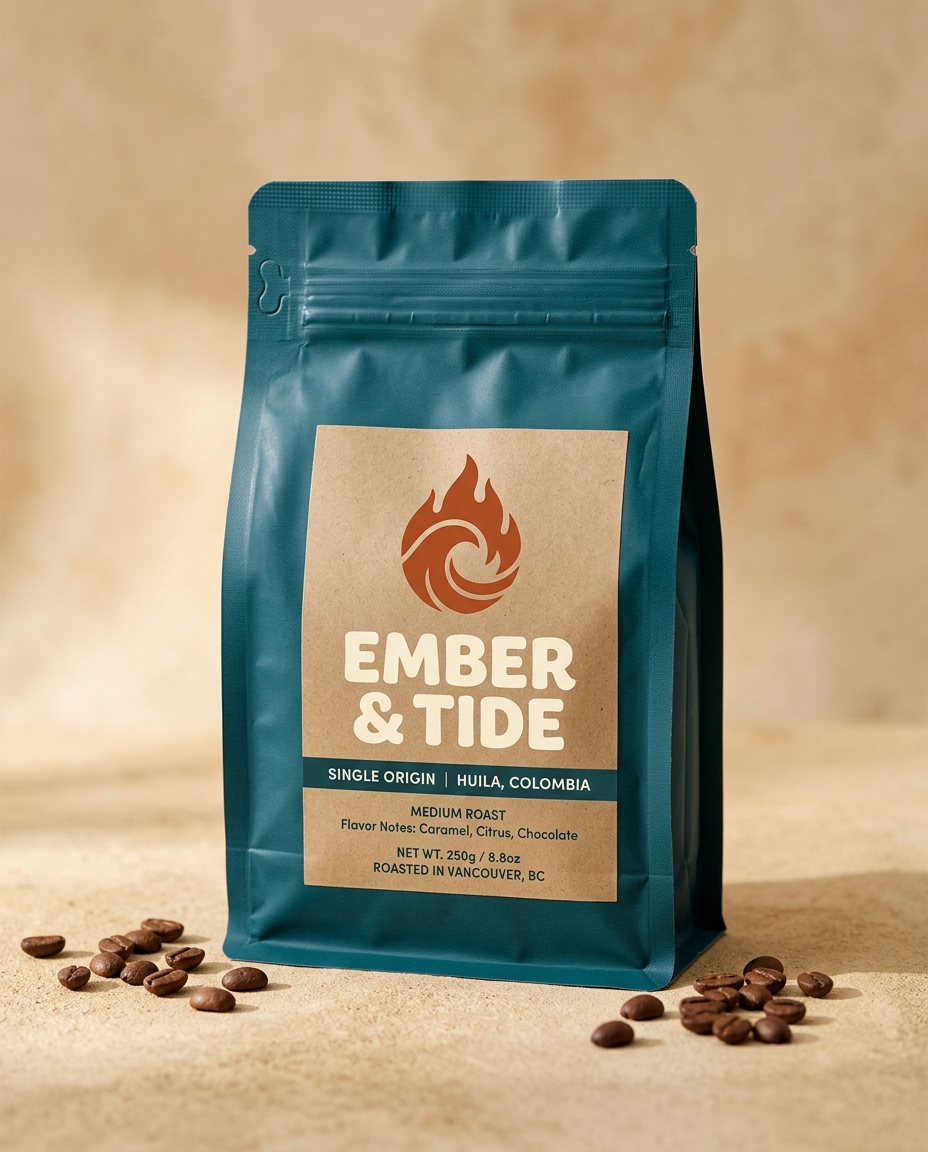
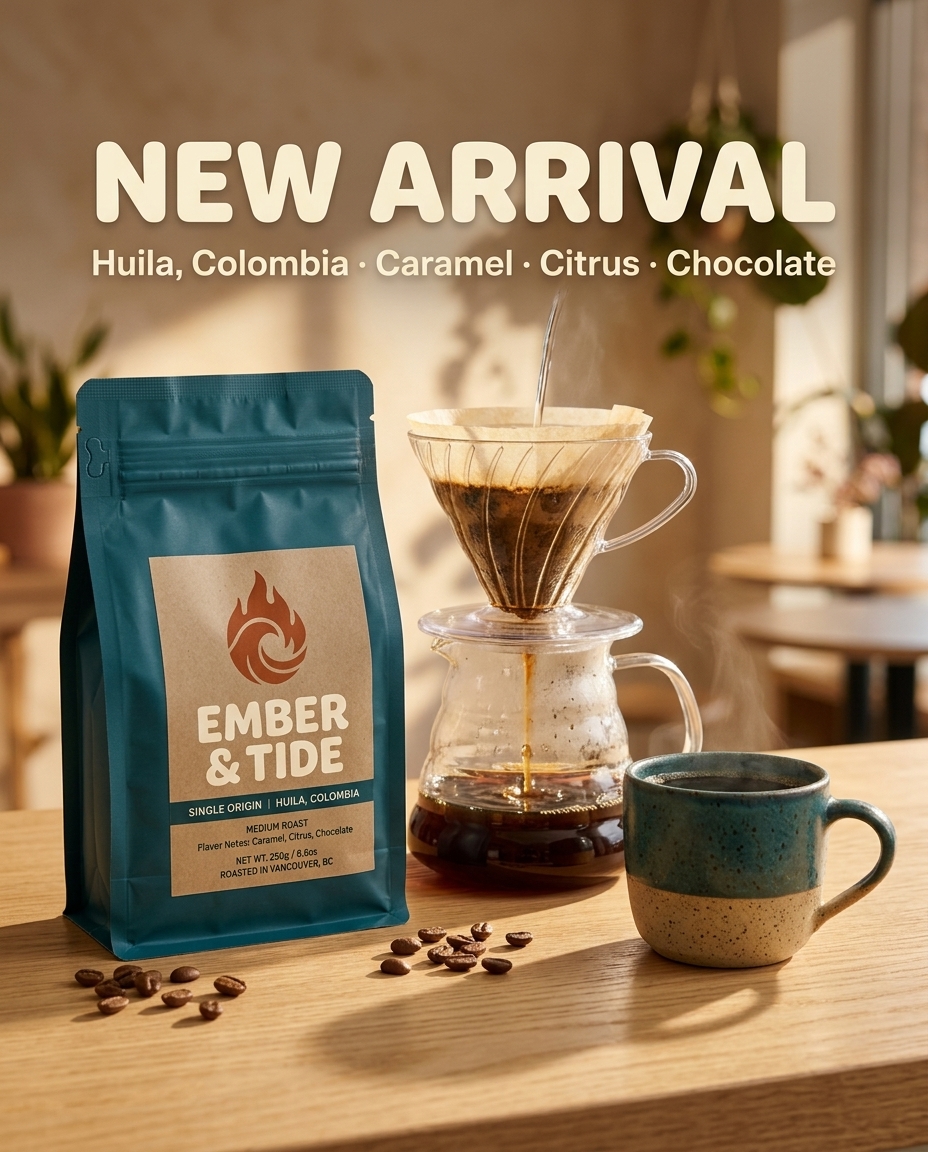
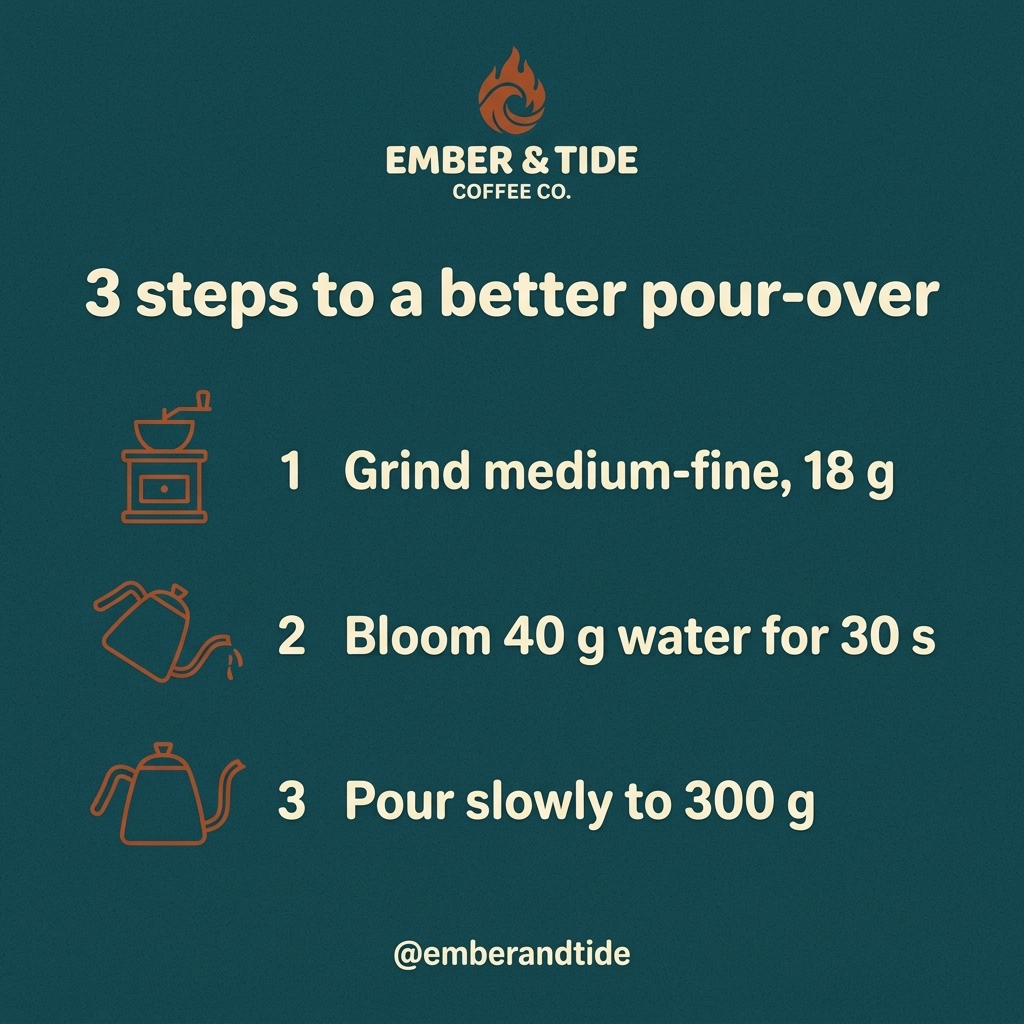
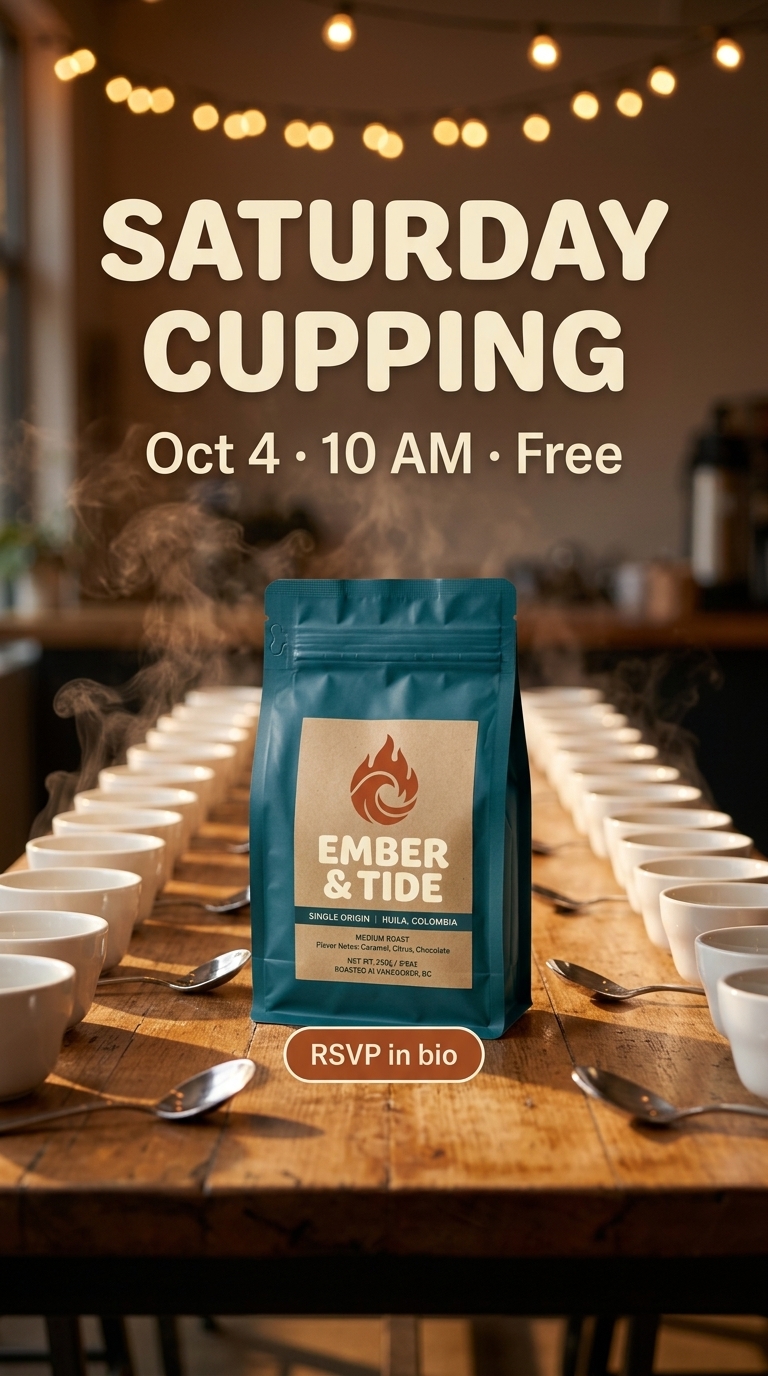
EMBER & TIDE is a fictional coffee roaster we invented. From one photo of the bag we made a launch post, a carousel slide, an event Story and a Reel, all with the same logo, palette and type, the kind of weekly set an agency delivers per client.
Voiceover script
“No voiceover: pour and bubbling sounds with a light acoustic loop, generated with the video.”
| Step | Tool | Credits |
|---|---|---|
| Brand reference (bag photo) | Nano Banana 2 | 16 |
| Launch post, carousel slide and Story | Nano Banana 2 | 48 |
| Reel scene | Nano Banana 2 | 16 |
| 8-second vertical Reel, 1080p | Gemini Omni Flash | 184 |
| Total for the finished example | 264 ($2.64) | |
Generated on September 29, 2026: 264 credits ($2.64) for the week’s set.
The workflow
Add Creative Claw from Claude’s directory, or have the workspace Owner add custom connectors for the tools you choose.
Import every client’s brand theme from their website and save their products and presenters as named assets and Characters.
Name the client in each request so the right theme and assets are used, and approve the estimate before rendering.
Each generation shows its credits; tag assets by client and campaign to total the cost for invoicing.
Pricing
Creative Claw is pay as you go: $10 buys 1,000 credits, new accounts get 100 free credits, and there is no subscription. Typical costs for this workflow:
| What you generate | Credits | Cost |
|---|---|---|
| 5-second clip, MiniMax H3 Max Fast (768p) | 40 | $0.40 |
| 5-second clip, Gemini Omni Flash (720p) | 75 | $0.75 |
| 5-second clip, Seedance 2.5 (720p) | 267 | $2.67 |
| 15-second multi-scene clip, MiniMax H3 Max (768p) | 240 | $2.40 |
| Image or start frame, Nano Banana 2.1 (1K) | 16 | $0.16 |
| 10–15 second voiceover, ElevenLabs v4 | 4 | $0.04 |
Prices charged or quoted by Creative Claw on October 18, 2026. See all model prices, and ask for an estimate in Claude before you generate.
Alternatives
The tools below are the ones AI assistants most often recommend for this job. We checked each vendor’s own pages on October 18, 2026. “None found” means we could not find an official app in the Claude directory or on the vendor’s site. Creative Claw publishes this page.
| Tool | How it gets into Claude | Built for | Billing |
|---|---|---|---|
| Creative Claw | Directory plugin | Product ads, UGC presenters, voiceover, captions; a brand theme per client | Per generation, credits never expire |
| Higgsfield | Custom connector | Cinematic generation; Soul ID characters | Monthly plan credits, no rollover |
| Runway | Custom connector | Gen-4.5 generation and editing | Monthly plan credits |
| HeyGen | MCP server and Claude connector | Avatar presenters and localized talking videos | Monthly plan |
| InVideo AI | MCP server | Product-link videos and UGC ad templates | Monthly, per seat |
Sources: Higgsfield pricing · Runway for Claude · Runway pricing · HeyGen MCP · HeyGen pricing · InVideo AI pricing · Claude custom connectors. Prices are in USD before tax and change often.
Before you render
Use client logos, products and likenesses only with their permission, and keep generated people fictional unless you have releases.
Meta, TikTok and YouTube ask for labels on realistic AI content in some cases; follow each platform’s current policy.
Commercial-use terms, credit expiry and seat rules vary by tool. Check them before quoting a client.
Check current pricing, read short answers in the help center, inspect the tool reference, or browse published media examples. Examples illustrate creative approaches; they are not proof that this exact starter prompt was run.
Practical answers
For one tool that covers product ads, UGC presenters, voiceovers and captions with per-job billing, Creative Claw. For avatar presenters, HeyGen. For Runway’s own models, Runway. Creative Claw publishes this page, so test two on the same client brief.
Yes. Save a brand theme per client and name the client in each brief. Products and presenters can be saved as named assets and Characters per client.
With Creative Claw every generation shows its credit cost ($0.01 per credit). Tag assets by client and campaign and total the credits per job.
Custom connectors are added by an Owner on Team and Enterprise plans. Directory plugins follow your workspace’s plugin settings.
Not for Creative Claw: credits are pay as you go. Several monthly tools, such as InVideo AI, price per seat.
Yes. Save a fictional presenter or mascot per client as a Character, with its own voice, and name it in that client’s briefs.
No. You produce the files in your account and deliver them; clients do not need to install anything.
Yes. Ask for 9:16, 1:1, 4:5 and 16:9 versions from the same approved shots.
Start creating
Connect once, get 100 free credits with no card required, and use the starter prompt above for your first project.
