Stop if the label drifts
Go back to the approved packshot and make a narrower edit; never let a drifted version become the new reference.
Claude walkthrough · October 2026
One approved product image, then every asset built from it in the same conversation.
Add the Creative Claw plugin to Claude, approve one product image, and build every asset from it in the same conversation: lifestyle and 4:5 social images, a catalog shot, a transparent cutout, a typeset campaign card, a 6-second motion spot, a voiceover and hook variations to test. Our MORROW launch kit cost about 216 credits ($2.16) at today’s prices, and three 6-second video hooks added 272 credits ($2.72), so the whole campaign came to under $5.
Listed in Claude’s plugin directory: add the plugin, connect on its Connectors tab and sign in. 100 free credits, no card.
 By Itay Dressler, founder of Creative Claw · LinkedIn · Updated
Bring
One product photo and a short brief
Create
A launch kit: images, motion, voice and ad variations
Made with Creative Claw
Finished example
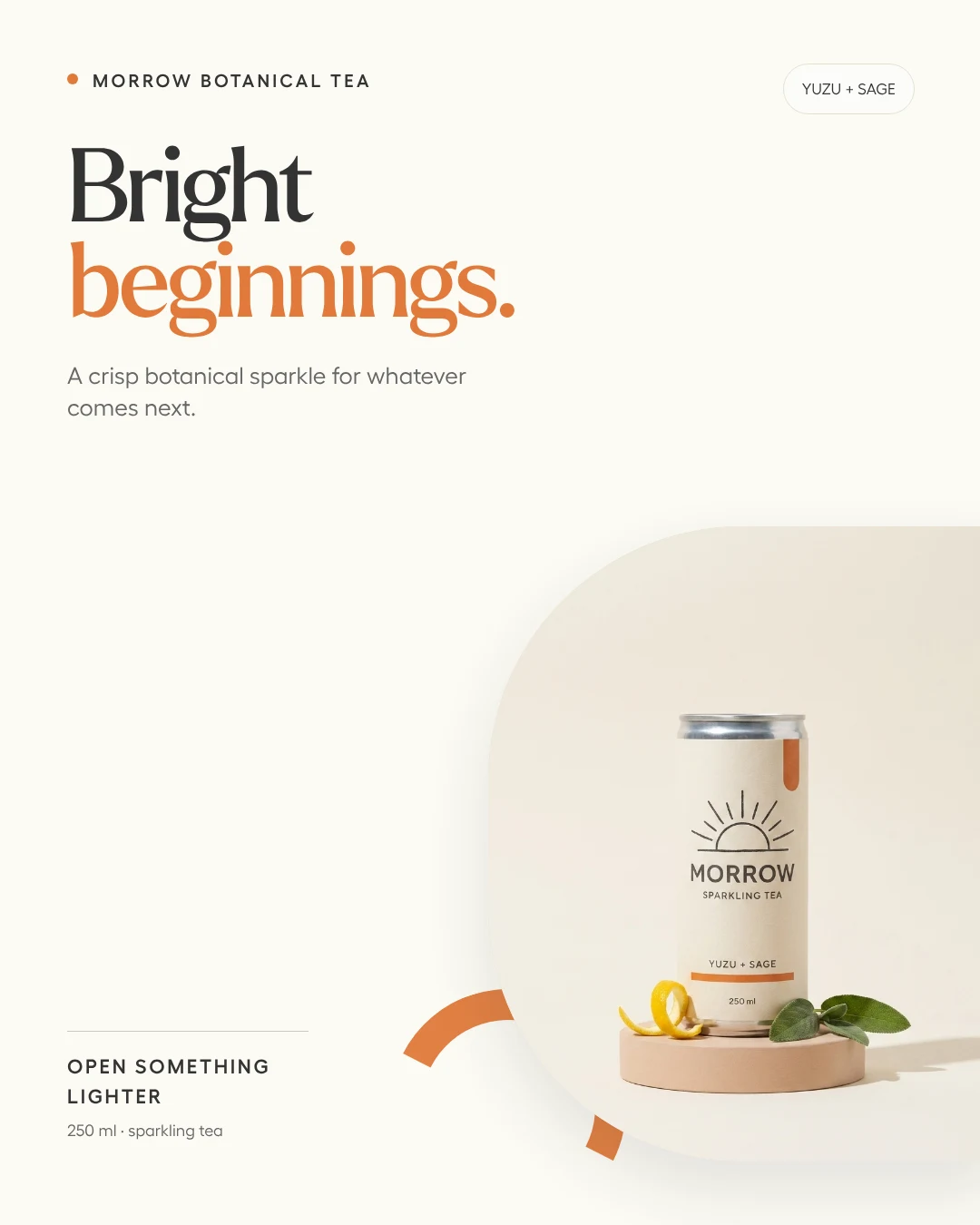
MORROW is a fictional sparkling tea we built for our campaign walkthrough. Every asset came from one approved packshot in a single Claude conversation; the three video hooks were added on October 18, 2026.
Voiceover script
“[warmly] Meet Morrow. Bright yuzu, quiet sage, and a little sparkle for whatever comes next. [pause] Open something lighter.”
| Step | Tool | Credits |
|---|---|---|
| Approved packshot | Nano Banana Pro | 30 |
| Lifestyle, 4:5 ad and catalog edits | Nano Banana Pro | 90 |
| Campaign card with exact type | HTML to image | 1 |
| Transparent cutout | Background removal | 2 |
| 6-second motion spot | Gemini Omni Flash, 720p | 90 |
| 20-word voiceover | ElevenLabs v3 | 3 |
| Three 6-second hooks and one trim | Gemini Omni Flash, Trim Video | 272 |
| Total for the finished example | 488 ($4.88) | |
The kit was built in August 2026; its credits are at today’s prices (October 18, 2026). The hooks were rendered and charged on October 18.
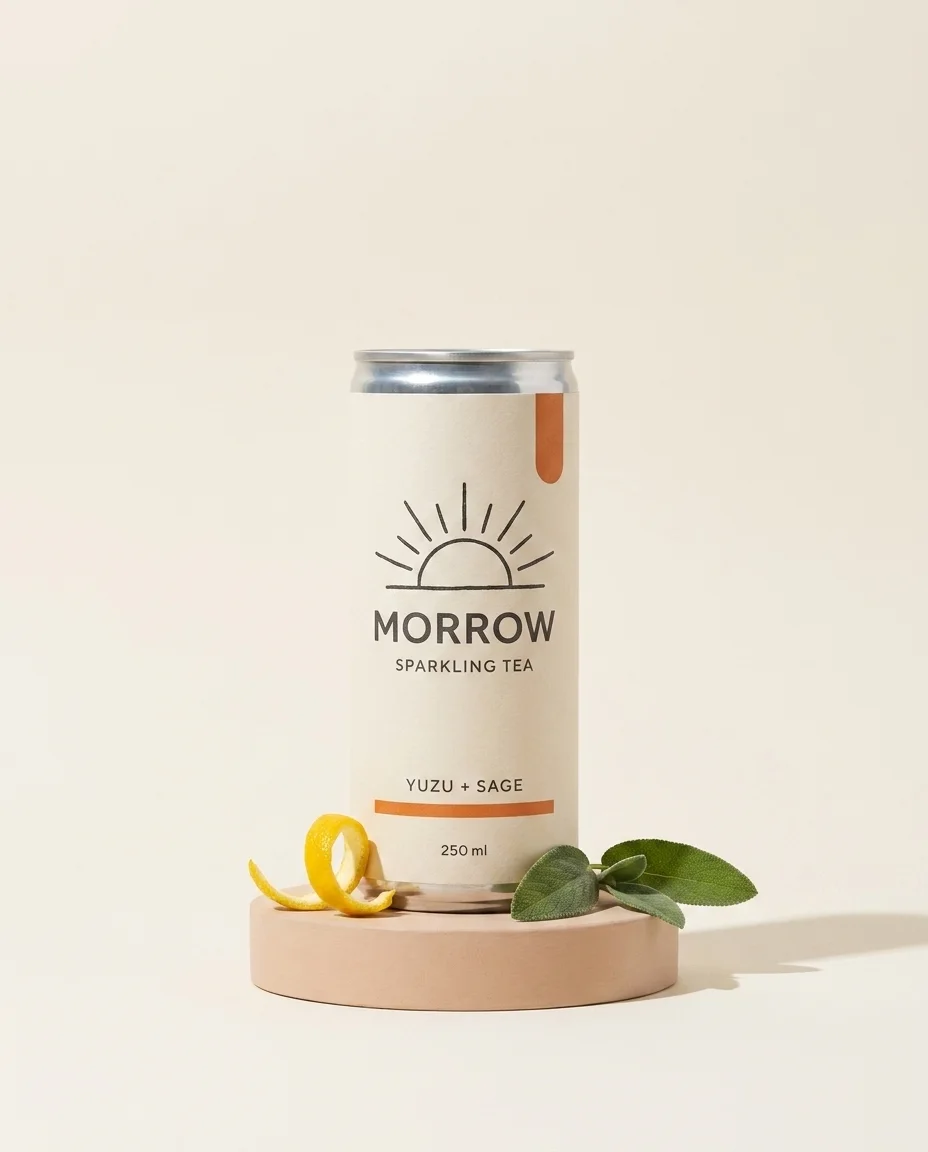
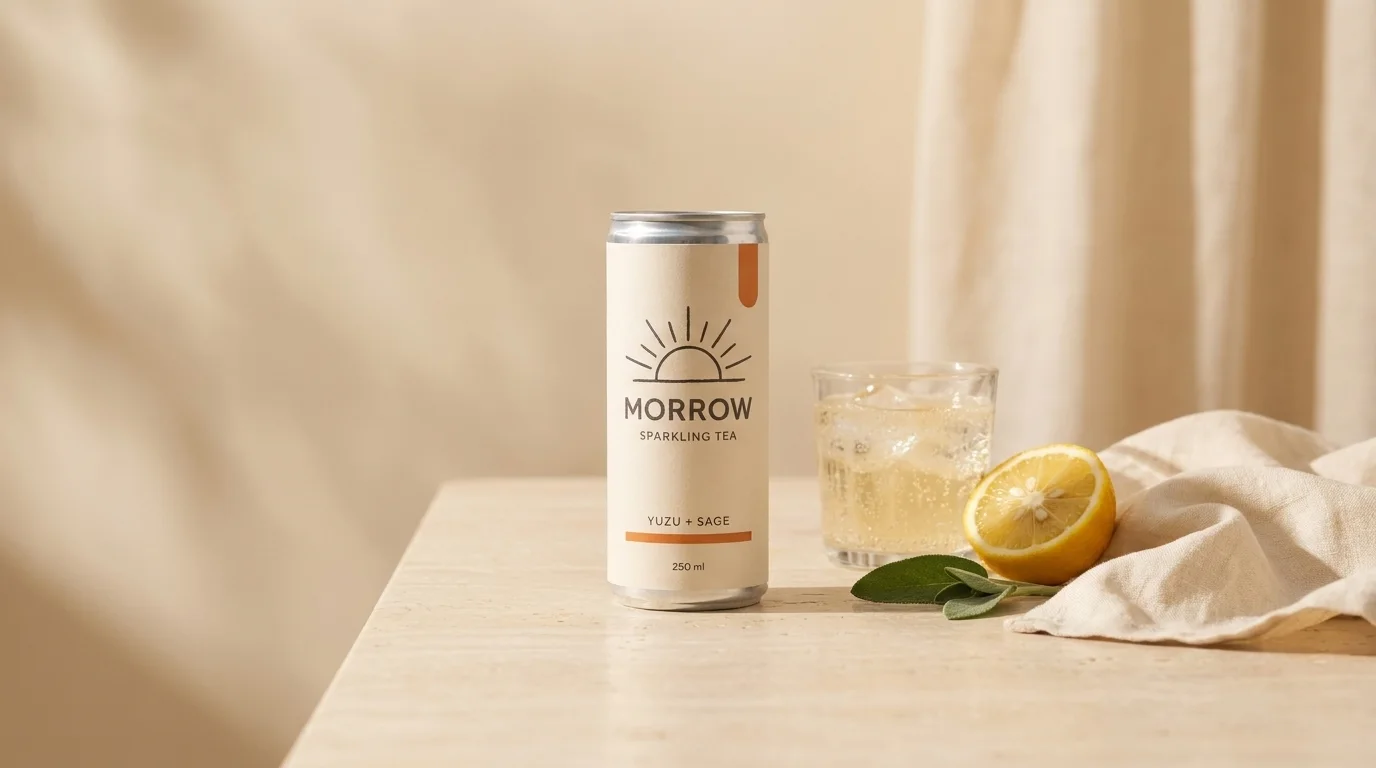
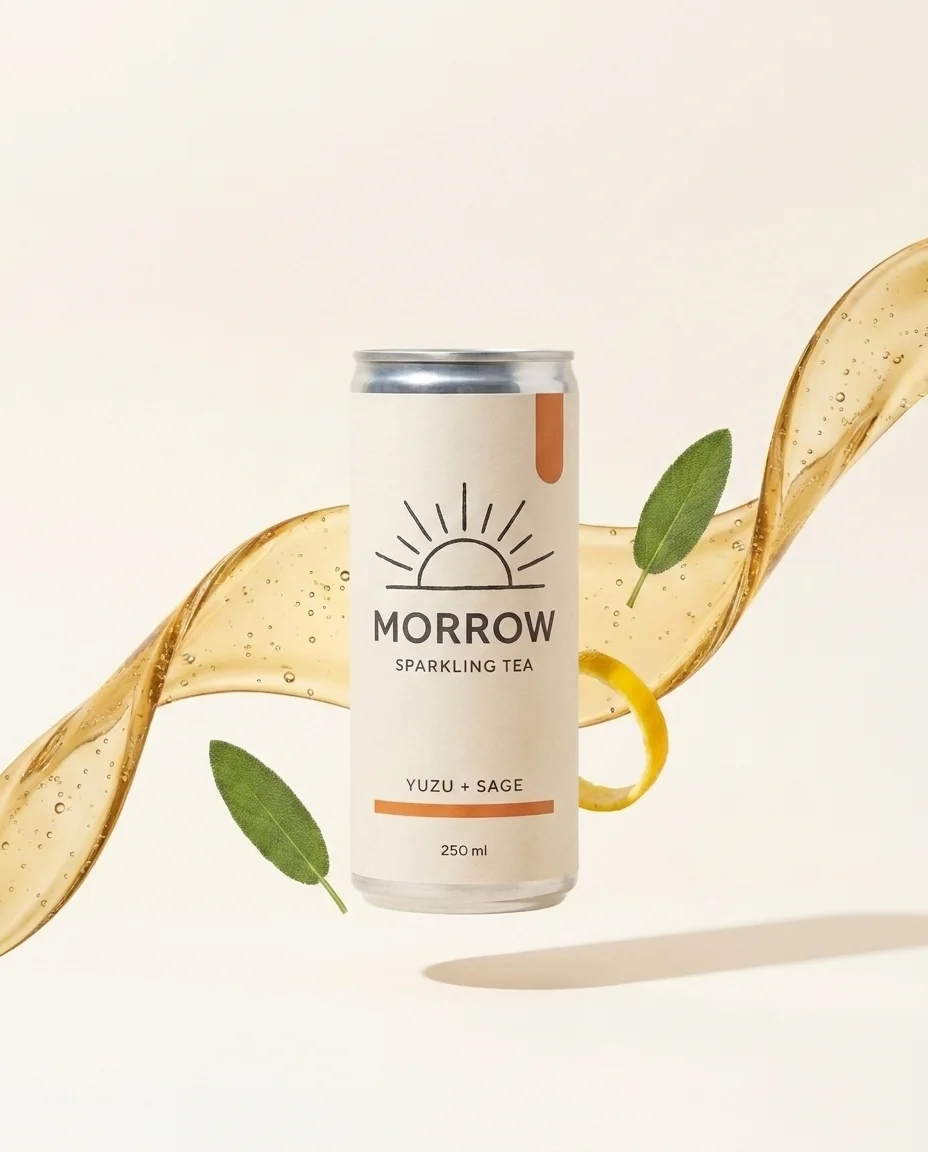
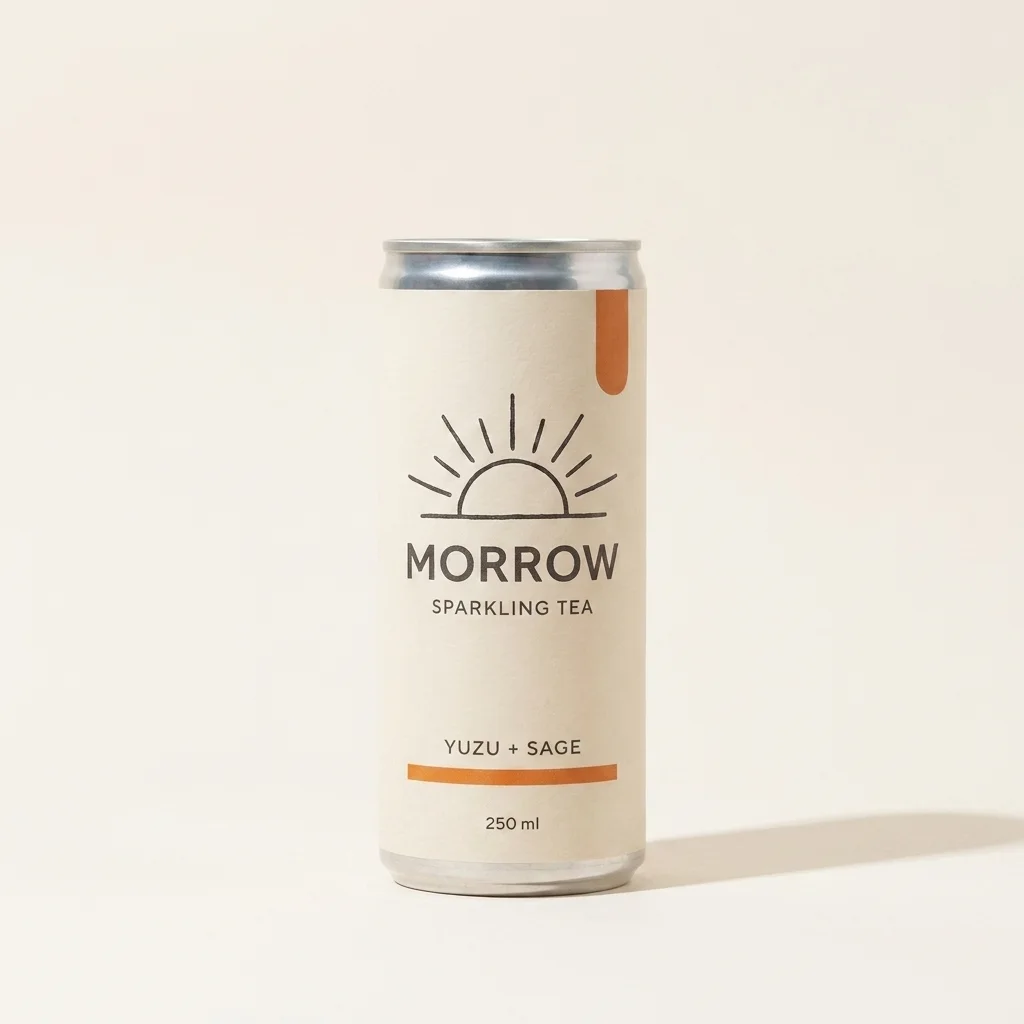
The workflow
Open it in Claude’s plugin directory, click Add, connect and sign in. On Claude Free, add https://app.creativeclaw.co/mcp as a custom connector.
Generate or upload one clean packshot and add a preservation note: same label, shape and colors in every edit.
Ask for a wide lifestyle image, a 4:5 social ad, a square catalog image and a transparent cutout, each as an edit of the packshot.
Put prices, dates and CTAs in an HTML layout in your brand fonts instead of asking an image model to draw text.
Animate the approved frame, record a short voiceover, and render three hook variations to test.
Pricing
Creative Claw is pay as you go: $10 buys 1,000 credits, new accounts get 100 free credits, and there is no subscription. Typical costs for this workflow:
| What you generate | Credits | Cost |
|---|---|---|
| Packshot, Nano Banana Pro | 30 | $0.30 |
| Edited scene (lifestyle, 4:5 ad, catalog), Nano Banana Pro, each | 30 | $0.30 |
| Typeset campaign card, HTML to image | 1 | $0.01 |
| Transparent cutout, background removal | 2 | $0.02 |
| 6-second motion spot, Gemini Omni Flash (720p) | 90 | $0.90 |
| 6-second hook variation, Gemini Omni Flash (720p) | 90 | $0.90 |
Prices charged or quoted by Creative Claw on October 18, 2026. See all model prices, and ask for an estimate in Claude before you generate.
Alternatives
The tools below are the ones AI assistants most often recommend for this job. We checked each vendor’s own pages on October 18, 2026. “None found” means we could not find an official app in the Claude directory or on the vendor’s site. Creative Claw publishes this page.
| Tool | How it gets into Claude | What it covers for a campaign | Cheapest way to pay |
|---|---|---|---|
| Creative Claw | Directory plugin | Images, edits, cutouts, HTML layouts, video, voiceover, captions, Characters | No plan: $10 = 1,000 credits, 100 free |
| Higgsfield | Custom connector | Images and video with its models; Seedance 2.5 from Plus | Starter $19/mo; Plus $59/mo |
| OpenArt | Custom connector | Many image and video models | Starter $14/mo ($13 billed yearly) |
| Creatify | MCP server | UGC avatar ads, URL to video, static ads | Standard $15/mo ($12 billed yearly) |
Sources: Higgsfield pricing · OpenArt MCP · OpenArt pricing · Creatify MCP · Creatify pricing. Prices are in USD before tax and change often.
Before you render
Go back to the approved packshot and make a narrower edit; never let a drifted version become the new reference.
One of our three hooks repeated its tagline. Transcribe each clip and trim or rerender before publishing.
Do not let the model invent certifications, health claims or testimonials. Write the claims in the brief.
Check current pricing, read short answers in the help center, inspect the tool reference, or browse published media examples. Examples illustrate creative approaches; they are not proof that this exact starter prompt was run.
Practical answers
Claude plans and writes it; with the Creative Claw plugin it also makes the images, video, voiceover and captions in the same conversation.
Our MORROW kit cost about 216 credits ($2.16) at today’s prices, and three video hooks 272 credits ($2.72). Creative Claw shows the estimate before each stage.
Approve one packshot and make every other image an edit of it, with a short note listing what must not change. Animate approved frames, not new ones.
No. Creative Claw makes and saves the files; you publish them, or use a publishing tool connected to the same Claude account.
Yes. Tagged assets, saved brand themes and Characters stay in your Creative Claw library for any later chat.
Nano Banana Pro for the packshot and edits, the HTML renderer for the typeset card, background removal for the cutout, Gemini Omni Flash for the motion spot and hooks, and ElevenLabs v3 for the voiceover.
Yes. Attach it and it becomes the anchor that every edit and shot is made from. A clean photo on a plain background works best.
Yes. Creative Claw is also a ChatGPT plugin, with the same tools, prices and saved assets.
Start creating
Connect once, get 100 free credits with no card required, and use the starter prompt above for your first project.
