How to Make a Podcast in ChatGPT With Two AI Voices
You can make a podcast in ChatGPT by connecting Creative Claw, describing your topic and hosts, and asking it to write a script and generate the voices. For a two-host show, Google Gemini 3.8 Flash TTS can produce the alternating conversation in one speech request. Add music and sound effects, join the audio, then optionally make a video with B-roll and captions.
The 1 minute 57 second example above follows that workflow. Maya and Leo are fictional audio hosts. Maya uses Google’s Aoede voice, and Leo uses Puck. Their conversation about voice options, cloning, voice design, music, and sound effects came from one speech call. We then added a six-second theme, a one-second sound cue, six B-roll images, a five-second empty-studio clip, and synced captions.
Press play above, then follow the actual inputs and outputs below. The finished audio-only episode is available too. The video shows recording and editing B-roll, with no on-screen speakers or implied lip sync.
How to make a podcast in ChatGPT: the quick workflow
- Pick Google voices after connecting Creative Claw to ChatGPT.
- Write and generate a two-host conversation in one speech call.
- Make an instrumental intro.
- Add a short sound cue.
- Join the episode audio with
merge_media. - Make B-roll for each topic.
- Compose the video podcast with
compose_video. - Add subtitles from a word-timed transcript.
The two-host speech is generated in one call. The music, sound effect, stills, motion clip, and assembly are separate operations. That keeps every piece replaceable.
Step 1: pick voices that sound good together
Listen to a few samples on the Google voices page before writing your script. Here are four English-friendly starting points:
| Voice | Sound | Try it for |
|---|---|---|
| Puck | Upbeat, cheerful | A curious lead host |
| Aoede | Breezy, relaxed | A conversational co-host |
| Charon | Steady, informative | An explainer or interview host |
| Kore | Clear, steady | A solo narrator or grounded co-host |
Play the English voice previews before choosing a pair:
For a lively first episode, try Puck and Aoede. For a calmer interview, try Charon and Kore. You can swap either voice after hearing a short test. The voice library has previews and more choices, including regional voices.
Step 2: generate a two-host conversation in one shot
Here is the prompt behind the example. Paste it into a ChatGPT chat with Creative Claw enabled, or replace the topic with your own:
Make a roughly two-minute episode of "Small Signals" with two fictional
hosts, Maya and Leo. They are making a podcast while discussing how to
make one with Creative Claw. Cover the Google voice library, one-shot
two-speaker dialogue, cloning your own voice with consent, designing a
synthetic voice, a short music theme, one subtle sound effect, consistent
images, and a video podcast. Keep it conversational and specific.

Write about 280 spoken words in short alternating turns. Then call
get_model_params for speech/gemini-3.8-flash-tts. Generate the entire
conversation in ONE generate_speech call using extras.dialogue, with Maya
on aoede and Leo on puck. Keep each speaker on the same public Google
voice. Set top-level text to every turn's text joined with single spaces
in order, and omit top-level voice_id. Use natural, brisk podcast delivery.
Wait for the completed audio and show it to me.
The important bit is extras.dialogue. Each turn has a speaker, a public Google voice_id, and the words that speaker says. A shortened version of our request starts with these three turns:
{
  "model": "speech/gemini-3.8-flash-tts",
  "text": "Welcome to Small Signals. Today we are making this episode while we talk about making it. A little meta, but useful if you have a podcast idea and no studio. We picked our voices from Creative Claw's Google library. I chose Aoede, relaxed and conversational.",
  "extras": {
    "dialogue": [
      { "speaker": "Maya", "voice_id": "aoede", "text": "Welcome to Small Signals. Today we are making this episode while we talk about making it." },
      { "speaker": "Leo", "voice_id": "puck", "text": "A little meta, but useful if you have a podcast idea and no studio." },
      { "speaker": "Maya", "voice_id": "aoede", "text": "We picked our voices from Creative Claw's Google library. I chose Aoede, relaxed and conversational." }
    ]
  }
}
The full request had 16 turns and generated this single dialogue file. Listen to the raw voices before the music and sound cue were added:
Google’s two-speaker mode supports exactly two speakers in one request, using its prebuilt voices. It creates one audio file with alternating turns. It does not make the hosts speak over each other. For a solo show, ask for one voice and omit extras.dialogue.
Full episode transcript
Maya: Welcome to Small Signals. Today we are making this episode while we talk about making it.
Leo: A little meta, but useful if you have a podcast idea and no studio.
Maya: We picked our voices from Creative Claw’s Google library. I chose Aoede, relaxed and conversational.
Leo: I am Puck, the cheerful one. ChatGPT sends both of our lines to Gemini speech in one request.
Maya: One request, two hosts, one audio file. We can still rewrite a line or try another voice pair.
Leo: For a solo show, you can clone your own voice with permission and narrate without recording every draft.
Maya: Or design a new synthetic voice for a character. That gives a series its own sound without copying a person.
Leo: For this conversation, Google uses ready-made voices. Its one-shot dialogue mode supports two speakers.
Maya: Now the part that makes it feel like a show: music. We made a short instrumental theme with warm keys.
Leo: Sound effects add punctuation too. A soft click at a chapter change is plenty. No explosions required.
Maya: We put the theme before the conversation and listen to the transition before calling the audio finished.
Leo: Then we give it a face. A few consistent images become a video podcast with hosts and changing story cards.
Maya: Creative Claw composes those images and clips to the audio. Subtitles help when people watch with sound off.
Leo: Every ingredient stays editable. Swap a voice, replace the intro, or change the artwork without losing the idea.
Maya: Your challenge: pick a question you cannot stop thinking about, write an honest conversation, and make the first minute.
Leo: Then make the next one. A real show starts with a voice, a point of view, and the nerve to press play.
Longer episodes are easier to review as sections. Generate an opening, a few chapters, and an ending, then join them. Keep the same host names and voices in every section. Creative Claw currently accepts up to 40 dialogue turns and 10,000 characters per Google speech request, so split material that exceeds either limit. Google’s speech generation guide explains the underlying two-speaker limitation.
Step 3: make an intro theme
Once the voices feel right, ask ChatGPT for a theme. This is the six-second instrumental used at both ends of the episode:
Use Creative Claw generate_music with music/elevenlabs-music-v2.5 to make
a 6-second instrumental podcast intro for "Small Signals." Warm keys,
a light rhythmic pulse, a memorable three-note motif, and a clean ending.
No vocals, no spoken words, no long fade. Show me the completed audio.
An instrumental intro helps the episode feel like a show without competing with the hosts. For a short theme, ElevenLabs Music v2.5 lets you request an exact duration. You can ask for an outro in the same style later.
Step 4: make one sound cue
The episode also uses a one-second click between the music discussion and the sound effects discussion. Ask ChatGPT:
Use Creative Claw generate_sound_effect with sfx/elevenlabs-sound-v2.
Make one restrained, tactile chapter-transition click: a polished
wooden button pressed close to the microphone, with a clean quick decay.
Set duration_seconds to 1. No speech, music, hiss, or repeated clicks.
Small, well-placed effects tend to serve a spoken episode better than constant sound design. You can skip this step for a calmer show.
Step 5: join the episode audio
To place the cue in the middle, we split the completed dialogue at a natural pause around 55.5 seconds. Then we joined five inputs in order: theme, speech part one, click, speech part two, theme. Ask ChatGPT:
Use Creative Claw trim_video on the speech audio to make two parts,
splitting at the pause around 55.5 seconds. Then call merge_media with
operation merge_audios. Put the music theme first, then speech part one,
the sound cue, speech part two, and the same music theme as the outro.
Wait for the completed MP3 and show it to me.
Here is the finished 1 minute 57 second audio episode:
merge_audios joins files end to end. It does not layer music under speech. For a continuous bed in an audio-only podcast, use an audio mixer. You can also combine a video and a quiet music bed with Creative Claw’s video audio mix. Listen to the joins before publishing and adjust the pauses if a transition feels rushed.
Step 6: make B-roll for each topic
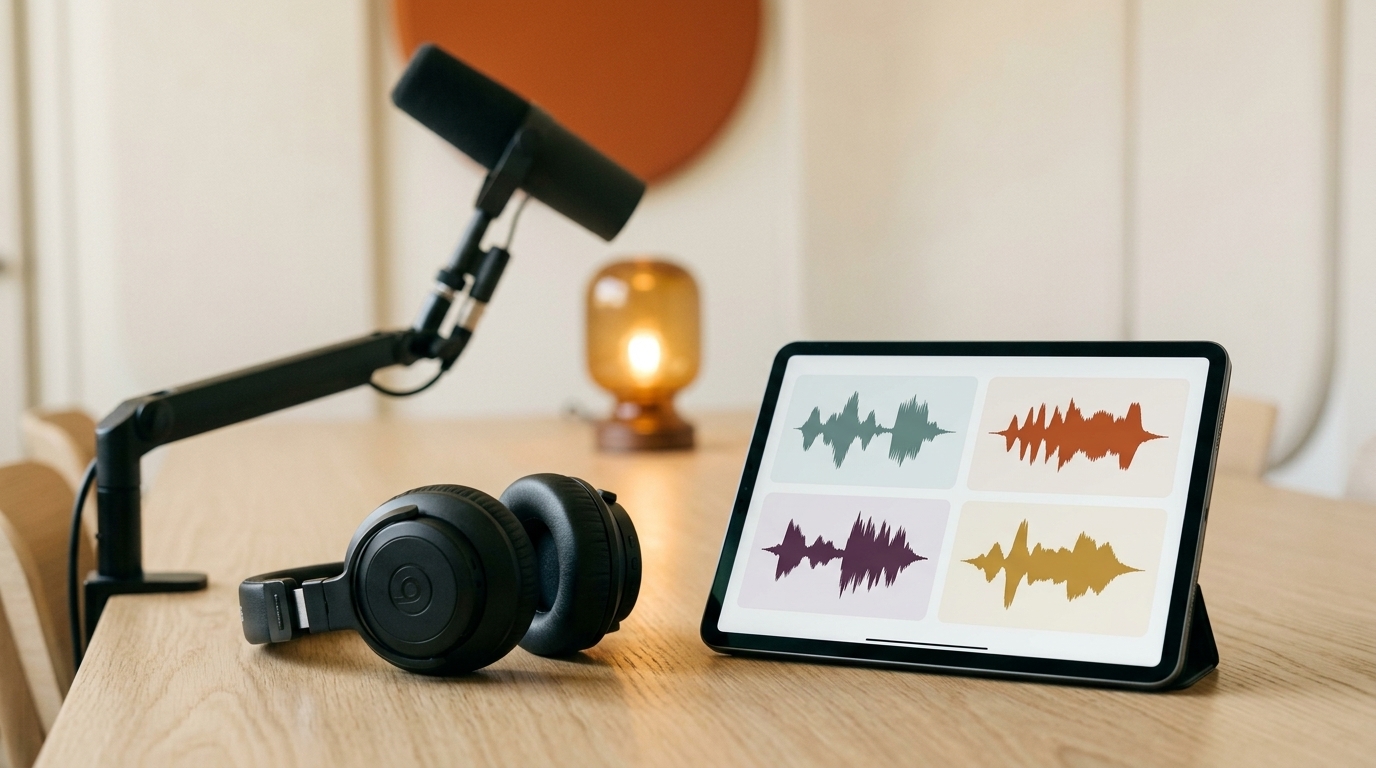
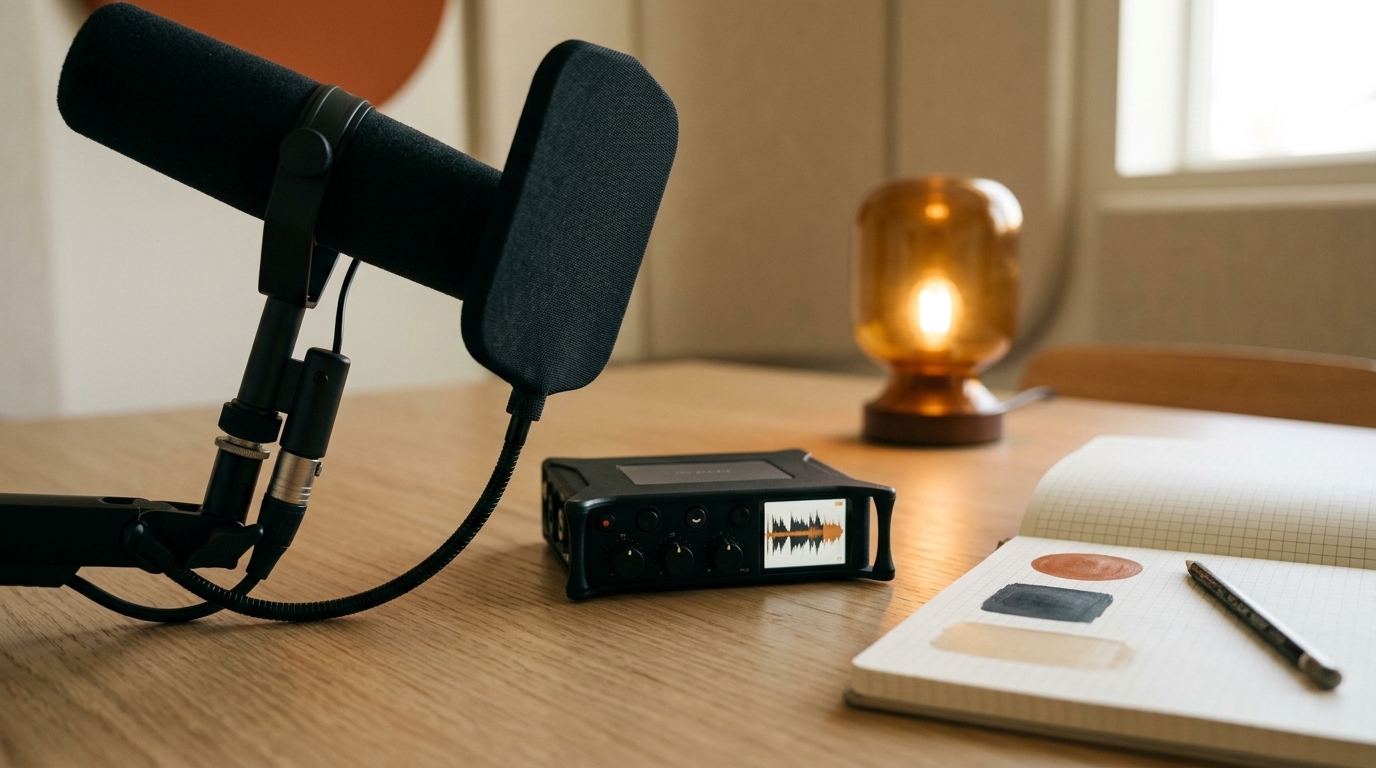
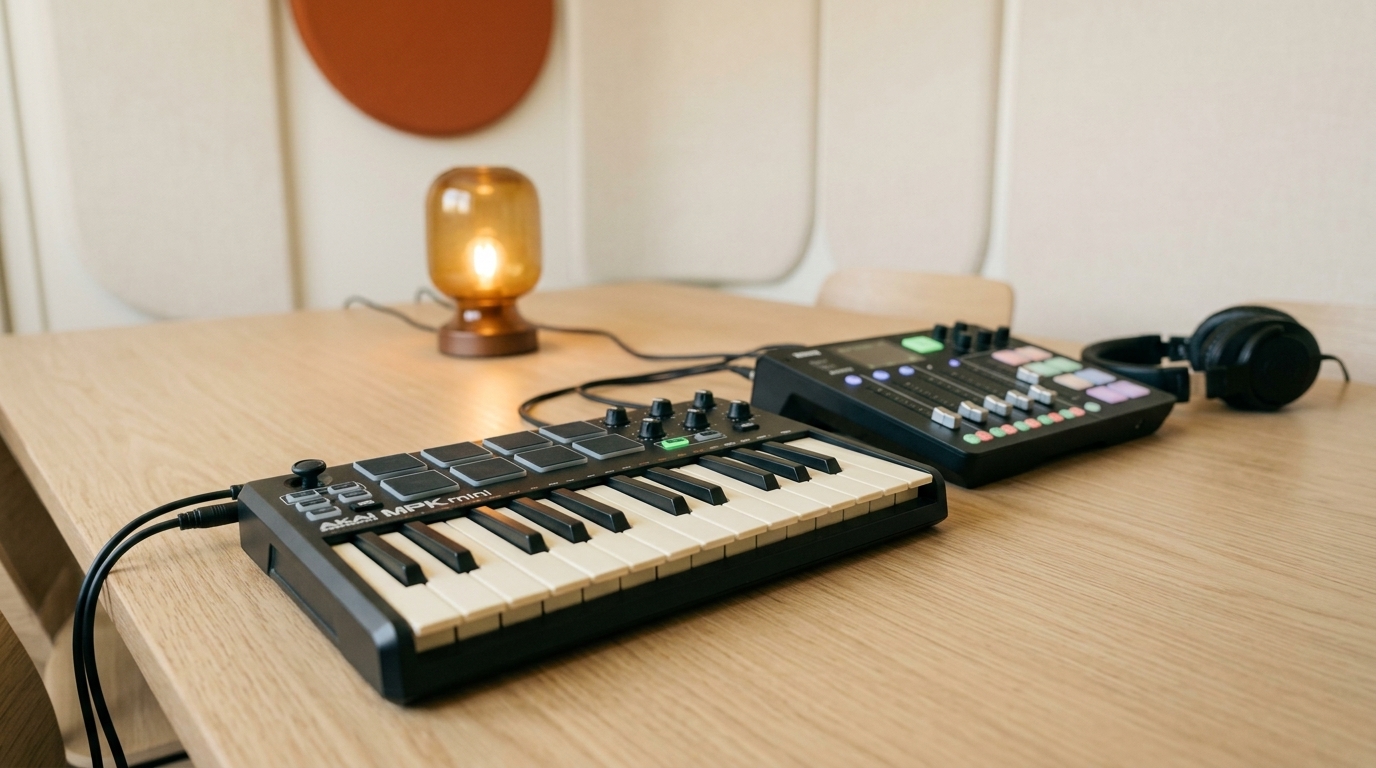
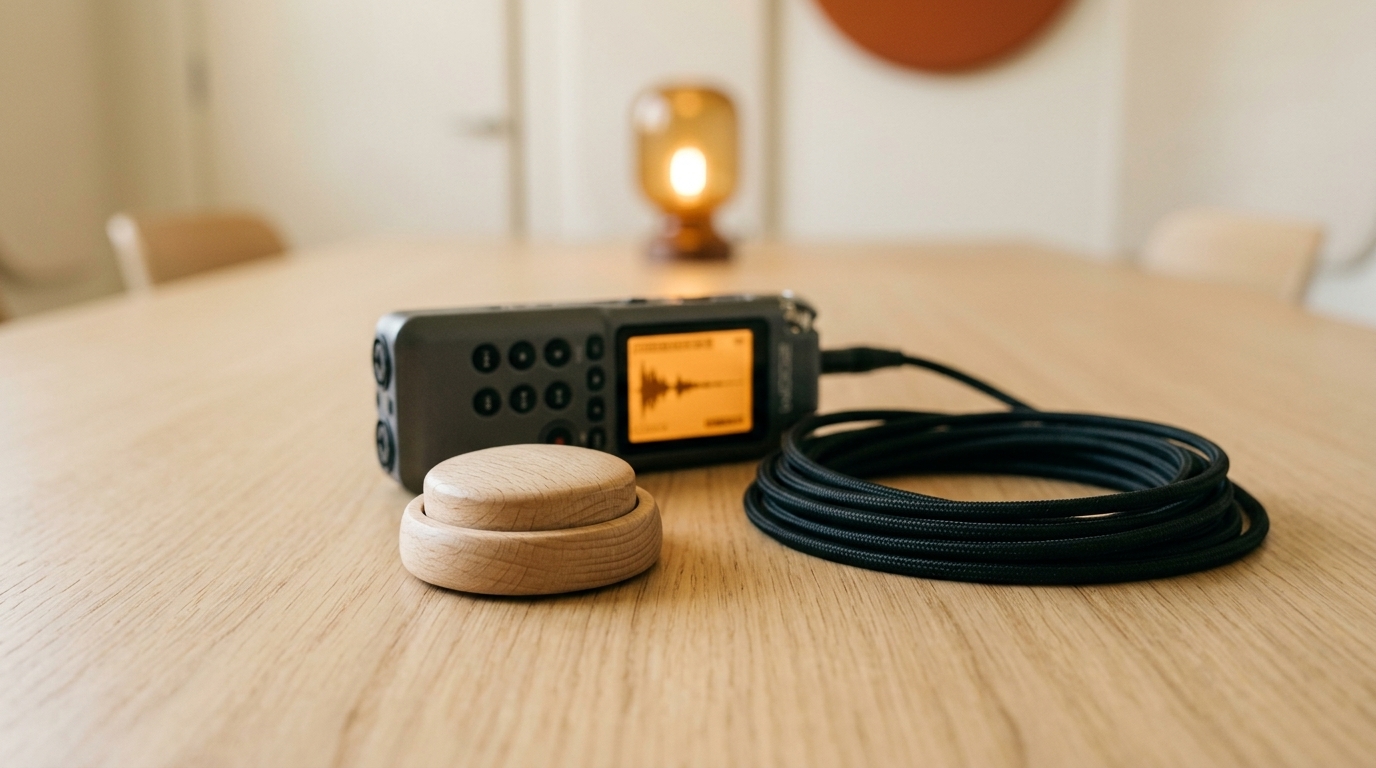
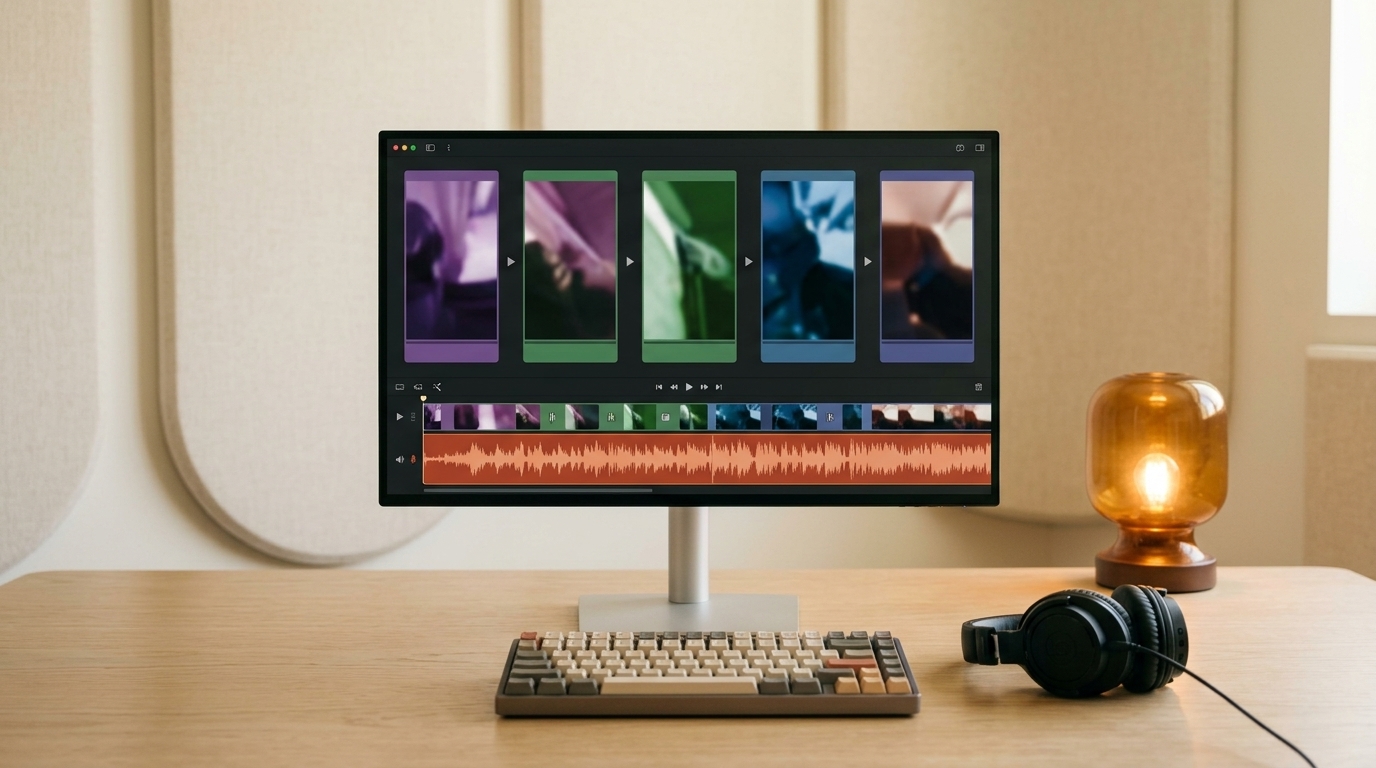
The voices stay off screen. We started with an empty 16:9 studio image, then used it as a style reference for five topic shots: voice choices, voice recording and design, music, sound effects, and video editing. The same cream, oak, charcoal, and amber palette ties the shots together without showing anyone who should appear to be speaking.
Use Creative Claw generate_image with image/nano-banana-2 at 16:9.
Create a premium editorial photograph of an empty podcast studio:
two charcoal broadcast microphones across a pale oak table,
headphones, a small mixer, cream acoustic panels, and one amber lamp.
Warm daylight, realistic equipment, no people or visible text.

For five follow-up images, use that first image as image_url for
the room, palette, and lighting. Make new compositions focused on:
1. Headphones and four abstract voice waveforms.
2. A microphone, recorder, and notebook for voice design.
3. A keyboard and mixer for the music theme.
4. A wooden click button and field recorder for sound effects.
5. A video editing screen with image cards and an audio waveform.
Keep every scene empty of people, faces, hands, and silhouettes.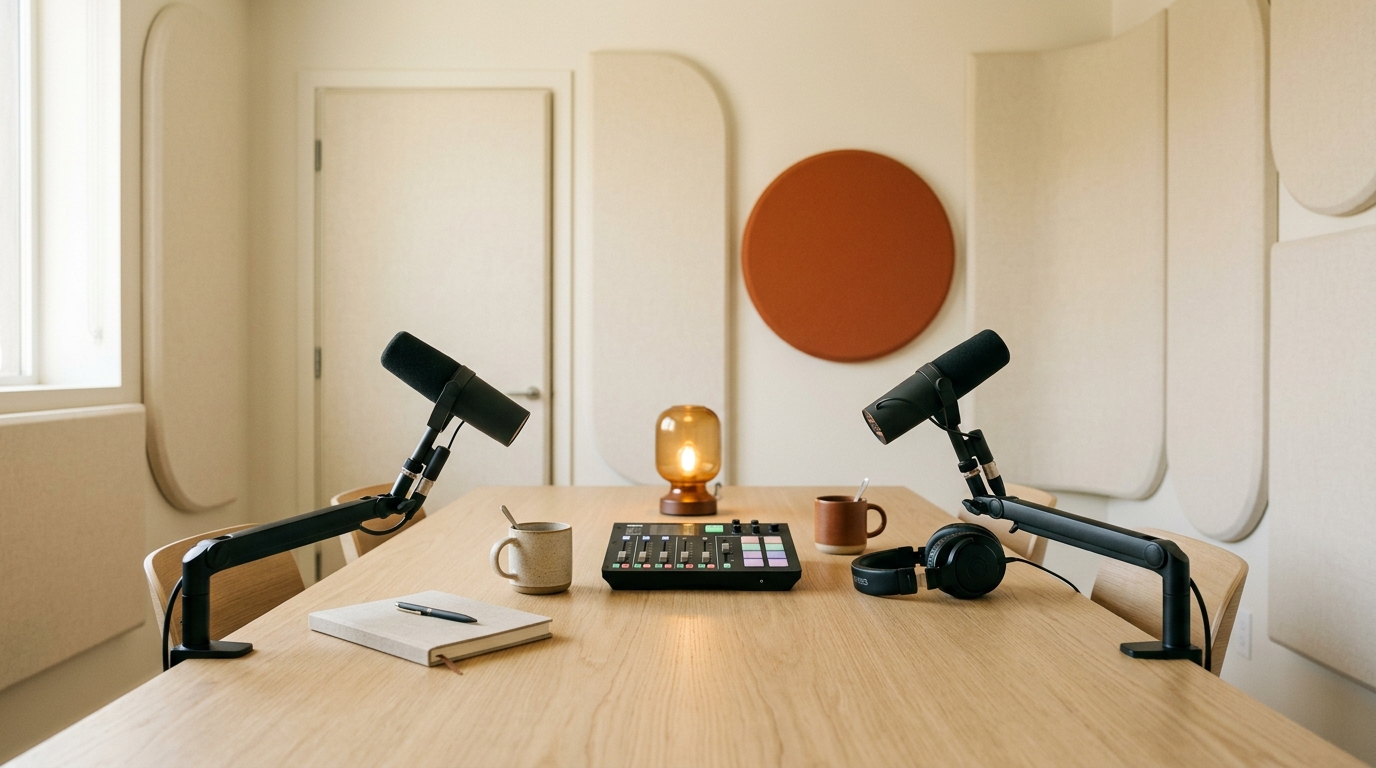
Step 7: compose the video podcast
We animated the empty studio image into a five-second opening with one slow camera move. The final edit discards that clip’s own audio and plays the podcast theme instead:
The opening clip used video/minimax-h3-max-turbo at 768p for five seconds. For the finished episode, Creative Claw’s newer merge_media operation compose_video accepts both timed images and full video clips. We placed that clip first, followed by timed B-roll stills, and supplied the finished MP3 as the audio track. This is the shape of the request:
{
  "operation": "compose_video",
  "clips": [
    { "type": "video", "url": "OPENING_VIDEO_URL", "include_audio": false },
    { "type": "image", "url": "EMPTY_STUDIO_IMAGE_URL", "duration_seconds": 9 },
    { "type": "image", "url": "VOICE_WAVEFORM_IMAGE_URL", "duration_seconds": 10 },
    { "type": "image", "url": "RECORDING_GEAR_IMAGE_URL", "duration_seconds": 10 }
  ],
  "audio": { "url": "FINISHED_EPISODE_MP3_URL" },
  "content_fit": "cover"
}
The actual edit has 13 clips in all and returns to the empty studio for the outro. Its total duration is 1 minute 57 seconds.
Step 8: add subtitles that follow the voices
Ask ChatGPT to transcribe the completed MP3 with Creative Claw Scribe:
Transcribe my finished podcast audio with Creative Claw Scribe.
Give me the word timestamps and speaker IDs. Speaker 0 is Maya,
using Google's Aoede voice. Speaker 1 is Leo, using Puck.
Correct the proper noun Aoede if the transcript spells it phonetically.
Make short caption groups of about three or four words, timed to the
speech. Include the music and sound cue in an accessible caption file.
Scribe found the two alternating speakers and supplied word timings. We checked the names against the original voice settings and corrected its phonetic spelling of Aoede. For this example, we used a local HyperFrames composition to burn bold, word-highlighted captions into the B-roll video. Maya’s words light up gold; Leo’s light up mint. A large name and colored monogram show who is speaking, while the words stay widely spaced and easy to read.
For an agent that can run HyperFrames locally, this is the styling brief:
Use the finished video and Scribe word timestamps to make a 1080p
captioned episode. Show three or four words at a time near the bottom,
with generous spacing between the words. Highlight the currently spoken
word. Give Maya gold captions with a large M / MAYA speaker badge, and
Leo mint captions with a large L / LEO badge. Do not use host photos or
tiny voice-model labels. Keep the original video audio and export MP4.
You can download the English VTT captions for a player that supports switchable captions.
Optional: host a solo episode in your own voice
If the show is just you, a cloned voice can keep your sound consistent without recording every draft. Clone your voice in ChatGPT with Creative Claw’s ElevenLabs or Cartesia workflow, then ask ChatGPT to narrate the solo script using your saved voice. You will need a clean recording and the speaker’s explicit permission to clone it.
For a fictional host, you can ask ChatGPT to design a new synthetic voice with Creative Claw. A design prompt might be: “Create a warm, curious, midrange synthetic host voice with crisp English diction and a lightly playful delivery.” A clone needs a real recording and informed permission; a designed voice starts from a written description. The voice-cloning guide covers the recording and consent steps.
Google’s one-request two-speaker dialogue uses prebuilt voices. A custom designed or cloned voice cannot replace one of those two voices in that mode. For a solo show, choose a supported saved voice model instead.
Watch the finished video podcast
The player at the top shows the completed episode. Here it is again so you can compare it with the individual assets and prompts:
You can use the same pattern for a longer episode: keep the B-roll style consistent, make dialogue in reviewable sections, and change visuals when the subject changes. If your ChatGPT connection still shows an older merge_media parameter list without compose_video, refresh the Creative Claw connection before trying this step.
What this two-minute episode costs
The finished captioned B-roll version costs 192 Creative Claw credits to recreate, about $1.92 at the current credit price of $10 for 1,000 credits. Here is the full breakdown for the exact assets used:
| Step | Credits | Cost |
|---|---|---|
| One Google two-host speech file | 7 net | $0.07 |
| Six-second instrumental theme | 3 | $0.03 |
| One-second sound effect | 24 | $0.24 |
| Two audio trims and one audio merge | 6 | $0.06 |
| Six Nano Banana 2 B-roll images | 96 | $0.96 |
| Five-second MiniMax H3 Max Turbo B-roll clip | 40 | $0.40 |
compose_video with 13 clips | 14 | $0.14 |
| Creative Claw Scribe transcription | 2 | $0.02 |
| Local HyperFrames caption render | 0 | $0.00 |
| Total | 192 | $1.92 |
The speech amount is the net charge after an automatic credit adjustment. The first six rows and Scribe row use this example’s recorded charges. The compose_video row uses its published rate of two credits for the first clip and one for each additional clip. HyperFrames ran locally, so it used no Creative Claw credits. Earlier discarded drafts, including a talking-host video that is not in the finished episode, are excluded. Model prices and the cost of a longer script can change, so check the live pricing before making your own version.
Frequently asked questions
How can I generate a podcast with ChatGPT?
Connect Creative Claw to ChatGPT, describe your topic, hosts, tone, and target length, then ask for a script and generated speech. Review the audio before adding music, sound cues, and an optional video.
What should I include in a ChatGPT podcast prompt?
State the audience, topic, episode length, host names, voice choices, segment outline, and desired tone. Ask for short turns and a script you can review before generating speech.
Can ChatGPT make a podcast with two hosts and two different voices?
Yes. With Creative Claw connected, ChatGPT can send a two-speaker script to Gemini 3.8 Flash TTS, assigning a different prebuilt Google voice to each host. The result is one speech file.
Can both podcast hosts be generated in one Google TTS call?
Yes. Google two-speaker mode generates the alternating dialogue in one speech request, as in the Small Signals example. Music, sound effects, and assembly are separate operations.
How do I tell Google TTS which host uses which voice?
Give every turn a speaker name and voice_id in Creative Claw’s extras.dialogue, such as Maya with aoede and Leo with puck. Keep each speaker on the same voice in every turn.
Can the two AI podcast voices talk at the same time?
No. The two voices take turns in the generated audio file. The two-speaker setting does not create overlapping dialogue.
Which Google voices should I choose for a podcast?
Preview the Google voice library and choose voices with contrasting delivery. This episode pairs relaxed Aoede with cheerful Puck; Charon and Kore are steadier alternatives.
Can I make a solo podcast in my own cloned voice?
Yes, with the speaker’s permission and a supported Creative Claw voice-cloning model such as ElevenLabs or Cartesia. Google’s one-request two-speaker mode uses prebuilt voices instead.
Can I use a designed or cloned voice in Google two-speaker mode?
No. Google’s one-request two-speaker mode uses prebuilt Google voices. Use a supported saved-voice workflow for a solo host instead.
How long can a ChatGPT podcast episode be?
For a longer show, generate reviewable sections and join them. Creative Claw currently accepts up to 40 dialogue turns and 10,000 characters in a Google speech request, so split a script that exceeds either limit.
Can I change one line after generating the podcast?
Yes. Regenerate the affected section, trim around a natural pause if needed, and join it back with merge_audios. Keep each host on the same voice for continuity.
How do I add intro music and sound effects to a ChatGPT podcast?
Ask Creative Claw to make an instrumental theme with generate_music and a short cue with generate_sound_effect. Then join them with the spoken sections in the right order using merge_media.
Can background music play underneath the podcast voices?
Yes, but merge_audios only joins clips end to end. Use an audio mixer or a video audio mix to place a quiet music bed beneath the dialogue.
How do I turn an audio podcast into a video podcast in ChatGPT?
Create consistent B-roll images and optional short video clips, then use Creative Claw’s compose_video operation with the finished audio. The example in this guide uses 13 clips.
Do I need lip-synced avatars for a video podcast?
No. Topic-matched B-roll, artwork, and captions can make a video podcast without showing a person speaking. Avoid still host portraits if their mouths are not synchronized with the audio.
How do I add subtitles to an AI podcast?
Transcribe the final audio with Creative Claw Scribe to get word timings and speaker IDs. Use those timings for a switchable VTT track or burn readable captions into the video.
How much does it cost to make this example podcast?
The finished example uses 192 Creative Claw credits, about $1.92 at $10 per 1,000 credits, including Scribe transcription. The local HyperFrames caption render used no Creative Claw credits. Prices can change.
Ready to try it?
Connect CreativeClaw to ChatGPT and create your first result.
Connect CreativeClawContinue the workflow
