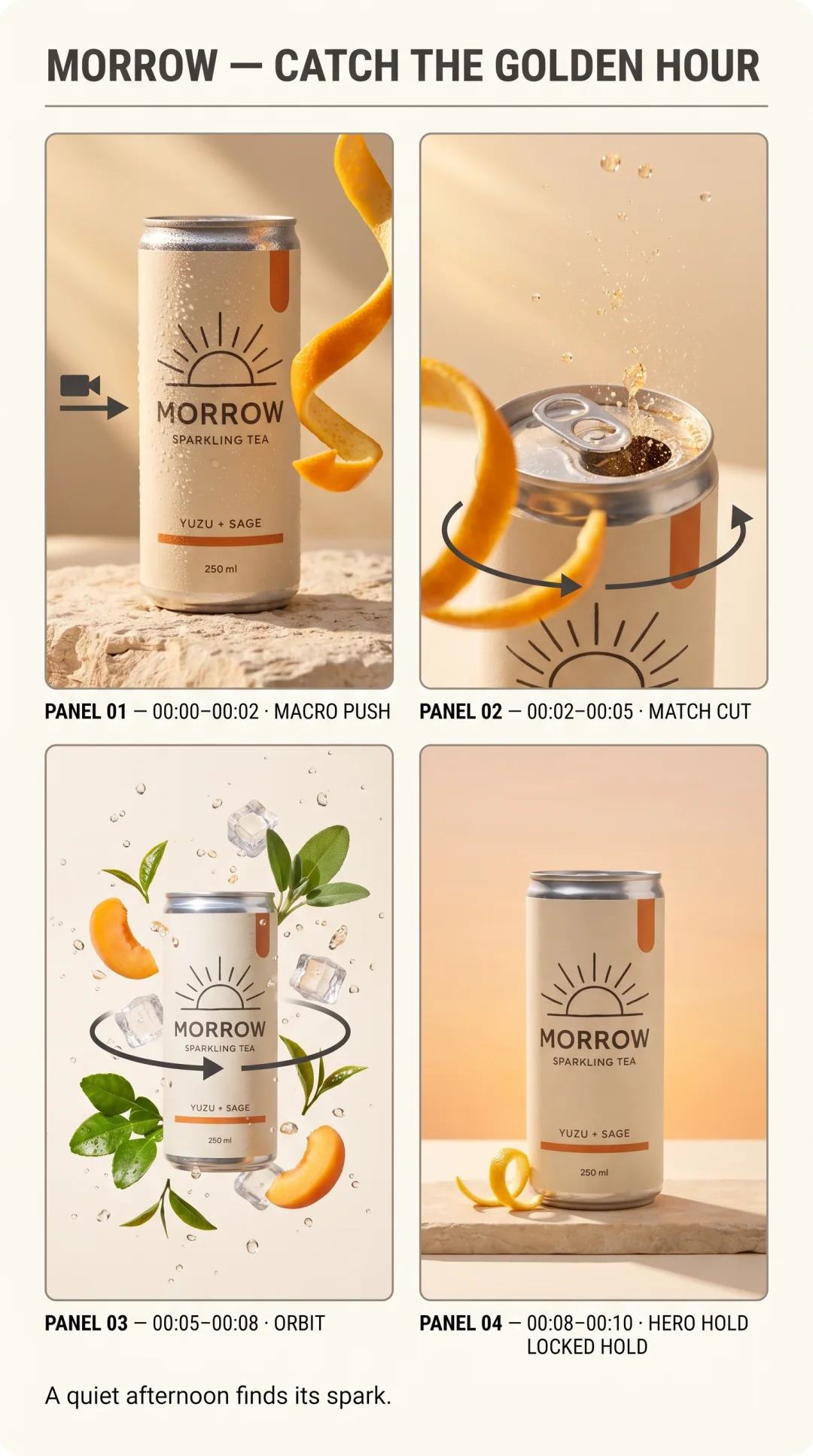
How to Build a Reusable Social Campaign System
Combine a saved brand theme, approved media, and reusable HTML templates so Claude can produce coordinated campaign assets instead of unrelated one-off posts.
What you'll make
A repeatable campaign architecture where brand tokens, product imagery, layout templates, formats, and asset names each have one clear responsibility.
The difference between “make me a post” and “run this campaign” is the reusable system underneath.
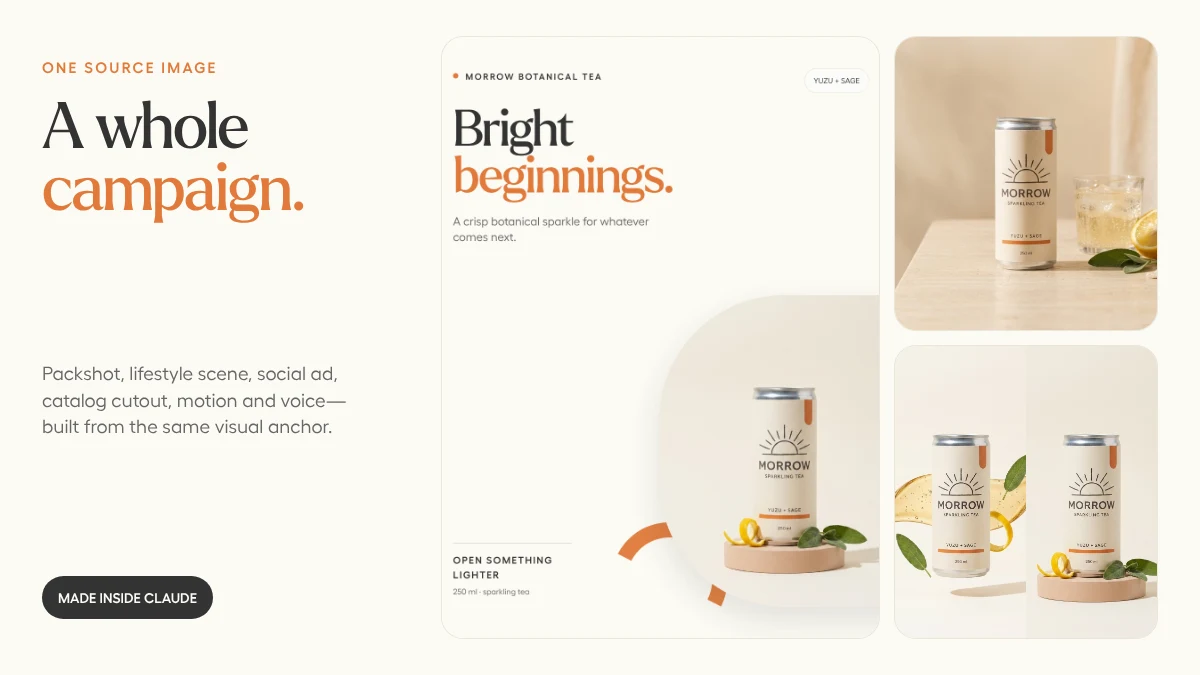
This system has five layers. Each one does one job well.
Layer 1: The brand theme
The theme carries the durable decisions:
- Color tokens
- Display, body, and mono fonts
- Logo variants
- Shape language and radius
- Photography and illustration direction
- Tone of voice
- A reference image for generative work
If those rules still live only in a prompt document, start with the brand-theme walkthrough.
Layer 2: Approved media
The campaign needs a small number of visual anchors, not a fresh generation for every post.
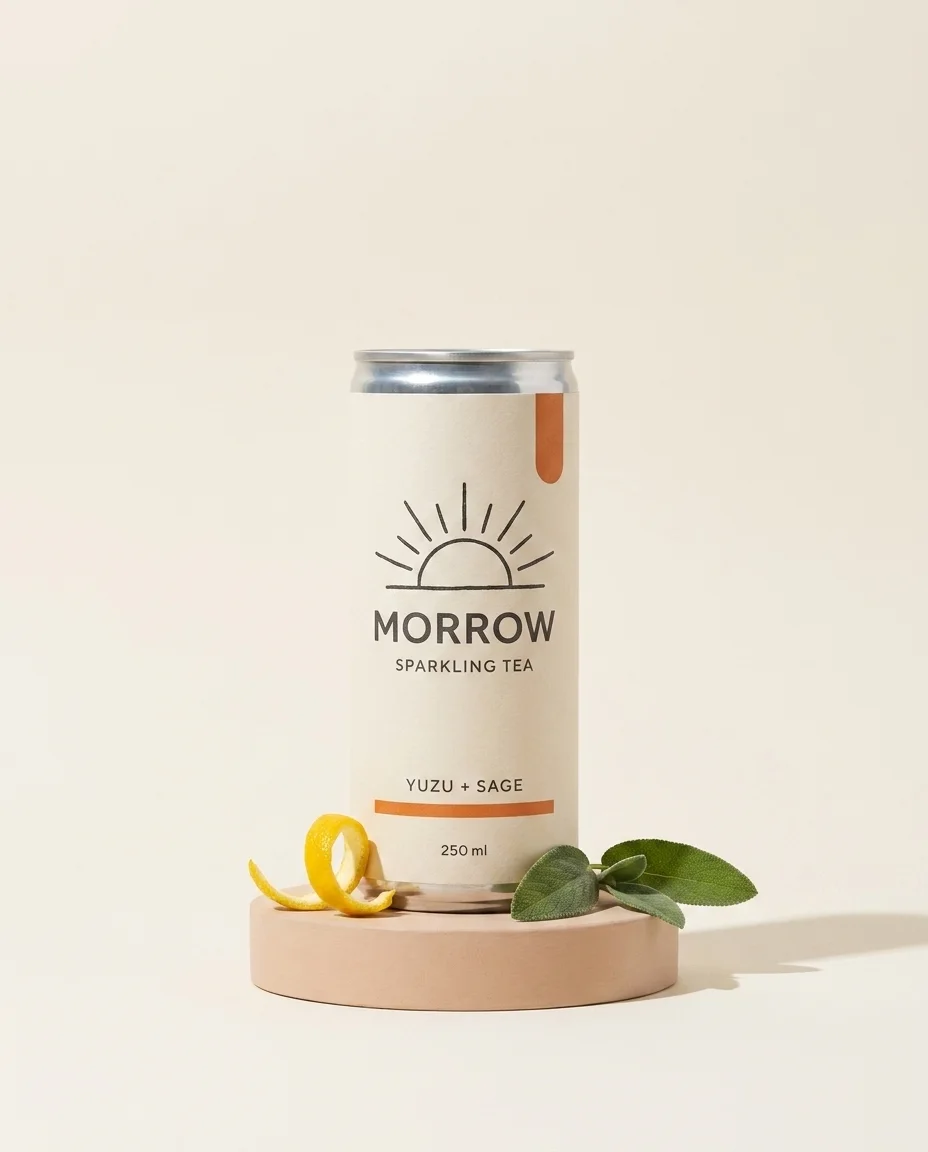

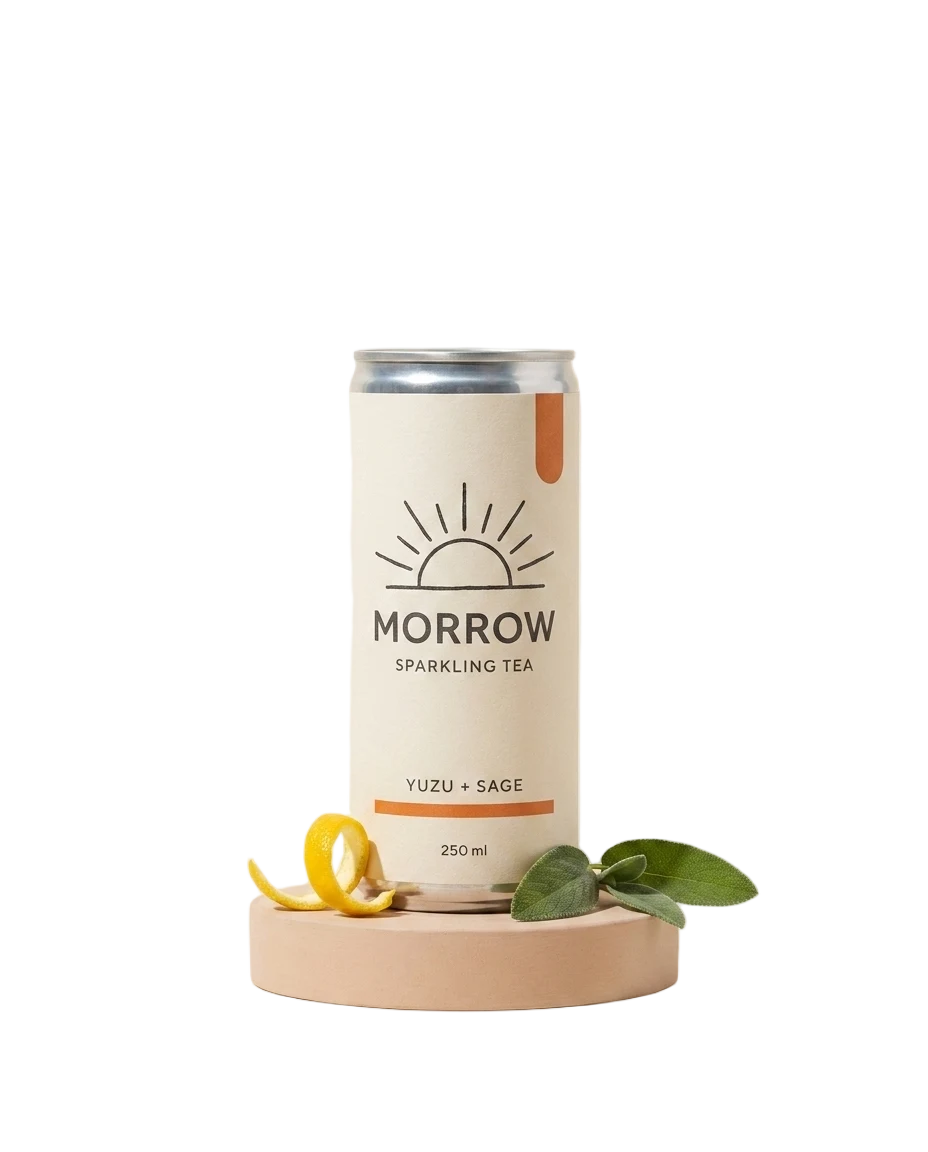
Every later layout can refer to these assets by name. No re-uploading. No “which final-final image did we use?” archaeology.
Layer 3: Templates for exact layout
Text-heavy social assets should use HTML templates. A reusable template controls:
- Type scale and line length
- Logo placement
- Safe zones
- Color contrast
- Product crop behavior
- CTA treatment
- Platform dimensions
The model should not renegotiate those decisions on every render.
Layer 4: Small, meaningful parameters
Expose only what should change:
headline
supporting_copy
cta_label
product_image
campaign_accent
format
Avoid parameters like heading_x, logo_width, and card_radius. Those are layout-system details, not campaign inputs.
Layer 5: A predictable asset ledger
Name outputs so both people and agents can retrieve them:
morrow-launch-ig-feed-v1
morrow-launch-story-v1
morrow-launch-linkedin-v1
morrow-launch-email-hero-v1
morrow-launch-motion-9x16-v1
Then tag the whole set with morrow, launch, and the channel. The next conversation can start with “reuse the MORROW launch assets” instead of another upload session.
When to generate and when to render
| Need | Best primitive |
|---|---|
| New product scene | AI image generation or editing |
| Exact headline and logo | HTML render |
| Transparent product | Background removal |
| Photoreal motion | Image-to-video |
| Kinetic type or stat card | HTML-to-video |
| Repeated weekly post | Saved template |
The prompt to try
Use CreativeClaw to turn this campaign brief into a reusable system.
Load my brand theme first. Identify the minimum approved media we need,
then separate generative assets from typography-led templates. Propose one
template family for feed, story, LinkedIn, and email. Keep the parameters
limited to campaign content, render one full set, and save every output with
a consistent campaign name and tags.
One-off assets are output. A theme, templates, references, and names make a studio.
Built with