How to Import Your Brand into CreativeClaw
What if Claude already knew your brand? Your colors, your logos, your tone of voice, your fonts. Every time you asked it to create something, it would just look right.
That’s what brand themes do in CreativeClaw. You set it up once, and every generation after that is on-brand by default.
Here’s how we imported Airbnb’s full visual identity into Claude in under two minutes.


Left: an on-brand animated banner — background image + animation for about 16 cents. Right: the workflow — your brand + Claude + CreativeClaw.
Step 1: Let Claude read your brand from your website
The fastest way to create a brand theme is to point Claude at your website and let it extract everything automatically. If you’re using Claude with the Chrome integration (Claude for Desktop or the Chrome extension), Claude can read the live page directly.
We opened airbnb.com in Chrome and asked:
Use CreativeClaw to import the brand from this page. Save it as a theme called “airbnb”.
Claude scanned the page and extracted:
- Colors — primary Rausch coral (#FF385C), Hof charcoal (#222222), neutral grays, product reds, background whites
- Logos and SVGs — the Belo mark in three variants (coral, white-on-dark, dark-on-light). SVGs are critical here because they can be embedded in generated graphics at any size without quality loss
- Typography — Airbnb Cereal VF, the brand’s variable font, with weight mappings for headlines (800), body (400), subheadlines (600), and captions (500)
- Brand voice — “Warm, human, and direct. Conversational sentence case headlines. No jargon, no marketing-speak.”
- Photography direction — warm natural-light interiors, golden-hour exteriors, candid human moments, slight warm color grade
All of this was saved into a single named theme.
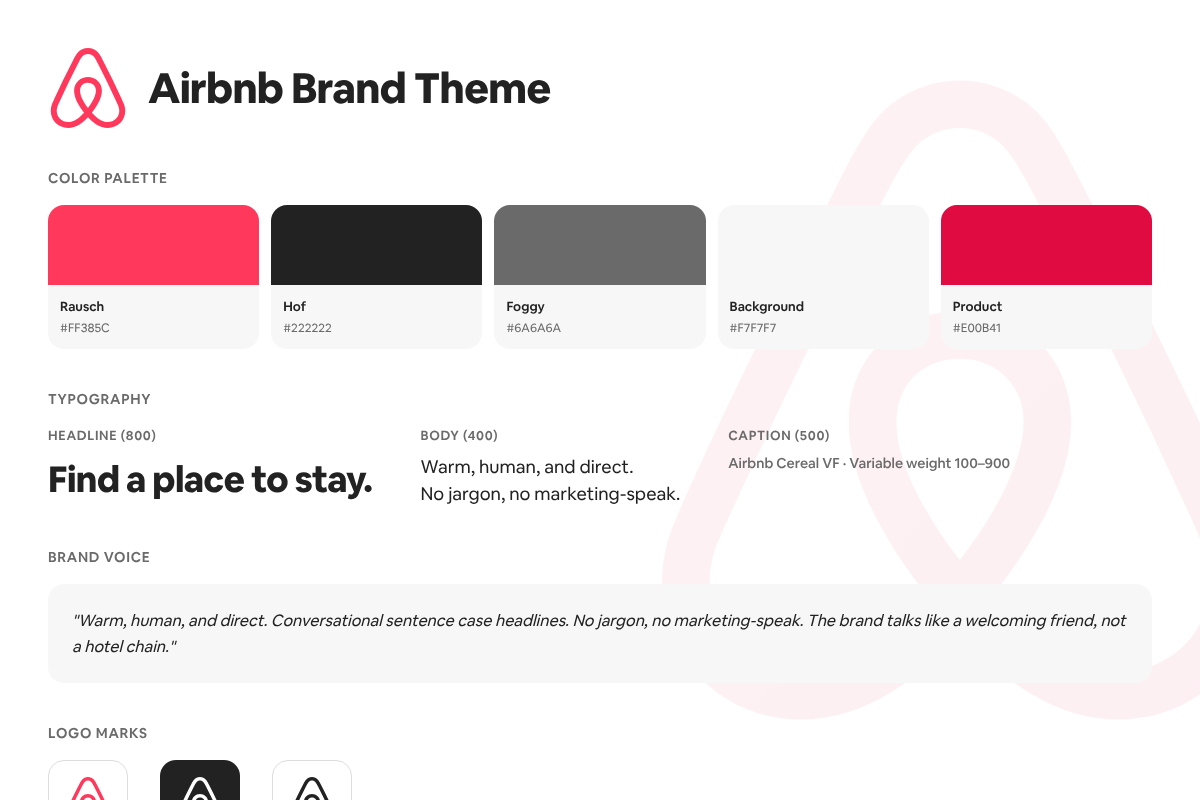
This overview card was generated by CreativeClaw using the Airbnb theme — not sourced from the web.
What gets saved in a theme
A theme is a structured JSON bundle that Claude can reference during any generation. Here’s what we captured for Airbnb:
Colors
The full palette with named tokens, so Claude knows when to use “Rausch” as a primary accent vs. “Hof” as text vs. “Foggy” for secondary text.
Logos and SVGs
Three versions of the Belo mark, each stored as a permanent asset with a URL. This matters because logos appear in almost every branded graphic. Having the SVG of the mark means Claude can embed it inline at any resolution, use it as a clipping mask, or overlay it on photography.

Rausch (primary)

On dark

On light
Fonts
Fonts are one of the most underrated parts of brand identity. When AI generates a banner, it typically falls back to a generic font like Roboto or Inter. It looks close, but your audience can feel the difference. CreativeClaw supports any Google Font out of the box, and you can upload your own custom fonts (woff2, ttf) as assets for pixel-perfect accuracy.
Here we imported Airbnb’s proprietary Cereal VF variable font and stored it with the theme. The difference is subtle but real:
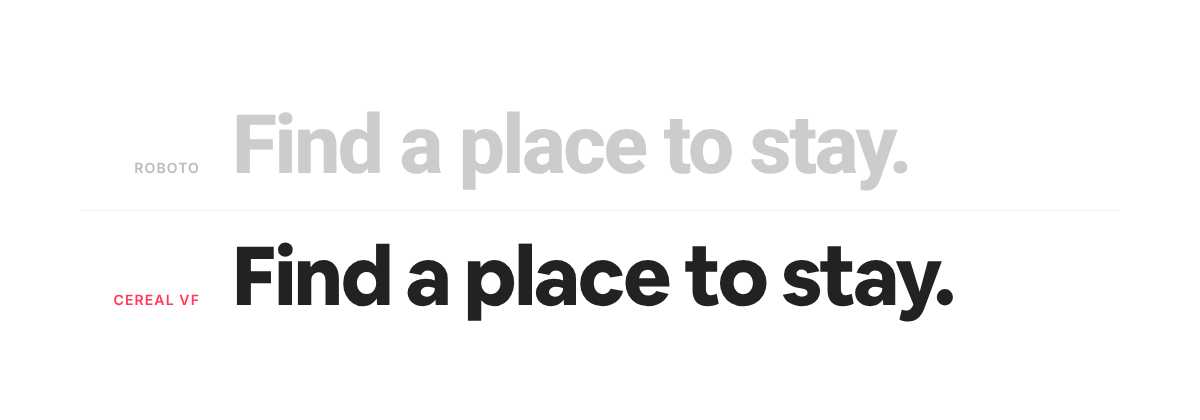
Same words, different fonts. Look at the “a”, the “d”, the weight distribution. Your audience notices.
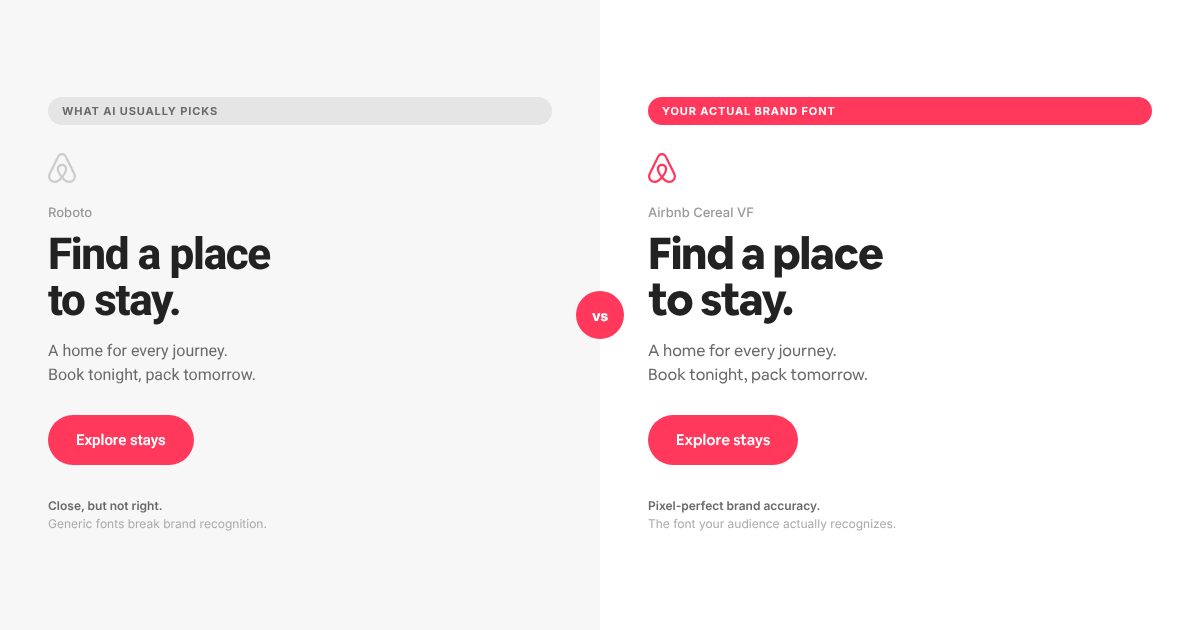
Airbnb Cereal is a proprietary font used here for demonstration. Some brand fonts require a license. CreativeClaw doesn’t provide fonts — you bring your own, and we make sure Claude uses them.
Voice and photography direction
These text fields guide Claude’s writing and image prompting. When Claude generates a banner headline, it follows the voice rules. When it prompts an image model, it references the photography direction for lighting, color grade, and composition style.
Step 2: Use your theme everywhere
Once the theme is saved, Claude can pull it into any generation. You can have multiple themes and switch between them by name:
Use the “airbnb” theme for this next generation.
From that point forward, Claude loads the full theme context and applies it automatically. The theme persists across conversations because it’s stored in CreativeClaw, not in your chat history.
The HTML-to-image renderer
One of the most powerful ways to use brand themes is with CreativeClaw’s HTML-to-image renderer. Instead of prompting an AI image model and hoping it gets the brand right, you write (or have Claude write) exact HTML/CSS with your real fonts, real colors, and real logos, then render it as a pixel-perfect PNG.
Here are four banners Claude created using the Airbnb theme and the HTML renderer. Each one uses a unique AI-generated photo from Nano Banana 2, composed into on-brand layouts with the real Airbnb Cereal font, Rausch coral, and Belo mark:
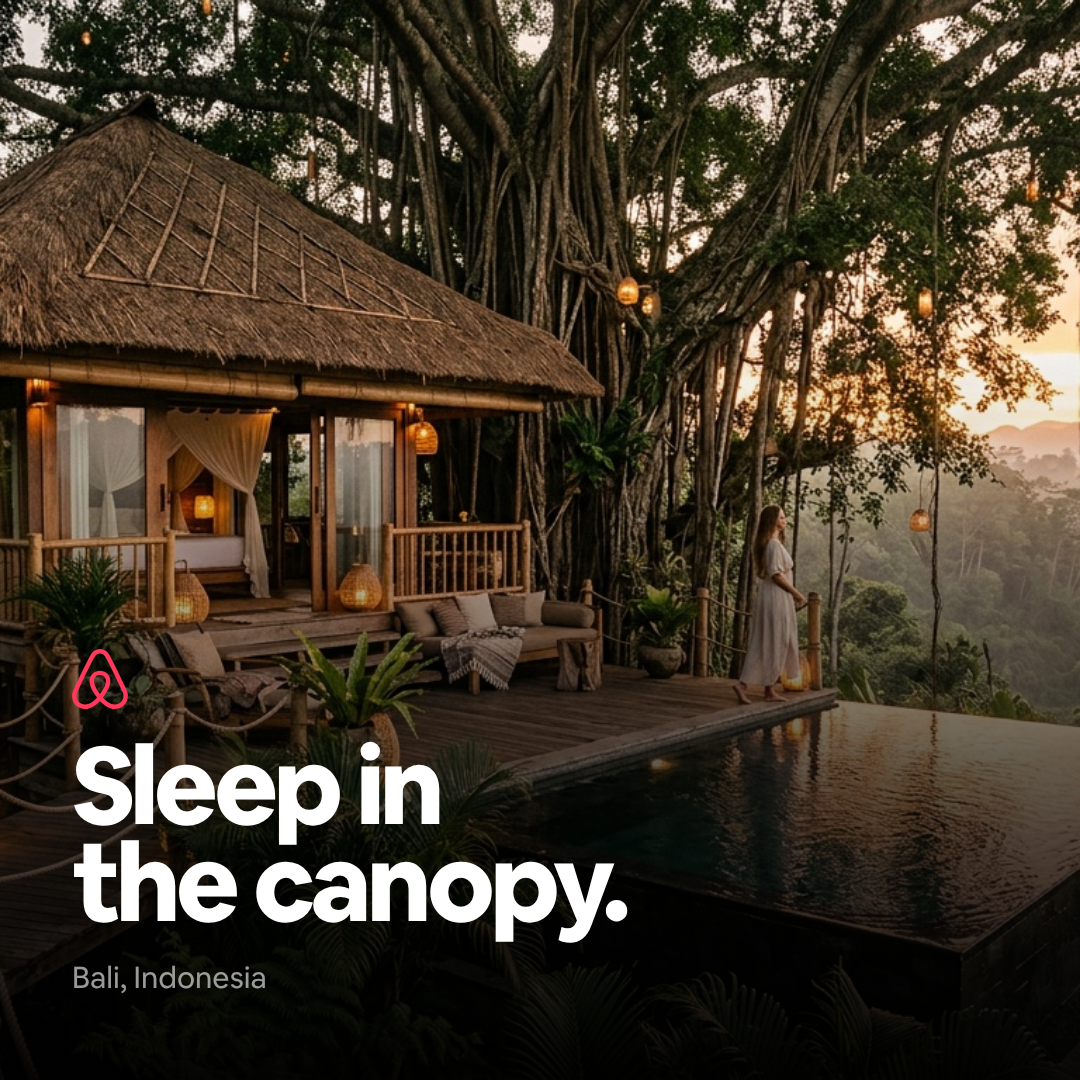
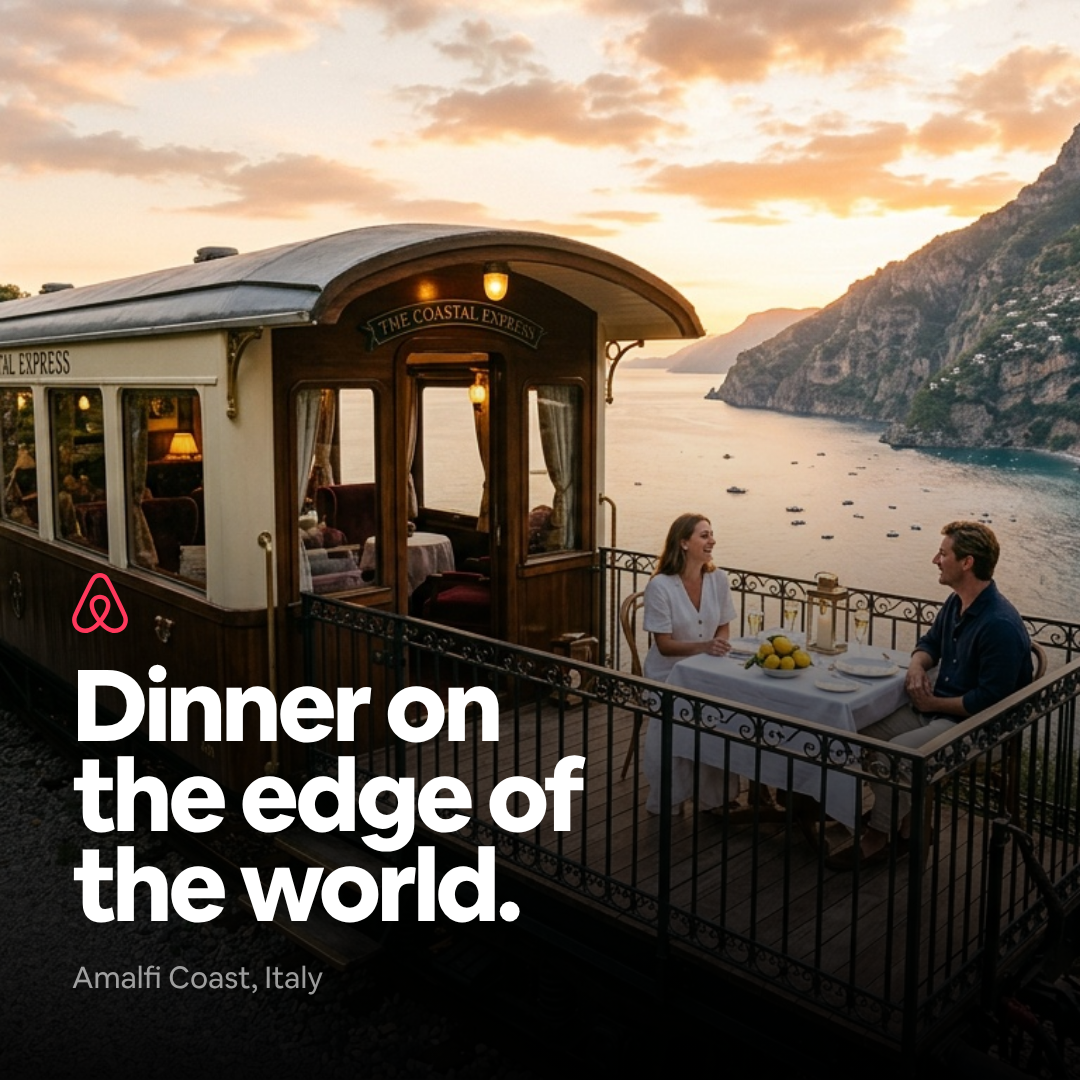
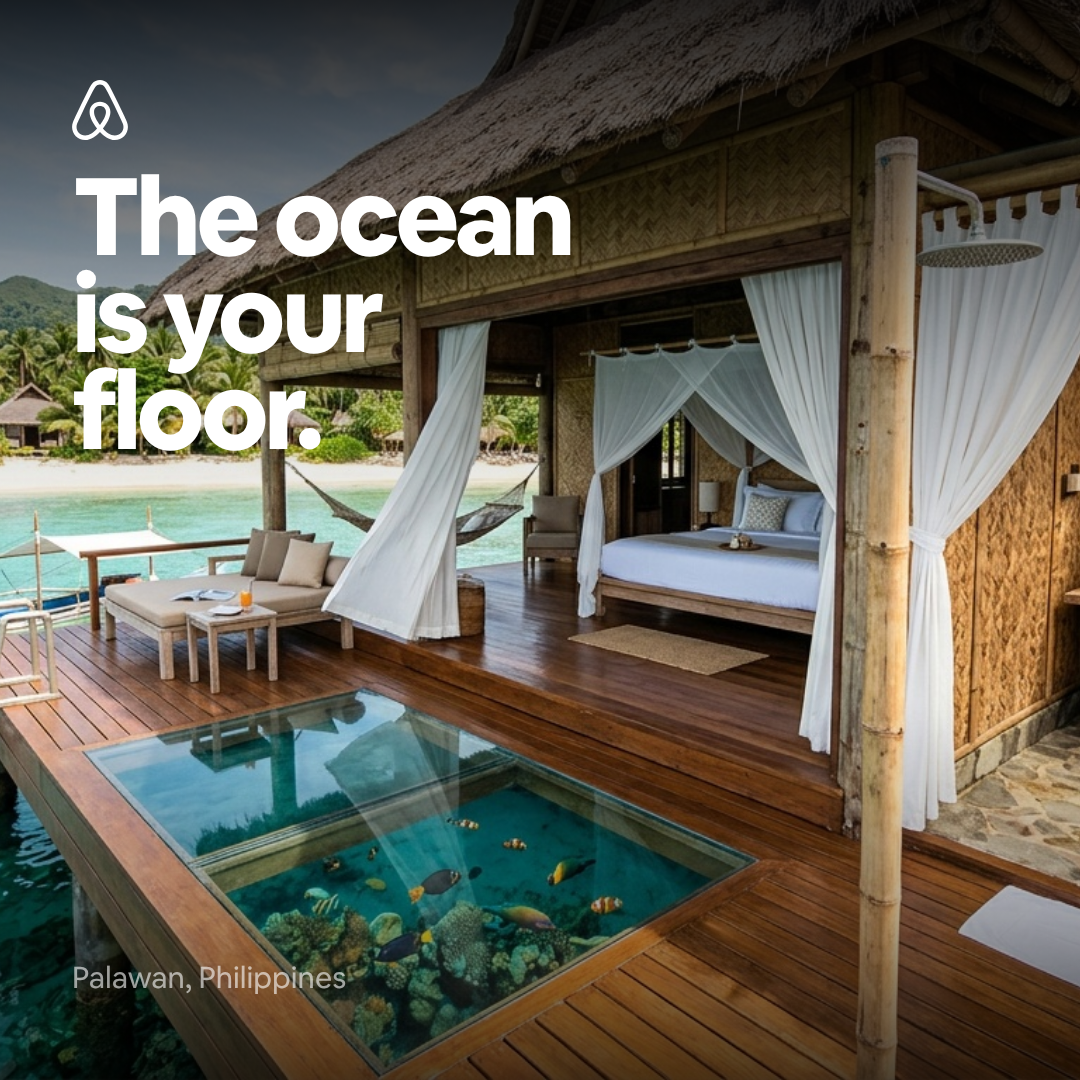
Top-right: the Belo mask technique — the aurora photo is clipped through the Airbnb logo shape using a CSS mask. All four banners use pixel-perfect brand typography, colors, and logo placement.
Every banner uses the exact Airbnb Cereal font, exact Rausch coral (#FF385C), exact Belo mark, exact 16px card radius, and exact pill-shaped buttons. That level of brand accuracy is nearly impossible with pure AI image generation, but trivial when Claude writes real CSS.
Full-width video hero with animated Airbnb-branded text overlay. The background video was generated from a single AI image using Veo 3.1.
The beach video masked through the Airbnb logo and wordmark using CSS mix-blend-mode.
AI-generated cat portrait with color-shifted eye. First and last frame technique with Veo 3.1 Lite.
Beyond social banners
Brand themes aren’t just for social media graphics. Once Claude knows your brand, it can apply it to:
- Landing pages — generate a fully coded, on-brand landing page with your colors, fonts, and tone
- HTML video templates — use themes with Remotion to create branded video content
- Generative media — guide AI image and video generation with your photography direction and color palette
- Presentations and decks — consistent branded slides without touching a design tool
Saving assets as references
Beyond the theme itself, you can save any image, mockup, or reference as a named asset in CreativeClaw. This is useful when you have specific reference images you want Claude to work from:
Save this as “airbnb-app-mockup” — I want to use it as a reference for future product shots.
Named assets work alongside themes. The theme provides the brand system (colors, fonts, voice), while saved assets provide specific visual references (product photos, UI screenshots, style references) that Claude can pull into any conversation.
Try it yourself
- Open your website in Chrome with Claude connected
- Ask Claude to use CreativeClaw to import your brand and save it as a theme
- Start generating: “Create four Instagram banners for a summer campaign using my brand theme”
Your brand identity lives in CreativeClaw now. Every conversation, every generation, every model starts with the same foundation.