10 Bouncing Sound Effects Resources for Better Audio
You’re staring at a motion graphic or product animation that should feel playful, but the bounce lands flat. The timing is close, the visual is fine, yet the impact has no weight. Strong bouncing sound effects usually come from three things working together, the right source, a second layer that adds body or pitch movement, and a quick licensing check before the file ships. The fastest path is not just downloading a clip, it’s choosing a bounce style that matches the motion, then deciding whether you need a clean boing, a rubbery hit, a springy accent, or a custom stack you can trim and shape.
The list below moves from ready-made generation to premium libraries, indie marketplaces, subscription catalogs, and workflow tools. Some resources are best when you need a single polished asset fast. Others are better when you want variants, layering options, or semantic search that helps you find the right bounce without digging through the wrong folder.
Table of Contents
- 1. SFX and Music Launch for HyperFrames
- 2. BOOM Library
- 3. Sound Ideas
- 4. Pro Sound Effects
- 5. A Sound Effect
- 6. Epidemic Sound
- 7. Artlist
- 8. Soundly
- 9. ZapSplat
- 10. Soundstripe
- Bouncing Sound Effects, Top 10 Resources Comparison
- Build a Bounce That Fits the Picture
1. SFX and Music Launch for HyperFrames
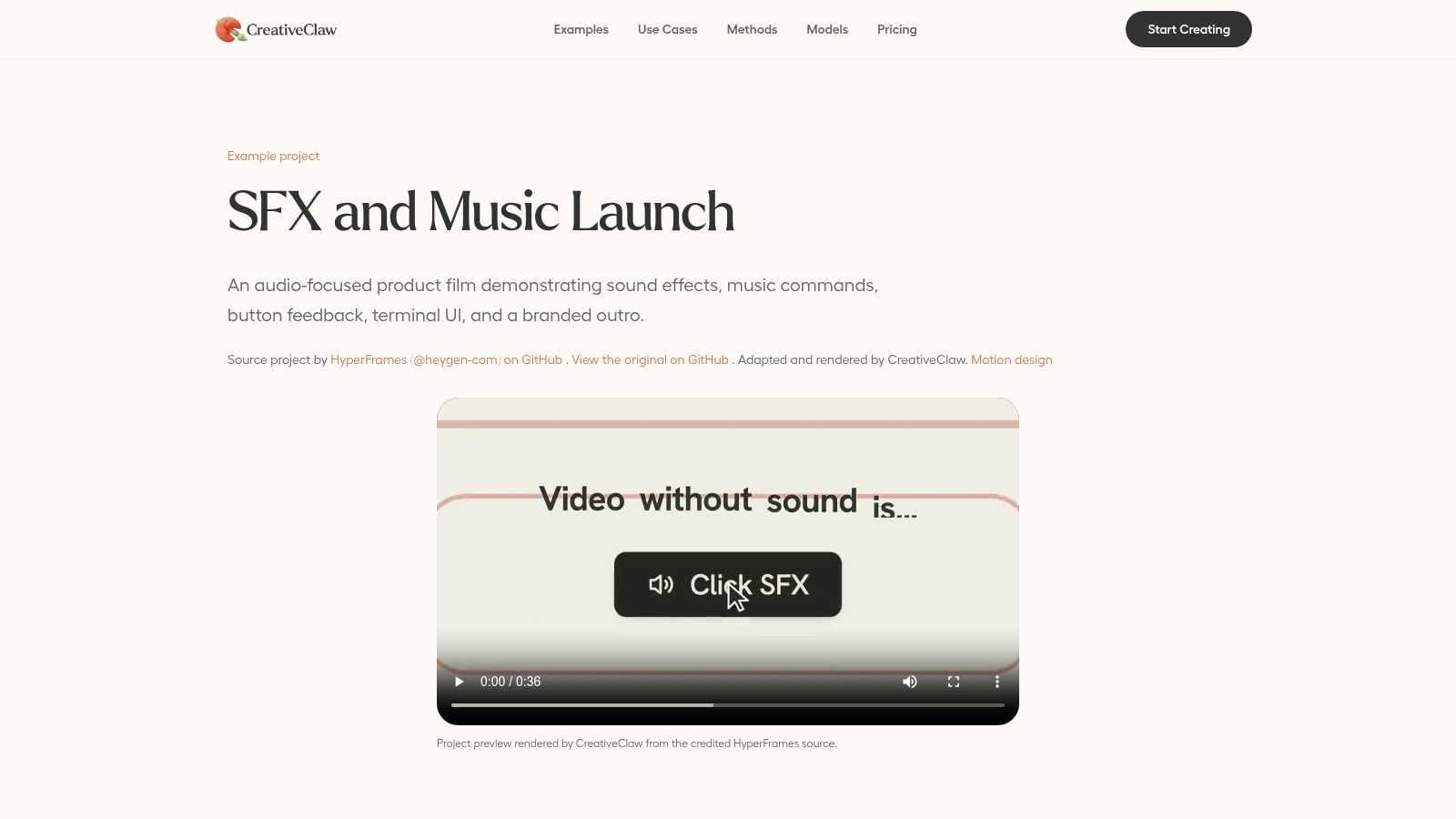
A launch screen, mobile tap, or short motion edit often needs a bounce cue that reads fast and fits the frame on the first pass. A prompt workflow helps here because it combines variant generation, prompt control, and quick export in the HyperFrames example on CreativeClaw. That is useful when the brief is simple, but the sound still has to match the motion and the brand.
CreativeClaw is built for reuse across campaigns, so the main value is consistency rather than a giant sound library. Saved Brand Kits and Character Kits keep the output close to the rest of the asset set, which matters when one bounce has to sit beside a product teaser, a social cutdown, and an in-app interaction. The model-agnostic workflow also helps compare takes without locking into the first pass. Effective prompt design starts with how to describe a sound clearly, which helps the model match bounce style to motion.
Practical rule: use this workflow for short, repeatable cues, not for a full custom sound-design session built from layered source material.
The trade-off is straightforward. It works well for quick cues, impact-style sounds, and short music beds, but it is a weaker fit for long-form scoring or detailed cartoon design. Credits also matter, so teams should treat it like a production tool with a real cost, not a casual library to browse without planning.
2. BOOM Library
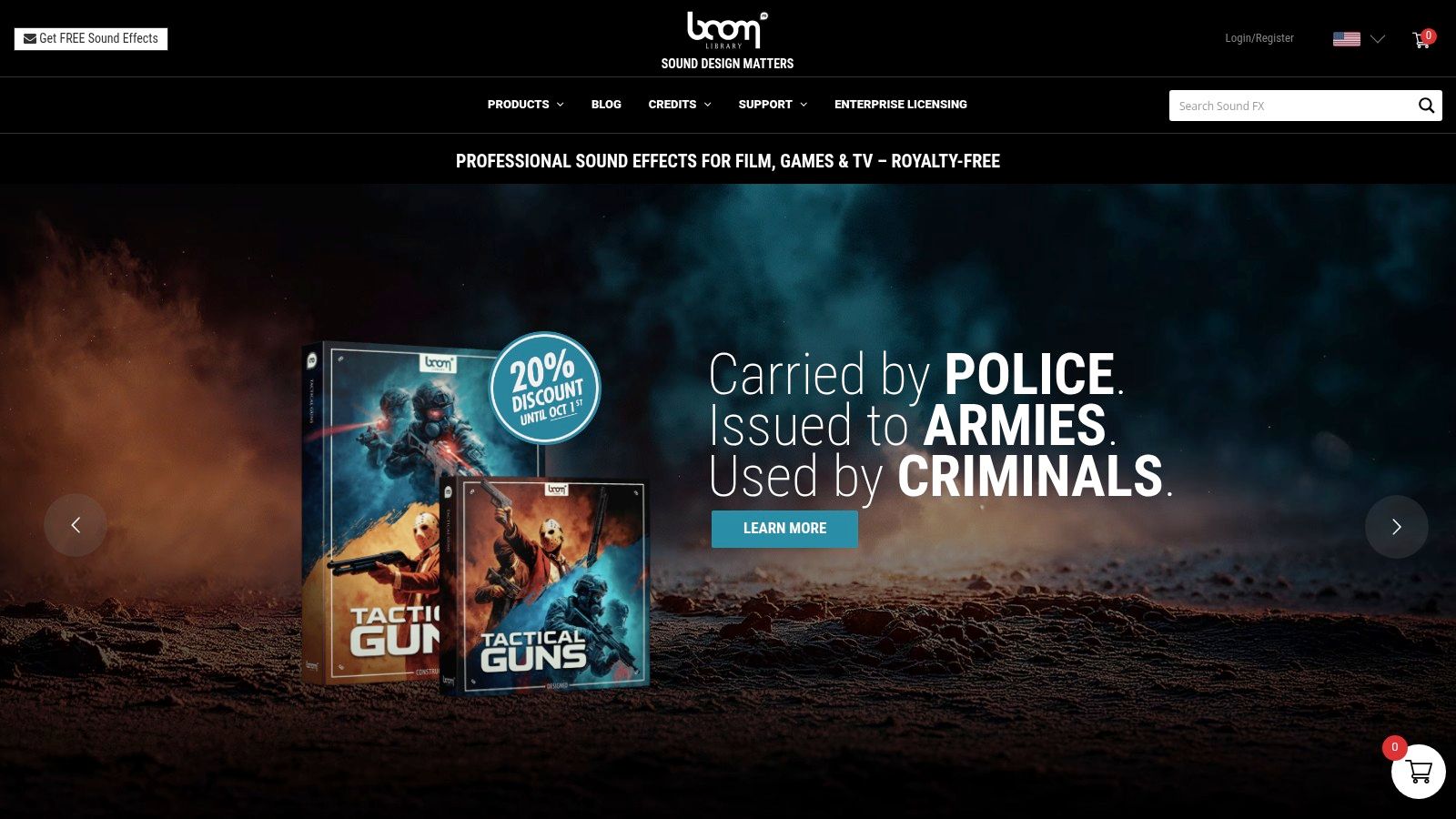
BOOM Library fits editors who want clean, high-resolution bounce material that already sounds produced. Its cartoon-focused collections cover boings, springs, and exaggerated bounces, and the split between Designed and Construction Kit editions gives you a practical choice between speed and control. The catalog works well when the bounce has to feel intentional on the first pass, without extra repair in the DAW.
That split changes the workflow. Designed libraries are faster when the edit is locked and the effect only needs to hit cleanly. Construction Kit editions make more sense when you want to reshape the hit, trim the tail, or layer it under other material so the bounce sits inside a fuller sequence. See the HyperFrames launch bouncy UI example for a generated alternative to library boings.
You notice the difference most in cartoons, motion graphics, and polished UI work. The trade-off is cost and commitment, since BOOM’s libraries are usually a premium buy and the version you need may not be the one you already own. For teams that need a broad, repeatable cartoon bounce palette, it stays a dependable starting point.
Best use case
- Polished cartoon timing: Works well when the motion needs a tight, deliberate “boing” rather than a generic hit.
- Layer-friendly source material: Useful when you want to separate body, pitch movement, and tail.
- Premium deliverables: A good fit for client work where the sound needs to feel finished on first pass.
3. Sound Ideas
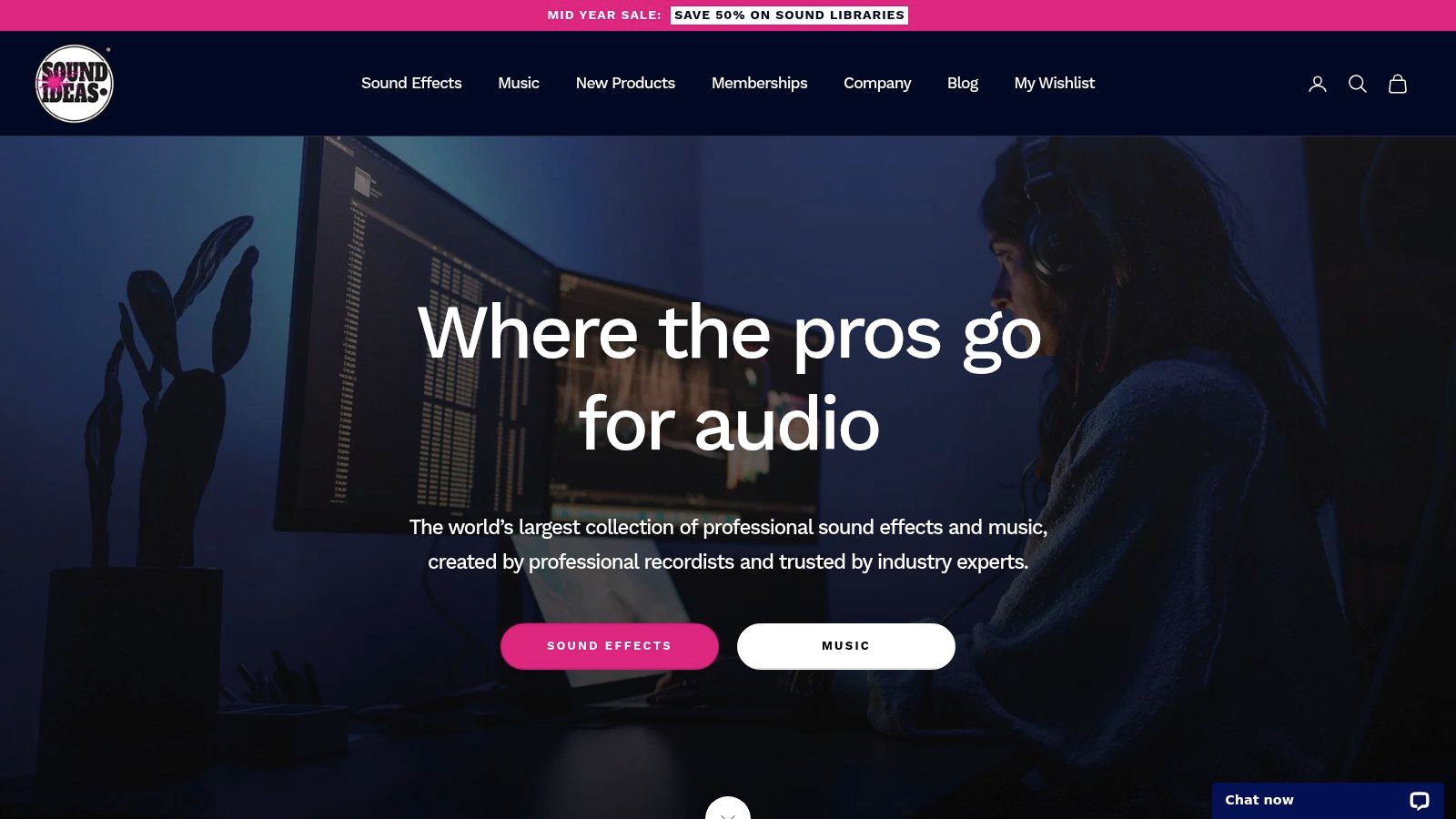
Sound Ideas has the feel of a library built for editors who know the category they want but not always the exact clip name. Its Cartoon Trax sets include boings, bounces, dings, and splats, which makes it a practical stop for playful ads, animated explainers, and UI work that needs recognizable character. The value here is breadth, because the catalog is large enough to support both fast grabs and deeper digging.
That breadth cuts both ways. You get plenty of variation, but the search can feel heavy when you already know the motion timing and just need a few tight options. This is the library to use when you can afford to audition several candidates and compare small differences in pitch, tail length, and comedic timing.
A good way to approach it is to search with intent, not genre labels alone. If the motion is soft and rounded, start with springy and rubbery descriptions. If it’s a harder landing, look for shorter, drier variants that won’t smear across the frame cut. That’s where a legacy catalog like this earns its keep, because it gives you enough material to adapt without sounding interchangeable.
4. Pro Sound Effects
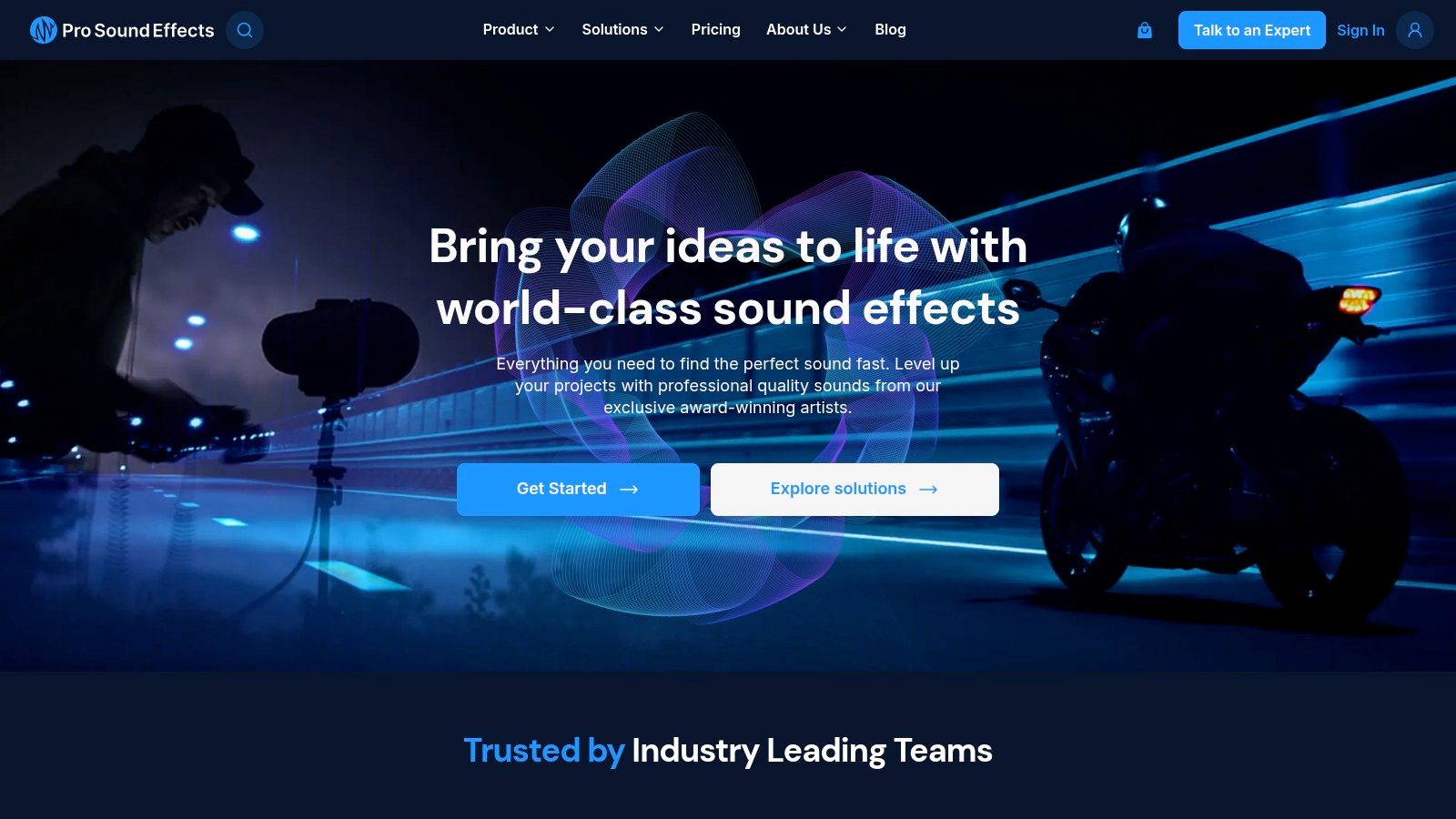
Pro Sound Effects sits in a different lane from cartoon-first libraries. It’s a strong choice when you want bounce sounds that feel built from real-world material, then shaped into something more designed. The CORE and Hybrid sets are useful because they include impacts, object drops, springs, and material recordings that can be layered into convincing bounce cues.
That layering angle matters. A convincing bounce often isn’t one file, it’s a short low-end hit, a tonal or spring-like body, and a trimmed tail that leaves room for the next frame. Pro Sound Effects is useful when you want source material for that stack, not just a ready-made punchline.
It also scales better than many niche cartoon libraries when the work moves from indie to enterprise. The catalog is broad enough to support film, TV, and game workflows, and the software integration path helps teams keep search and spotting under control. If you’re building a reusable bounce palette for a project with many objects or interactions, that makes a real difference.
Search the physical action first, then shape the comedy or realism on top of it.
The limitation is focus. This isn’t the fastest route to a pure cartoon boing, and it asks more from the editor. But for layered, believable, or mixed-styled bounce work, it’s one of the most flexible sources on the list.
5. A Sound Effect
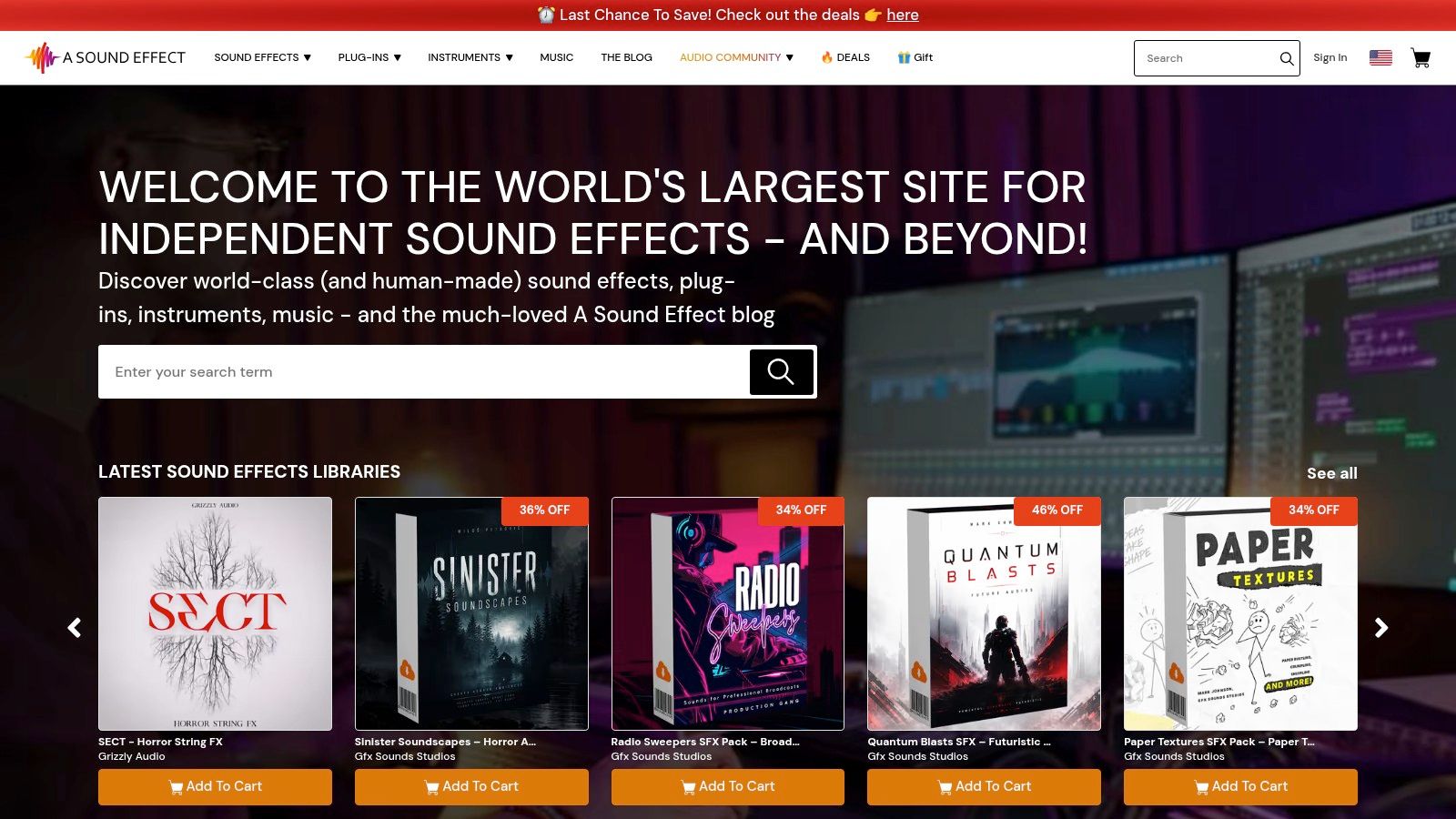
A Sound Effect is useful when the brief is specific and the bounce needs a personality. Because it’s a marketplace of indie libraries, you can search for boing, bounce, spring, or cartoon and land on packs that were designed for a narrow use case instead of a generic one. That’s a strong advantage when the project needs a particular tone, like rubbery, cute, elastic, or exaggerated.
The main trade-off is variability. Indie packs can be excellent, but they’re not all built the same way, and you need to check previews, file formats, and each pack’s EULA carefully before committing. That extra step is worth it if you care about choosing a bounce that feels authored rather than stock.
This is also a good place to source unusual variations. If you need a bounce that leans more into object movement than cartoon comedy, or one that already feels like it belongs in a specific game or ad style, the marketplace format gives you a better shot than a one-size-fits-all subscription catalog. For editors who like to build a palette from different creators, it’s one of the strongest hunting grounds.
6. Epidemic Sound
Epidemic Sound is a good fit when bounce cues are just one part of a larger creator workflow. The value is speed and simplicity. If you need boing, cartoon, or rubber-style hits for social video, branded content, or recurring online publishing, a subscription model can be easier to manage than buying pieces library by library.
The licensing model is a key draw. Teams working across common online platforms tend to appreciate straightforward clearance and fewer distribution headaches. That makes it attractive for creators who don’t want to stop and renegotiate every time a clip moves from a draft to a published post.
The trade-off is that the catalog is optimized for convenience, not always for the most cinematic or highly bespoke bounce. Some sounds are perfectly usable and others will need help in the timeline, especially if the edit wants a very specific comedic shape. If you’re already inside the ecosystem, though, it’s efficient for fast turnaround work.
For readers comparing subscription options, this YouTube music pricing comparison is a useful related read when budgeting around broader creator licensing.
7. Artlist
Artlist makes sense when you want bounce sounds under a broader licensing umbrella that also covers music work. For social, commercial, and brand projects, that can be a cleaner way to manage production because the same team can source both the bounce cue and the rest of the audio bed in one place. The platform’s sync license approach is the main reason editors keep it in the mix.
This is a practical option for teams that cut a lot of branded short-form content. You can move quickly through the catalog, grab a bounce that fits the edit, and keep the paperwork simpler than juggling multiple one-off sources. If the sound needs to live beside a soundtrack, the workflow is especially convenient.
The limitation is that plan details matter. Users still need to verify exactly what their current tier covers, especially if the work is going into business or enterprise delivery. It’s a strong generalist platform, but not every plan will suit every client setup.
8. Soundly
Soundly is less about the raw size of the library and more about how quickly you can find the right bounce. If your workflow involves constant auditioning, tagging, and comparing, the desktop and cloud setup is a serious advantage. The app is built for fast spotting, so it fits editors who don’t want to fight the browser every time they search for a short effect.
That’s where Soundly becomes especially useful for bouncing sound effects. You can keep local and cloud assets in one workflow, search by metadata, and bring in third-party libraries without breaking momentum. For high-volume SFX work, that kind of control saves more time than another massive catalog.
The downside is transparency around pricing. The site emphasizes plan differences more than public rates, so teams need to check the current subscription details before making it part of a long-term pipeline. Still, if your pain point is discovery and organization rather than supply, Soundly is one of the better workflow tools on the list.
If search is slow, the edit slows with it. A faster auditioning setup often matters more than one more download source.
9. ZapSplat
ZapSplat is the budget-friendly option that earns a place because it has a lot of playful material and a very low barrier to entry. Its fun categories, including cartoon, UI, and comic effects, make it practical for quick bounce grabs when the edit just needs a light, readable accent. The free tier also makes it easier to test ideas before deciding whether a paid option is worth it.
The biggest trade-off is attribution on the free tier. That can be fine for some projects, but it’s a real workflow decision if you’re delivering for a client, publishing at scale, or trying to keep credits out of a finished video. Gold membership removes attribution and adds more convenience, which makes the library more usable in serious production pipelines.
ZapSplat’s active update cycle also matters. If you need a fast source for lightweight boings or UI-friendly bounce hits, the catalog is broad enough to give you options without a lot of overhead. For teams that want to stay lean, it’s a pragmatic place to start.
For a related workflow example, see the HyperFrames launch UI sting example if you’re comparing generated cues with library-based ones.
10. Soundstripe
Soundstripe is a strong pick when you want bounce sounds alongside music and maybe video assets too. The catalog is broad, the licensing is scenario-based, and the platform is built for teams that need clear rules around personal, pro, business, and enterprise use. That makes it easier to keep a project moving when several people are touching the same asset set.
The AI search assistant and Adobe integration are practical bonuses, not marketing fluff. They shorten the route from idea to usable clip, especially when the bounce is just one small part of a larger branded edit. If you’re assembling a lot of short-form content, those workflow pieces can matter as much as the sounds themselves.
The trade-off is cost structure. Some uses will require higher-tier plans, and single-use licensing can be pricier than staying on a basic subscription. That’s fine if you need clarity and repeatability, but less ideal if you only need one or two isolated effects.
Bouncing Sound Effects, Top 10 Resources Comparison
| Item | Core offering & use case | Quality / Strengths (★) | Unique features ✨ / Highlights 🏆 | Target audience 👥 & Pricing 💰 |
|---|---|---|---|---|
| SFX and Music Launch (HyperFrames example) | Agent-native, plug‑and‑play prompts + HyperFrames for short SFX & music stems (UI, motion, launch) | ★★★★☆, fast, production-ready previews | ✨ Brand Kit & Character Kit integration; model-agnostic variant comparison; permanent CDN 🏆 | 👥 Product teams, UX, content creators, 💰 credit-based ($10 = 1,000 credits; 100 free credits) |
| BOOM Library | Premium, cinematic cartoon “boing” & bounce libraries (Designed + Construction Kit) | ★★★★★, high‑res, polished sounds | ✨ Designed vs Construction Kit formats; ultra high‑resolution WAVs 🏆 | 👥 Sound designers, post pros, 💰 premium per‑library pricing |
| Sound Ideas | Massive legacy SFX catalog with dedicated cartoon/bounce sets | ★★★★, broad stylistic coverage | ✨ Deep catalog + clear enterprise licensing | 👥 Studios, agencies, 💰 varied licensing (enterprise options) |
| Pro Sound Effects | High‑end libraries (CORE/Hybrid) for film/TV/games; layering-friendly recordings | ★★★★★, top-tier fidelity & curation | ✨ Perpetual libraries, SoundQ integration 🏆 | 👥 Film/AAA/game teams, 💰 premium pricing / subscriptions |
| A Sound Effect | Curated indie marketplace with niche bounce/boing packs | ★★★★, unique, targeted tones | ✨ 7,000+ indie libraries; per‑pack EULAs | 👥 Indie creators, niche projects, 💰 per‑library pricing (varies) |
| Epidemic Sound | Large subscription music & SFX library with platform‑clear licensing | ★★★★, fast access & platform clearance | ✨ Unlimited downloads on active plan; platform clearance | 👥 YouTubers/creators, producers, 💰 subscription (multiple tiers) |
| Artlist | Music + SFX subscription with sync license for social/commercial use | ★★★★, simple sync coverage & broad catalog | ✨ Sync license; business & enterprise plans | 👥 Brands, marketers, 💰 subscription (plan-dependent) |
| Soundly | Desktop + cloud SFX search/workflow with DAW/editor integrations | ★★★★, excellent workflow & rapid auditioning | ✨ Local + cloud asset sync; team collaboration | 👥 Post teams, editors, 💰 Pro/cloud subscription (varies) |
| ZapSplat | Large, budget-friendly SFX library with free tier (attribution) | ★★★☆☆, affordable, wide variety | ✨ Free tier + Gold membership (WAV, no attribution) | 👥 Low‑budget creators, hobbyists, 💰 free / low‑cost Gold plans |
| Soundstripe | Subscription covering music & SFX with clear licensing and workflow tools | ★★★★, transparent licensing & frequent updates | ✨ AI search, Adobe extensions, single‑use license option | 👥 Creators, small businesses, 💰 subscription or single‑use licenses |
Build a Bounce That Fits the Picture
Start with the motion, not the library. A bounce for a soft UI tap, a cartoon hop, a rubber ball, and a product launch sting all want different timing, different tails, and different emotional weight. If the sound doesn’t match the animation at frame level, even a good effect will feel off, so audition candidates against the actual edit before you commit.
The most reliable production method is still layering. A low impact gives the movement body, a tonal boing or spring element gives it character, and a short tail only belongs if it adds a separate function. When those layers overlap too much, the effect gets mushy. When each layer does one job, the bounce reads clearly and stays easy to control in the mix.
Once the core sound works, shape it instead of hunting endlessly for a new file. Pitch-shifting can make a bounce feel lighter or heavier, time-stretching can help it lock to the animation, and filtering can keep the mix clean. Transient shaping and volume automation help separate the attack from the ring, while tiny timing offsets between layers make variants feel hand-built rather than copied.
That last point matters more than people think. A bounce that lands a few milliseconds differently, or has one layer nudged earlier than the others, often feels more natural than a perfectly aligned stack. Editors working on games, social cuts, or product demos can create a whole family of motions from one source file if they vary the pitch, tail, and start time with restraint.
Licensing still decides whether the effect is usable. Check attribution rules, subscription status, commercial distribution terms, client work coverage, and embedded product rights before delivery. If you need fast custom variants without leaving the conversation, the CreativeClaw HyperFrames example is a practical starting point, especially when you want repeatable outputs tied to a brand system instead of a one-off download.
CreativeClaw gives you a conversation-native way to generate and refine bouncing sound effects alongside other media, so you can keep the edit moving without switching tools. If you want brand-aware audio assets, variant comparison, and export-ready outputs in one workflow, visit CreativeClaw and see how it fits your production process.
Ready to try it?
Connect CreativeClaw to Claude in under a minute.
Get StartedContinue the workflow