How to Add Voiceover and Captions to an AI Video
Write a short narration in Claude, generate an expressive voice with CreativeClaw, attach it to the visual, and burn readable captions without leaving the conversation.
What you'll make
A short, paced voiceover plus a caption-ready video workflow with explicit checks for pronunciation, timing, transcript accuracy, and mobile legibility.
Voiceover is not the sentence you paste after the video is done. It is a timing track.
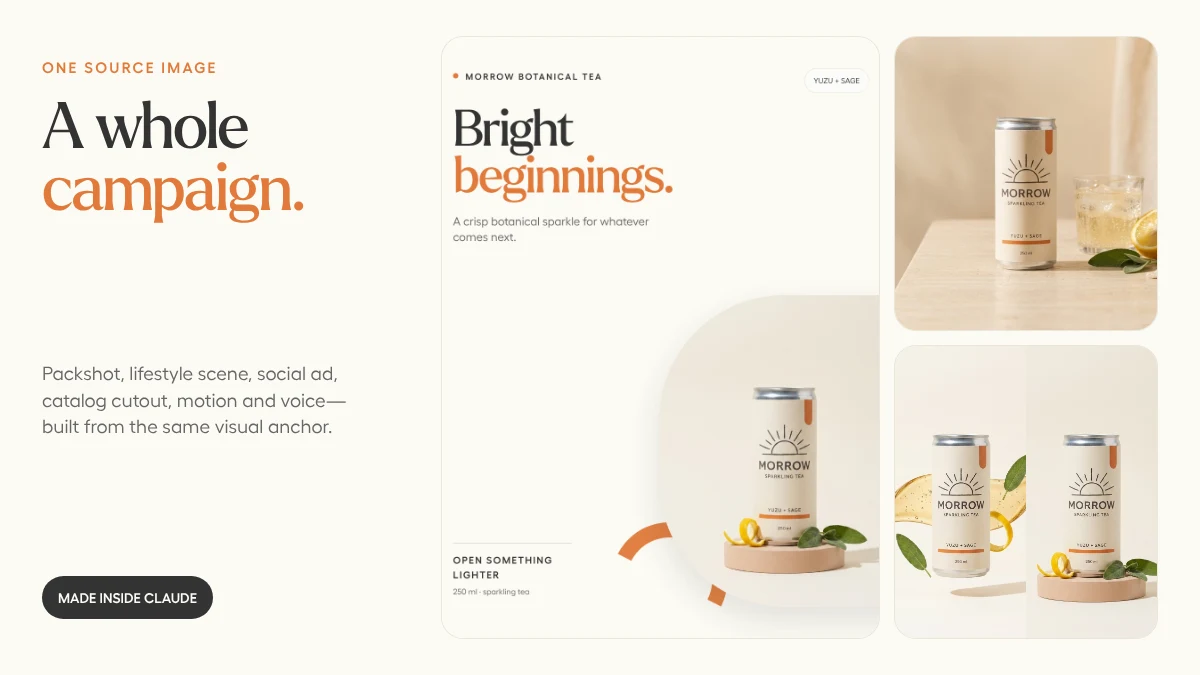
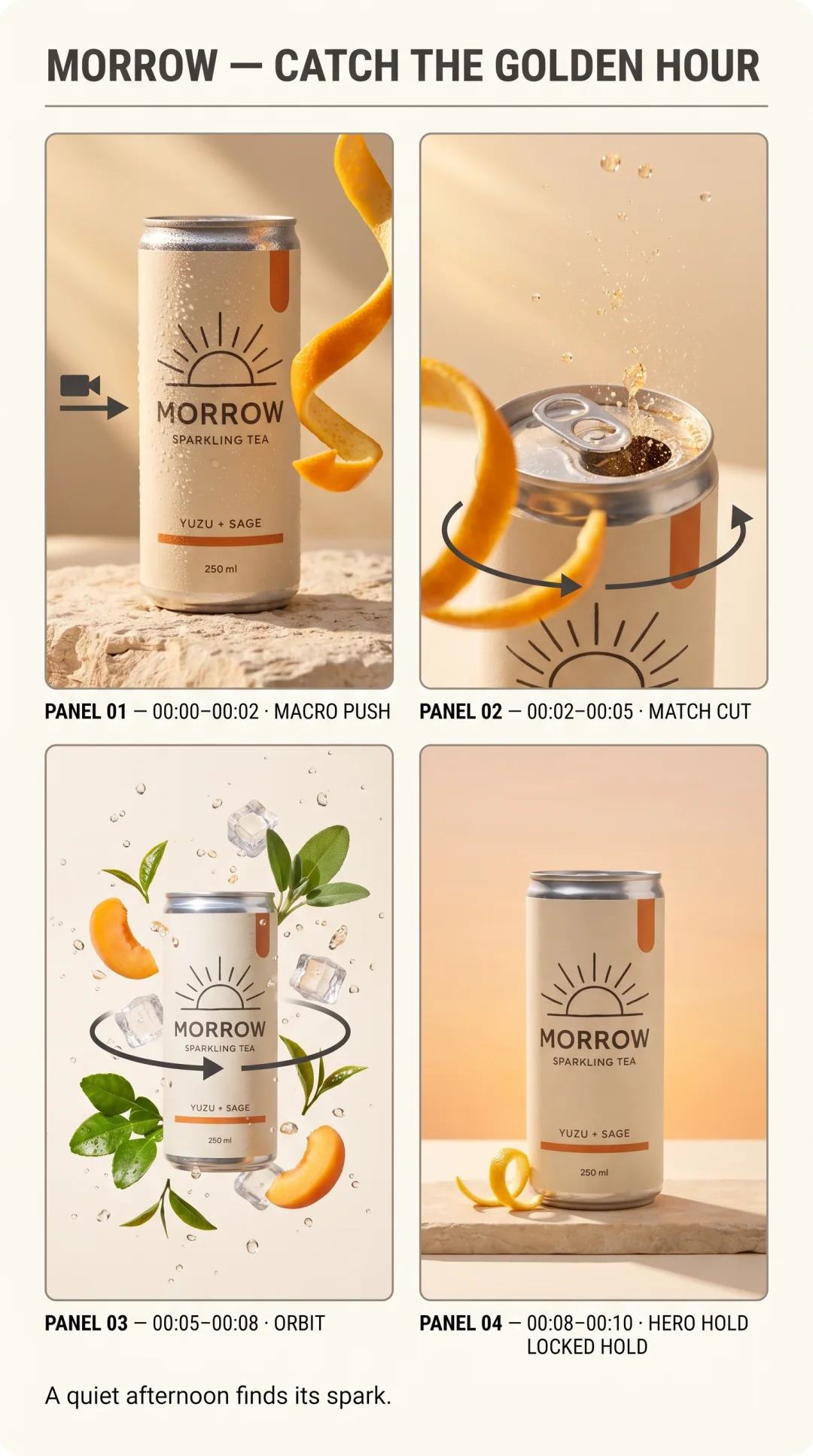
For the MORROW campaign, the visual has three beats: introduce the product, describe the flavor, land the campaign line. The voice follows the same structure.
1. Write to the available seconds
Read the script aloud before generating anything:
Meet Morrow.
Bright yuzu, quiet sage,
and a little sparkle for whatever comes next.
Open something lighter.
Each line can land on a visual change. There is no throat-clearing intro, feature list, or sentence that needs to be read at auctioneer speed.
2. Use delivery tags sparingly
ElevenLabs v3 understands inline direction that shapes the performance without being spoken:
[warmly] Meet Morrow. Bright yuzu, quiet sage, and a little sparkle
for whatever comes next. [pause] Open something lighter.
One emotional tag and one pause were enough. Stacking [warmly] [excited] [whispers] tends to produce a performance that is trying too hard.
3. Approve the voice before the expensive render
Check four things:
- Pronunciation: brand names, acronyms, people, and places
- Pace: enough air for the edit to breathe
- Energy: right for the product, not just “impressive”
- Duration: the final phrase lands before the closing frame
If the pronunciation is wrong, rewrite phonetically or choose a different take now. Do not wait until the voice is embedded in five exports.
4. Choose captions for the destination
CreativeClaw can transcribe a video and burn styled subtitles with word-level highlighting.
| Destination | Useful starting point |
|---|---|
| TikTok / Reels | 1–3 words per segment, large type, active-word highlight |
| Product demo | 4–7 words per segment, restrained animation |
| Landscape explainer | 8–12 words per segment, smaller lower-third captions |
For a warm CreativeClaw-style treatment, use white text, orange active words, a dark outline, and enough bottom offset to clear platform controls.
5. Always read the generated transcript
Our first automatic caption pass heard Morrow as Moro. The voice sounded right; the transcript did not.
That is not a reason to abandon captions. It is a reason to make transcript review a real production gate—especially for brand names, numbers, and multilingual copy.
The prompt to try
Use CreativeClaw to add narration to this short video. First identify the
visual beats and write a script that fits them without rushing. Generate an
ElevenLabs v3 voiceover and let me approve the audio before merging anything.
Then create mobile-safe captions with 3–5 words per segment. Show me the full
transcript and flag every brand name, number, and proper noun for manual review.
The automation should remove busywork. The final listen is still yours.
Built with