How to Create a Talking Product Presenter from One Portrait
Turn one approved portrait and a short voiceover into a polished talking presenter clip with Claude, CreativeClaw, ElevenLabs, and HeyGen Avatar 4.
What you'll make
A natural nine-second presenter clip built from one portrait and one generated voice track, ready for an intro, product demo, or localized campaign.
You do not need a full avatar platform workflow to get a useful presenter shot. You need one good portrait, one speakable line, and a restrained performance brief.
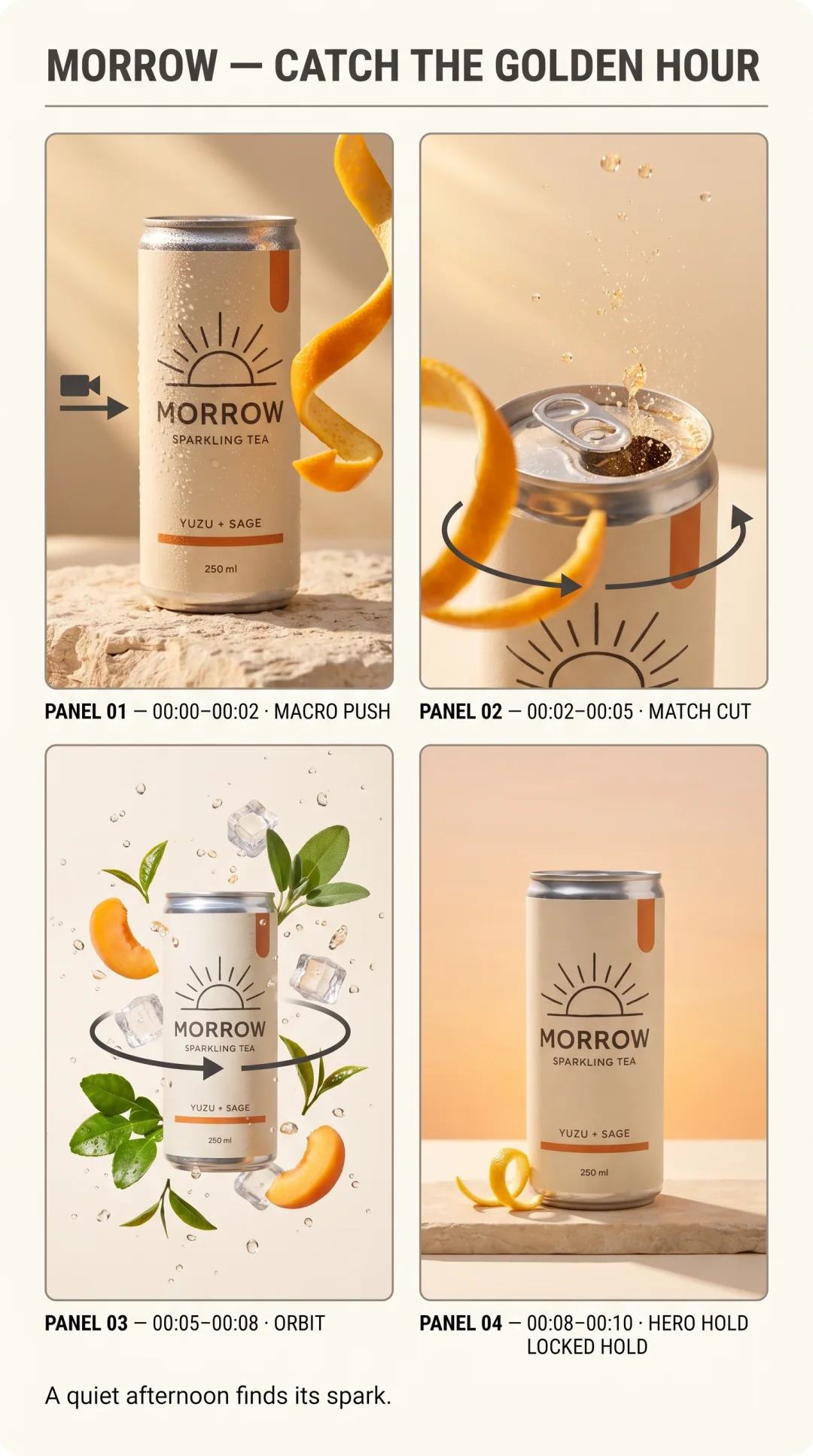
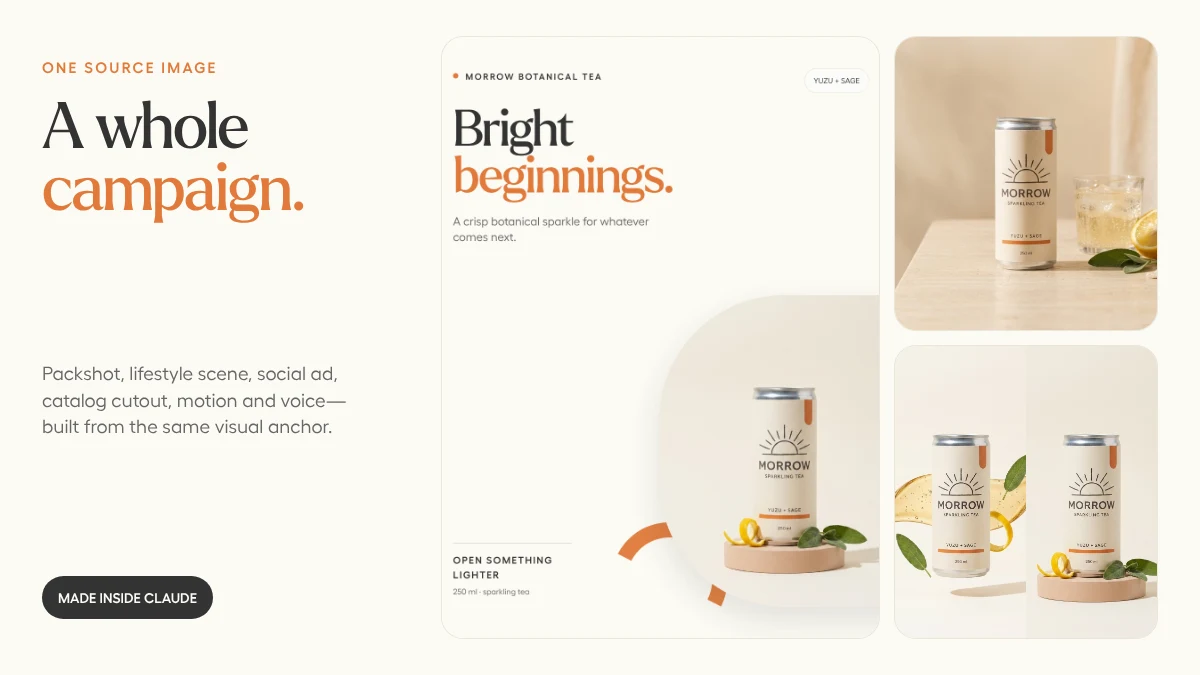
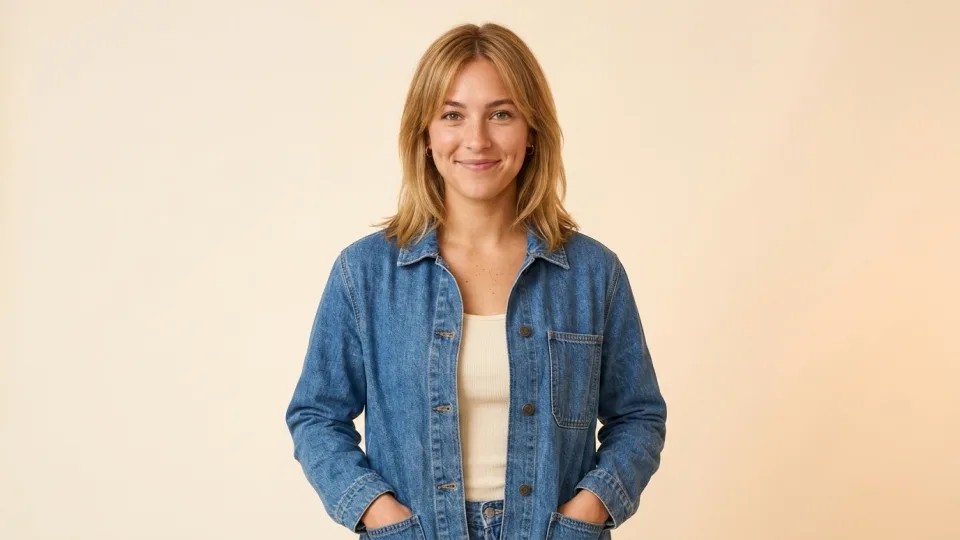
This clip was generated from the still image below and the MORROW voiceover from our one-photo campaign.
1. Pick an image that can perform
A strong avatar source has:
- A clear face and unobstructed mouth
- Direct or near-direct eye contact
- Enough frame below the shoulders for natural movement
- Even light and a simple background
- No extreme expression already baked in
The source frame is not just identity. It is the set, wardrobe, light, lens, and opening pose.
2. Write the line for a human mouth
Our script is 22 words:
[warmly] Meet Morrow. Bright yuzu, quiet sage, and a little sparkle
for whatever comes next. [pause] Open something lighter.
Short clauses give the performance room to breathe. The ElevenLabs audio tag shaped delivery; the bracketed words were not spoken.
3. Let audio control the performance
We supplied the finished audio to HeyGen Avatar 4 rather than asking the avatar model to invent a second voice. That locks the timing, pronunciation, and emotional read before the visual render begins.
The generation brief stayed simple:
Use this portrait as the exact presenter identity and opening frame.
Lip-sync to the supplied audio. Friendly, confident eye contact,
one restrained hand gesture, natural head movement, warm expression.
Keep the camera, wardrobe, and cream background stable.
More performance direction is not always better. A nine-second product intro does not need a camera orbit and six emotional beats.
4. Review what viewers notice first
Watch once with sound and once muted. Check:
- Does the mouth close naturally between phrases?
- Do the eyes stay engaged without staring?
- Does the body movement support the line rather than compete with it?
- Is the first frame usable as a poster?
- Does the final expression settle cleanly?
If the voice is right but the motion is too busy, keep the audio and regenerate only the avatar pass.
The prompt to try
Use CreativeClaw to make a short talking-presenter clip from this portrait.
First rewrite my message as a natural script under 30 words. Generate the
voice and let me approve the audio. Then use that audio with HeyGen Avatar 4,
keeping the portrait, wardrobe, camera, and background stable. No captions yet.
Show me the final clip and a poster frame before we make format variants.
Portrait first. Voice second. Motion third. That order keeps expensive rerenders to a minimum.
Built with