How to Generate Product Mockups with Claude
Need a stunning product mockup for your app? Instead of hiring a designer or wrestling with Photoshop, you can generate photorealistic mockup scenes and plant your app screenshot into them — all inside Claude with CreativeClaw.
Watch it in action
The workflow
Step 1: Upload your app screenshot
We uploaded this Airbnb maps screen (thanks to Mobbin for the reference and Airbnb for the design) as our demo app screenshot.
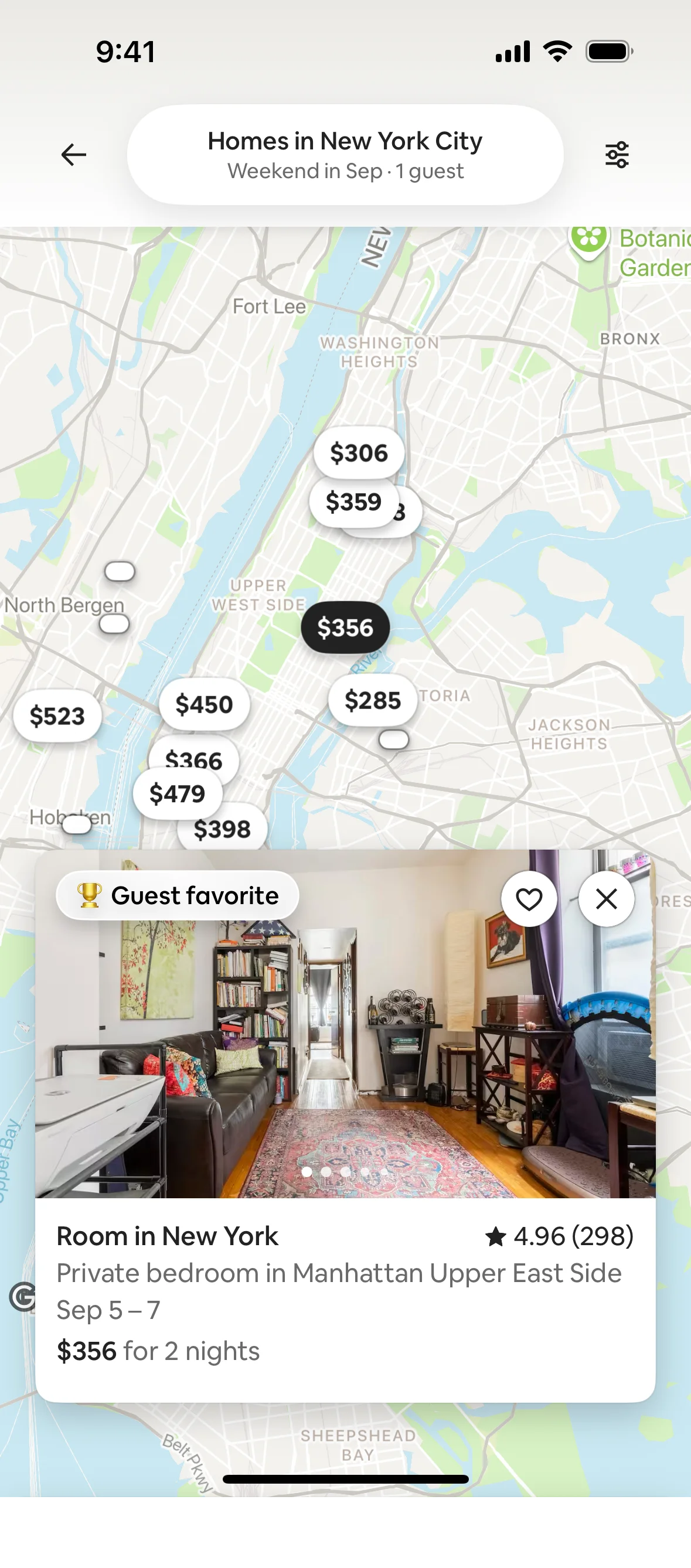
Once uploaded, the screenshot is saved as a named asset in CreativeClaw. That means you can reference it by name in any future conversation — no need to re-upload.
Step 2: Generate mockup scenes in parallel
We asked Claude to generate multiple versions of a person holding a phone in an interesting setting — in this case, an astronaut in space. Claude used Nano Banana 2 to generate two versions in parallel, each with a different composition and pose.
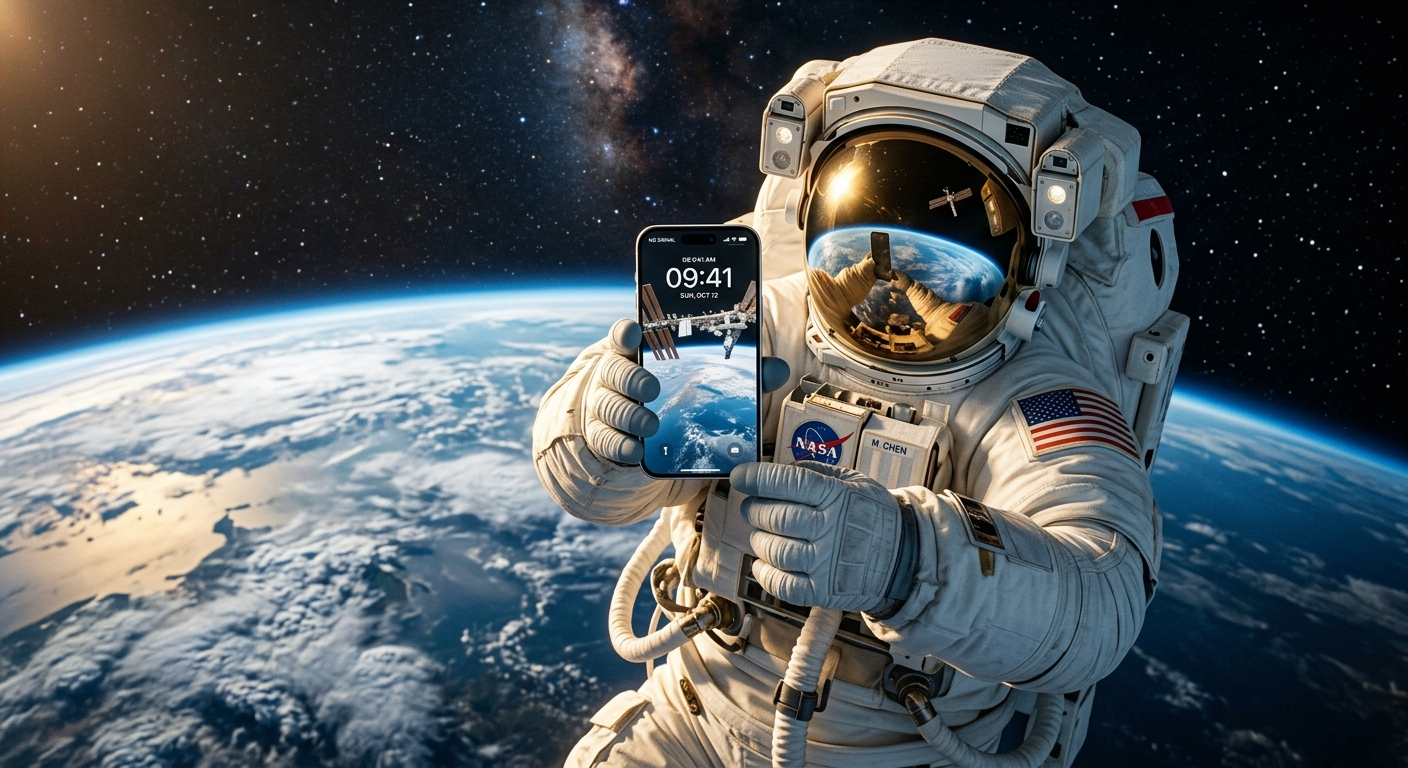
Version 1 — before
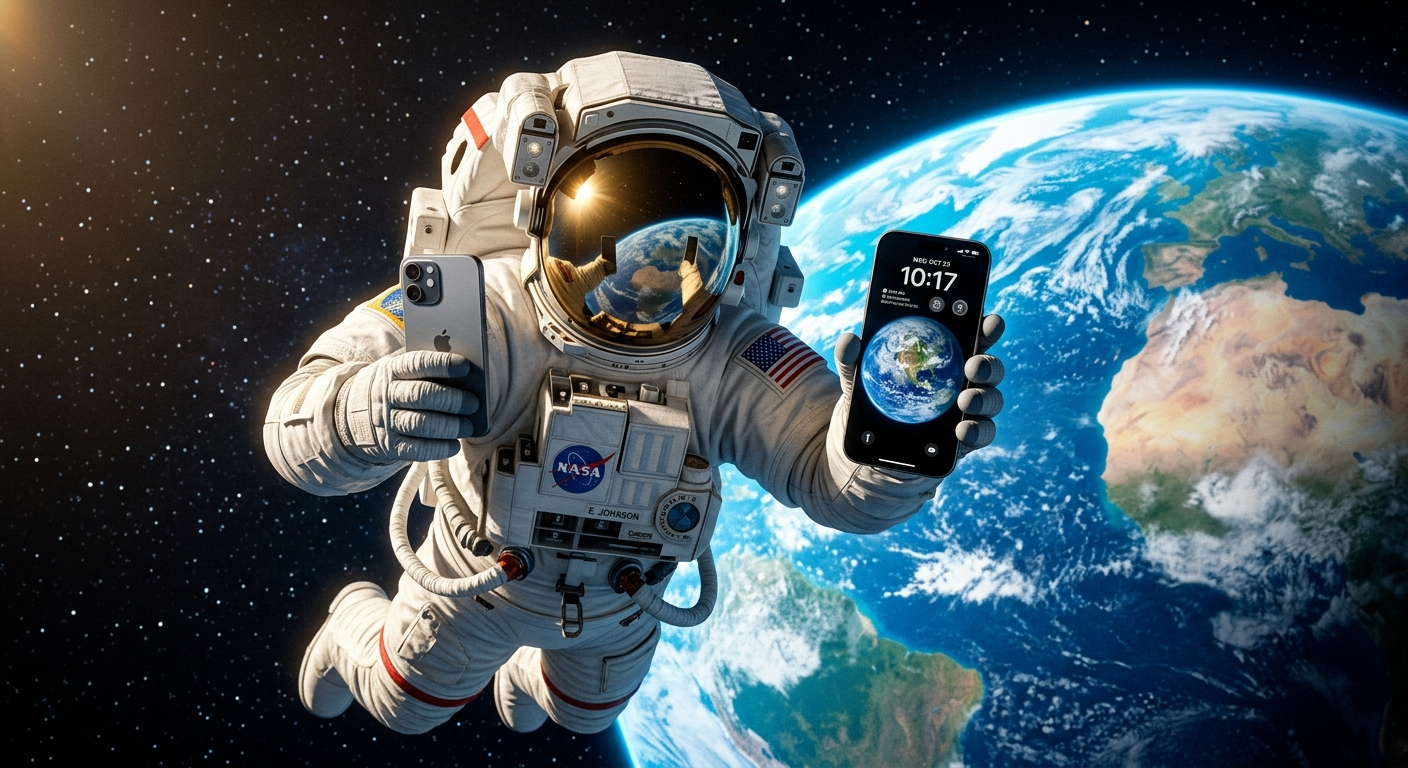
Version 2 — before
Step 3: Plant your app into the best ones
Claude then used Nano Banana 2’s editing mode to seamlessly composite the app screenshot into the phone screens. The model understands perspective, lighting, and reflections — the result looks like a real photo.
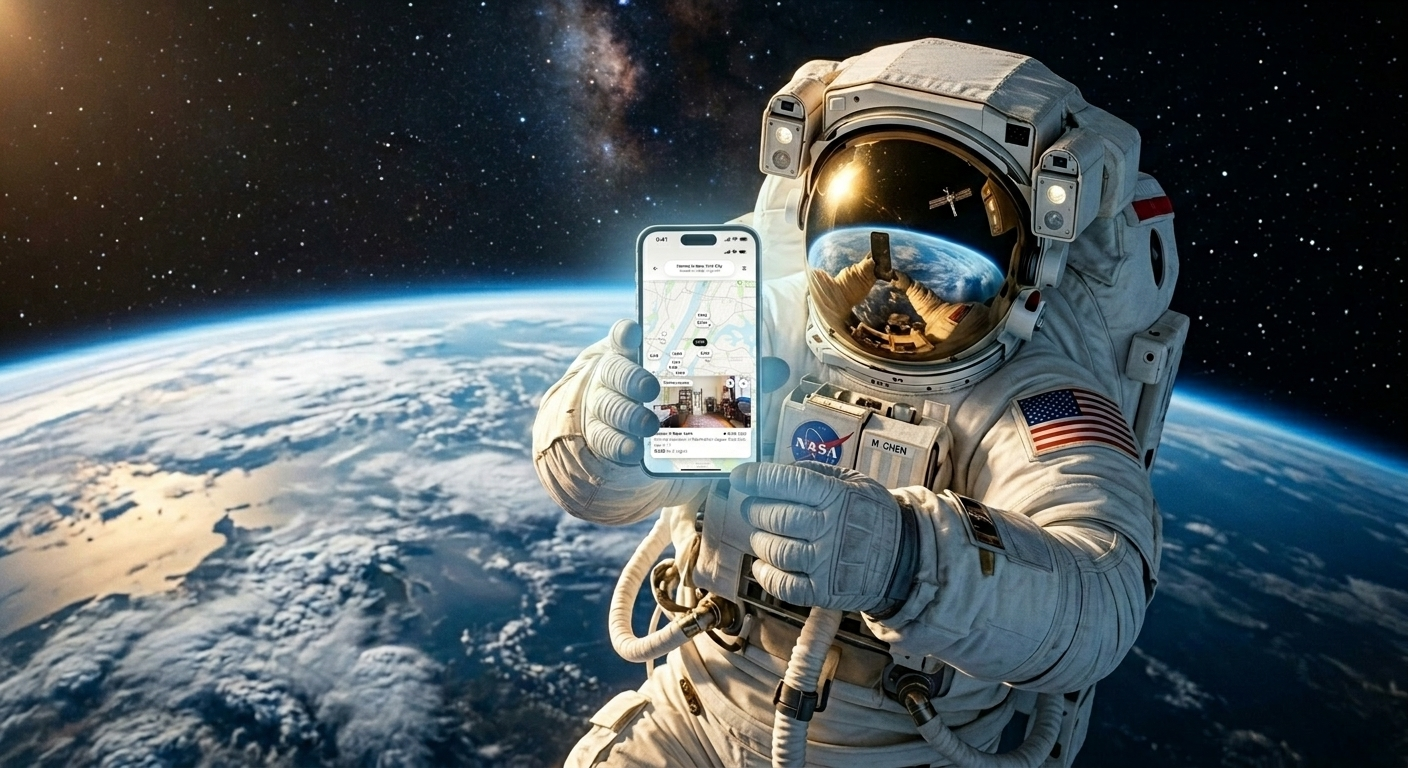
Version 1 — after
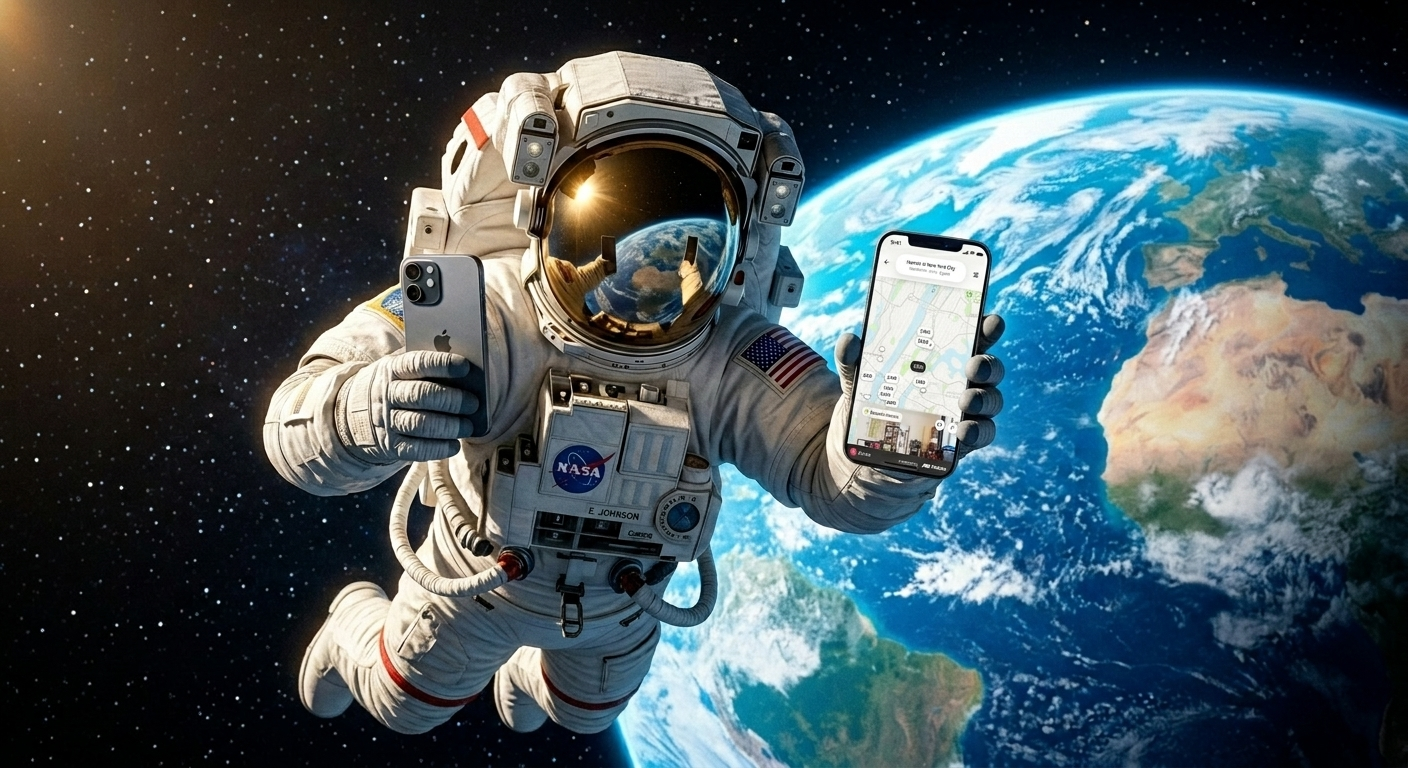
Version 2 — after
Before and after
Before
After
Fully automated mode
This entire workflow can run on autopilot. Claude generates multiple mockup scenes, evaluates the results, picks the best one, edits the app into the phone, and iterates if needed — all without you lifting a finger. You just describe what kind of scene you want and which app screenshot to use.
Since your uploaded assets are saved by name in CreativeClaw, you can simply say “use my Airbnb screenshot” in any future conversation and Claude will find it instantly.
Model used
| Model | Role | Why this model |
|---|---|---|
| Nano Banana 2 | Scene generation + image editing | Best for photorealistic scenes with fine detail. Editing mode handles perspective-aware compositing natively |